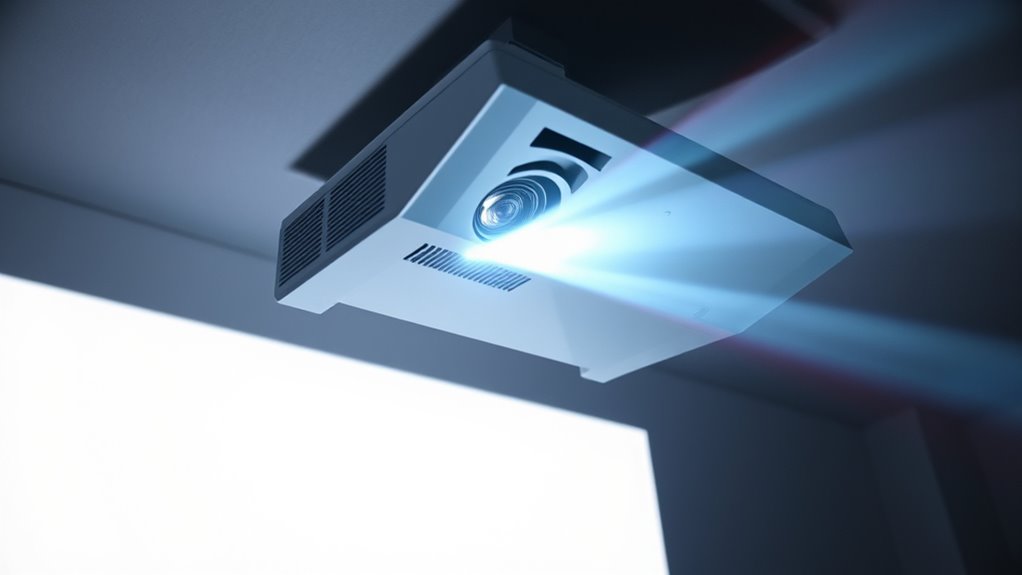

Projectors work by shining a bright light from a source like a lamp, LED, or laser diode through optical components that focus and direct the light. Digital signals from your device control internal panels or mirrors, modulating the light to create images pixel by pixel. These components work together to project sharp, colorful images onto a screen, even in well-lit environments. Keep exploring to discover how each part contributes to the vibrant visuals you see.
Key Takeaways
- Projectors use a light source like lamps, LEDs, or lasers to generate a bright, powerful light for image projection.
- Internal optical components and modulation systems manipulate the light to shape the projected image.
- Digital signals from devices control how the light is modulated to display colors and details accurately.
- Optical elements focus and direct the light onto the screen, ensuring sharpness and image clarity.
- Brightness and color accuracy are essential for vivid images and visibility in different lighting environments.
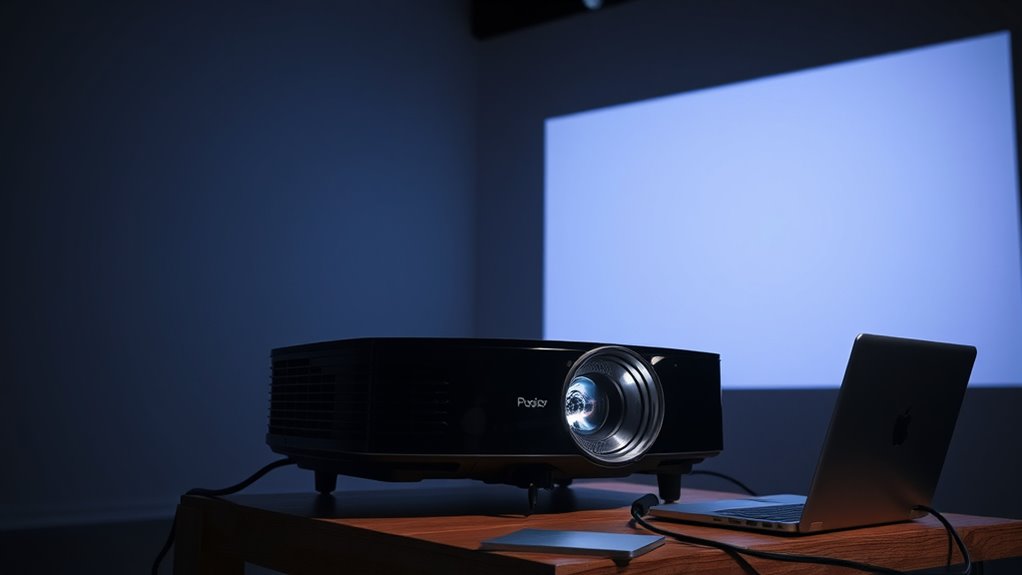
Ever wondered how projectors turn digital signals into large, clear images on a screen? At the core of this process is the transformation of electronic data into visual output that’s both vivid and sharp. When you send a digital file or presentation to a projector, it doesn’t just display it as-is. Instead, it relies on a combination of a light source, optical components, and image formation techniques to produce the picture you see. Understanding this process helps you appreciate the technology behind those big screens at meetings, classrooms, or home theaters.
Projectors transform digital signals into vivid, sharp images using light, optical components, and image formation techniques.
The journey begins with the light source, which is fundamental to image projection. Most projectors use lamps, LEDs, or laser diodes as their light source. This bright, powerful light acts as the foundation for all image formation. It shines through various internal components, which manipulate the light to create the images. The light itself is essential because it provides the brightness needed to make the projected image visible and clear, even in well-lit environments.
Once the light leaves the source, it encounters the image formation system. In digital projectors, this typically involves an array of tiny mirrors or pixels, such as in Digital Light Processing (DLP) projectors, or liquid crystals, like in LCD projectors. These components modulate or control the light based on the digital signals they receive. For example, in an LCD projector, liquid crystal panels adjust their transparency to block or pass light, forming the desired image. In DLP projectors, the tiny mirrors tilt rapidly to direct light toward the screen or away from it, creating pixels of different brightness levels.
The key to effective image formation is how these components work together to translate digital signals into visual information. The projectors process the input data—be it a computer, DVD player, or streaming device—and convert it into signals that control the modulation elements. These elements then selectively allow or block the light, shaping the image pixel by pixel. As a result, the projected image appears on the screen, matching the digital content precisely in size, color, and detail. Additionally, color accuracy plays a crucial role in ensuring that the colors displayed on the screen are true to the original content.
![Projector-4K with WiFi and Bluetooth:[3500 ANSI/60W Dolby Audio/Official Licensed Apps], Outdoor-Projector with Smart OS 2.0 & AI Auto Focus,ONOAYO ONO5Pro 2.0 Smart Movie Projector for Indoor/Outdoor](https://m.media-amazon.com/images/I/41fylkjOTIL._SL500_.jpg)
Projector-4K with WiFi and Bluetooth:[3500 ANSI/60W Dolby Audio/Official Licensed Apps], Outdoor-Projector with Smart OS 2.0 & AI Auto Focus,ONOAYO ONO5Pro 2.0 Smart Movie Projector for Indoor/Outdoor
[Hear the Difference–Hollywood-Grade Dual 60W Dolby Audio] Why spend $500 on a TV + soundbar or settle for...
As an affiliate, we earn on qualifying purchases.
Frequently Asked Questions
What Are the Main Types of Projectors Available?
You’ll find several main types of projectors: LCD, DLP, and LED, each offering different resolution options and throw distances. LCD projectors deliver bright, sharp images ideal for well-lit rooms, while DLP projectors provide smooth motion for movies. LED projectors are compact and energy-efficient. Consider your space and desired image quality when choosing, as throw distance influences how far the projector needs to be from the screen for best display.
How Do I Choose the Right Projector for My Needs?
Choosing the right projector is like finding the perfect fit for a puzzle. Consider your preferred screen size and where you’ll use it—home, office, or outdoor. Look for models with the connectivity options you need, such as HDMI, USB, or wireless features. Confirm it matches your space’s lighting conditions and resolution preferences. By matching these elements, you’ll find a projector that delivers sharp images and seamless performance for your needs.
What Maintenance Does a Projector Require?
You need to regularly clean the lens to keep your projector’s image clear, using a soft, lint-free cloth. Keep an eye on the bulb, as it’ll need replacement once it dims or flashes warning signs. Also, make sure to dust the vents and filters to prevent overheating. Regular maintenance like lens cleaning and timely bulb replacement guarantees your projector stays in top condition and lasts longer.
How Does Ambient Light Affect Projector Image Quality?
Ambient light substantially impacts your projector’s image quality. When there’s too much ambient light, it washes out the image, reducing clarity and making details hard to see. To improve image clarity, you should minimize ambient light by dimming lights or using blackout curtains. This way, your projector’s brightness can effectively display sharp, vibrant images, ensuring you enjoy a clear picture even in well-lit environments.
Can Projectors Be Used Outdoors Effectively?
Yes, you can use projectors outdoors effectively, but you’ll need an outdoor setup with weather resistance to safeguard against elements like rain and wind. Choose a projector specifically designed for outdoor use or verify yours is weatherproof. Set up in a shaded area to minimize ambient light interference, and use a sturdy mount or tripod. Properly protecting your equipment ensures clear images and a successful outdoor movie night or presentation.

Official Licensed Google TV Smart Projector, HAPPRUN 4K UHD Home Theater with Dolby Sound, Wi-Fi & Bluetooth, Built-in Streaming Apps, Compatible with Games Consoles & Smartphone, Indoor & Outdoor Use
[ Built-in Official Licensed Google TV ] - Without additional equipment, the smart projector can directly access Netflix,...
As an affiliate, we earn on qualifying purchases.
Conclusion
Now that you understand the magic behind projectors, imagine the blank wall transforming into a vibrant canvas, bursting with colors and details thanks to tiny beams of light. With each flicker and focus, you hold the power to turn any room into a home theater or a classroom. So, next time you see a projector in action, you’ll appreciate the intricate dance of light and optics bringing your favorite scenes to life—like a modern-day magic trick right before your eyes.

HAPPRUN 2500 ANSI Lumens Outdoor Projector with Built-in Streaming Apps, 4K Decoding Resolution, Dolby Audio, WiFi 6 and Bluetooth 5.2 for Indoor and Outdoor Home Theater
[ Built-in Streaming System ] – No extra equipment needed. This smart projector gives you direct access to...
As an affiliate, we earn on qualifying purchases.

1500 ANSI Official Licensed Google TV Smart Projector, HAPPRUN 4K Full HD Home Theater with Auto Focus, Dolby Sound, Wi-Fi Bluetooth, Built-in Apps, Compatible with Phone & PC, Indoor & Outdoor Use
[ Built-in Officially Licensed Google TV ]-Enjoy the reliability of an officially certified Google TV projector. Stream Netflix,...
As an affiliate, we earn on qualifying purchases.