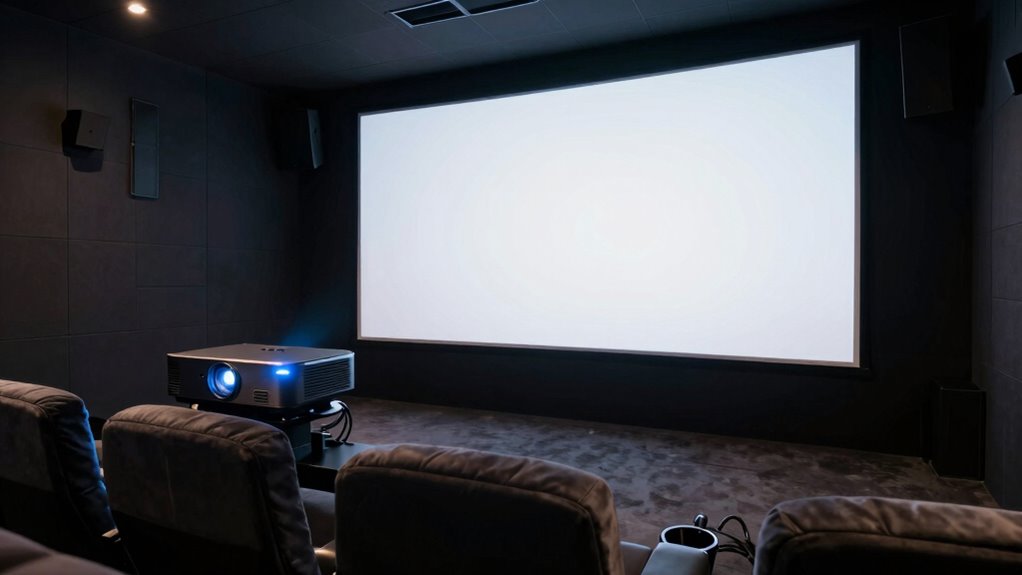
When comparing premium projectors, you might overlook important factors like sound calibration, screen compatibility, and installation flexibility. Properly matching your audio setup is essential for immersive sound, while ensuring your screen suits your space prevents washed-out images. Also, adjustable features like lens shift and keystone correction make setup easier and avoid distortion. Pay attention to these details now, and you’ll discover how to optimize your home theater setup even further.
Key Takeaways
- Neglecting sound calibration can lead to poor audio clarity and diminished overall immersion.
- Overlooking screen compatibility issues may cause color washout and reduced contrast.
- Failing to consider installation features like lens shift and keystone correction can complicate setup.
- Ignoring ambient lighting and environmental factors can negatively impact picture quality.
- Underestimating the importance of proper connectivity options limits future-proofing and versatility.
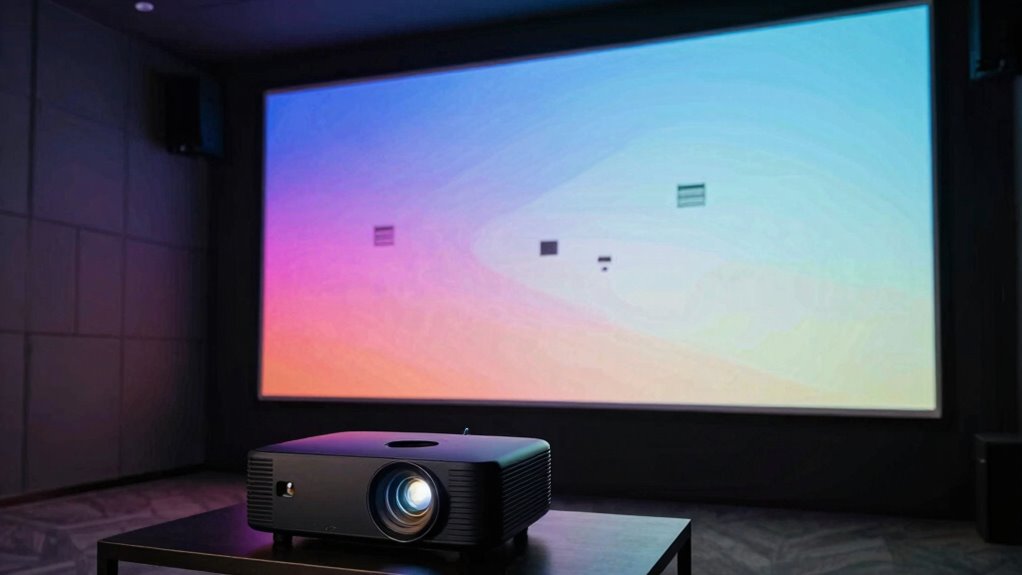
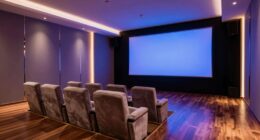
Creating a true home theater experience starts with choosing the right projector, and today’s models make it easier than ever to bring cinematic quality into your living room. But as you compare premium projectors, it’s easy to overlook some essential factors that can impact your overall experience. One of the most overlooked aspects is sound calibration. Many buyers focus heavily on resolution, brightness, and contrast ratios, but neglect how the projector integrates with your audio setup. Even the highest-quality visuals won’t deliver a true theater feel if the sound isn’t properly calibrated. You need to guarantee your audio system complements your projector — from speaker placement to equalization settings — to avoid a mismatch that diminishes immersion. Proper sound calibration creates a balanced, clear audio environment that matches the stunning visuals, pulling you deeper into the content rather than distracting you with audio inconsistencies.
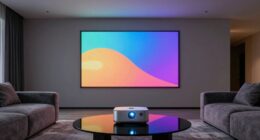
Another often-neglected detail is screen compatibility. Premium projectors come with various throw distances, resolutions, and connectivity options, but if your screen isn’t compatible, you might end up with compromised image quality or installation headaches. For instance, some projectors require specific screen types—like a high-gain or ambient-light-rejecting screen—to deliver ideal images. Ignoring screen compatibility can result in washed-out colors, reduced contrast, or an awkward setup that doesn’t fit your space. Before making your purchase, you should verify whether your chosen projector’s specifications align with your screen or if you need to upgrade to a model that fits your room’s lighting conditions and size. This proactive approach guarantees you’re not stuck with a projector that underperforms or a setup that’s awkward or unsightly. Additionally, understanding sound calibration and how it interacts with your audio system can significantly enhance your overall viewing experience. Incorporating image calibration techniques tailored to your projector can further optimize picture quality and ensure it meets your viewing preferences. Moreover, paying attention to lens shift and keystone correction** features ensures flexible installation options that suit your room layout without sacrificing image quality. It’s also beneficial to familiarize yourself with latest HDMI standards and wireless streaming capabilities, as these can greatly increase your device’s versatility and ease of use in a modern home entertainment setup. Being aware of ambient light conditions** can help determine the best projector and screen combination for your specific environment, ultimately improving your viewing comfort and quality.
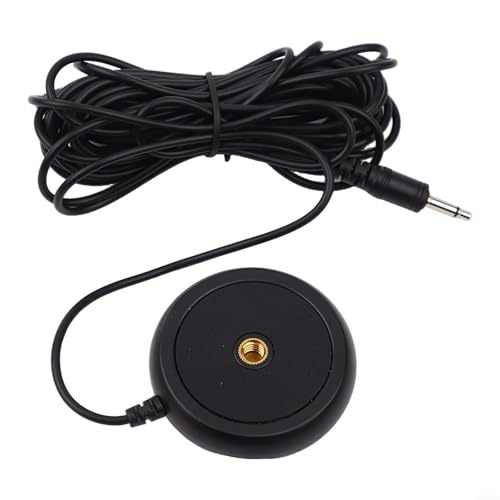
3.5mm Desktop Microphone Audio Calibration Measurement Mic Compatible With Home Theater Receiver System Conference Meeting Room Professional Sound Testing Recording Equipment Black
[DESIGNED FOR VIDEO RECEIVER SYSTEMS] This calibration microphone is tailored for use with video receiver home theater systems,…
As an affiliate, we earn on qualifying purchases.
As an affiliate, we earn on qualifying purchases.
Frequently Asked Questions
How Does Ambient Light Affect Projector Performance?
Ambient light greatly impacts your projector’s performance by reducing contrast and image clarity. When there’s too much ambient light, even a projector with high brightness can struggle to produce vibrant images, making scenes look washed out. To get the best picture quality, you need a projector with adequate brightness, especially in bright rooms, and control ambient light with curtains or lighting adjustments. This guarantees you enjoy sharp, vivid visuals during your movie nights.
What Are the Maintenance Requirements for Premium Projectors?
You need to regularly check calibration settings to keep your premium projector delivering sharp images and accurate colors. Also, pay attention to power consumption, as high-performance models often use more energy, which could impact your electricity bill. Keep filters clean and schedule periodic maintenance to prevent overheating. These steps guarantee your projector maintains peak performance and longevity, so you enjoy a consistent, high-quality viewing experience.
Do Premium Projectors Support 4K and HDR Formats?
Yes, premium projectors support 4K and HDR formats, delivering exceptional resolution clarity and vibrant colors. You’ll enjoy sharp images, deep contrast, and enhanced detail, making your viewing experience immersive. With advanced connectivity options like HDMI 2.1 and HDCP 2.2, you can effortlessly connect your devices. This seamless integration guarantees you get the most out of your premium projector’s capabilities, transforming your home theater into a cinematic masterpiece.
How Long Is the Typical Lifespan of a Projector Lamp?
The typical lifespan of a projector lamp usually ranges from 1,500 to 3,000 hours, depending on usage and model. Lamp longevity varies, so you should expect to do bulb replacements approximately once every couple of years with regular use. To maintain ideal picture quality, keep an eye on your projector’s lamp hours and plan for bulb replacement before brightness markedly diminishes. Proper maintenance ensures your home theater experience stays sharp.
Can Projectors Be Easily Integrated With Smart Home Systems?
You might find it surprising, but projectors can be quite easily integrated with smart home systems if you choose models with built-in smart features or compatible hubs. However, integration challenges can arise, especially with older or less advanced projectors. To guarantee seamless setup, verify smart home compatibility beforehand, and consider professional installation if needed. This way, your home theater becomes a true smart hub, blending technology effortlessly.

AAJK ALR Projector Screen, 4K Movie Projector Screen 16:9 HD Foldable Anti-Crease Portable Projector, Movies Screen for Home Theater Outdoor Indoor Support (120in Pro)
【Watch What You Want, When You Want!】 Remember when you could only really use your projector at night?…
As an affiliate, we earn on qualifying purchases.
As an affiliate, we earn on qualifying purchases.
Conclusion
When comparing premium projectors, don’t overlook the details that matter—like lens shift, contrast, and throw ratio—that can make or break your viewing experience. Remember, the devil is in the details, and rushing your decision might leave you with disappointment. Take your time, do your research, and prioritize what truly enhances your home theater. After all, a well-chosen projector can turn your space into a cinematic paradise—so don’t settle for less than the best.

2026 Daylight 4K Projector 2400ANSI, 3-Brightness Control,DB Audio,Auto Lens Cap, Smart Projector with Apps WiFi Bluetooth, Auto Focus/Keystone, HDMI eARC CEC for Home Cinema Game Office Church Party
[Bring Daylight to Life with 3-Stage Brightness] Watch your favorite shows anytime, without closing the blinds. With 2400…
As an affiliate, we earn on qualifying purchases.
As an affiliate, we earn on qualifying purchases.
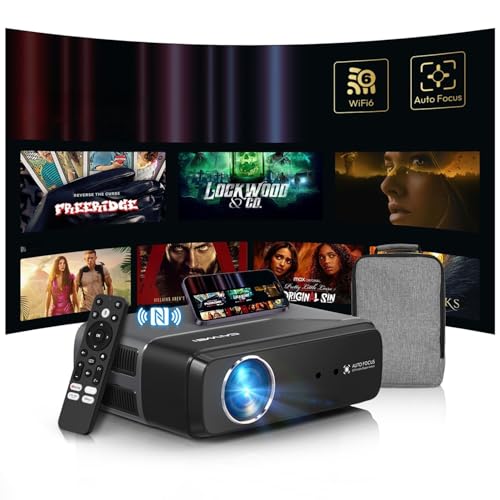
4K Home Theater Projector HDMI 2.1, ARC, Google TV OS, Portable Smart Bedroom Movie Gaming Projector 4K HDR, with WiFi 6, Bluetooth, Dolby Audio, Voice Control, Apps, Auto Focus, ZOOM, 1400ANSI
[App& Google TV Officially Licensed – Instant 4K Streaming] Ditch the TV sticks! Enjoy seamless access to licensed…
As an affiliate, we earn on qualifying purchases.
As an affiliate, we earn on qualifying purchases.