To understand 3D projection basics, you need to see how 3D objects are mapped onto 2D surfaces like screens or paper. You’ll learn about two main types: orthographic, which keeps sizes consistent, and perspective, which adds depth by converging lines. These methods involve projection matrices and camera angles that create realistic or technical visuals. Keep exploring, and you’ll discover how these techniques shape the images around us.
Key Takeaways
- 3D projection transforms three-dimensional objects onto 2D surfaces using projection matrices.
- There are two main types: orthographic (parallel rays) and perspective (converging rays).
- Perspective projection creates depth by making distant objects appear smaller and lines converge at vanishing points.
- The camera’s position, angle, and lens settings influence how 3D scenes are viewed and perceived.
- Hardware and software components, like GPUs and rendering algorithms, enable real-time 3D projection in digital media.
3D projection software
As an affiliate, we earn on qualifying purchases.
As an affiliate, we earn on qualifying purchases.
The Concept of 3D Projection
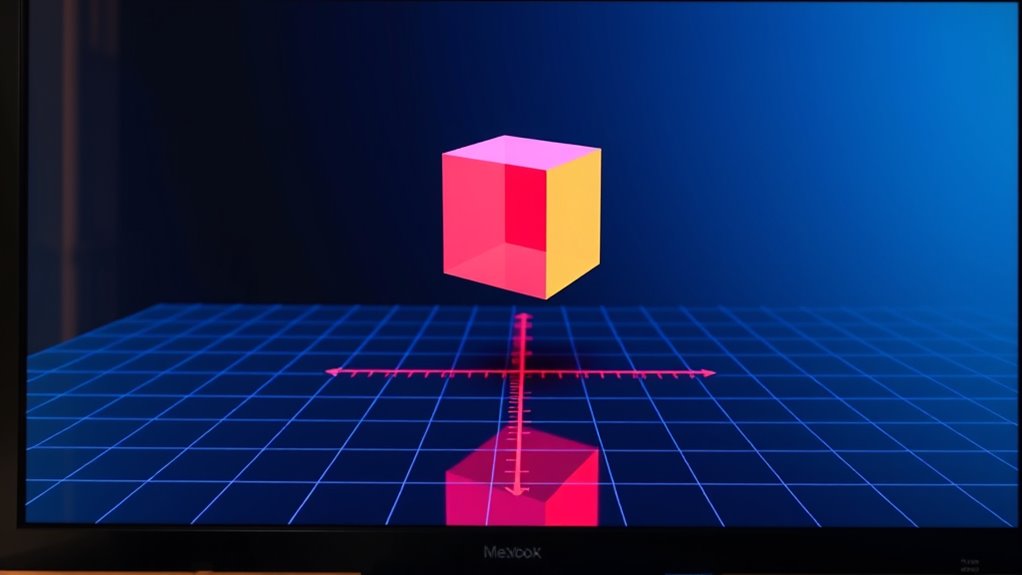
3D projection is the process of representing three-dimensional objects on a two-dimensional surface, such as a paper or screen. To achieve this, you use projection matrices, which transform 3D coordinates into 2D space. These matrices manipulate the position, scale, and orientation of objects to create a realistic view. The viewing frustum, a pyramidal volume that defines what you see, helps determine which parts of the scene are visible and how they’re mapped onto your view plane. By adjusting the projection matrix and the viewing frustum, you control the perspective, making objects appear closer or farther away, and creating depth in your scene. This process is fundamental in computer graphics, enabling the shift from 3D models to 2D images. Understanding how projection matrices work is essential for accurately rendering 3D scenes onto 2D displays.
3D rendering GPU
As an affiliate, we earn on qualifying purchases.
As an affiliate, we earn on qualifying purchases.
Types of 3D Projection: Orthographic and Perspective
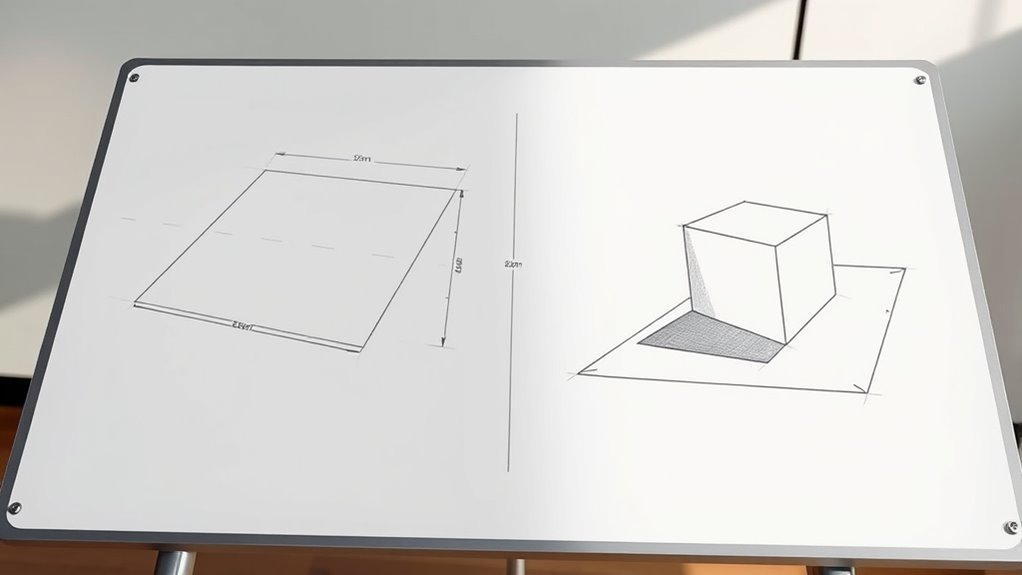
You’ll notice that the way rays are projected affects how objects appear in 3D. Parallel rays create images with consistent size and shape, while converging rays add depth and realism. Understanding these differences helps you grasp how projection methods influence visual depth and overall accuracy.
Parallel vs. Converging Rays
Understanding the difference between parallel and converging rays is essential when exploring how objects are projected onto a 2D surface. Parallel rays run straight and maintain consistent distance, which results in orthographic projection, where depth perception is limited, and objects appear without size distortion. Converging rays, on the other hand, meet at a single point, creating perspective projection. This convergence enhances depth perception, making objects appear smaller as they recede, which supports realistic visual alignment. When you view a scene with converging rays, your brain interprets spatial relationships more naturally, adding a sense of depth. Recognizing these differences helps you understand why certain projections feel more realistic and how they influence your perception of spatial depth and structure. Additionally, understanding the principles of projection types can help in designing more accurate and visually appealing representations of 3D objects.
Visual Depth & Realism
Different types of projection markedly influence how you perceive depth and realism in images. Perspective projection creates a sense of depth through converging lines and diminishing sizes, making scenes appear more lifelike. Lighting effects enhance this realism by casting shadows and highlights that mimic real-world conditions. Color gradients further add to depth perception, with subtle shifts in hue and brightness suggesting distance and volume. In contrast, orthographic projection presents objects without perspective distortion, making images flatter and less immersive, but useful for technical accuracy. By understanding these projection types, you can manipulate lighting effects and color gradients to craft visuals that either emphasize depth or prioritize clarity. Additionally, mastering these concepts allows you to better understand how visual perception influences viewer engagement and interpretation, helping you create more convincing and visually engaging 3D representations.
perspective projection camera lens
As an affiliate, we earn on qualifying purchases.
As an affiliate, we earn on qualifying purchases.
How Perspective Projection Creates Depth

You notice how parallel lines seem to converge at a point in your view—that’s the vanishing point shaping your sense of depth. These points guide your eye and help interpret distances within the image. Understanding how they work reveals how perspective projection tricks your brain into perceiving three dimensions on a flat surface. Additionally, color accuracy plays a significant role in enhancing the realism and depth perception of the projected image, making scenes appear more lifelike.
Vanishing Points’ Role
Vanishing points are essential in creating the illusion of depth in a 2D image by guiding how your eyes perceive perspective. They serve as convergence points where parallel lines appear to meet, usually on the horizon at eye level. These points help your brain interpret spatial relationships, making flat images seem three-dimensional. Imagine standing in a corridor; the sides seem to converge at a distant vanishing point. Here’s a simple visualization:
| Left Side | Vanishing Point | Right Side |
|---|---|---|
| Close objects | At eye level | Far objects |
| Parallel lines | Converge | in the distance |
| Horizon line | Defines the | vanishing point |
| Your eye level | Guides perception |
This setup tricks your eye into perceiving depth, emphasizing the role of vanishing points in perspective projection. Understanding how perspective projection works can help artists and designers create more realistic and engaging visual representations.
Depth Cues in Images
Perspective projection creates depth in images by using visual cues that trick your brain into perceiving three-dimensional space on a flat surface. One key cue is binocular disparity, where each eye sees a slightly different image, creating stereoscopic illusions that enhance depth perception. These cues help your brain interpret spatial relationships and distance. To better understand, consider these aspects:
- How objects appear smaller as they recede
- Converging lines leading to vanishing points
- Variations in size and detail based on distance
These elements work together to simulate depth, making flat images seem three-dimensional. By leveraging binocular disparity and other depth cues, perspective projection effectively creates a convincing sense of space, enriching your visual experience.
orthographic projection drawing tools
As an affiliate, we earn on qualifying purchases.
As an affiliate, we earn on qualifying purchases.
The Role of the Camera in 3D Rendering

The camera serves as the viewer’s eye in a 3D scene, directing how objects are seen and experienced. Your camera controls allow you to change position, angle, and zoom, shaping the viewer’s perspective. These controls help you focus on specific details or create dramatic effects. Lens effects, such as depth of field or distortion, influence how scenes are perceived, adding realism or artistic flair. Adjusting the camera’s settings impacts the overall composition, guiding the viewer’s attention and enhancing storytelling. The camera’s placement and movement help convey depth and spatial relationships within the scene. By mastering camera controls and lens effects, you can craft compelling visuals that immerse your audience and communicate your intended message effectively. Additionally, understanding the benefits of glycolic acid can improve your skincare routine, much like how mastering camera techniques enhances visual storytelling.
Mathematical Foundations of Projection Techniques
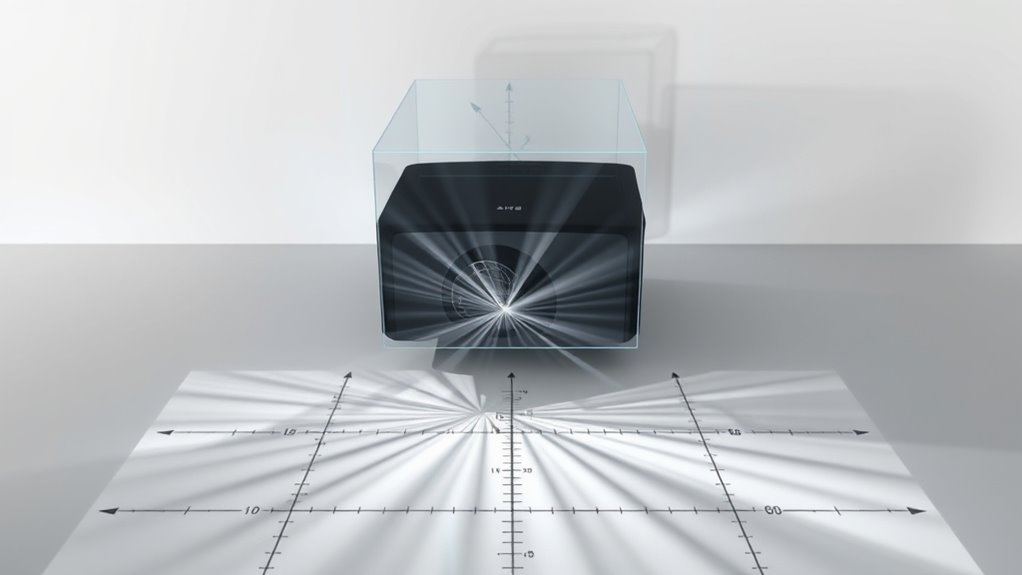
Understanding how projection techniques work begins with grasping their mathematical foundations. You need to understand how matrix transformations manipulate coordinate systems to project 3D scenes onto 2D screens. These transformations convert object coordinates into camera or view coordinates, enabling accurate rendering. Key concepts include:
Mastering matrix transformations is essential for projecting 3D scenes onto 2D screens accurately.
- How matrix operations perform perspective and orthographic projections
- The role of coordinate systems in positioning and orienting objects
- Combining multiple matrices to achieve complex transformations
- The hardware and software components that support efficient arcade machine rendering and visualization.
Practical Applications of 3D Projection in Graphics
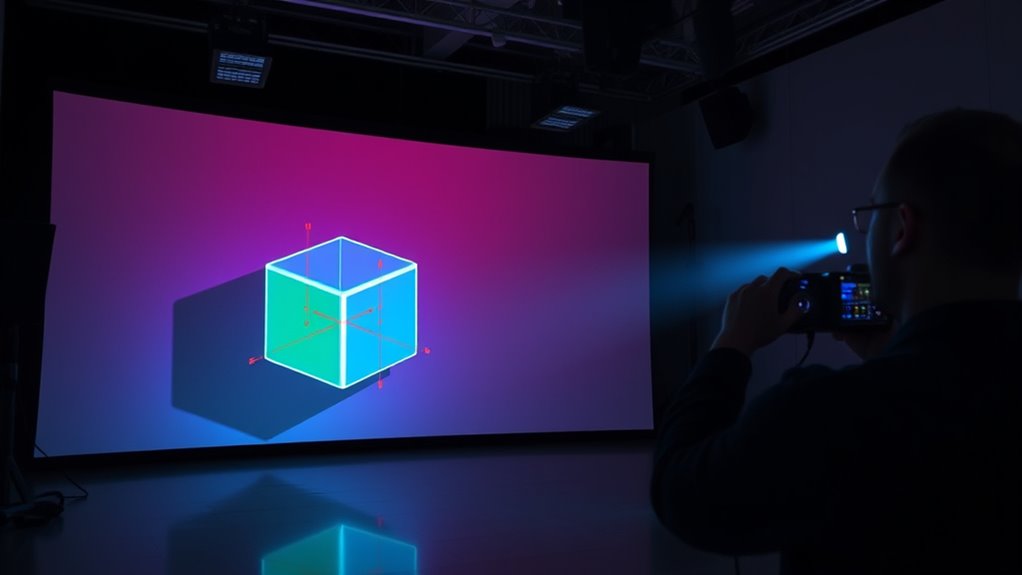
3D projection techniques are essential in creating realistic and immersive graphics across various industries. They enable you to visualize complex models with depth, making virtual environments believable. You’ll often use texture mapping to add surface details and shading techniques to enhance realism by simulating light and shadow effects. These methods are crucial in gaming, film, architecture, and virtual reality, where convincing visuals matter. For example, texture mapping wraps images onto 3D surfaces, while shading techniques like Gouraud or Phong shading create smooth lighting transitions. Here’s a quick overview: AI-driven rendering techniques continue to push the boundaries of visual fidelity in modern graphics.
| Application | Key Technique |
|---|---|
| Video Games | Texture mapping, Phong shading |
| Film & Animation | Realistic shading, texture detail |
| Architectural Visuals | Accurate surface rendering |
| Virtual Reality | Immersive shading and textures |
| Simulations | Depth and surface realism |
Tips for Mastering 3D Projection in Digital Art
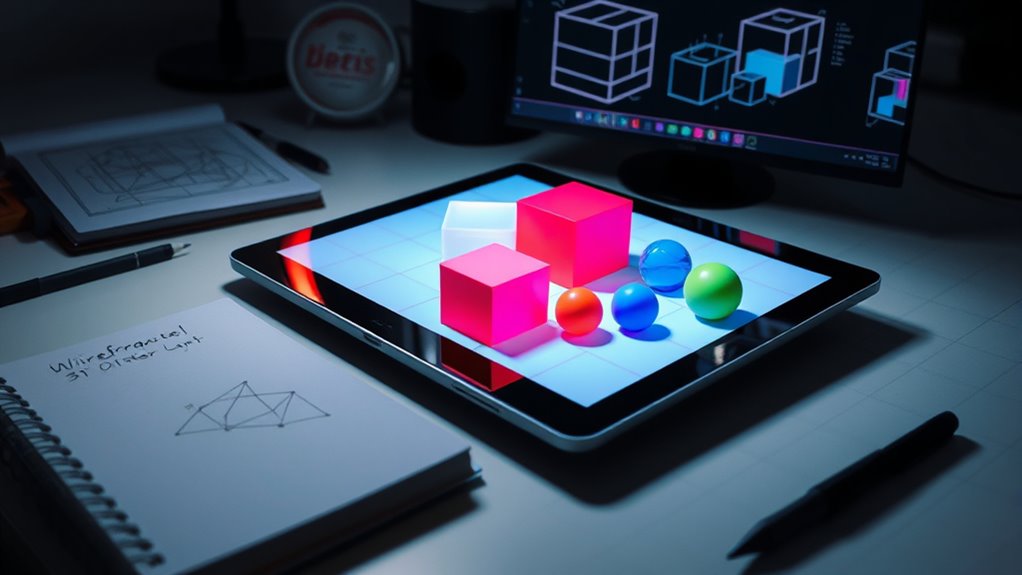
Mastering 3D projection in digital art requires a solid grasp of how 3D space maps onto 2D surfaces. To improve, focus on these key tips:
- Practice consistent shading techniques to create depth and realism.
- Use color harmony to unify your palette and emphasize spatial relationships.
- Study perspective rules to accurately position objects within your scene.
- Incorporate visualization skills to better interpret complex spatial arrangements and enhance your overall mastery.
Frequently Asked Questions
How Does 3D Projection Differ From 2D Projection?
3D projection differs from 2D projection because it creates depth perception and enhances spatial awareness, making objects appear three-dimensional. You see 3D projections with perspective, where distant objects seem smaller, adding realism. In contrast, 2D projection only displays height and width, flattening images. This difference helps you interpret spatial relationships more accurately, giving a sense of depth and volume that 2D projections lack.
What Are Common Challenges in Implementing 3D Projection?
You might face challenges in implementing 3D projection due to hardware limitations and issues with depth perception. Hardware constraints can restrict rendering quality and real-time performance, making it harder to achieve smooth visuals. Additionally, accurately conveying depth perception can be tricky, leading to visual distortions or a lack of realism. You need to optimize your hardware and algorithms carefully to overcome these challenges and create convincing, immersive 3D experiences.
Can 3D Projection Be Used in Virtual Reality?
Yes, you can definitely use 3D projection in virtual reality to enhance depth perception and create an immersive experience. When you wear VR headsets, 3D projection tricks your eyes into perceiving depth, making the virtual environment feel real. This technology helps you navigate and interact naturally within digital worlds, heightening realism. So, 3D projection is essential for making virtual reality truly engaging and convincing.
How Do Lighting and Shading Affect 3D Projection?
Lighting effects and shading techniques play a pivotal role in 3D projection by adding depth and realism to your scene. You influence how light interacts with surfaces, creating highlights, shadows, and gradients that enhance visual perception. Proper shading techniques help define object contours and textures, making your 3D projection look more convincing. Adjusting lighting and shading settings allows you to control mood, focus, and overall aesthetic, making your virtual environment more immersive.
What Software Tools Are Best for Learning 3D Projection?
Did you know over 80% of 3D artists recommend Blender for beginners? For learning 3D projection, software options like Blender, Autodesk Maya, and SketchUp are excellent. They offer extensive learning resources, tutorials, and community support to help you get started. Blender is free and user-friendly for newcomers, while Maya provides advanced features. Choose based on your goals, and immerse yourself in tutorials to master 3D projection concepts quickly.
Conclusion
So, now you’re practically a 3D projection expert—ready to make your drawings leap off the page or your models look so real, viewers will swear they can reach out and grab them. Just remember, mastering these basics isn’t just about understanding math—it’s about convincing everyone that flat images are actually three-dimensional marvels. So go ahead, impress your friends with your newfound skills, and maybe, just maybe, keep the illusion alive. Happy projecting!