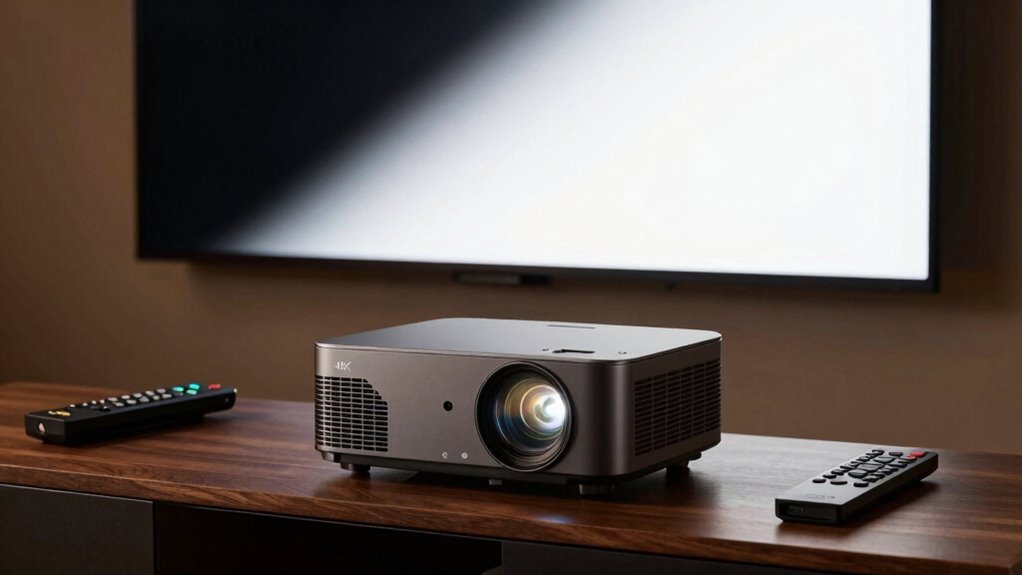
To choose the right gamma setting for your 4K projector, consider your room lighting, content type, and personal preference. Higher gamma enhances contrast and dark scene details, but can sacrifice shadow depth. Lower gamma flattens images, making bright scenes look washed out. Adjust and test across different scenes to find a balance that’s natural and vivid. Understanding these factors can considerably improve your viewing experience, and exploring further will help you fine-tune your setup even more.
Key Takeaways
- Adjust gamma based on room lighting; brighter rooms may need lower gamma for balanced images.
- Test different gamma settings with various content types to find the best contrast and shadow detail.
- Use color calibration to ensure hue accuracy and prevent color inaccuracies when changing gamma.
- Balance gamma to enhance dark scene depth without losing detail or causing muddiness.
- Fine-tune gamma alongside brightness and color temperature for natural, lifelike image quality.
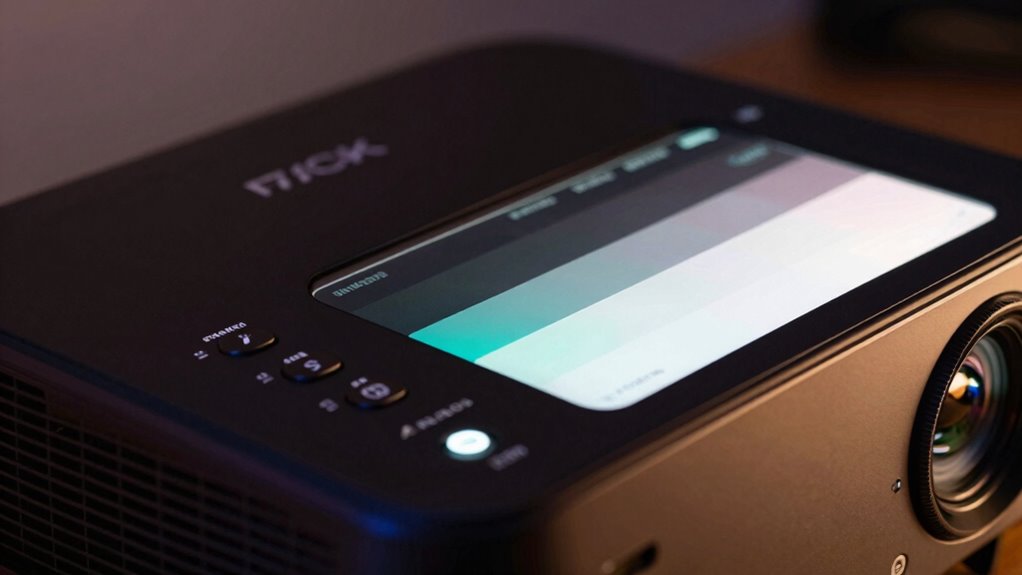
Start by understanding that a higher gamma setting emphasizes contrast, making dark scenes appear richer but potentially sacrificing detail in the shadows. Conversely, a lower gamma tends to flatten the image, which might make bright scenes look washed out. Your goal is to find a balance that suits your room lighting and personal preferences. When adjusting gamma, focus on color calibration to guarantee the hues are accurate and consistent across the spectrum. This process involves tweaking color temperature and saturation, which in turn impacts how gamma influences overall image quality. If you notice that colors look off or shadows lack detail, it’s time to revisit your calibration.
Brightness adjustment is equally critical. You want a gamma setting that complements your projector’s brightness capabilities without losing detail in dark areas or making bright sections overly harsh. As you tweak gamma, observe how the image responds in different lighting conditions and content types. For example, movies with dark scenes require careful gamma tuning so that shadows retain depth without appearing muddy. Bright, colorful scenes demand a gamma setting that preserves vibrancy without oversaturation. It’s a delicate balance, and you should test with various content to ensure consistency.
Remember that room lighting plays a role too. If your environment is brightly lit, you might need a different gamma setting than in a dim room. Adjustments should be made gradually, checking the impact on both dark and bright scenes. Keep in mind that the goal isn’t just technical perfection; it’s creating a viewing experience that feels natural and engaging. By fine-tuning your projector’s gamma with attention to color calibration and brightness adjustment, you’ll achieve images that are sharp, detailed, and lifelike—bringing your favorite movies and shows to vivid, true-to-life clarity.

ADAS Calibration Dynamic ACC Positioning Tool for Eyeball Unit, Angso-auto Angle Leveling Tool Accessory for Auto
The ANGSO-AUTO leveling tool is designed to be powered by 2* AAA 1.5 V batteries (Please note that…
As an affiliate, we earn on qualifying purchases.
As an affiliate, we earn on qualifying purchases.
Frequently Asked Questions
How Does Gamma Affect Color Accuracy on a 4K Projector?
Gamma affects color accuracy on your 4K projector by influencing how the colors are mapped and displayed. A correct gamma setting guarantees accurate color grading, preserving details in shadows and highlights. Proper calibration techniques help you fine-tune gamma, preventing washed-out or overly dark images. By adjusting gamma properly, you enhance overall color fidelity, making images appear more natural and true to life, especially vital for high-quality 4K content.
Can I Change Gamma Settings During a Movie?
Yes, you can change gamma settings during a movie, but it’s like adjusting the sails mid-journey—your viewing experience shifts. Use the remote or projector menu to tweak gamma, which influences color temperature and brightness adjustment. Keep in mind, sudden changes may cause a brief distraction, so make subtle adjustments if possible. Think of it as fine-tuning the atmosphere, ensuring your cinematic voyage remains smooth and immersive.
What’s the Best Gamma Setting for Gaming on a 4K Projector?
For gaming on a 4K projector, a gamma setting around 2.2 usually works best, providing a good balance between shadow detail and bright areas. You should do a color calibration first to verify accurate colors, then adjust the brightness to avoid washed-out or overly dark scenes. Keep in mind, tweaking the gamma slightly can enhance your experience, but sticking close to 2.2 maintains ideal contrast and clarity for most games.
Do Ambient Lighting Conditions Influence Gamma Choice?
Ambient lighting definitely influences your gamma choice. When ambient brightness is high, room reflectance can wash out details, so you should opt for a higher gamma setting to enhance contrast and depth. Conversely, in darker rooms with low reflectance, a lower gamma helps preserve subtle details and prevents images from becoming overly harsh. Adjusting gamma based on ambient conditions guarantees your 4K projector delivers the best picture quality, no matter the lighting environment.
How Often Should I Recalibrate My Projector’s Gamma?
You should recalibrate your projector’s gamma every six months to maintain ideal image quality. Regular calibration techniques, like using a colorimeter and test patterns, help guarantee consistent performance. Incorporate routine projector maintenance—cleaning filters and checking connections—to prevent issues that could affect gamma accuracy. Frequent recalibration keeps your display sharp, vibrant, and true to your original settings, enhancing your overall viewing experience.
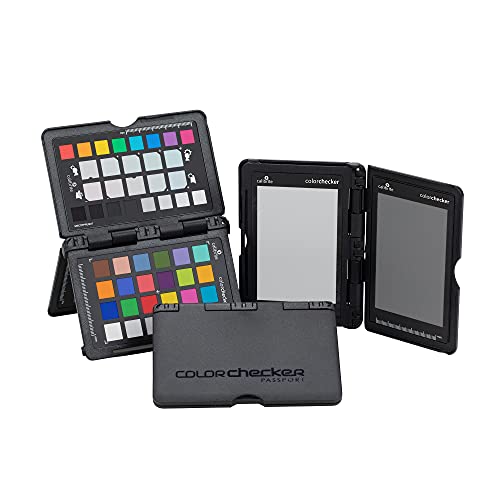
Calibrite ColorChecker Passport Photo 2 Portable Color Calibration Kit for Photo and Video, 4 Target Set for White Balance, Exposure and Camera Profiling, Protective Folding Case with Lanyard (CCPP2)
SPECIFICATIONS: Portable ColorChecker Passport kit with 4 targets for exposure control, custom white balance, camera profiling, and enhancement…
As an affiliate, we earn on qualifying purchases.
As an affiliate, we earn on qualifying purchases.
Conclusion
Now that you know how gamma impacts your 4K projector’s picture, the real question is: are you ready to find the perfect setting? The right gamma can transform your viewing experience, but choosing incorrectly might leave you in the dark—literally. Will you trust your eye or stick with defaults? The choice is yours, and the right gamma setting could be waiting just around the corner, ready to reveal a whole new world of cinematic brilliance.

ELP 4K HDMI USB Camera – 2.8-12mm 4X Zoom Webcam With Manual Adjustment for Computer, TV, Projector, Monitor
This ELP HDMI USB camera is full 4K resolution at 30 Hz, and has both USB and HDMI…
As an affiliate, we earn on qualifying purchases.
As an affiliate, we earn on qualifying purchases.
![[4K Support/AI Visual Calibration] Smart Projector with Android 14 OS,1080P UHD Projector with Netflix YouTube/ AI Auto Focus&Keystone&Obstacle Avoidance Light Gray](https://m.media-amazon.com/images/I/41gPXniPROL._SL500_.jpg)
[4K Support/AI Visual Calibration] Smart Projector with Android 14 OS,1080P UHD Projector with Netflix YouTube/ AI Auto Focus&Keystone&Obstacle Avoidance Light Gray
𝑺𝒂𝒕𝒊𝒔𝒇𝒂𝒄𝒕𝒊𝒐𝒏 𝑮𝒖𝒂𝒓𝒂𝒏𝒕𝒆𝒆𝒅: 𝟮-𝒀𝒆𝒂𝒓 𝑾𝒂𝒓𝒓𝒂𝒏𝒕𝒚 & 𝑭𝒖𝒍𝒍 𝑹𝒆𝒇𝒖𝒏𝒅 𝑾𝒊𝒕𝒉𝒊𝒏 𝟯𝟲𝟱 𝑫𝒂𝒚𝒔 — 𝒀𝒐𝒖 𝑫𝒐𝒏'𝒕 𝑬𝒗𝒆𝒏 𝑵𝒆𝒆𝒅 𝑻𝒐 𝑹𝒆𝒕𝒖𝒓𝒏 𝑰𝒕.
As an affiliate, we earn on qualifying purchases.
As an affiliate, we earn on qualifying purchases.