Whether to use motion smoothing on your projector depends on your viewing preferences. It can make fast scenes look smoother and clearer, but it often causes the soap opera effect, making movies feel unnatural. If you love a cinematic look, you might want to turn it off. However, for sports or action-packed scenes, turning it on can improve clarity. Keep exploring to find the setting that best matches your style.
Key Takeaways
- Motion smoothing reduces blur and enhances clarity during fast-paced scenes, making action appear smoother.
- It can create a soap opera effect, making movies look unnatural and disrupting cinematic immersion.
- For gaming, motion interpolation may introduce input lag and reduce responsiveness, negatively affecting gameplay.
- Customizable settings allow viewers to balance smoothness with a natural look based on personal preference.
- Turning off motion smoothing typically benefits cinephiles and serious gamers seeking authentic motion and minimal lag.
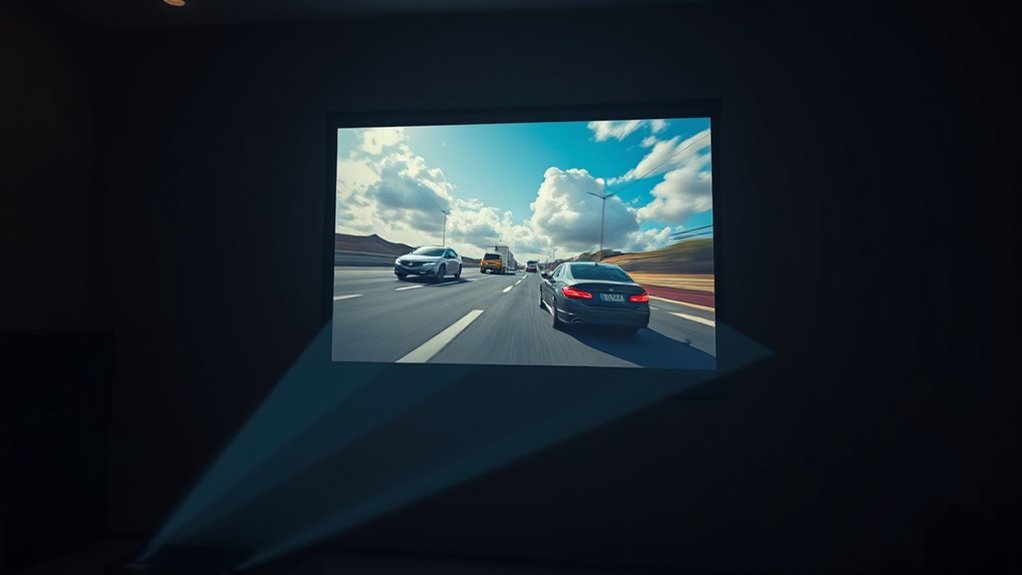
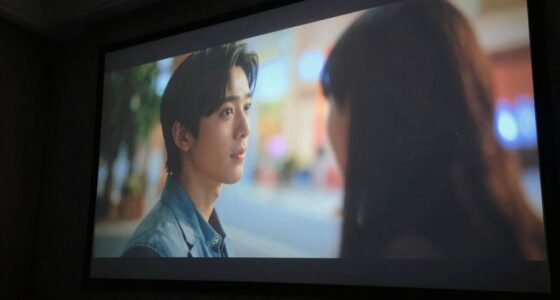
Motion smoothing on projectors is a feature designed to reduce motion blur and improve the clarity of fast-moving images, making scenes look smoother and more lifelike. However, activating this setting often introduces the soap opera effect, which can make movies and TV shows appear unnaturally smooth, like a soap opera. This can be distracting if you’re used to the cinematic look, where motion is slightly blurred to mimic real life. When you turn on frame interpolation, the projector creates additional frames between the original ones, making motion appear more fluid. While this might enhance the viewing experience for sports or fast-paced action, it can sometimes detract from the natural feel of movies.
Motion smoothing reduces blur but can create the soap opera effect, making movies look unnaturally smooth.
If you’re someone who enjoys a more cinematic experience, you might find the soap opera effect unsettling. The ultra-smooth motion can make actors’ movements seem exaggerated or artificial, pulling you out of the story. Conversely, for sports fans, this effect can make action sequences seem more dynamic and easier to follow. But there’s a catch—when it comes to gaming, motion smoothing can introduce gaming lag. This delay between your input and what appears on the screen can hinder your responsiveness, particularly in fast-paced games like shooters or racing titles. The added processing required to generate interpolated frames can cause noticeable lag, making gameplay feel less precise and more frustrating.
Additionally, some projectors allow you to customize the level of motion smoothing, enabling you to fine-tune the balance between smoothness and natural motion settings. Deciding whether to use frame interpolation depends on what you watch most often. If you’re streaming sports or action movies, turning on motion smoothing can enhance clarity and smoothness. But if you prefer films with a more traditional look, or if you’re serious about gaming, you might want to disable it altogether. Keep in mind that some projectors allow you to customize the level of motion smoothing, so you can find a middle ground—adding just enough smoothness for sports without creating the soap opera effect or gaming lag. Adjusting these settings can help you strike a balance between clarity and natural motion.
Ultimately, it’s about your personal preferences. If you dislike the soap opera effect or notice lag while gaming, it’s best to turn off motion smoothing. If you find that smoother motion improves your viewing or gaming experience, then enable it, but be aware of potential drawbacks like unnatural look or input delay. Experiment with the settings until you find what feels right, ensuring your projector delivers the best possible viewing experience tailored to your habits.
![[Sound by JBL & High Brightness] Yaber Projector with WiFi and Bluetooth, Auto Focus/Keystone Correction, 3D Sound Movie Proyector, Portable projector for Home & Outdoor](https://m.media-amazon.com/images/I/41GI1UEqR7L._SL500_.jpg)
[Sound by JBL & High Brightness] Yaber Projector with WiFi and Bluetooth, Auto Focus/Keystone Correction, 3D Sound Movie Proyector, Portable projector for Home & Outdoor
【JBL Sound & Ultra-Low Noise】Tired of connecting external speakers? Enjoy rich, powerful audio with our integrated JBL speakers!…
As an affiliate, we earn on qualifying purchases.
As an affiliate, we earn on qualifying purchases.
Frequently Asked Questions
Does Motion Smoothing Improve Gaming Experiences on Projectors?
Yes, motion smoothing can improve your gaming experience on projectors by reducing motion artifacts and creating smoother visuals. This helps you see fast movements more clearly, enhancing viewing comfort during intense gameplay. However, it can sometimes introduce unwanted artifacts or a soap-opera effect, so you might want to adjust the settings or turn it off if it causes discomfort. Ultimately, it’s about balancing smoothness and viewing comfort for your preferences.
Can Motion Smoothing Cause Eye Strain or Discomfort?
Yes, motion smoothing can cause eye strain or discomfort. When you enable it, rapid changes in frames may lead to eye fatigue and visual discomfort, especially during long viewing sessions. You might notice your eyes working harder to process the unnatural motion, leading to tiredness or headaches. To avoid this, consider turning off motion smoothing if you start feeling any eye fatigue or visual discomfort, ensuring a more comfortable viewing experience.
Is Motion Smoothing Suitable for Watching Sports Events?
Yes, motion smoothing can be suitable for watching sports events. It helps reduce motion blur, making fast-paced action clearer. However, be aware of potential motion smoothing artifacts, like unnatural motion or soap opera effect, which might distract you. If you dislike these artifacts, turn off motion smoothing. Otherwise, it enhances viewing by providing smoother motion, especially during rapid movements, ensuring you enjoy sports with less motion blur.
Does Motion Smoothing Impact the Projector’s Resolution Quality?
Motion smoothing may mildly modify your projector’s resolution clarity, but it usually doesn’t substantially impact image sharpness. You might notice subtle softness or slight blurring during frame interpolation, which can slightly diminish overall resolution quality. However, if you prefer smooth motion, enabling motion smoothing can enhance your viewing experience without majorly compromising picture quality. It’s a balancing act between fluidity and sharpness, so test it to see what suits your style best.
How Does Motion Smoothing Differ Between LED and DLP Projectors?
You’ll notice that motion smoothing differs between LED and DLP projectors. LED projectors often offer better compatibility with motion interpolation, reducing issues like flickering, while DLP projectors may introduce artifacts such as soap opera effect or motion trails. These differences impact how smooth motion appears, so you should consider your content type and sensitivity to artifacts when choosing whether to enable motion smoothing on either type.

ViewSonic X100-4K 4K UHD Projector with 1200 ANSI Lumens, Harman Kardon Speakers, HDMI, USB, 125% Rec 709, and Frame Interpolation Technology for Home Theater
SUPERSIZED MOVIES AND GAMES: 4K UHD (3840x2160p) LED projector with 1200 lumens, high contrast ratio, and advanced visual…
As an affiliate, we earn on qualifying purchases.
As an affiliate, we earn on qualifying purchases.
Conclusion
Ultimately, whether you should use motion smoothing on your projector depends on your viewing habits. Think of it as a double-edged sword—enhancing clarity or sacrificing the cinematic feel you crave. If you love crisp, fluid action, give it a try. But if you prefer the authentic, film-like experience, turn it off. Remember, the choice is yours—so choose wisely and let your eyes be the judge of what feels right.

AIRIVO Visual Star Projector, 3D Dynamic Projector with 60 3D Scenes, Galaxy Projector with Bluetooth Speaker, Night Light Projector for Room Decor, Ideal Gift for Kids, Adults, Valentine's Day
2026 Upgraded 3-in-1 3D Dynamic Projector:This newly upgraded star projector combines 3D visual scenes, Bluetooth connectivity, and star…
As an affiliate, we earn on qualifying purchases.
As an affiliate, we earn on qualifying purchases.
[Sound by JBL & High Brightness] Yaber Projector with WiFi and Bluetooth, Auto Focus/Keystone Correction, 3D Sound Movie Proyector, Portable projector for Home & Outdoor
【JBL Sound & Ultra-Low Noise】Tired of connecting external speakers? Enjoy rich, powerful audio with our integrated JBL speakers!…
As an affiliate, we earn on qualifying purchases.
As an affiliate, we earn on qualifying purchases.