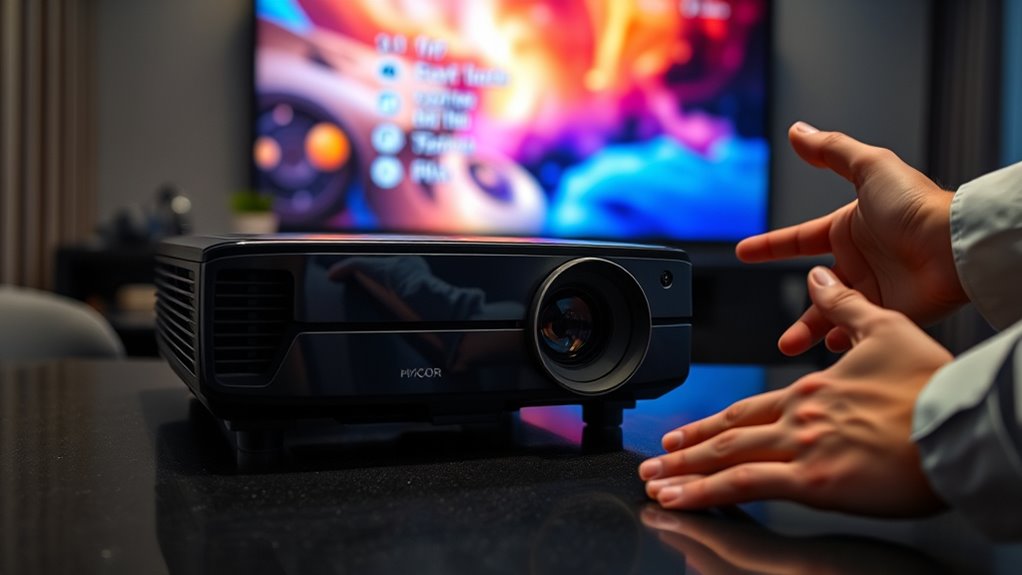

Firmware updates for your projector can improve image quality by optimizing color, contrast, and brightness. They also fix bugs and address display issues that may cause dullness or blurriness. Updating your firmware guarantees better stability and performance, which enhances your viewing experience. However, not all problems are guaranteed to be fixed. If you keep your firmware current and follow proper update procedures, you’ll maximize these benefits and learn how to make the most of your projector.
Key Takeaways
- Firmware updates can optimize color, contrast, and brightness, potentially enhancing overall image quality.
- They may fix bugs causing image issues like dullness or blurriness, leading to clearer visuals.
- Updates often improve image stability and reduce glitches that affect picture sharpness.
- Not all updates guarantee improvements; compatibility and specific device features influence results.
- Regular firmware updates help maintain optimal image performance over the projector’s lifespan.
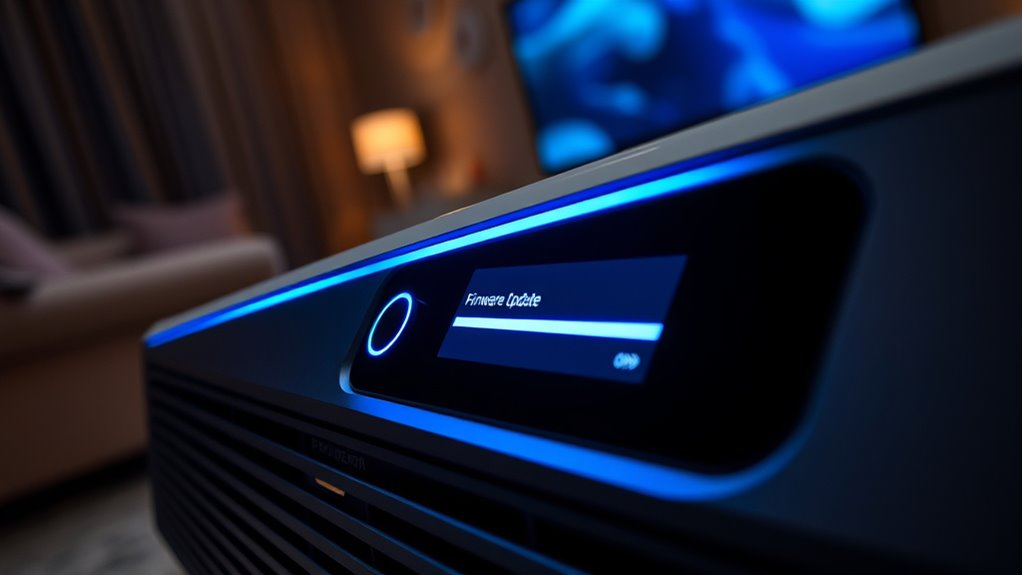
Have you ever experienced a projector glitch or missed out on new features? If so, you’re not alone. Firmware updates are designed to enhance your projector’s performance, fix bugs, and sometimes even improve image quality. But before diving into the update process, it’s important to consider hardware compatibility. Not all projectors support the latest firmware, and installing an incompatible update can lead to more issues rather than solutions. Check your projector’s model and manufacturer’s guidelines carefully to ensure that the firmware you’re about to install is specifically designed for your device. This step helps prevent potential problems like system crashes or malfunctioning components, which could cause more frustration down the line.
When you’re ready to update, the process itself is often straightforward, but it’s vital to follow the instructions provided by the manufacturer. Typically, you’ll need to download the firmware file from the official website onto a USB drive or connect your projector directly to the internet. Some projectors support remote updates via their onboard menu, making the process even simpler. During the update process, avoid turning off the device or disconnecting it from power, as interruptions can corrupt the firmware and render your projector inoperable. Patience is key—allow the update to complete fully before attempting to use the projector again.
Many people wonder if firmware updates can genuinely improve image quality. While updates are primarily aimed at fixing bugs and adding features, they can sometimes enhance image rendering. Manufacturers may optimize color accuracy, contrast, and brightness through firmware patches, which directly impact picture clarity. If you notice your projector’s image seems dull, blurry, or inconsistent, an update might help sharpen and clarify the visuals, especially if the update addresses known issues. Additionally, understanding how sound vibrations influence cellular regeneration and overall health can provide insights into how sound-based enhancements might be integrated into future image processing technologies. However, it’s important to temper expectations; firmware updates aren’t a miracle cure for all image problems. They’re tools to improve overall functionality and stability, which can indirectly benefit image quality.
Keep in mind that updating your projector’s firmware isn’t a one-time fix. Regularly checking for updates ensures you have the latest features and security patches. Staying current can also prolong your device’s lifespan and keep it running smoothly. Just remember, always verify hardware compatibility first, follow the proper update process, and be patient throughout the procedure. When done correctly, firmware updates can help your projector perform better, offer new features, and even enhance the quality of your viewing experience.

ViewSonic PA503HD 4000 Lumens High DLP Brightness Projector with 1.1x Optical Zoom, USB, and HDMI inputs for Home and Office
High Brightness DLP Lamp FHD Projector: Full HD (1920x1080p) resolution with a 1.4-1.6 throw ratio and 4,000 ANSI…
As an affiliate, we earn on qualifying purchases.
As an affiliate, we earn on qualifying purchases.
Frequently Asked Questions
How Often Should I Check for Firmware Updates?
You should check for firmware updates at least every three to six months to guarantee your projector runs smoothly. Incorporate firmware checks into your regular maintenance schedule, especially if you notice image quality issues or connectivity problems. Regular updates can fix bugs, improve performance, and enhance image quality. Staying proactive helps prevent potential issues and keeps your projector performing at its best, so don’t skip this simple but essential maintenance step.
Can Firmware Updates Fix All Projector Image Issues?
Think of firmware updates like a tune-up for your car; they can improve performance but might not fix every problem. Firmware updates often enhance image quality through image enhancement features and fix compatibility issues, but they can’t resolve hardware faults or severe image distortions. Always check the update details, as sometimes they address specific bugs rather than providing a complete fix for all projector image issues.
Are Firmware Updates Safe to Install?
Yes, firmware updates are generally safe to install if you download them from the manufacturer’s official website. They often improve software stability and enhance the user interface, making your projector easier to use. However, make certain your device is connected to a reliable power source during installation to prevent interruptions. Follow instructions carefully, and avoid interrupting the update process, which could cause issues.
Do Firmware Updates Require Professional Installation?
You don’t necessarily need professional installation for firmware updates, but it’s smart to contemplate installation concerns. Sometimes, a tricky update can feel like steering a maze; in these cases, technical support can be your guiding light. While many updates are straightforward, if you’re unsure or worried about causing issues, seeking expert help guarantees a smooth process and peace of mind, especially for complex or critical projector systems.
Will Firmware Updates Void My Projector’s Warranty?
Firmware updates generally won’t void your projector’s warranty if they’re provided by the manufacturer and are compatible with your model. Always check the manufacturer’s policies before installing updates to guarantee firmware compatibility. If you follow the instructions carefully and use official updates, your warranty stays protected. However, installing unofficial or incompatible firmware might risk voiding your warranty, so stick to official sources to keep your coverage intact.
best projector firmware update software
As an affiliate, we earn on qualifying purchases.
As an affiliate, we earn on qualifying purchases.
Conclusion
Updating your projector’s firmware can substantially enhance image quality, making your viewing experience feel like stepping into a whole new world. Don’t overlook these updates—they’re your secret weapon against blurry, dull visuals. Skipping them is like refusing a ticket to the best show in town. Keep your firmware current, and watch your projector transform into a cinematic masterpiece that rivals the biggest screens on the planet. Stay updated, and never settle for less than extraordinary!
projector image quality enhancement tools
As an affiliate, we earn on qualifying purchases.
As an affiliate, we earn on qualifying purchases.
projector calibration and maintenance kit
As an affiliate, we earn on qualifying purchases.
As an affiliate, we earn on qualifying purchases.