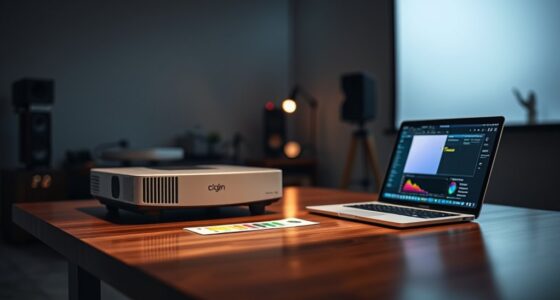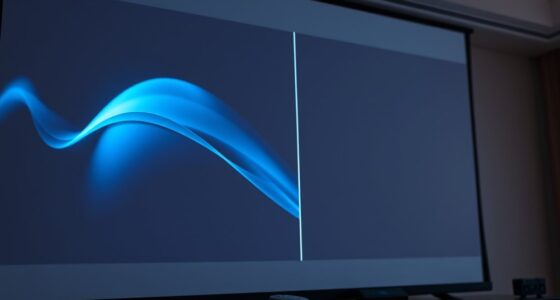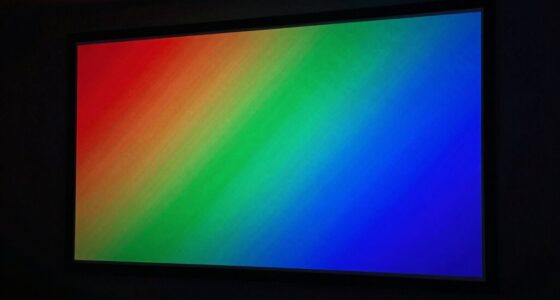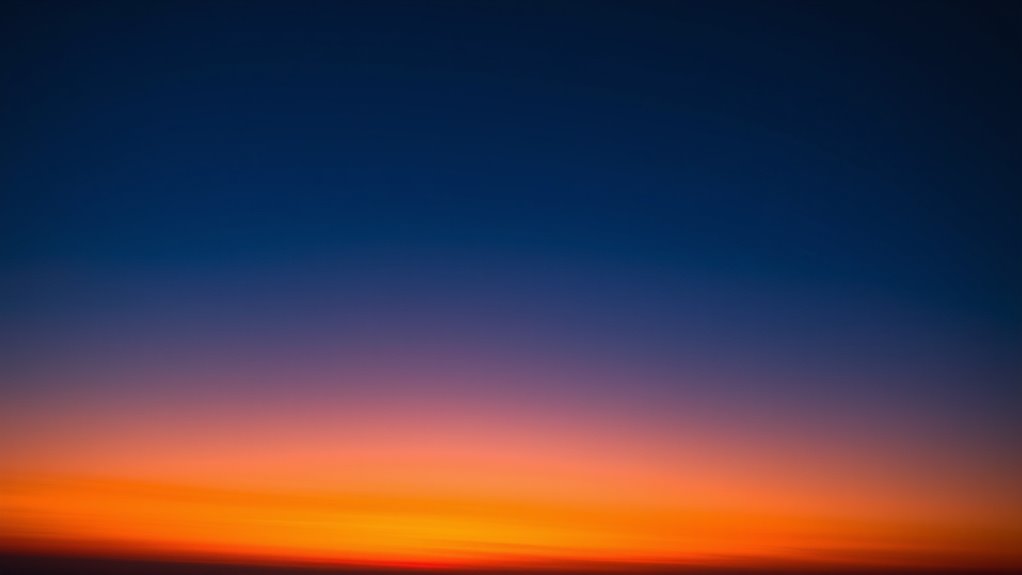

Color banding happens when your device or editing process can’t display smooth gradients due to limited color depth or poor handling of color progressions. This often results from using formats or displays with insufficient bits per pixel, which causes visible streaks or steps in images and videos. To fix this, try working with higher color depths, calibrate your monitor, or apply dithering to mask abrupt shifts. Keep exploring to discover more ways to achieve seamless, gradient-rich visuals.
Key Takeaways
- Increase color depth (e.g., 10-bit or higher) during editing and viewing to allow more gradient shades.
- Use dithering techniques to add subtle noise, which helps mask visible color banding.
- Calibrate and choose displays that support higher bit depths for accurate color reproduction.
- Minimize compression during editing and export to prevent artifacts that worsen banding.
- Manage color settings properly and avoid working in low bit-depth formats until the final output.

Have you ever noticed unwanted color bands or streaks appearing in your images or videos? This common issue, known as color banding, can ruin the smoothness of your gradients and make your visuals look unprofessional. One key cause of this problem is gradient banding, which occurs when your image or video doesn’t have enough color depth to display subtle color transitions accurately. Color depth, measured in bits per pixel, determines how many shades of color your device can show. If your material has low color depth, it limits the number of available colors, resulting in visible steps or bands instead of seamless gradients. This is especially noticeable in skies, sunsets, or any scene with gentle color shifts.
The root of gradient banding lies in the limitations of your display or editing system’s color range. When the system can’t represent the subtle gradations between shades, it compresses these into distinct bands. For example, if your display only supports 8-bit color depth, it can show around 16.7 million colors, but sometimes that’s still not enough for very subtle transitions, especially in high-quality videos or images. The problem worsens with compressed formats or poor color management, which can further reduce the effective color depth and make banding more prominent. To minimize this, you need to guarantee your source material and display support higher color depths, like 10-bit or even 12-bit, which provide a broader range of shades for smoother transitions. Additionally, monitor calibration is crucial for accurate color reproduction and reducing banding artifacts.
Another factor that influences gradient banding is how your image or video is processed. Editing in formats that don’t preserve high color depth, or applying aggressive compression, can introduce banding artifacts. When you’re editing, always work with the highest color depth available and avoid unnecessary compression until final export. If you’re viewing your work on a display that supports only 8-bit color, consider switching to a monitor with higher bit support, or use software settings to affirm higher bit-depth rendering. Additionally, applying dithering—adding subtle noise—can help mask the appearance of bands by breaking up the uniform transitions into more visually pleasing variations. This technique makes the gradient appear more natural by distributing the limited color information more evenly.
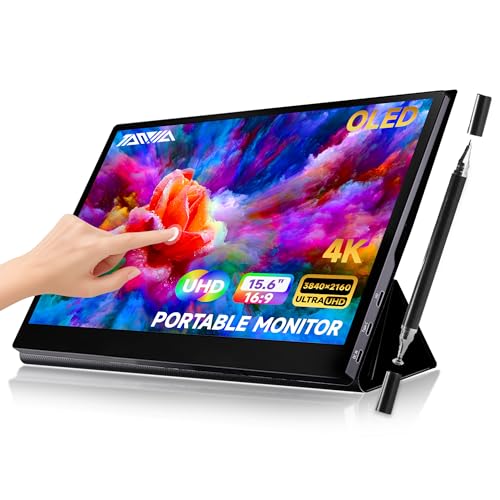
TANXJIA 15.6" Portable Monitor 4K OLED Touchscreen, 100% Adobe RGB 10-Bit Color, USB-C External Display for Laptop, PC, Mac, Phone, Gaming, with Smart Cover & Stand
【Ultra-Clear Visuals】 Equipped with a 15.6" OLED portable monitor 4k with touch screen with a resolution of 3840*2160,…
As an affiliate, we earn on qualifying purchases.
As an affiliate, we earn on qualifying purchases.
Frequently Asked Questions
How Does Monitor Calibration Affect Color Banding?
Monitor calibration directly affects color banding by ensuring accurate color reproduction and smooth gradients. When you calibrate your monitor, you optimize contrast, gamma, and color accuracy, which reduces abrupt color shifts. Proper calibration minimizes color banding, making gradients appear more seamless and natural. Without calibration, your display might misrepresent colors, making banding more noticeable. Regular calibration helps maintain consistent, high-quality visuals, improving your overall viewing experience and reducing distracting color artifacts.
Can Color Banding Occur in Print Materials?
Yes, color banding can occur in print materials, especially if your print quality isn’t ideal. When printing, poor paper choices or low-quality ink can cause uneven ink distribution, leading to visible bands. To prevent this, choose high-quality paper suited for your printer type and make sure your printer settings are refined. Proper calibration and using the right paper can help achieve smoother color gradients and reduce banding in your prints.
What Software Tools Help Reduce Color Banding?
You can reduce color banding with software tools that focus on gradients smoothing and increasing color depth. Programs like Adobe Photoshop and GIMP allow you to apply dithering, adjust bit depth, and use gradient smoothing options. These features help blend colors more seamlessly, minimizing visible bands. By working with higher color depths and employing these tools, you’ll achieve smoother gradients and considerably reduce the appearance of color banding in your images.
Is Color Banding More Common in Certain Image Formats?
Yes, color banding is more common in formats with lower color depth, like JPEG, because they compress images more aggressively, often introducing compression artifacts. These artifacts make gradients appear less smooth, especially in subtle color shifts. To minimize banding, choose formats with higher color depth, such as PNG or TIFF, and avoid excessive compression, which can worsen the appearance of color banding in your images.
How Does Screen Resolution Impact Banding Visibility?
You might not realize it, but your screen resolution dramatically affects banding visibility. Higher pixel density and increased color depth reduce the chances of seeing those harsh lines. When resolution is low, your eyes easily spot these gradients, making banding more apparent. As you upgrade to sharper displays, the smoother progressions become clearer, hiding imperfections. So, to enjoy flawless gradients, opt for screens with higher resolution and richer color depth—your visual experience depends on it.

datacolor Spyder – Monitor Calibrator for Graphic Designers, Photographers, and Content Creators, Shows You True Colors, Works on OLED Monitors & LED Screens, Easy-to-Use Color Calibration Tool
Color “Surprises” Are a Thing of the Past: Datacolor’s exclusive DevicePreview TM Beta feature simulates what your photos…
As an affiliate, we earn on qualifying purchases.
As an affiliate, we earn on qualifying purchases.
Conclusion
Understanding color banding issues helps you create smoother gradients and improve your visuals. Did you know that nearly 70% of digital images suffer from banding at some point? By adjusting color depth, using dithering, or tweaking your display settings, you can considerably reduce this problem. Taking these simple steps ensures your images look seamless and professional. So, don’t let banding ruin your work—apply these fixes and enjoy flawless, gradient-rich visuals every time.

Music Software Bundle for Recording, Editing, Beat Making & Production – DAW, VST Audio Plugins, Sounds for Mac & Windows PC
No Demos, No Subscriptions, it's All Yours for Life. Music Creator has all the tools you need to…
As an affiliate, we earn on qualifying purchases.
As an affiliate, we earn on qualifying purchases.

YOVDA Yeston GT730 Graphics Card NVIDIA 4GB 128 bit DDR3 993/1600MHz Multi Screen Graphics Card Support Split Screen 10bit Color Depth HDR with 4 HDMI Ports
4K and HDR Technology: Video card has a clearer and brighter big picture, supports HDR technology, which significantly…
As an affiliate, we earn on qualifying purchases.
As an affiliate, we earn on qualifying purchases.