
Motion interpolation can make fast scenes look smoother and clearer, helping you follow rapid movements and reducing blurriness. But it can also cause unwelcome artifacts like ghosting and the soap opera effect, which may reduce cinematic authenticity and increase input lag. Knowing when to turn it on or off and fine-tuning settings can make a big difference. Keep exploring to discover how to get the best balance for your viewing experience.
Key Takeaways
- Motion interpolation creates smoother, more fluid fast-moving scenes but can introduce ghosting artifacts and the “soap opera effect.”
- It enhances clarity in sports, action movies, and gaming, improving immersion and reducing motion blur.
- Excessive interpolation may cause unnatural motion, flickering, double images, and reduce cinematic authenticity.
- Optimal settings depend on content type; disable for films shot at 24 fps, enable for sports and fast action.
- Fine-tuning interpolation levels and judder reduction helps balance smoothness, artifact reduction, and natural motion.
motion interpolation TV settings
As an affiliate, we earn on qualifying purchases.
As an affiliate, we earn on qualifying purchases.
Understanding Motion Interpolation and How It Works
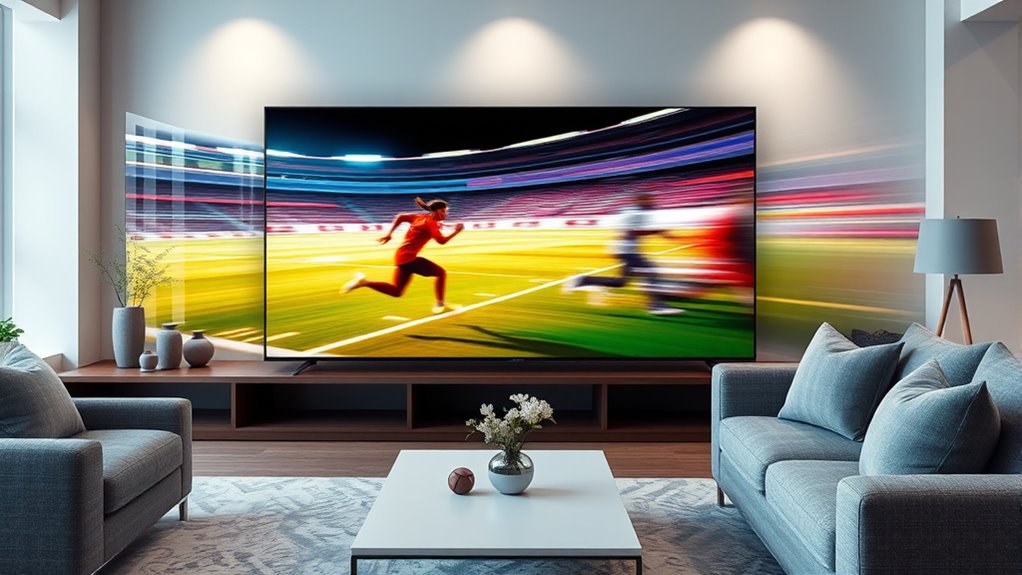
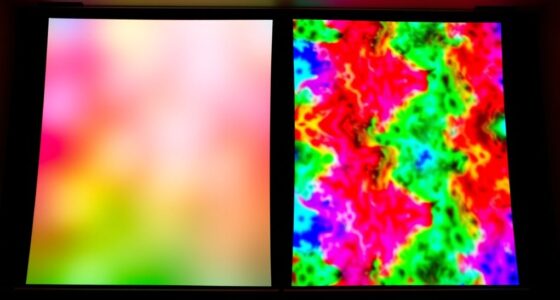
Motion interpolation is a technique used to make fast-moving scenes look smoother on your TV. It works through frame rate conversion, where the TV creates extra frames between original ones to increase the overall frame rate. This process helps eliminate choppy motion, delivering a more fluid appearance. However, it can sometimes introduce ghosting artifacts—visual trails or double images—that distract from the viewing experience. These artifacts occur because the TV’s algorithms attempt to predict motion, which isn’t always perfect. Understanding how motion interpolation functions allows you to decide whether the smoother motion enhances your viewing or creates unwanted effects. While it can improve clarity during action scenes, being aware of ghosting artifacts helps you adjust settings to find the right balance for your preferences. Additionally, high refresh rates play a significant role in motion interpolation’s effectiveness, providing smoother motion reproduction for fast-paced content.
ECHOGEAR MaxMotion TV Wall Mount for Large TVs 42" to 90" – Full Motion Has Smooth Swivel, Tilt, & Extension – Universal Design Works with Samsung, Vizio & More – Includes Hardware & Drill Template
Designed to fit almost any VESA pattern, the MaxMotion full-motion TV bracket is your ultimate solution for seamless…
As an affiliate, we earn on qualifying purchases.
As an affiliate, we earn on qualifying purchases.
Benefits of Motion Interpolation for Everyday Viewing
When you watch content with motion interpolation enabled, you’ll notice much smoother motion sequences that make fast-paced scenes easier to follow. This feature also enhances visual clarity, reducing blurriness during quick movements. As a result, your everyday viewing experience feels more immersive and enjoyable. Implementing vertical storage solutions can further optimize your viewing area by freeing up space for better placement of your entertainment system.
Smoother Motion Sequences
If you’ve ever watched fast-paced sports or action scenes, you’ve likely noticed how motion appears smoother and more fluid with interpolation turned on. Motion interpolation enhances your viewing experience by creating smoother motion sequences, making rapid movements less jarring. Techniques like frame blending help achieve this by combining adjacent frames, reducing judder and providing a seamless flow. This results in less choppiness during quick pans or fast action, making scenes feel more natural. You’ll notice that fast-moving objects and camera movements look more consistent, which can improve your overall viewing comfort. While some may prefer the traditional look, many find that motion interpolation offers a clearer, more fluid experience for everyday content, especially during sports or action-packed movies. Additionally, Remote Hackathons have increasingly utilized digital tools to simulate collaborative environments, which can be likened to the smooth, coordinated motion achieved through interpolation.
Enhanced Visual Clarity
By smoothing out rapid movements and reducing judder, motion interpolation helps make everyday content look clearer and more natural. This enhancement boosts visual clarity, making scenes appear sharper and more lifelike. For movies and TV shows, motion interpolation creates a more cinematic experience, reducing blur during fast-paced action and ensuring details stay crisp. If you enjoy gaming, you’ll notice improved gaming performance with smoother, clearer visuals that make fast movements easier to follow. This technology minimizes motion artifacts, so scenes look more seamless and immersive. Whether you’re watching sports, movies, or playing games, enhanced visual clarity ensures you don’t miss important details, providing a more engaging and realistic viewing experience. Motion interpolation, in this way, elevates everyday viewing by making motion smoother and images more precise.
TV with adjustable motion interpolation
As an affiliate, we earn on qualifying purchases.
As an affiliate, we earn on qualifying purchases.
Common Drawbacks and Visual Artifacts to Watch Out For

Motion interpolation can be a useful tool for creating smoother videos, but it often introduces visual artifacts that can distract or even irritate viewers. One common issue is the “soap opera effect,” where the footage looks unnaturally smooth, reducing cinematic quality. Judder reduction can help, but sometimes it results in unnatural motion or ghosting around fast-moving objects. You might also notice increased input lag, which can affect gaming or interactive content, making actions feel less responsive. Additionally, artifacts like flickering or double images can appear during scenes with rapid motion or high contrast, further degrading image quality. Both the benefits and drawbacks of motion interpolation highlight the importance of understanding underlying video processing techniques to optimize viewing experience. These drawbacks highlight that, while motion interpolation offers benefits, it’s not perfect. Carefully balancing its use can help minimize these visual disruptions and avoid diminishing your viewing experience.

SANSUI 32 Inch Curved 240Hz Gaming Monitor High Refresh Rate, FHD 1080P Gaming PC Monitor HDMI DP1.4, Curved 1500R, 1Ms MPRT, HDR,Metal Stand,VESA Compatible(DP Cable Incl.)
32 Inch curved 1500R gaming monitor, 240Hz high refresh rate for gameplay
As an affiliate, we earn on qualifying purchases.
As an affiliate, we earn on qualifying purchases.
When to Enable or Disable Motion Interpolation

Knowing when to enable or disable motion interpolation depends on the content you’re watching and your personal preferences. If you’re viewing fast-paced sports or action movies, turning it on can smooth out rapid movements by matching the refresh rate to a higher frame rate, reducing motion blur. Conversely, for cinematic content like films shot at 24 frames per second, disabling motion interpolation preserves the director’s intended look, avoiding the soap-opera effect. Adjust based on your TV’s refresh rate; a higher refresh rate benefits smoother motion, while a lower rate may cause artifacts when interpolation is enabled. Ultimately, toggle the setting depending on whether you prioritize fluidity or cinematic authenticity, tailoring your experience to suit the content and your viewing comfort. Additionally, understanding butter storage and freshness can help you keep dairy products at their best, ensuring quality in your kitchen.
Tips for Adjusting Settings for Optimal Results

To get the best results, you should fine-tune your motion settings based on your viewing preferences. Testing different types of content helps you find the right balance between smoothness and natural motion. Keep adjusting until you achieve a comfortable viewing experience. Additionally, understanding conflict resolution skills can help you better interpret and appreciate the visual effects, especially during dynamic scenes.
Fine-tune Motion Settings
Adjusting motion interpolation settings can considerably enhance your viewing experience, but it requires careful fine-tuning. Start by reducing frame skipping, which can cause choppy motion and distract you from the content. Find a balance where motion appears smooth without introducing unnatural artifacts. Be mindful of input lag; excessively high settings may delay your commands, especially during gaming or fast-paced scenes. Test different levels of motion enhancement, and watch for signs of over-processing, like soap opera effect or ghosting. Adjust the settings gradually, and always consider the content you’re watching—what works for movies may not suit sports or gaming. Fine-tuning these options helps achieve a more natural look while minimizing drawbacks like lag or visual distortion. For those seeking a more dynamic driving experience, exploring tuning options like suspension upgrades or ECU remapping can further optimize your vehicle’s performance.
Test Different Content
Since different types of content have unique motion characteristics, it’s crucial to test your settings across various videos. Adjusting frame interpolation and judder reduction can improve motion clarity, but what works for a fast-paced sports game might not suit a cinematic movie. Experiment with different levels to find a balance that minimizes artifacts while maintaining natural motion. Consider this sample comparison:
| Content Type | Ideal Settings |
|---|---|
| Fast sports | High frame interpolation, moderate judder reduction |
| Cinematic films | Low frame interpolation, minimal judder reduction |
| Action movies | Medium to high frame interpolation |
| News broadcasts | Low frame interpolation, low judder reduction |
| Animated content | High frame interpolation, careful judder reduction |
Testing across these helps you fine-tune your motion interpolation for excellent viewing. Additionally, understanding the nature of content can guide you in choosing the most appropriate settings for optimal results.
Real-World Scenarios Where Motion Interpolation Excels
Motion interpolation truly shines in scenarios where smoothness and clarity are crucial, such as watching fast-paced sports events or action movies. If you’re catching sports highlights or engaging in video conferencing, this technology can make motion appear more fluid, reducing blur and judder. It’s especially useful when you want to follow rapid movements or detailed fast action. Additionally, it offers a way to cut through that noise and focus on what truly matters in your viewing experience. Consider these situations:
- Watching sports highlights where quick movements are common
- Enhancing clarity during live broadcasts or gaming
- Improving video conferencing by smoothing out motion
- Viewing action movies for a more immersive experience
In these cases, motion interpolation helps you see every detail clearly, making the experience more enjoyable and less distracting.
Frequently Asked Questions
How Does Motion Interpolation Affect Fast-Paced Sports Viewing?
Motion interpolation can enhance your fast-paced sports viewing by reducing judder and making motion smoother. With motion smoothing enabled, you’ll notice less choppiness during quick camera pans and rapid plays, giving you a clearer, more fluid experience. However, be aware that some viewers find this effect unnatural or distracting, so it’s often best to adjust the settings to balance judder reduction with natural motion, ensuring you enjoy the game without unwanted artifacts.
Can Motion Interpolation Cause Eye Strain or Headaches?
Motion interpolation can cause eye strain or headaches if you’re sensitive to visual discomfort or prone to motion sickness. The exaggerated motion smoothing creates an unnatural, jarring effect that your eyes struggle to track, leading to fatigue and headaches. If you notice these symptoms, consider turning off the feature or adjusting the settings. Your eyes will thank you for preventing unnecessary discomfort and maintaining a comfortable, strain-free viewing experience.
Is Motion Interpolation Suitable for Watching Movies or Only for TV Shows?
Motion interpolation is suitable for watching both movies and TV shows, enhancing film clarity and providing smoother motion. It helps you enjoy fast-paced action scenes with less blur, though it can sometimes affect color accuracy by making images look overly smooth or unnatural. If you prefer a more authentic cinematic experience, you might want to adjust or turn off the feature, but for general viewing, it generally improves clarity across all content types.
How Does Motion Interpolation Impact Energy Consumption of a Display?
Motion interpolation can increase the energy consumption of your display because it requires additional processing, which uses more power. While some modern TVs are designed for better power efficiency, enabling motion interpolation may still lead to higher energy use. If you’re concerned about conserving energy, consider turning off this feature, as it can impact your display’s overall power efficiency without markedly affecting picture quality.
Are There Specific Brands or Models Known for Better Motion Interpolation?
Did you know that LG’s OLED TVs are praised for their smooth motion interpolation? You’ll find that brands like Samsung and Sony also excel, often offering models with advanced motion processing. These brands have solid reputations for quality and innovative features, making them reliable choices. When choosing, look for models with high refresh rates and customizable motion settings, so you get the best experience tailored to your viewing preferences.
Conclusion
Think of motion interpolation as a dance partner—sometimes it guides smoothly, other times it steps out of sync. When you understand its rhythm, you can lead it to enhance your viewing experience. Adjust settings wisely, like tuning an instrument, to avoid unwanted artifacts. Remember, the right balance transforms your screen into a window, not a mirror. Master this dance, and your visuals will always move in harmony with your eye’s natural flow.