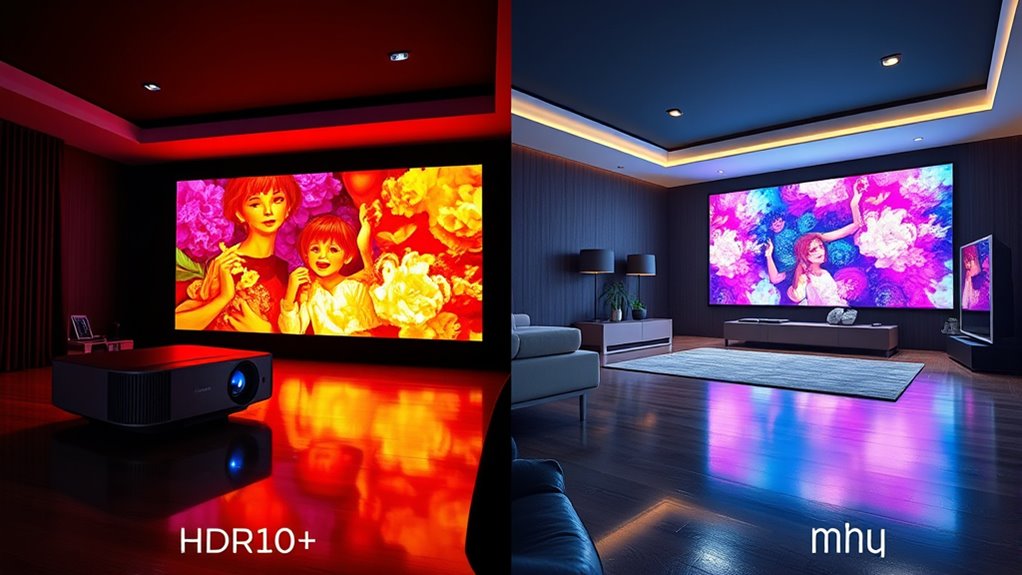

HDR10+ and Dolby Vision both improve your projector’s picture quality through dynamic metadata, but they differ in support and capabilities. HDR10+ is an open standard compatible with many devices and offers good contrast and color accuracy. Dolby Vision is proprietary, providing broader color gamuts, deeper blacks, and enhanced contrast but may come with higher costs. To get the best performance, consider your projector’s support and your budget—more details ahead can help you decide.
Key Takeaways
- Dolby Vision offers broader color gamut, higher bit depths, and superior contrast, resulting in more immersive images on compatible projectors.
- HDR10+ is an open standard with dynamic metadata for scene-by-scene adjustments, but hardware compatibility varies.
- Dolby Vision typically requires specific licensing and hardware, often increasing cost, while HDR10+ is more widely supported and budget-friendly.
- Dolby Vision provides deeper blacks and enhanced cinema-quality visuals, whereas HDR10+ excels in dynamic HDR performance and color accuracy.
- Hardware capabilities and projector support are crucial in determining the actual image quality achievable with either HDR technology.
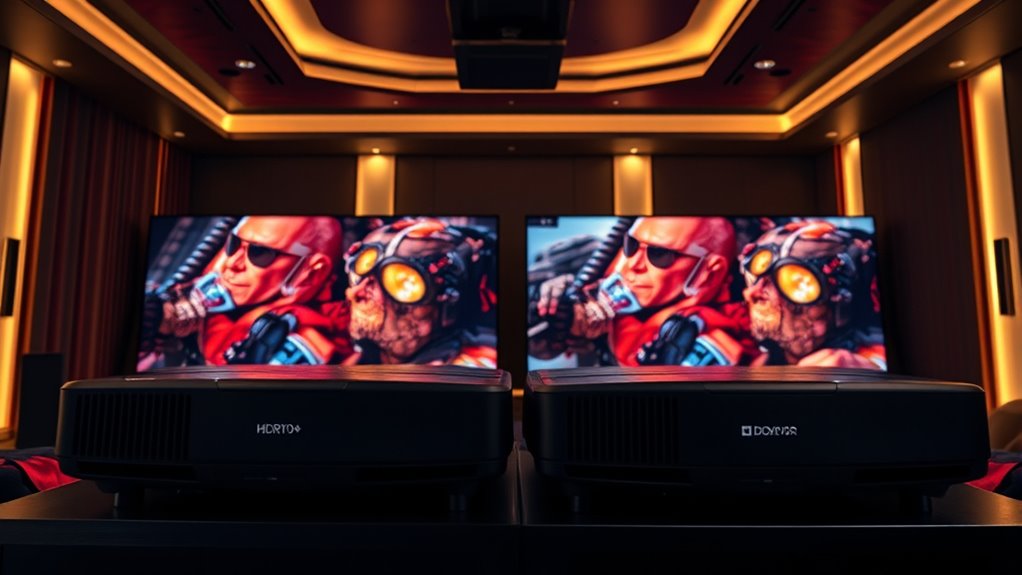
When choosing a projector for the best picture quality, understanding the differences between HDR10+ and Dolby Vision can make a crucial impact. Both technologies aim to deliver vibrant, lifelike images, but they do so through distinct methods, especially in how they handle HDR metadata and color accuracy. HDR metadata is essential because it guides the projector on how to display each scene, ensuring brightness, contrast, and color are optimized for your viewing experience. HDR10+ employs dynamic metadata, which means it adjusts settings scene-by-scene or even frame-by-frame, allowing for more precise control over how each moment appears. This results in better contrast and more accurate highlights and shadows, especially in scenes with complex lighting. Dolby Vision also uses dynamic metadata, but it’s part of a proprietary system that often involves licensing fees and specific hardware requirements. The way Dolby Vision processes HDR metadata tends to prioritize a broader range of color and contrast, enhancing the overall picture quality.
Color accuracy is another critical factor. When your projector accurately reproduces colors, the images look more natural and immersive. HDR10+ aims to improve color fidelity by dynamically adjusting color settings throughout a video, but because it’s an open standard, its implementation can vary across different projectors. Dolby Vision, on the other hand, leverages a more extensive color management system, often supporting a wider color gamut and higher bit depths. This means you’re more likely to see richer, more nuanced colors with Dolby Vision, making it especially appealing if you want cinema-quality images at home. However, achieving this level of color precision depends heavily on your projector’s hardware capabilities, including its panel technology and processing power.
Ultimately, your choice might hinge on compatibility and budget. HDR10+ offers a more adaptable, often more affordable option, since it’s open and widely supported on many devices. Dolby Vision, though potentially more costly and requiring specific hardware, can deliver superior contrast, deeper blacks, and more accurate colors in supported projectors. If you want the best possible picture and your projector supports Dolby Vision, it’s worth opting for that. But if you’re looking for a more universally compatible and budget-friendly solution, HDR10+ still provides excellent dynamic HDR performance with impressive color accuracy. Both technologies noticeably enhance your viewing experience, but understanding their approach to HDR metadata and color reproduction helps you make an informed choice tailored to your needs.
![[1500 ANSI/36W Dolby Audio/APPs]Smart-Projector-4K with WiFi6 and 2Way Bluetooth, AI Auto Focus Projector with Native 1080P, HDR10, TOPTRO X9 Outdoor Movie Proyector Compatible with Phone/TV Stick/PC](https://m.media-amazon.com/images/I/51nHDBfHYnL._SL500_.jpg)
[1500 ANSI/36W Dolby Audio/APPs]Smart-Projector-4K with WiFi6 and 2Way Bluetooth, AI Auto Focus Projector with Native 1080P, HDR10, TOPTRO X9 Outdoor Movie Proyector Compatible with Phone/TV Stick/PC
➤【1500 ANSI | 36W Unique Exposed Speaker | Dolby Audio】X9 smart projector is the first all-in-one device with…
As an affiliate, we earn on qualifying purchases.
As an affiliate, we earn on qualifying purchases.
Frequently Asked Questions
Can I Use Both HDR Formats on the Same Projector?
You can’t usually use both HDR formats on the same projector because of compatibility and HDR format limitations. Most projectors are designed to support either HDR10+ or Dolby Vision, but not both simultaneously. Check your projector’s specifications to see which HDR formats it supports; trying to switch formats might lead to compatibility issues or degraded picture quality. Always make certain your device matches the HDR format you want to enjoy for the best experience.
Which HDR Format Offers Better Compatibility With Streaming Services?
Think of HDR compatibility like choosing a reliable car for a road trip; Dolby Vision generally offers better compatibility with streaming services. It supports a wider range of HDR content and streaming platforms, ensuring you get vibrant visuals. While HDR10+ is growing, Dolby Vision’s broader adoption makes it more versatile for streaming. So, if you want seamless access to HDR content on streaming platforms, Dolby Vision is your best bet.
Do Hdr10+ and Dolby Vision Require Different Types of Projectors?
HDR10+ and Dolby Vision do require different types of projector compatibility, as each HDR technology has specific hardware needs. You’ll need a projector that supports HDR technology aligned with your chosen format to enjoy maximum picture quality. Check the projector’s specifications to ensure it’s compatible with HDR10+ or Dolby Vision, because not all projectors can handle both formats. Compatibility is key to experiencing the full benefits of these advanced HDR features.
How Do HDR Formats Impact Gaming Performance on Projectors?
HDR formats can enhance your gaming experience on projectors by improving color accuracy, making visuals more vibrant and realistic. However, they might also increase input lag slightly, which can affect fast-paced gameplay. To get the best balance, choose a projector with low input lag and support for your preferred HDR format. This way, you enjoy richer visuals without sacrificing responsiveness or causing noticeable delays.
Are There Any Cost Differences Between Hdr10+ and Dolby Vision Projectors?
You’ll find that Dolby Vision projectors generally cost more than HDR10+ ones due to advanced technology and licensing fees. The cost comparison depends on the projector’s features and brand, but Dolby Vision’s format compatibility often requires higher-end hardware, pushing prices up. If budget is a concern, HDR10+ offers a more affordable option with broad format compatibility, making it suitable for many users seeking good quality without the premium price tag.

XGIMI HORIZON 20 4K RGB Triple Laser Home Projector, 3200 ISO Lumens, Google TV with Licensed Netflix, Optical Zoom & Lens Shift, IMAX Enhanced, Dolby Vision, 300" Display, 240Hz, 1ms Input Lag
Powered by RGB Triple Laser: The X-Master RGB triple laser engine delivers 3200 ISO lumens and a 100,000:1…
As an affiliate, we earn on qualifying purchases.
As an affiliate, we earn on qualifying purchases.
Conclusion
In choosing between HDR10+ and Dolby Vision for your projector, consider your viewing needs. For example, if you want vibrant colors and detailed highlights for movie nights, Dolby Vision might be the better choice. However, if you prefer a more compatible, budget-friendly option with good HDR performance, HDR10+ can still provide impressive visuals. Ultimately, understanding these differences guarantees you pick the right technology for an immersive experience tailored to your preferences.

ViewSonic PX701-4K UHD 4K Projector with 3200 Lumens, 240Hz, 4.2ms, HDR, Auto Keystone, Dual HDMI for Home Theater
4K Home Theater Projector: UHD (3840x2160p) 4K resolution with a 1.5-1.6 throw ratio and 3,200 ANSI lumens perfect…
As an affiliate, we earn on qualifying purchases.
As an affiliate, we earn on qualifying purchases.
![[5000+ Official-Apps & 3200 ANSI & 50W Dolby Audio] Outdoor-Projector-4k with WiFi and Bluetooth, AI Movin 2.0 OS Smart Projector, AI Auto Focus HDR10+, Lisowod Portable 4K Proyector 2026 Upgraded](https://m.media-amazon.com/images/I/51CYFZiTEJL._SL500_.jpg)
[5000+ Official-Apps & 3200 ANSI & 50W Dolby Audio] Outdoor-Projector-4k with WiFi and Bluetooth, AI Movin 2.0 OS Smart Projector, AI Auto Focus HDR10+, Lisowod Portable 4K Proyector 2026 Upgraded
[Smart Projector with Movin 2.0 OS – New Home Entertainment is Here] Powered by the exclusive AI Movin…
As an affiliate, we earn on qualifying purchases.
As an affiliate, we earn on qualifying purchases.