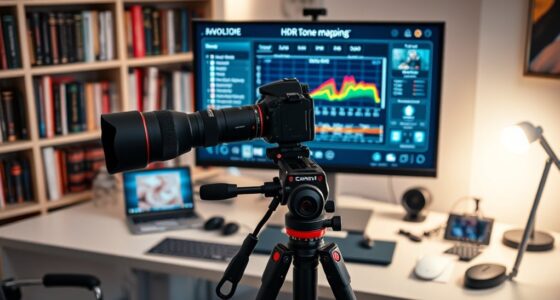
Understanding HDR on projectors involves knowing the differences between formats like HDR10 and HLG. HDR10 is the most common, providing bright, vivid visuals with static metadata to guarantee consistency. HLG is designed for live broadcasts, offering a smoother experience without needing metadata. To optimize, enable HDR mode, calibrate color and contrast, and use high-quality sources. Continuing to explore will help you get the most out of your HDR setup for stunning visuals.

Get business pricing on your home office setup
- Business-only prices and quantity discounts
- Tax-exempt purchasing
- Multiple users, one account, clear invoices
Key Takeaways
- HDR10 and HLG are common HDR formats; ensure your projector supports these standards for optimal playback.
- Enable HDR mode in the projector’s settings and use calibration tools or test patterns for fine-tuning.
- Proper calibration of brightness, contrast, and color enhances HDR performance and displays content accurately.
- Use high-quality HDR content from streaming, UHD Blu-ray, or gaming sources to maximize visual benefits.
- Keep projector firmware updated to access the latest HDR features and improve compatibility and image processing.
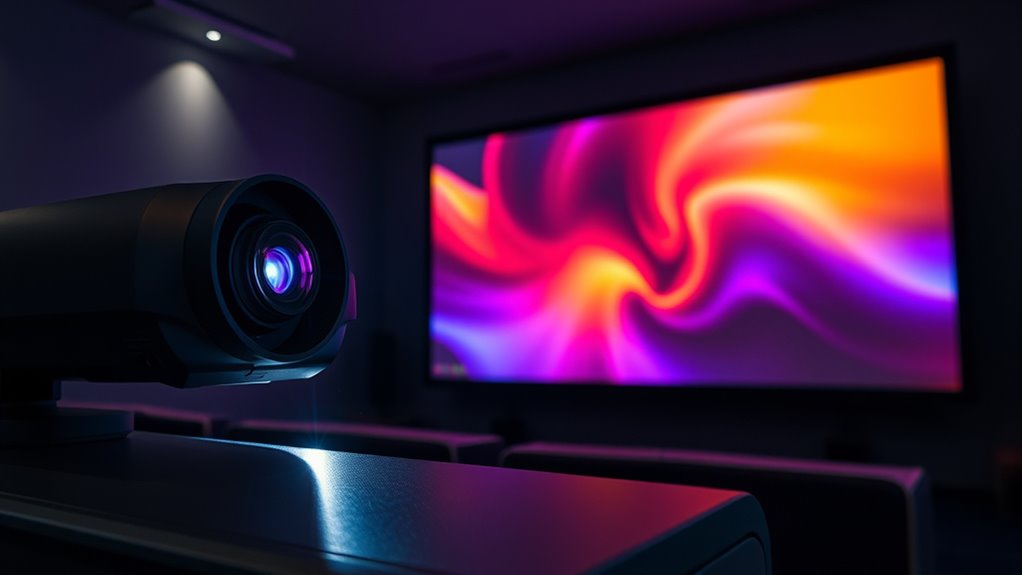
High Dynamic Range (HDR) has become a key feature in modern projectors, transforming how you experience images and videos. With HDR, you get brighter whites, deeper blacks, and a wider range of colors, making visuals more lifelike and immersive. But to truly enjoy these benefits, understanding HDR calibration is essential. Proper HDR calibration ensures your projector reproduces content accurately, aligning brightness, contrast, and color settings to match the source material. This process involves fine-tuning your projector’s internal settings or using calibration tools to enhance the display, so you don’t miss out on the full potential of HDR content.
Color grading plays a significant role in delivering stunning HDR visuals. When content is created, color grading adjusts the tones, hues, and luminance to produce a consistent and appealing image across different devices. For projectors supporting HDR10 or HLG formats, the original color grading determines how vivid and realistic the picture appears. As a user, you benefit from content that’s been carefully color graded to maximize contrast and color accuracy, but you also need to ensure your projector’s settings complement this work. Proper calibration aligns your projector’s color output with the original grading, allowing you to see the content as intended by the creators.
To enhance HDR viewing, start by ensuring your projector supports HDR10 or HLG, which are the most common HDR standards. Once confirmed, adjust your projector’s settings to enable HDR mode. Many projectors have dedicated HDR calibration options—use these to fine-tune contrast and brightness levels. Don’t forget to evaluate your projector’s color settings, adjusting saturation and tint for a balanced image that reflects the color grading of your content. If your projector allows, employ professional calibration tools or reference test patterns to verify accurate color reproduction and dynamic range. Additionally, understanding content compatibility can help you select the best sources for HDR enjoyment.
In addition to setting up your projector properly, consider the quality of the source content. HDR content from streaming services, Ultra HD Blu-rays, or gaming consoles typically offers the best experience. Keep your projector’s firmware updated to benefit from the latest image processing technologies and HDR enhancements. Remember, achieving suitable HDR performance isn’t just about enabling the feature; it’s about aligning your projector’s calibration with the content’s color grading, ensuring you see the full richness and depth intended by the creators. With careful calibration and proper setup, HDR on your projector can truly elevate your viewing experience to new heights.
HDR calibration tools for projectors
As an affiliate, we earn on qualifying purchases.
As an affiliate, we earn on qualifying purchases.
Frequently Asked Questions
How Does HDR Impact Gaming on Projectors?
HDR improves your gaming experience on projectors by boosting color accuracy and contrast enhancement, making visuals more vibrant and realistic. You’ll notice brighter highlights and deeper shadows, which add depth and immersion. This means you can see more detail in dark scenes and enjoy richer, more lifelike colors. Overall, HDR enhances your gameplay by delivering stunning visuals, making every moment more engaging and visually satisfying.
Can I Upgrade My Projector to Support HDR?
Think of your projector as a canvas waiting for new colors. You can often upgrade it to support HDR through firmware updates, provided it’s compatible. Check your projector’s compatibility first—some models allow firmware updates that enable HDR features. If it’s compatible, follow the manufacturer’s instructions to update. If not, you might need a new projector designed with HDR support to truly bring your visuals to life.
What Are the Differences Between HDR10 and Dolby Vision?
HDR10 relies on static metadata, providing consistent color grading across the entire content, while Dolby Vision uses dynamic metadata, adjusting brightness and colors scene-by-scene for a more vivid experience. You’ll notice Dolby Vision’s enhanced contrast and richer colors, making content more lifelike. If your projector supports Dolby Vision, you get superior picture quality with better control over color grading, especially in scenes with high contrast or subtle hues.
How Does Ambient Light Affect HDR Performance?
Bright room lighting and screen glare can wash out HDR visuals, dulling vibrant colors and deep contrast. When ambient light hits your projector screen, it reduces the perceived brightness and detail, making HDR less impactful. To optimize HDR performance, keep room lighting dim and minimize glare—use blackout curtains or adjust screen placement. Creating a dark environment helps HDR content shine, delivering richer colors and sharper contrast that truly enhance your viewing experience.
Is HDR Necessary for 4K Projector Content?
HDR isn’t strictly necessary for 4K projector content, but it remarkably enhances your viewing experience. With HDR, you get better color accuracy and more vibrant images, making details pop. Plus, it boosts brightness, improving contrast and depth, especially in dark scenes. While you can enjoy 4K content without HDR, enabling it makes movies and shows look more realistic and immersive, giving you the best possible picture quality.
As an affiliate, we earn on qualifying purchases.
Conclusion
Now that you’ve revealed the secrets of HDR on projectors, you’re armed with the knowledge to elevate your viewing experience to legendary levels. Whether it’s HDR10 or HLG, optimizing settings guarantees your images burst with stunning contrast and vibrant colors that can make your old movies feel like new blockbusters. Don’t settle for anything less—your projector can deliver a visual feast so breathtaking, it’ll feel like having a front-row seat to the universe’s most spectacular show.
projector test patterns for calibration
As an affiliate, we earn on qualifying purchases.
As an affiliate, we earn on qualifying purchases.
As an affiliate, we earn on qualifying purchases.
Fall Picks
fall essentials
As an affiliate, we earn on qualifying purchases.