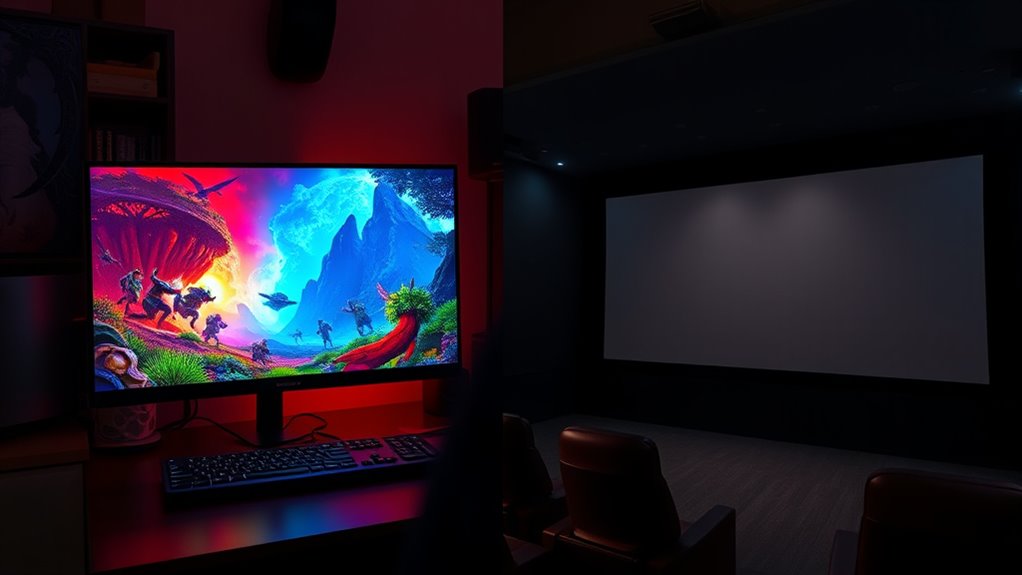

To optimize your display for gaming or cinematic content, focus on adjusting contrast, saturation, and color temperature. Gaming visuals benefit from heightened contrast and vivid colors to enhance action and immersion, often using preset modes like “Game Mode.” For cinema, aim for softer contrast and accurate colors by calibrating to a standard 6500K temperature, ensuring realism and subtlety. Understanding these differences helps you get the best experience—if you continue exploring, you’ll learn how to fine-tune your settings for each type.
Key Takeaways
- Gaming pictures prioritize high contrast, saturation, and vibrant colors for immersive, action-packed visuals, while cinema images favor softer contrast for realism.
- Use gaming mode presets to maximize brightness and contrast for fast-paced scenes, and calibrate for cinematic content with a standard 6500K color temperature.
- Adjust gamma, hue, and saturation based on content type—boost for gaming, subtle for cinema—to enhance visual accuracy and reduce eye strain.
- Professional calibration tools help fine-tune display settings to match artistic intent, ensuring accurate and consistent viewing experiences.
- Recognizing the artistic goal—vivid excitement for gaming versus realistic storytelling for cinema—guides optimal color optimization strategies.
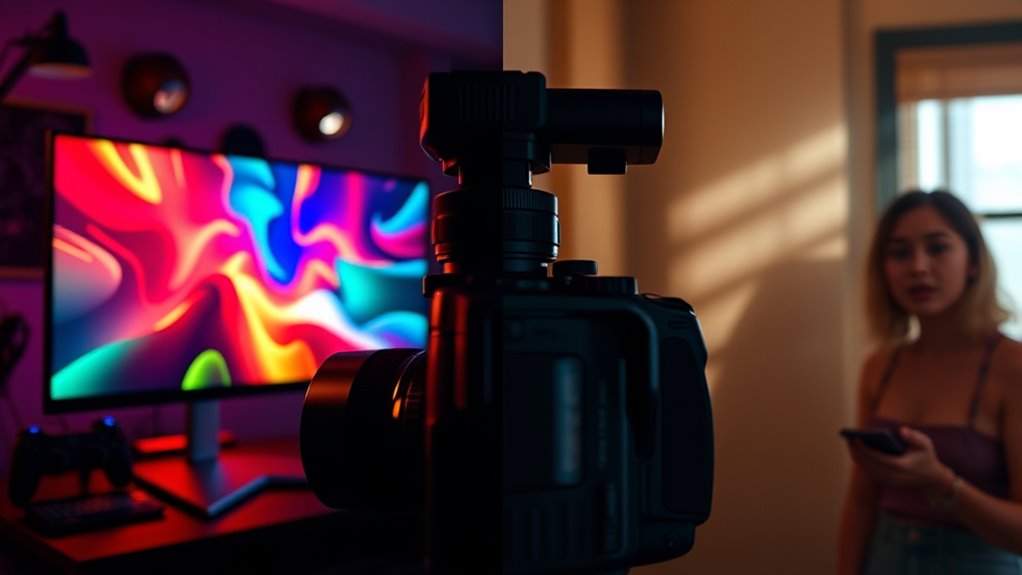
When it comes to optimizing colors, understanding the key differences between gaming pictures and cinema pictures is essential. Your goal is to adjust your display settings and perform accurate color calibration to match the content type. Gaming visuals often prioritize vibrant, punchy colors that enhance action, speed, and immersion. In contrast, cinema pictures aim for a more natural, cinematic look that emphasizes realism and subtlety. Recognizing these distinctions helps you tailor your display settings accordingly for the best viewing experience.
For gaming, you’ll want to boost contrast and saturation, making colors pop without oversaturating to the point of distortion. Adjust your display settings to maximize brightness and contrast, which helps in fast-paced scenes and dark environments. Many gaming monitors come with preset modes like “Game Mode” or “Vivid” that optimize these parameters automatically. However, for the most precise results, you should perform color calibration. Use calibration tools or software to fine-tune gamma, color temperature, and RGB balance. This ensures your display reproduces the vivid colors accurately, preventing a washed-out or overly intense look that can strain your eyes or diminish immersion.
Cinema pictures, on the other hand, benefit from a more subdued, accurate color calibration. You want your display settings to replicate the director’s vision, which typically involves softer contrast, more natural skin tones, and a balanced color palette. Adjust your display settings to a standard color temperature, such as 6500K, and set gamma levels to produce realistic shadows and highlights. Calibrating your display with professional tools or software helps you achieve a true-to-life image that faithfully reproduces cinematic content. This process involves tweaking the hue, saturation, and luminance to match the film’s intended aesthetic, ensuring you’re not inadvertently making the image look overly vibrant or dull. Proper calibration also involves understanding the color grading process used in filmmaking, which guides your adjustments to match cinematic intent.
gaming monitor calibration tools
As an affiliate, we earn on qualifying purchases.
As an affiliate, we earn on qualifying purchases.
Frequently Asked Questions
How Do Ambient Lighting Conditions Affect Gaming and Cinema Picture Quality?
Ambient lighting conditions greatly impact your gaming and cinema viewing experience. Too much ambient light can wash out colors and reduce contrast, making scenes harder to see clearly. In a dark viewing environment, colors appear more vibrant and details stand out better. To optimize picture quality, control ambient light by dimming or eliminating sources, creating a balanced viewing environment that enhances color accuracy and overall immersion for both gaming and cinema content.
Can Color Calibration Settings Be Universally Applied to All Gaming and Cinema Content?
Think of universal calibration as a one-size-fits-all suit—it’s convenient but rarely perfect. You can apply it broadly, but for the best experience, you should create content-specific profiles. These profiles adjust colors to match gaming or cinema content precisely, ensuring ideal visuals. So, while universal calibration offers a good starting point, customizing settings for each type of content guarantees a richer, more immersive viewing experience tailored to your preferences.
What Are the Best Display Technologies for Optimizing Colors in Gaming Versus Cinema?
For gaming, you should choose displays with fast response times, high refresh rates, and a wide color gamut to enhance vibrant visuals. Cinema benefits from displays with excellent color accuracy and deep blacks, often using OLED or high-end LCDs with precise display calibration. Prioritize display calibration and a broad color gamut for both, but optimize your settings based on content type to achieve the best color performance tailored to gaming or cinema.
How Do Different Color Profiles Impact Viewer Experience in Gaming and Cinema?
Imagine you’re watching a movie with a calibrated cinema color profile; it enhances color consistency and immerses you in the scene, improving viewer perception. Conversely, a gaming profile prioritizes vivid, dynamic colors for quick reactions, but may sacrifice accuracy. Different color profiles directly impact your experience by shaping how real or vibrant images feel, making your perception of content more immersive or intense depending on your activity.
Are There Specific Hardware Features That Enhance Color Accuracy for Each Content Type?
You can enhance color accuracy by looking for hardware enhancements like high-quality color filters, wider color gamuts, and advanced local dimming features. Additionally, software calibration tools allow you to fine-tune your display for specific content, whether gaming or cinema. Combining these hardware features with proper calibration guarantees vibrant, true-to-life colors, giving you a superior visual experience tailored to each type of content.
cinema display calibration software
As an affiliate, we earn on qualifying purchases.
As an affiliate, we earn on qualifying purchases.
Conclusion
So, next time you switch between gaming and cinema, ask yourself: are you truly optimizing your display for each experience? Remember, tailoring your color settings can elevate immersion and enjoyment, whether you’re battling in a game or watching a film. Don’t settle for a one-size-fits-all approach—adjust your visuals to match the content. After all, isn’t maximizing your viewing pleasure worth a few quick tweaks?
color calibration device for monitors
As an affiliate, we earn on qualifying purchases.
As an affiliate, we earn on qualifying purchases.
gaming mode monitor
As an affiliate, we earn on qualifying purchases.
As an affiliate, we earn on qualifying purchases.