
TL;DR
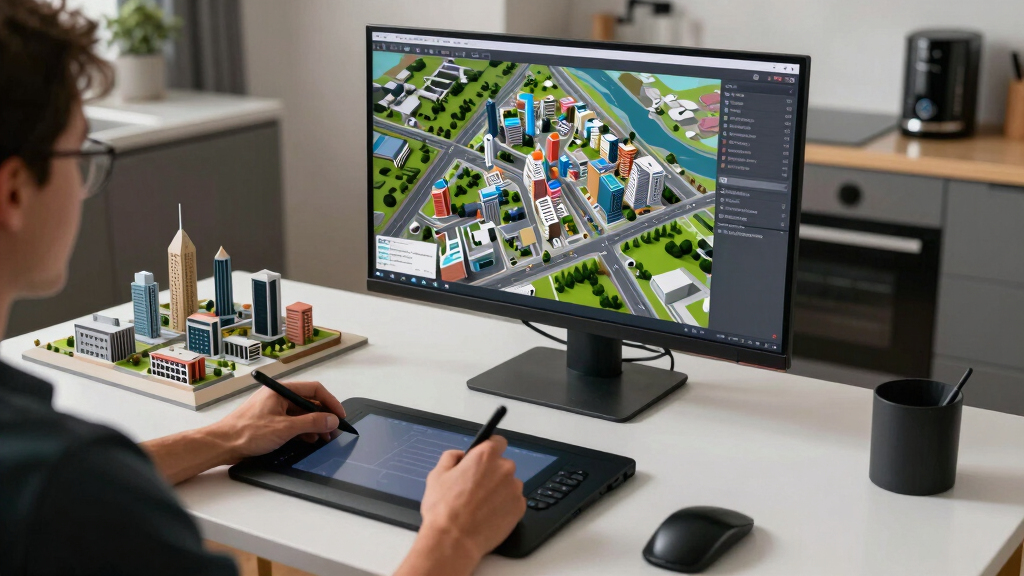
A user has demonstrated how to run SimCity 3000 in 4K resolution on Windows 10 using community patches and tweaks. This development confirms that the classic city-builder can be adapted for modern hardware and displays.
Confirmed: SimCity 3000 can now be played in 4K resolution on modern Windows systems using community-created patches and tweaks, enabling a high-resolution experience on current hardware.

Get business pricing on your home office setup
- Business-only prices and quantity discounts
- Tax-exempt purchasing
- Multiple users, one account, clear invoices
A user on Hacker News detailed how they successfully patched their original SimCity 3000 game to run in 4K resolution on Windows 10. The process involved replacing the game’s executable with a patched version from GOG that supports widescreen, editing configuration files to fix mouse acceleration, and installing a Direct3D wrapper to enable full resolution support. Additional patches addressed missing music and auto-updater issues, improving overall performance and compatibility. The user confirmed that these modifications allow the game to run smoothly at 3840×2160, with graphical and audio enhancements, on systems including Ryzen 5 3600 and Radeon RX 7600.
Why It Matters
This development matters because it revitalizes a beloved classic for modern audiences, allowing players to experience SimCity 3000 in high resolution on current hardware. It also demonstrates the longevity and adaptability of older PC games through community efforts, potentially inspiring further preservation and enhancement projects for other classic titles.
Products Worth Considering

Ring Wired Doorbell Plus – Nickel Silver with Floodlight Cam Plus – Black

Roborock Q7 M5+ Robot Vacuum and Mop with Self-Emptying Dock

Philips Hue Bridge Pro Smart Lighting Hub
As an affiliate, we earn on qualifying purchases.
Background
SimCity 3000, released in 1999, remains highly regarded among city-building fans for its balanced complexity and pixel art style. While running it on modern systems required tweaks, recent community efforts have focused on overcoming resolution and compatibility issues. Previous updates and patches have been unofficial, but this latest guide confirms that with the right modifications, the game can be played in 4K, matching modern display standards. The process involves replacing executables, editing configuration files, and installing compatibility wrappers, reflecting ongoing community engagement in game preservation.
“Now you can get back to dismissing petitioners, building golden statues of yourself, and zoning quiet farmland only to have it immediately bought over and turned into a brood of Smoke-O-Matics. All on your shiny Windows 10 box, in glorious 4K resolution!”
— Hacker on Hacker News
“These steps have been confirmed working on Windows 10. I don’t know about Windows 11, but if you try, let us know in the comments.”
— Community contributor
What Remains Unclear
It is not yet confirmed whether these patches and tweaks will work seamlessly on Windows 11 or future Windows versions. Additionally, the long-term stability of these modifications has not been formally tested, and some users may encounter compatibility issues depending on their hardware and system configuration.
What’s Next
Next steps include wider testing by the community on different systems, potential official updates or patches from developers, and documentation of any issues encountered. Further efforts may also focus on enhancing mod compatibility and expanding resolution options beyond 4K.
Key Questions
Can I run SimCity 3000 in 4K on any modern PC?
While the guide confirms success on Windows 10 with specific patches, compatibility may vary depending on hardware and system configuration. Users should follow the detailed steps carefully.
Are these patches officially supported?
No, these are community-created patches and tweaks. They are not officially supported by the original developers or publishers.
Will this work on Windows 11?
It has not been confirmed. Users on Windows 11 may need to test the patches themselves, and community feedback will be crucial for verification.
Does this fix all compatibility issues?
While it addresses resolution, graphics, and audio issues, some bugs or glitches may still persist depending on individual setups.
Is it safe to apply these patches?
As with any unofficial modifications, users should back up their game files and proceed cautiously. The patches are shared by reputable community sources but are not officially endorsed.
Source: Hacker News