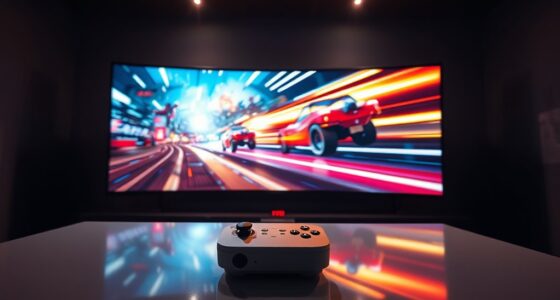
Using a bigger projector screen can make lag more noticeable because larger displays reveal system limitations more clearly, especially if your hardware struggles with high resolutions and refresh rates. As the screen size increases, you’ll see more lag, stuttering, or blurriness if your system isn’t powerful enough. To get the best experience, your system needs to handle higher performance demands. Keep exploring how to optimize your setup for smooth gameplay on large screens.
Key Takeaways
- Larger screens make lag and stutter more noticeable, especially if system performance isn’t optimized.
- Bigger projected images amplify the importance of higher refresh rates for smooth gameplay.
- Increased screen size demands greater processing power to maintain visual clarity and responsiveness.
- Lower refresh rates on large screens cause more apparent choppiness and perceived lag.
- Proper calibration and high contrast ratios can help reduce perceived lag on bigger screens.
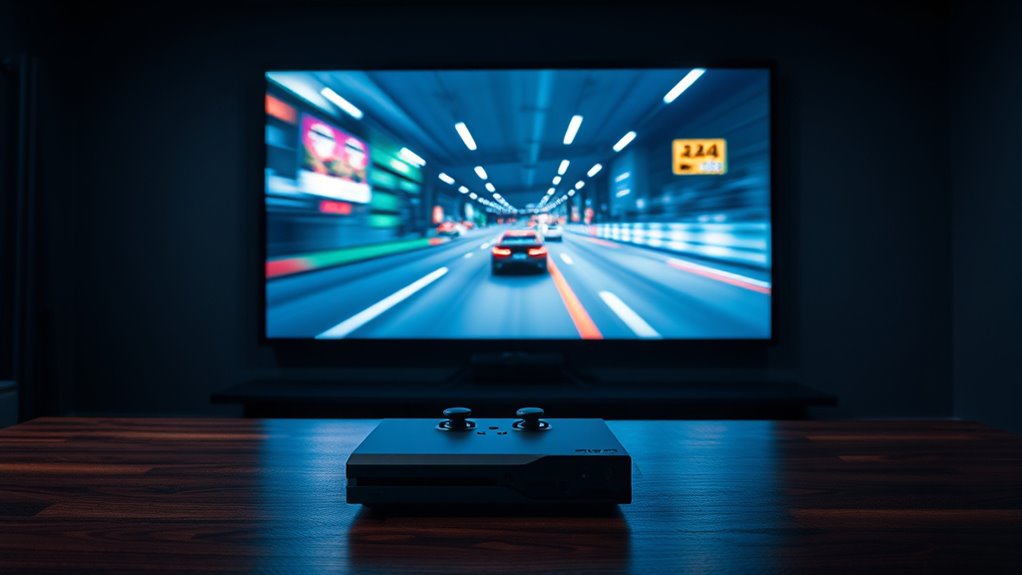
Have you ever wondered how the size of your projector screen can impact your gaming experience? It’s a common question among gamers looking to maximize immersion without sacrificing performance. One key factor to consider is how a larger screen influences your perception of lag and visual clarity. When you upgrade to a bigger screen, you might notice differences that aren’t just about size but also about how your system handles visuals, especially regarding refresh rate and screen resolution.
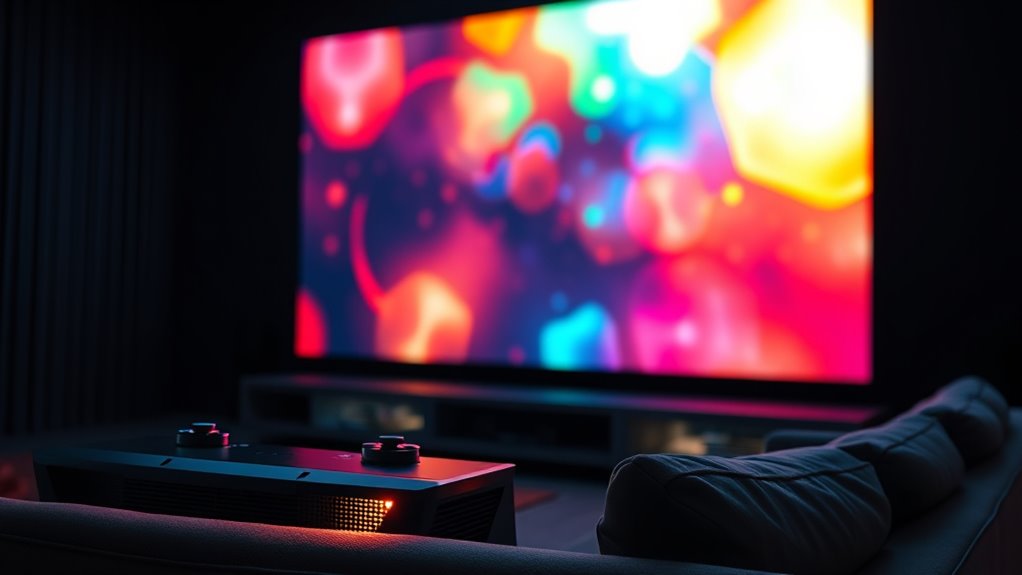
Your projector’s refresh rate plays a significant role in how smooth your gameplay appears, especially on larger screens. A higher refresh rate, like 120Hz or more, allows your display to update more times per second, reducing motion blur and making fast movements look crisp. When you use a larger screen, any lag or stutter becomes more noticeable because your eyes are drawn to the wider and clearer image. If your projector or gaming setup doesn’t support high refresh rates, you may perceive more lag or choppiness as the screen size increases, which can detract from your experience.
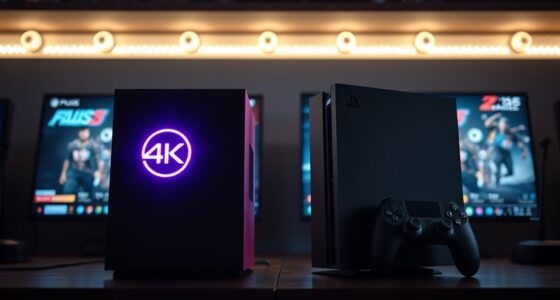
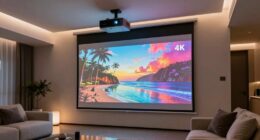
Screen resolution is equally vital. A higher resolution, such as 4K, offers sharper images and more detail, which is especially beneficial on a big screen. The clearer your visuals, the easier it is to track fast-moving objects and react promptly. Conversely, if your projector’s resolution is lower, the image may look pixelated or blurry when blown up to a larger size. This diminishes immersion and can make it seem like your game is lagging, even if the system is running smoothly. So, pairing a large screen with a high-resolution display ensures that visuals stay sharp and responsive, reducing perceived lag caused by poor image quality.
Additionally, a bigger screen amplifies the importance of your system’s overall processing power. Even if your refresh rate and resolution are high, a projector that struggles to keep up can introduce lag. When you increase screen size, any delay in rendering frames becomes more apparent because your eyes are taking in a broader, more detailed picture. To avoid this, you need a gaming setup that supports high refresh rates and resolutions that match your projector’s capabilities. Furthermore, understanding the contrast ratio can help you optimize your display settings to minimize visual lag and enhance image clarity on larger screens.

ViewSonic PX701-4K UHD 4K Projector with 3200 Lumens, 240Hz, 4.2ms, HDR, Auto Keystone, Dual HDMI for Home Theater
4K Home Theater Projector: UHD (3840x2160p) 4K resolution with a 1.5-1.6 throw ratio and 3,200 ANSI lumens perfect…
As an affiliate, we earn on qualifying purchases.
As an affiliate, we earn on qualifying purchases.
Frequently Asked Questions
How Does Screen Size Affect Image Resolution?
A larger screen doesn’t automatically lower image resolution, but it can affect your viewing experience. With bigger screens, pixel density decreases if the resolution remains constant, making the image appear less sharp. Additionally, the aspect ratio influences how the picture fits the screen; a mismatched ratio can cause distortion or letterboxing. To maintain clarity, choose a screen size that complements your resolution and pixel density, ensuring a crisp, immersive display.
Can Larger Screens Cause Eye Strain During Gaming?
Larger screens can cause eye strain during gaming, especially when you’re staring at a big, bright display for hours. You might experience visual fatigue and discomfort from prolonged focus and screen glare. To reduce this, take regular breaks, adjust brightness and contrast, and guarantee your lighting minimizes glare. By managing these factors, you can enjoy your game without sacrificing comfort or risking eye health.
Are There Optimal Projector Sizes for Different Game Genres?
You should choose projector sizes based on your game genre, considering screen aspect ratios and projector throw distance. For fast-paced games like shooters, opt for a smaller, more responsive screen to reduce lag perception. For immersive RPGs, a larger screen enhances experience, but make certain your throw distance supports it without distortion. Matching aspect ratios to your game type ensures ideal visuals, making your gaming sessions more enjoyable and comfortable.
Does Projector Brightness Impact Gaming Lag Perception?
Imagine you’re back in the days of dial-up internet, waiting for a game to load. Brightness impact actually affects your lag perception—a dim projector can make fast movements seem sluggish, while a well-lit image reduces eye strain and improves clarity. Higher brightness doesn’t directly lower lag, but it helps you perceive latency better by making visuals clearer. So, guarantee your projector’s brightness is sufficient for your gaming environment to minimize lag perception.
How Does Ambient Room Lighting Influence Projected Gaming Experience?
Ambient lighting influences your projected gaming experience by affecting visibility and color accuracy. Too much ambient light washes out the image, making details harder to see and colors less vibrant, which can hinder your gameplay. To improve your experience, control ambient lighting with curtains or dim lamps, and consider projectors with high brightness levels. This helps maintain sharp image quality and accurate colors, giving you better control and immersion during gaming sessions.

Mdbebbron 120 inch Projector Screen 16:9 Foldable Anti-Crease Portable Projector Movies Screens for Home Theater Outdoor Indoor Support Double Sided Projection
CONVENIENT TO STORAGE AND CARRY : Compact one-piece,lightweight and folding design. You can fold the projector screen in…
As an affiliate, we earn on qualifying purchases.
As an affiliate, we earn on qualifying purchases.
Conclusion
As you plunge into the world of gaming on a bigger screen, remember that size isn’t everything—your eyes and mind are the true masters. Think of your screen as the stage for your gaming adventure; a larger stage can make every move feel more dramatic, but it might also cast shadows of lag if your setup isn’t tuned right. Find that perfect balance, and let your gaming experience shine brighter than ever.

DSLRKIT Lens Focus Calibration Tool Alignment Ruler Folding Card(Pack of 2)
This compact ruler allows you to determine if your lens is auto-focusing accurately as it should. It is…
As an affiliate, we earn on qualifying purchases.
As an affiliate, we earn on qualifying purchases.

ViewSonic PA503HD 4000 Lumens High DLP Brightness Projector with 1.1x Optical Zoom, USB, and HDMI inputs for Home and Office
High Brightness DLP Lamp FHD Projector: Full HD (1920x1080p) resolution with a 1.4-1.6 throw ratio and 4,000 ANSI…
As an affiliate, we earn on qualifying purchases.
As an affiliate, we earn on qualifying purchases.