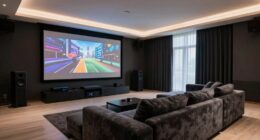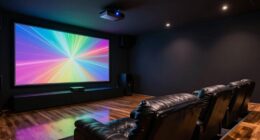
To set up an outdoor projector gaming night under the stars, focus on proper placement and lighting. Position your projector on a stable surface about 10-15 feet from the screen, aligning it accurately to avoid keystone distortion. Use soft, indirect lighting like string lights around your area to create ambiance without washing out the image. Adjust height and focus to enhance clarity and comfort. For more tips on perfecting your setup, keep exploring how to create a cozy outdoor gaming environment.
Key Takeaways
- Use soft, indirect lighting like string lights or lanterns to create a cozy outdoor gaming ambiance.
- Position the projector 10-15 feet from the screen, ensuring stable placement and proper alignment to prevent keystone distortion.
- Adjust projector height and focus to optimize image clarity, size, and minimize shadows during gameplay.
- Ensure nothing obstructs the lens and utilize keystone correction or lens shift features for perfect image alignment.
- Test the setup beforehand, balancing ambient lighting and screen brightness for the best gaming experience under the stars.
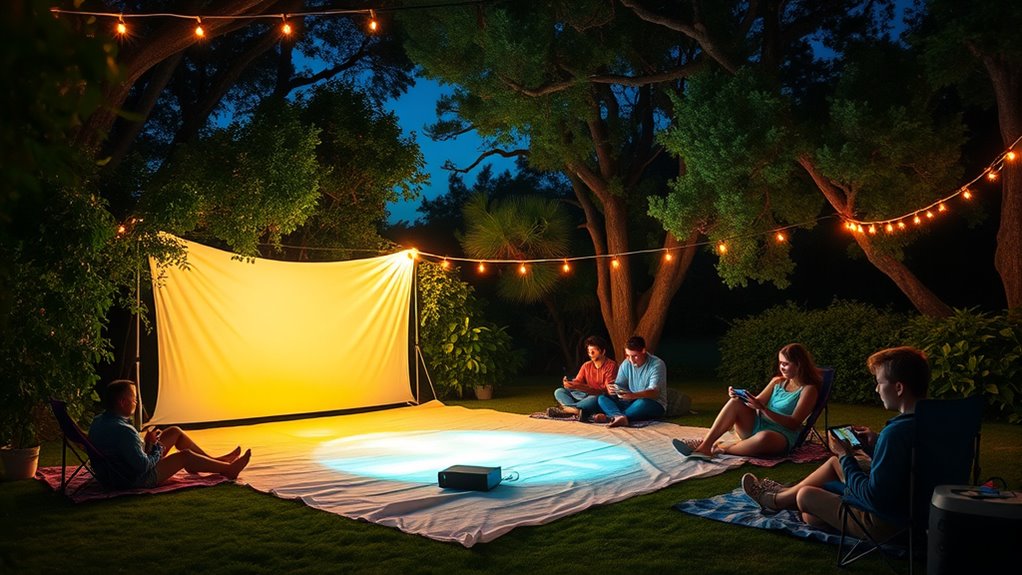
A gaming outdoor projector night transforms any backyard into an epic gaming arena, allowing you to enjoy your favorite games under the stars. To make this experience truly immersive, you need to focus on a few key setup elements, starting with your lighting setup and projector placement. The goal is to create the perfect balance of visibility and ambiance, guaranteeing your screen is clear without competing with ambient light or moonlight.
First, consider your lighting setup carefully. You want enough light to see your surroundings and move comfortably but not so much that it washes out your projected image. Soft, indirect lighting works best—think string lights, lanterns, or LED strips placed around the perimeter of your gaming area. These add a cozy atmosphere without interfering with the projector’s image. Avoid bright overhead lights or floodlights pointing toward your screen; they can cause glare and reduce contrast, making it difficult to see details on the screen.
Use soft, indirect lighting like string lights or lanterns to enhance ambiance without washing out your projected image.
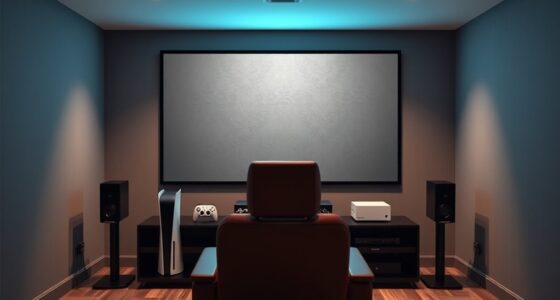
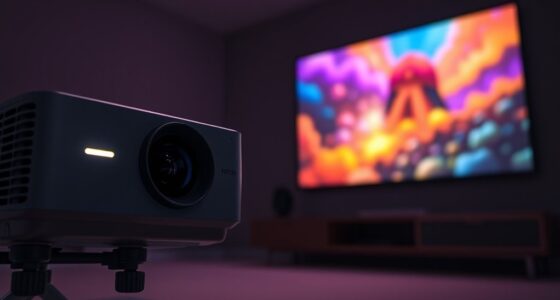
Next, pay close attention to projector placement. Positioning your projector correctly is vital for a sharp, focused image and a comfortable viewing experience. Ideally, place the projector on a stable surface or mount it on a tripod at a distance that matches the size of your outdoor screen or wall. Usually, you’ll want to position it about 10 to 15 feet away from the projection surface, but this varies depending on your specific projector’s throw distance. Use a ruler or tape measure to ensure the projector is aligned horizontally and vertically with your display area—this prevents keystone distortion and keeps your image rectangular. Also, consider the height; placing the projector at or slightly above eye level reduces neck strain and minimizes shadows cast by your head or controllers.
Make sure there’s nothing obstructing the projector’s lens—trees, furniture, or hanging decorations can interfere with the image. If your projector has keystone correction or lens shift features, take advantage of them to fine-tune the picture. Once everything is in place, test the setup with a short gaming session or a test image to check brightness, focus, and alignment. Adjust your projector’s placement as needed to optimize clarity and size. Additionally, choosing a projector with a high contrast ratio can significantly improve image depth and detail in your outdoor setup.

HAPPRUN Native 1080P Bluetooth Mini Projector, Full HD Portable Outdoor Movie Projector with Built-in Speaker, Compatible with Smartphone, HDMI, USB, AV, Fire Stick, PS5 for Home, Bedroom, Outdoor Use
[ Native 1080P Full HD Resolution ] – Enjoy crystal-clear visuals with HAPPRUN H1's native 1920×1080 resolution, delivering…
As an affiliate, we earn on qualifying purchases.
As an affiliate, we earn on qualifying purchases.
Frequently Asked Questions
What Is the Best Type of Projector for Outdoor Gaming?
You should opt for a short throw projector for outdoor gaming, as it can project a large image from a short distance, perfect for limited space. Pair it with a portable screen for easy setup and flexibility. Look for projectors with high lumens to combat ambient light, ensuring clear visuals. This combo provides an immersive gaming experience under the stars, making your outdoor gaming night unforgettable.
How Do I Prevent Bugs From Disrupting My Gaming Night?
To prevent bugs from disrupting your gaming night, start with bug prevention by applying insect control measures around your setup. Use citronella candles or bug repellents to keep insects at bay, and consider installing physical barriers like screens or netting. Keep the area clean, remove standing water, and turn off nearby lights that attract bugs. These steps help create a comfortable environment, so you can enjoy your outdoor gaming without interruptions.
What Are the Ideal Weather Conditions for Outdoor Projector Gaming?
Imagine your outdoor gaming setup as a delicate flower needing just the right conditions. Ideal weather considerations include clear skies, mild temperatures, and low humidity. Seasonal timing matters too—late spring or early fall often offers perfect conditions. Avoid windy or rainy nights, as these can ruin your experience. Check the forecast ahead of time to guarantee you pick a night with stable weather, making your gaming night smooth and enjoyable.
How Do I Set up Sound for Outdoor Gaming?
To set up sound for outdoor gaming, focus on your audio setup and speaker placement. Place speakers at ear level and position them behind or to the sides of your gaming area for immersive sound. Use wireless or portable speakers to avoid cords and make sure they’re weatherproof if needed. Test the volume beforehand, so the sound is clear without overwhelming, creating an ideal outdoor gaming experience.
What Safety Precautions Should I Consider?
Think of your outdoor gaming setup as a delicate garden; safety precautions act as your protective fence. You should prioritize fire safety by keeping flames away from equipment and ensuring proper electrical wiring. Use weatherproof covers to protect your gear from moisture and dust. Keep a fire extinguisher nearby and avoid overloading outlets. These steps keep your gaming night safe and equipment protected, letting you enjoy under the stars worry-free.

Brightown Outdoor String Lights, 50FT 25 G40 Bulbs Shatterproof Patio Lights, IP65 Waterproof Dimmable Hanging Connectable Globe LED Outdoor Lights for Backyard, Bistro, Porch, Deck, Balcony
【 50ft LED Connectable String Lights 】- This outdoor light comes with 25+2 G40 LED bulbs. Each bulb…
As an affiliate, we earn on qualifying purchases.
As an affiliate, we earn on qualifying purchases.
Conclusion
As you set up your outdoor projector gaming night, consider this: some believe that gaming under the stars can boost your creativity and reduce stress. While science isn’t conclusive, the idea of relaxing under the night sky while playing might just be a win-win. So, why not test it out yourself? Grab your favorite game, set up outside, and see if the stars make your gaming experience even more memorable. Who knows? You might discover a new way to unwind.
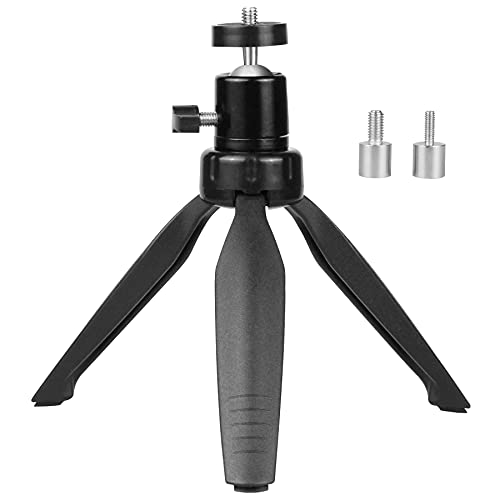
SoeKoa Mini Projector Tripod Mount Compatible with DR.J Upgrade, DBPOWER, Anker, AAXA Technologies, Artlii, LoongSon, APEMAN and Most Other Mini Projector
The Mini Projector Tripod Mount fits the majority of mini projectors with 3 sizes of screw adapters.
As an affiliate, we earn on qualifying purchases.
As an affiliate, we earn on qualifying purchases.

Mini Projector, HY300 PRO Portable Projector, Smart Projector Support 4K 1080P with Dual-Band WIFI6 5G Wireless 5.4 Bluetooth, 160 ANSI? Auto Keystone Correction Video Projector
【Advanced System and Rich Content】This smart projector is equipped with the latest Android TV 11.0 system, featuring a…
As an affiliate, we earn on qualifying purchases.
As an affiliate, we earn on qualifying purchases.