To balance a large screen for competitive gaming, focus on high resolution like 1440p or 4K to keep images sharp and clear. Pair this with a high refresh rate of 144Hz or more for smooth gameplay. Make sure your hardware, especially your graphics card, can support these settings without lag. Adjust your viewing distance and response time settings to reduce strain and motion blur. For more tips, keep exploring ways to optimize your setup for peak performance.
Key Takeaways
- Choose a high-resolution monitor (1440p or 4K) to maintain clarity on larger screens.
- Opt for a monitor with at least 144Hz refresh rate for smooth, responsive gameplay.
- Ensure your hardware can support high frame rates at the monitor’s resolution to prevent lag.
- Adjust viewing distance and ergonomic position to reduce eye strain and maximize immersion.
- Calibrate monitor settings for accurate colors and minimal motion blur for optimal competitive performance.
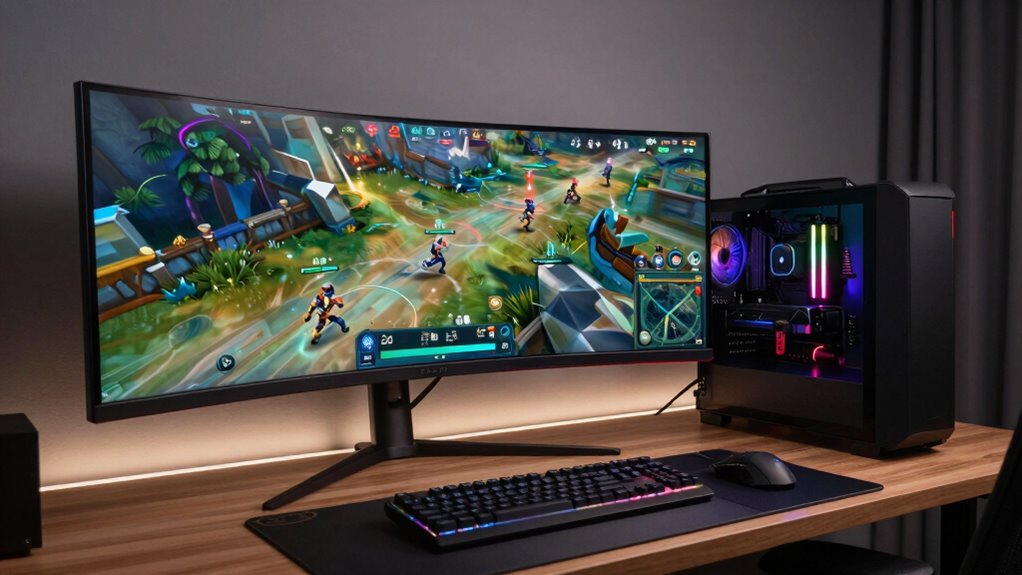
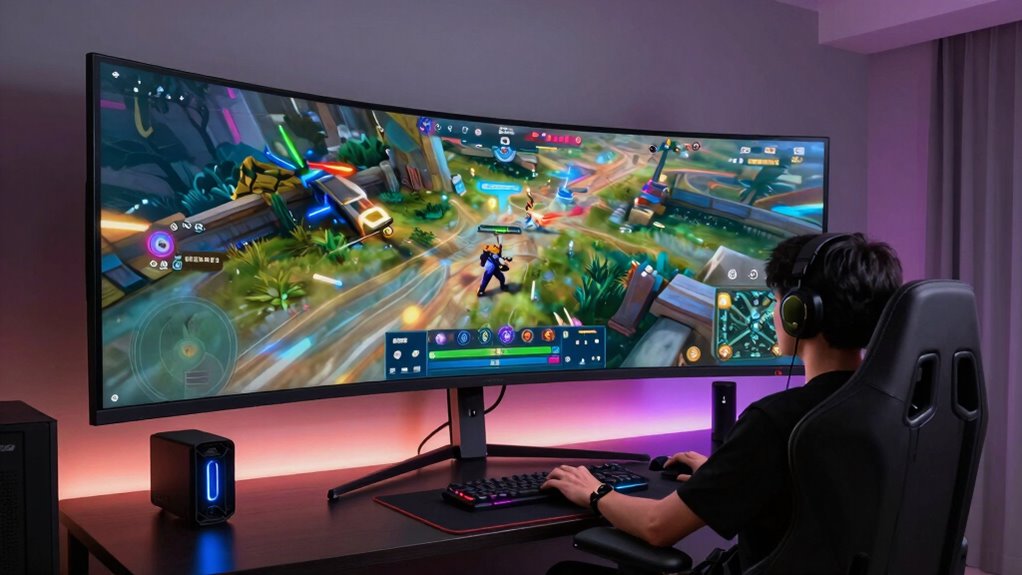
Have you ever wondered how to enjoy a large gaming screen without sacrificing your competitive edge? It’s a common dilemma—wanting the immersive experience of a big display but worried that it might slow you down or hinder your reaction times. The key lies in understanding how screen resolution and monitor refresh rate play crucial roles in balancing size with performance. When choosing a large monitor, focus on high screen resolution to ensure crisp, clear images. A higher resolution, like 1440p or 4K, provides more detail, allowing you to spot enemies and navigate complex environments with precision. However, a larger screen with a low resolution can cause images to appear pixelated or blurry, which might hinder your ability to react swiftly. So, prioritize a monitor that offers both size and high resolution to maximize clarity without sacrificing immersion.
Monitor refresh rate is equally important when aiming for a competitive edge on a large screen. Standard monitors often run at 60Hz, but for gaming, especially fast-paced titles, you should look for a display with at least 144Hz or higher. A higher refresh rate means the screen updates more times per second, resulting in smoother motion and less blur during rapid movements. This smoothness makes it easier to track enemies and respond quickly. When you combine a large screen with a high refresh rate, you get the best of both worlds: an expansive view that doesn’t compromise on the fluidity of gameplay. Keep in mind, however, that your graphics card must be capable of pushing high frame rates at high resolutions. If your hardware struggles, you might need to lower some settings to maintain a consistent, high refresh rate. Additionally, understanding how softener brine impact can affect your water system’s efficiency is similar to recognizing how hardware limitations can influence gaming performance, emphasizing the importance of balancing multiple factors. To optimize your setup, consider monitor calibration to ensure accurate colors and clarity, which can also improve your overall gaming experience.
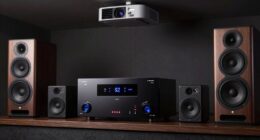
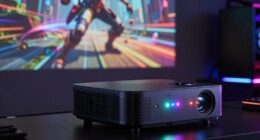
To truly balance size and performance, also consider the monitor’s response time. A low response time reduces ghosting and motion blur, further sharpening fast movements on a large display. Proper ergonomic positioning is another factor; sitting too close can make a big screen overwhelming or cause eye strain, so adjust your distance to keep the entire screen within your comfortable viewing range. Selecting the right projector type based on your space can also help optimize your viewing experience, especially when creating a dedicated gaming or cinema setup. Ultimately, choosing a monitor that combines high resolution, a high refresh rate, and low response time ensures you get an immersive experience that enhances your gameplay rather than hinders it. With the right setup, you can enjoy a large gaming screen that boosts your focus and reaction times, giving you an edge in competitive play.

acer Nitro 27 Inch QHD 2560 x 1440 IPS Gaming Monitor | AMD FreeSync | Up to 180Hz Refresh | Up to 0.5ms | DCI-P3 95% | HDR 10 Support | One Display Port 1.2 & Two HDMI 2.0 | KG271U N3bmiipx
Quality Visuals: The KG271U 27" IPS monitor with 2560 x 1440 QHD resolution in a 16:9 aspect ratio…
As an affiliate, we earn on qualifying purchases.
As an affiliate, we earn on qualifying purchases.
Frequently Asked Questions
What Is the Ideal Screen Size for Competitive Gaming?
The ideal screen size for competitive gaming is typically between 24 to 27 inches. You should position your monitor at eye level, with proper monitor placement to reduce strain and improve focus. Opt for a slightly curved screen if available, as it enhances immersion and reduces distortion. This size balances visibility and responsiveness, giving you an advantage without overwhelming your field of view, ensuring better performance during fast-paced matches.
How Does Screen Resolution Affect Gaming Performance?
Screen resolution directly impacts your gaming performance by affecting clarity, smoothness, and hardware compatibility. Higher resolutions offer sharper images but demand more from your GPU, possibly reducing frame rates. Lower resolutions boost performance but may compromise detail. To optimize, make certain your hardware can handle your chosen resolution and regularly calibrate your display for accurate visuals. Balancing resolution with your hardware capabilities helps you stay competitive and enjoy immersive gaming.
Can a Larger Screen Cause Lag or Input Delay?
Yes, a larger screen can cause lag or input delay if it introduces issues like screen flicker or increased display latency. When your display struggles to keep up with rapid movements, you might notice delayed responses during gameplay. To minimize this, choose a monitor with low display latency, guarantee your graphics card handles the resolution well, and look for models with minimal screen flicker, which helps keep gameplay smooth and responsive.
What Gaming Genres Benefit Most From Bigger Screens?
You’ll find that genres like racing, adventure, and immersive RPGs benefit most from bigger screens. A larger display enhances your experience by making visuals more vivid, especially when you adjust screen brightness for clarity. Guarantee audio synchronization is precise so you stay engaged. The bigger screen immerses you deeper into these genres, but remember to balance brightness and audio to avoid distractions and maintain sharp, responsive gameplay.
How Do I Reduce Eye Strain With Large Screens During Long Sessions?
To reduce eye strain during long gaming sessions with a large screen, you should enable blue light filters or glasses to minimize eye fatigue. Take regular breaks and do eye exercises, like blinking frequently or focusing on distant objects, to relax your eyes. Keep your screen at a comfortable distance and guarantee proper lighting in your room. These steps help protect your eyes and make extended gaming sessions more comfortable.

ASUS TUF Gaming 27” 4K HDR Monitor (VG27UQ1A) – 160Hz, 1ms, Extreme Low Motion Blur Sync, NVIDIA G-SYNC Compatible, AMD FreeSync Premium, 95% DCI-P3, DisplayWidget, 3 yr Warranty
27-inch 4K (3840 x 2160) gaming monitor with ultra-fast 160Hz refresh rate designed for professional gamers and immersive…
As an affiliate, we earn on qualifying purchases.
As an affiliate, we earn on qualifying purchases.
Conclusion
Balancing a large screen with competitive gaming performance is all about optimizing your setup and understanding your priorities. While some believe bigger screens inherently slow you down, recent tech advances suggest that high refresh rates and adaptive sync can bridge the gap. So, don’t shy away from size—just invest in the right gear and settings. With the right approach, you can enjoy immersive visuals without sacrificing the quick reflexes needed for competitive play.

AOC 24G51F 24 inch Gaming Monitor 1920×1080 144Hz, IPS Panel, Console Gaming Ready, Full HD, 3-Sided Frameless, 1x HDMI 2.0, 1x Display Port, 3-Year Zero-Bright-Dot
SHARP CLARITY: This 24'' class (23.8″ viewable) AOC gaming monitor delivers crisp Full HD visuals. Enjoy games, movies,…
As an affiliate, we earn on qualifying purchases.
As an affiliate, we earn on qualifying purchases.

SAMSUNG 32" Odyssey G55C Series QHD 1000R Curved Gaming Monitor, 1ms(MPRT), HDR10, 165Hz, AMD Radeon FreeSync, Eye Care, Glare Free, Sharp Resolution LS32CG550ENXZA
BOOST YOUR REALITY: Your gaming world, more lifelike than ever. With 1.7x the pixel density of Full HD,…
As an affiliate, we earn on qualifying purchases.
As an affiliate, we earn on qualifying purchases.