To optimize HDR gaming on a projector, adjust brightness and contrast settings carefully to enhance dark scenes while maintaining color accuracy. Use gaming modes with low input lag to keep responsiveness sharp, and fine-tune contrast to bring out details without overexposing highlights or losing shadow depth. Leveraging AI-driven calibration tools can simplify achieving perfect settings, ensuring vivid visuals with minimal lag. Continue exploring to discover how to balance these factors for the best gaming experience.
Key Takeaways
- Adjust contrast settings to enhance shadow depth and highlight details without causing overexposure.
- Use gaming mode or low input lag settings to maintain responsiveness during dark scene gameplay.
- Calibrate projector’s color accuracy to ensure true-to-life colors and vibrant visuals in HDR content.
- Balance brightness levels to improve visibility in dark scenes while avoiding loss of shadow detail.
- Utilize AI calibration tools and advanced processors to optimize HDR performance specifically for dark gaming environments.
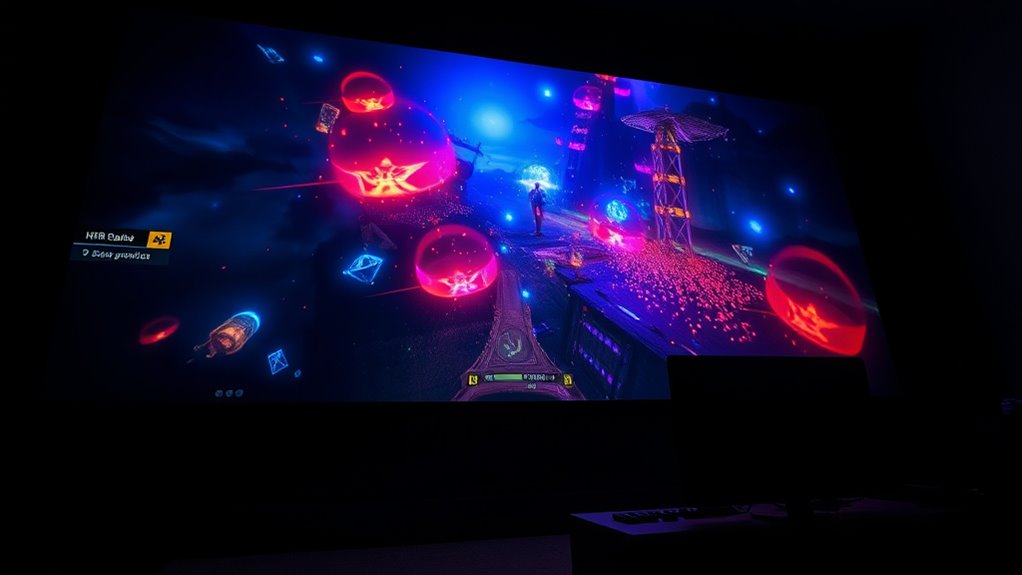
Ever wondered how HDR gaming transforms your projector experience? When you enable HDR, you’re revealing a new level of visual detail, especially in dark and bright scenes. This technology enhances contrast and brightness, making every shadow deeper and every highlight more vibrant. But to truly maximize your gaming experience, you need to focus on optimizing brightness and contrast settings for dark games. Properly calibrated HDR settings ensure you don’t lose important details in shadows or wash out bright areas, giving you a more immersive and visually stunning experience.
HDR gaming reveals richer shadows and highlights for a more immersive experience.
One key factor in achieving this is guaranteeing excellent color accuracy. HDR content relies heavily on rich, true-to-life colors, so your projector must reproduce colors as accurately as possible. When color accuracy is high, you’ll notice that dark scenes retain their depth without appearing muddy or overly dim. Precise colors allow you to distinguish subtle shades in shadows, which can be vital in gameplay, especially in stealth or horror titles. To improve this, you might need to adjust your projector’s color settings or choose a model with better color reproduction capabilities. Proper calibration can make the difference between a dull, washed-out picture and a vibrant, immersive environment.
Another critical aspect is managing input lag. When gaming, especially fast-paced dark games, low input lag is essential to maintain responsiveness. HDR processing can sometimes introduce delays, which might hinder your reaction times or cause a disconnect between your commands and what appears on screen. To prevent this, look for projectors with a low input lag rating or enable gaming modes that prioritize responsiveness. This way, you can enjoy stunning HDR visuals without sacrificing the precision needed for competitive gameplay.
Balancing brightness and contrast is also essential. Dark scenes benefit from high contrast settings that accentuate shadows and highlights without losing detail in the darkest areas. Increasing contrast can help make dark scenes pop, but if pushed too far, it can cause loss of detail in shadows or bright spots. Adjusting these settings carefully guarantees that the image remains detailed and vibrant across the entire spectrum.
Additionally, advancements in on-device AI capabilities like those found in recent Snapdragon processors are facilitating smarter calibration tools, making it easier for users to optimize their projectors for HDR gaming.

BenQ TH671ST | 1080p Short Throw Gaming Projector | Gaming Mode for Intense Low Input Lag Action | 3000 Lumens | Auto Vertical Keystone | Universal Connectivity | Built in speaker
UNPARALLELED PICTURE QUALITY: TV Projector, comes with Native Full HD 1080p Resolution, 92% Rec. 709 Color Accuracy, 3000…
As an affiliate, we earn on qualifying purchases.
As an affiliate, we earn on qualifying purchases.
Frequently Asked Questions
How Does HDR Impact Projector Lifespan and Maintenance?
HDR can slightly impact your projector’s lifespan because it demands higher brightness levels, which may accelerate bulb wear. To keep your projector in top shape, follow a proper maintenance schedule considerations like regular cleaning and cooling. Be mindful that increased brightness settings for HDR gaming might reduce bulb durability over time, so monitor usage and replace bulbs as needed to guarantee ideal performance and longevity.
Can HDR Gaming Cause Eye Strain on Projectors?
HDR gaming on projectors can cause eye strain, especially if you’re exposed to excessive brightness or contrast levels. While HDR enhances dark game scenes, it can lead to brightness fatigue, making your eyes work harder to adjust. You might notice discomfort or headaches after long sessions. To minimize this, adjust your projector’s settings for comfort, take regular breaks, and avoid prolonged exposure to overly bright images.
What Are the Best Settings for HDR Gaming on Different Projector Models?
For HDR gaming on different projector models, you should prioritize color calibration and contrast optimization. Start by adjusting the projector’s settings to match the manufacturer’s recommended HDR profiles, then fine-tune contrast to enhance dark game scenes without losing detail. Use test patterns or calibration tools if available, and always set brightness levels to prevent eye strain. These steps make certain vibrant visuals and a comfortable gaming experience across various projector models.
How Does Room Lighting Affect HDR Projector Performance During Gaming?
In a dimly lit room, your HDR projector performs best, as ambient lighting reduces glare and preserves contrast. For example, during a dark game, bright lights can wash out details and diminish HDR effects. To optimize performance, minimize ambient lighting and use curtains or glare reduction screens. This setup guarantees vibrant images, deep blacks, and immersive gameplay, preventing ambient light from dulling your HDR experience.
Are There Specific HDR Standards Compatible With All Projectors?
Not all projectors support the same HDR standards, but many are compatible with HDR10, Dolby Vision, or HLG. To guarantee the best performance, you should focus on HDR calibration and color accuracy. Check your projector’s specifications to see which HDR standards it supports. Keep in mind, achieving ideal HDR quality depends on proper calibration, so fine-tune brightness, contrast, and color settings accordingly for a vivid gaming experience.

DSLRKIT Lens Focus Calibration Tool Alignment Ruler Folding Card(Pack of 2)
This compact ruler allows you to determine if your lens is auto-focusing accurately as it should. It is…
As an affiliate, we earn on qualifying purchases.
As an affiliate, we earn on qualifying purchases.
Conclusion
Now that you know how to optimize brightness and contrast for HDR gaming on projectors, you’re ready to elevate your dark game experiences. Think of your projector as a torch in a dark cave—when tuned right, it reveals every detail and makes your gameplay immersive. Keep experimenting with settings, and you’ll enjoy stunning visuals that pull you right into the action. With a little adjustment, your projector becomes your ultimate gaming companion, illuminating every shadow and highlight perfectly.
![WavePad Audio Editing Software - Professional Audio and Music Editor for Anyone [Download]](https://m.media-amazon.com/images/I/B1fcLEGCs6S._SL500_.png)
WavePad Audio Editing Software – Professional Audio and Music Editor for Anyone [Download]
Full-featured professional audio and music editor that lets you record and edit music, voice and other audio recordings
As an affiliate, we earn on qualifying purchases.
As an affiliate, we earn on qualifying purchases.

BenQ TK710STi 4K HDR Laser 3200 Lumens Movie and Gaming Short Throw Projector with 4ms Response Time | 240Hz Refresh Rate | HDR10 & HLG | Android TV with Netflix Chromecast & AirPlay | 3D Keystone
BRIGHTEN YOUR LIVING ROOM: This Tv projector is great addition to your home theater set up. Experience movies…
As an affiliate, we earn on qualifying purchases.
As an affiliate, we earn on qualifying purchases.