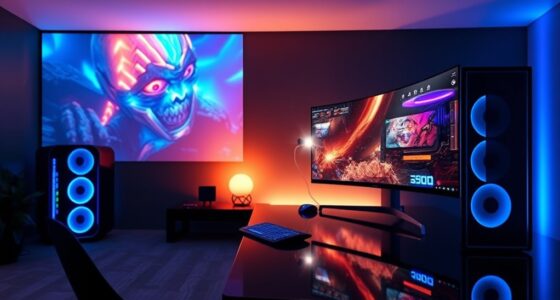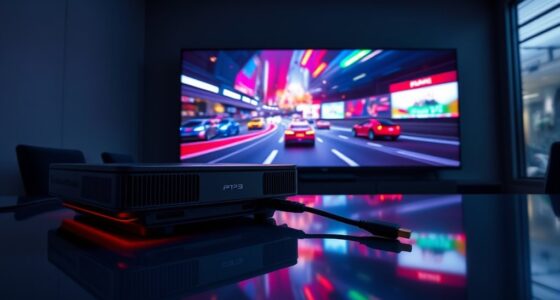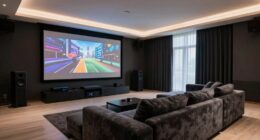

To establish your esports projector effectively, choose a room with minimal light and ample space. Use the right mount or screen and position the projector correctly to prevent distortion. Invest in high-quality sound, low-latency controllers, and guarantee cables are managed neatly. Regular maintenance like cleaning lenses and updating firmware keeps your setup performing at its best. Keep exploring, and you’ll discover how to create the ultimate immersive gaming environment.
Key Takeaways
- Select a high-refresh-rate projector with low input lag for smooth, responsive gaming performance.
- Optimize room lighting and wall surfaces to enhance image clarity and reduce glare.
- Properly position the projector using throw ratio calculations to avoid distortion and maximize screen size.
- Use quality cables and organized cable management to ensure stable signals and a clean setup.
- Incorporate essential accessories like sound systems and controllers to boost immersion and gameplay responsiveness.
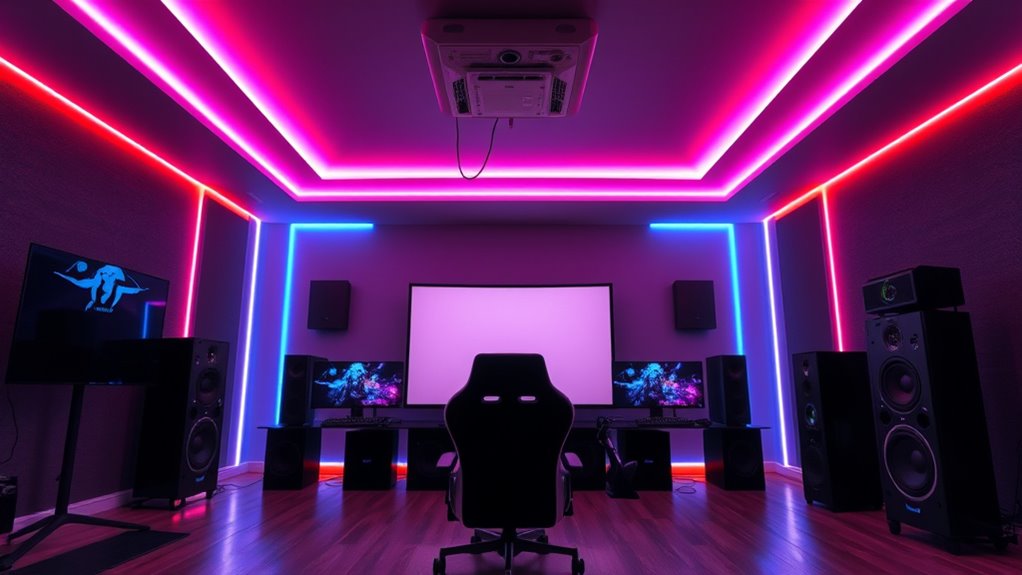
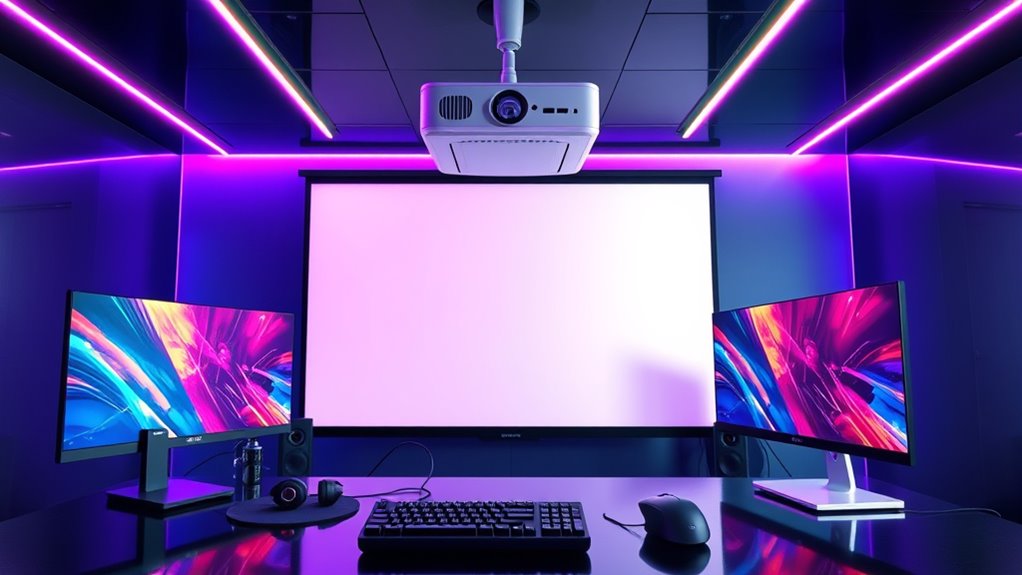
Setting up an esports projector can substantially enhance your gaming experience, but it requires careful planning and execution. To get the most out of your setup, you need to consider your gaming accessories, the environment, and ongoing projector maintenance. The right accessories, like a high-quality sound system, gaming controllers, and a sturdy mount or screen, can turn your space into a professional-grade arena. Make sure your accessories are compatible with your projector and optimized for gaming; for instance, low-latency controllers and a good audio setup will make a noticeable difference in your gameplay.
Before you start, choose a suitable location with ample space and minimal ambient light. A dark room with a blank wall or a dedicated projection screen provides the best image quality. Once you’ve selected your spot, position the projector at the appropriate distance to achieve the desired screen size. Most projectors come with a throw ratio, so check this to guarantee your setup fits within your room’s dimensions. Proper placement is essential to avoid distorted images or keystone effects, which can distract you during intense gaming sessions.
When it comes to projector maintenance, regular cleaning is essential to keep the image sharp and prevent overheating. Dust buildup on the lens or vents can degrade picture quality and shorten the lifespan of the device. Use a soft, lint-free cloth to clean the lens gently, and ensure the vents are clear of debris. Keep the projector in a well-ventilated space to prevent overheating, especially during long gaming sessions. Also, periodically update the projector’s firmware if available, as manufacturers often release updates that improve performance or fix bugs.
In addition, securing your projector properly prevents accidental damage. Mounting it on a stable ceiling mount or a sturdy stand reduces vibrations and keeps the image steady. Cable management is another essential aspect; neatly route HDMI, power, and audio cables to avoid tripping hazards and ensure a clean setup. Using high-quality cables can also improve signal stability, reducing latency and ensuring your gaming experience remains smooth and responsive. Furthermore, selecting a projector with high refresh rates and low input lag is critical for competitive gaming, as it helps maintain a seamless and responsive gameplay experience.

BenQ TH671ST | 1080p Short Throw Gaming Projector | Gaming Mode for Intense Low Input Lag Action | 3000 Lumens | Auto Vertical Keystone | Universal Connectivity | Built in speaker
UNPARALLELED PICTURE QUALITY: TV Projector, comes with Native Full HD 1080p Resolution, 92% Rec. 709 Color Accuracy, 3000…
As an affiliate, we earn on qualifying purchases.
As an affiliate, we earn on qualifying purchases.
Frequently Asked Questions
How Do I Calibrate My Projector for Optimal Gaming Performance?
To calibrate your projector for maximum gaming performance, start by adjusting the screen brightness so images are clear without washing out details. Then, fine-tune the color accuracy to guarantee vibrant, true-to-life visuals. Use a calibration disc or software for precise adjustments, and test with in-game scenes to verify your settings. Regularly re-calibrate to maintain the best performance, especially after updates or changes in your setup.
What Are the Best Projector Brands for Esports Setups?
You should consider top brands like Epson, Optoma, and BenQ for esports setups, as they offer excellent projector lens options and reliable performance. When choosing a projector, prioritize ergonomic projector placement to reduce eye strain and ensure smooth gameplay. These brands provide models with adjustable lens options, allowing you to customize your setup for ideal visuals and comfort, making your esports experience immersive and hassle-free.
How Do Ambient Lighting Conditions Affect Projector Gaming?
Ambient lighting substantially impacts your projector gaming experience. Bright room conditions and high ambient light can wash out the image, making details hard to see and reducing contrast. To optimize your setup, control room brightness with curtains or dim lighting, and consider a high-lumen projector that performs well in brighter environments. Minimizing ambient light helps you enjoy vibrant images, sharp details, and better overall gameplay.
Can I Use a Projector Outdoors for Esports Events?
Yes, you can use a projector outdoors for esports events, but outdoor lighting and weather considerations are essential. Choose a projector with high brightness (lumens) to combat ambient light, especially during daytime. Make sure it’s weatherproof or protected from rain, fog, and humidity. Set up in a shaded area to minimize light interference, and use a sturdy, weather-resistant screen to get a clear, immersive gaming experience.
What Maintenance Is Required to Keep the Projector in Top Condition?
Oh, sure, just ignore your projector’s bulb lifespan and lens cleaning routines—what’s the worst that could happen? Regularly check the bulb hours and replace it when needed to avoid sudden dimness. Clean the lens gently with a microfiber cloth to prevent image issues. These small maintenance steps keep your projector in top shape, ensuring your esports events stay crisp and vibrant without unexpected interruptions.

Highwings 8K 10K 4K HDMI Cable 48Gbps 6.6FT/2M, Certified Ultra High Speed HDMI Cable Braided Cord-4K@120Hz 8K@60Hz, DTS:X, HDCP 2.2 & 2.3, HDR 10 Compatible with Roku TV/PS5/HDTV/Blu-ray
Top Technology—-8K@60HZ: This 8K Ultra High Speed HDMI Cable uses the most cutting-edge technology, is compatible with 8K@60HZ…
As an affiliate, we earn on qualifying purchases.
As an affiliate, we earn on qualifying purchases.
Conclusion
So, after all this, you’ve got the ultimate projector setup for esports. Who knew that choosing the right screen, calibration, and placement could make or break your game? It’s almost funny how something so simple can seem so complex—yet here you are, ready to dominate. Just remember, even with all the gear, it’s your skills that truly matter. But hey, at least your setup’s perfect, right? Game on, and let the projector do its magic.

Mdbebbron 120 inch Projector Screen 16:9 Foldable Anti-Crease Portable Projector Movies Screens for Home Theater Outdoor Indoor Support Double Sided Projection
CONVENIENT TO STORAGE AND CARRY : Compact one-piece,lightweight and folding design. You can fold the projector screen in…
As an affiliate, we earn on qualifying purchases.
As an affiliate, we earn on qualifying purchases.

BAISHUN Projector Stand, Wall and Mini Ceiling Mount with 1/4-Inch Thread, 360-degree Rotation, Adjustable Tilt & Swivel, Foldable, Easy Setup Compatible with Most Projectors for Home, Office
Rock-Solid Stability: Heavy-duty metal construction, supports up to 4.4 lbs (2kg) with zero shaking, stays secure and steady…
As an affiliate, we earn on qualifying purchases.
As an affiliate, we earn on qualifying purchases.