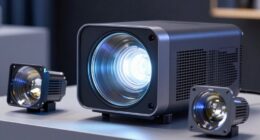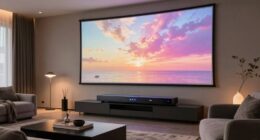
Using a projector for competitive gaming poses significant challenges due to latency, image clarity, and environmental factors that can slow your reaction times. The slight input delay and large display size may put you at a disadvantage in fast-paced esports. Achieving peak performance requires specialized projectors and a controlled setup. To see if gaming projectors can meet your needs and how to improve your experience, keep exploring the key considerations involved.
Key Takeaways
- Projectors often introduce input lag, which can negatively impact quick reactions essential in esports.
- Large screen sizes enhance immersion but may reduce responsiveness and increase reaction times during gameplay.
- Optimal setup in dark, controlled environments is necessary to ensure image clarity and minimize distractions.
- Specialized gaming projectors with low latency are available but are less common, affecting overall viability.
- Combining projectors with gaming monitors or low-latency screens can improve responsiveness for competitive play.
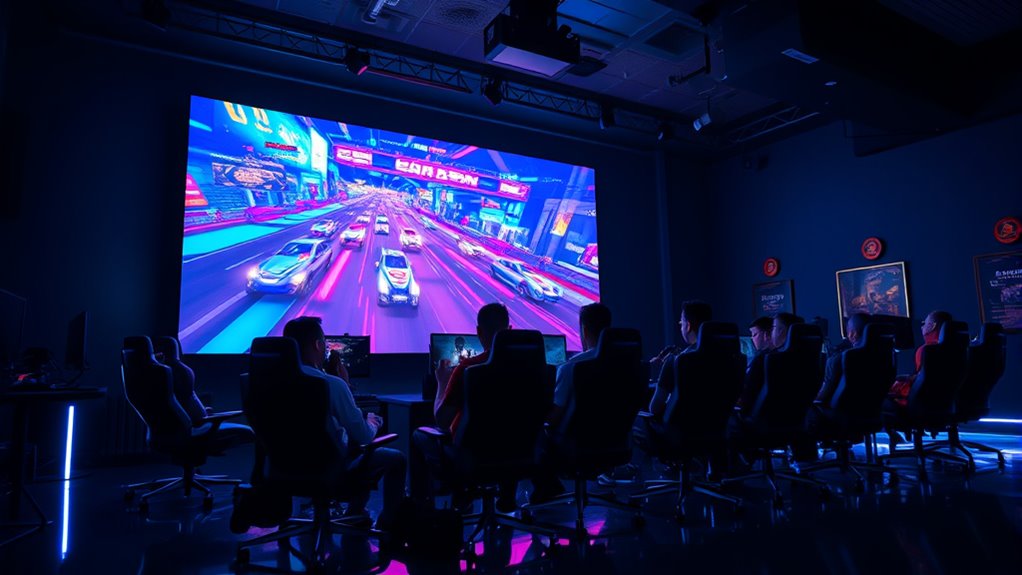
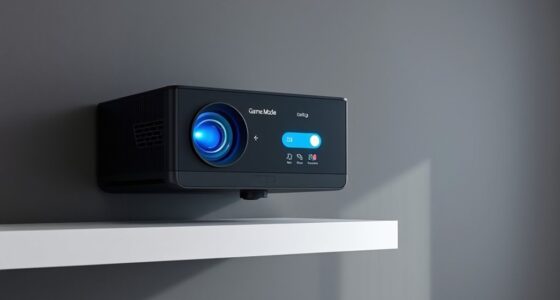
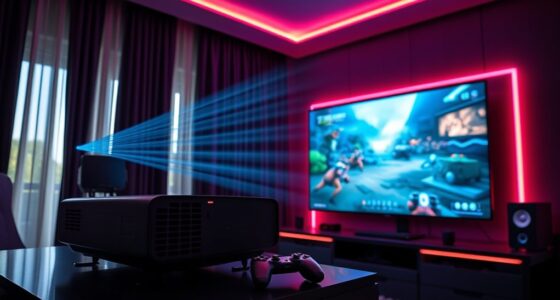
Playing competitive games on a projector can elevate your experience by immersing you in a larger-than-life display that makes every move and detail stand out. But as exciting as it sounds, there are important factors to weigh before diving into projector gaming for esports. One of the biggest concerns is latency issues. When you’re competing at a high level, even milliseconds matter. Projectors often introduce a slight delay between your input and what appears on the screen, which can be a disadvantage in fast-paced games. Some projectors have low latency modes, but not all models are optimized for quick response times. To guarantee you’re not at a disadvantage, you need to select a projector specifically designed with gaming in mind or combine it with an external gaming monitor or low-latency screen.
Choosing a gaming projector with low latency is essential for competitive play.
The impact of screen size is another critical aspect. Projectors can create enormous displays, sometimes over 100 inches diagonally, which enhances immersion and makes gameplay more engaging. However, larger screens also mean that small movements can appear exaggerated, possibly affecting your precision and reaction times. You might find yourself overcompensating or misjudging distances because of the scale. This is especially true if you’re used to standard-sized monitors, where pixel density and reaction times are more predictable. Additionally, the size can sometimes cause discomfort over extended periods, leading to eye strain or fatigue, which can hinder your performance during long gaming sessions.
Another factor tied to screen size is the viewing environment. Unlike traditional gaming setups, a projector requires a dark room for the best image quality. Ambient light or reflective surfaces can wash out the display, reducing clarity and making it harder to spot subtle details or react quickly. This can be a major hindrance in competitive play, where every detail matters. Furthermore, the distance between you and the projection surface influences your experience. If you’re too close, the image might appear distorted or uneven, affecting your ability to aim accurately. If you’re too far, the image might lose sharpness, and you could struggle to keep track of fast-moving objects. Additionally, color accuracy and contrast ratio are vital for distinguishing between different elements in fast-paced games, which can be compromised if the projector’s display quality is not optimal.
While the thrill of gaming on a giant screen is undeniable, these factors—latency issues and the impact of screen size—highlight why projectors might not yet be the go-to choice for serious esports competitors. To succeed, you need equipment that minimizes lag, offers crisp visuals, and fits your gaming environment. Otherwise, the immersive experience could come with drawbacks that hinder your competitive edge. With careful setup and the right gear, though, you can enjoy the benefits of a massive display while maintaining the responsiveness required for high-level play.
![Projector with WiFi and Bluetooth - [High Brightness/Electric Focus]Outdoor Movie Projector ,Portable Smart Home Projector 1080P 4K Supported for Movie Night/Home Theater/Bedroom Gift for Her/Him](https://m.media-amazon.com/images/I/41G+QcoJpmL._SL500_.jpg)
Projector with WiFi and Bluetooth - [High Brightness/Electric Focus]Outdoor Movie Projector ,Portable Smart Home Projector 1080P 4K Supported for Movie Night/Home Theater/Bedroom Gift for Her/Him
【Electric Focus & Auto Keystone】Gift for Her/Him!Say goodbye to the tediousness and inaccuracy of manual focusing. YOWHICK projector...
As an affiliate, we earn on qualifying purchases.
Frequently Asked Questions
How Does Projector Latency Compare to Traditional Gaming Monitors?
Projector latency generally exceeds that of traditional gaming monitors, which often have high refresh rates like 120Hz or 240Hz, ensuring smoother gameplay. You’ll notice that projectors typically have higher input lag due to their processing time, making fast-paced gaming less responsive. While projector resolution can be impressive, it doesn’t compensate for the increased latency, so if quick reactions matter, a gaming monitor remains the better choice for competitive play.
What Are the Best Projector Specifications for Competitive Gaming?
Think of your projector as a race car—speed and precision matter. To excel, choose one with at least 1080p resolution quality for sharp images and vibrant colors. Brightness levels should be at least 3,000 lumens to cut through ambient light, ensuring clarity. Low latency and high refresh rates are essential, turning your setup into a competitive powerhouse that keeps you sharp, responsive, and ready to dominate the game.
Can Projectors Handle Fast-Paced Esports Titles Effectively?
Yes, projectors can handle fast-paced esports titles effectively if they have high projection brightness and low input lag. Make certain the projector offers quick response times to keep up with rapid gameplay. Additionally, sound synchronization is vital for an immersive experience, so choose a model that minimizes audio delay. Properly calibrated, a high-quality projector can deliver competitive-level visuals and responsiveness, making it a viable option for esports enthusiasts.
What Are the Setup Challenges for Large-Scale Projector Gaming Arenas?
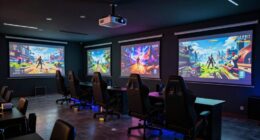
You’ll face several setup challenges for large-scale projector gaming arenas. Proper projector placement is critical to guarantee full coverage without shadows or distortions. Screen calibration is essential for accurate image quality, especially in brightly lit environments. You must also manage ambient light, secure reliable connections, and plan for maintenance. Addressing these factors carefully helps create a seamless, immersive experience that’s crucial for competitive gaming on a grand scale.
How Does Ambient Lighting Impact Projector Gaming Performance?
You might think ambient light is harmless, but it actually wrecks your projector gaming experience. It causes glare, reduces contrast, and washes out the image, making gameplay harder. To guarantee your performance isn’t compromised, control ambient light and use glare reduction techniques. Dimming lights or using blackout curtains helps create ideal conditions, so you can focus on winning instead of battling brightness interference.
![Projector 4K with WiFi and Bluetooth [2000 ANSI/AI Auto Focus/Built in Apps], Outdoor Movie Projector with Smart TV OS 2.0 & Dolby, HAPPRUN Home Theater Projector for Indoor/Outdoor Use](https://m.media-amazon.com/images/I/41qF81PSinL._SL500_.jpg)
Projector 4K with WiFi and Bluetooth [2000 ANSI/AI Auto Focus/Built in Apps], Outdoor Movie Projector with Smart TV OS 2.0 & Dolby, HAPPRUN Home Theater Projector for Indoor/Outdoor Use
[Intelligent Screen Adaption Technology]- Equipped with fully automatic focus, keystone correction, obstacle avoidance, and screen alignment. This tv...
As an affiliate, we earn on qualifying purchases.
Conclusion
So, imagine stepping into a world where your entire room transforms into the ultimate esports arena, with a giant projector screen that makes every move feel like you’re on a stadium-sized stage. While it’s a wild dream, the reality is that projectors still can’t compete with the lightning-fast response times of high-end monitors. For now, if you want to dominate the game, sticking with a traditional setup might just be your best shot—unless you’re ready to take on the giant screen challenge!
![[Updated 2000 ANSI/Google TV/4K Support] Smart-Projector with WiFi 6 and Bluetooth, Built-in Apps, Outdoor Movie Proyector, 1080P Home Theater Auto Focus Projector, PUTRIMS K12 (Gray, Standard)](https://m.media-amazon.com/images/I/51aboUDVckL._SL500_.jpg)
[Updated 2000 ANSI/Google TV/4K Support] Smart-Projector with WiFi 6 and Bluetooth, Built-in Apps, Outdoor Movie Proyector, 1080P Home Theater Auto Focus Projector, PUTRIMS K12 (Gray, Standard)
💎[Built with Google TV Stick] The smart projector truly designed for streaming is HERE! Built with Google TV...
As an affiliate, we earn on qualifying purchases.

Realistic Discs - Discs for Ainael Galaxy Projector, 5k Ultra HD Slide for Home Planetarium, 6 Discs Set Without Projector (Nebula 2)
PACKING LIST & WARRANTY: Includes 6 slides: Trifid Nebula M20, Helix Nebula NGC 7293, Crab Nebula M1, Scorpius...
As an affiliate, we earn on qualifying purchases.