
Integrating wireless audio systems with projectors lets you enjoy synchronized sound and visuals throughout your home effortlessly. You can easily control music and movie audio across multiple rooms with a smartphone or tablet, creating a seamless entertainment experience. Wireless setup means no messy cables, and you can customize zones for different music preferences or keep everything synchronized. If you’re curious about creating a flexible, high-quality entertainment hub, there’s more to explore below.
Key Takeaways
- Wireless audio systems enable seamless multi-room sound synchronized with projectors for immersive viewing experiences.
- They allow flexible speaker placement, eliminating wiring constraints and enhancing home theater setup.
- Users can control audio zones and volume easily via smartphone or tablet apps, matching sound with projector visuals.
- Multi-room synchronization ensures consistent audio across all zones during movie nights or music playback.
- Compatibility with voice commands and future upgrades simplifies managing integrated home entertainment systems.
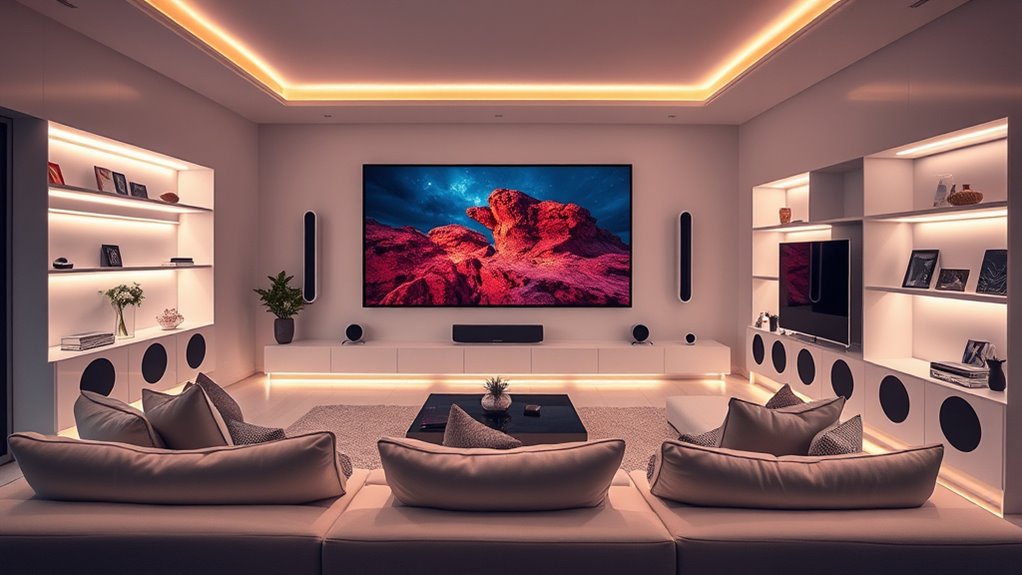
Imagine enjoying your favorite movies and music seamlessly throughout your entire home with a single, integrated system. With a wireless audio setup, this isn’t just a dream—it’s easily attainable. When you opt for whole-home audio with projectors, you want a system that delivers consistent sound quality and effortless control. That’s where multi room synchronization comes into play. It ensures every speaker, whether in the living room, bedroom, or patio, plays the same track at the same time, creating a unified listening experience. You won’t have to worry about delays or mismatched audio, which can be distracting and diminish the overall experience.
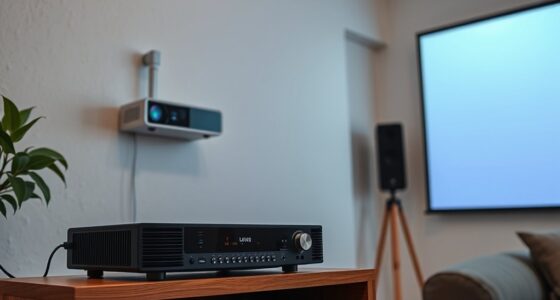
Setting up wireless speakers for multi room synchronization is simpler than you might think. First, choose a reliable wireless speaker system that supports multi-room functionality. Many modern systems use Wi-Fi or mesh networks to connect speakers, allowing you to place them anywhere in your home without worrying about cumbersome cables. Once installed, these speakers can be easily grouped and controlled via an app on your smartphone or tablet. This means you can select what plays in each room or sync everything for a cohesive audio experience throughout your home.
Choose reliable Wi-Fi or mesh systems for easy, cable-free multi-room audio setup.
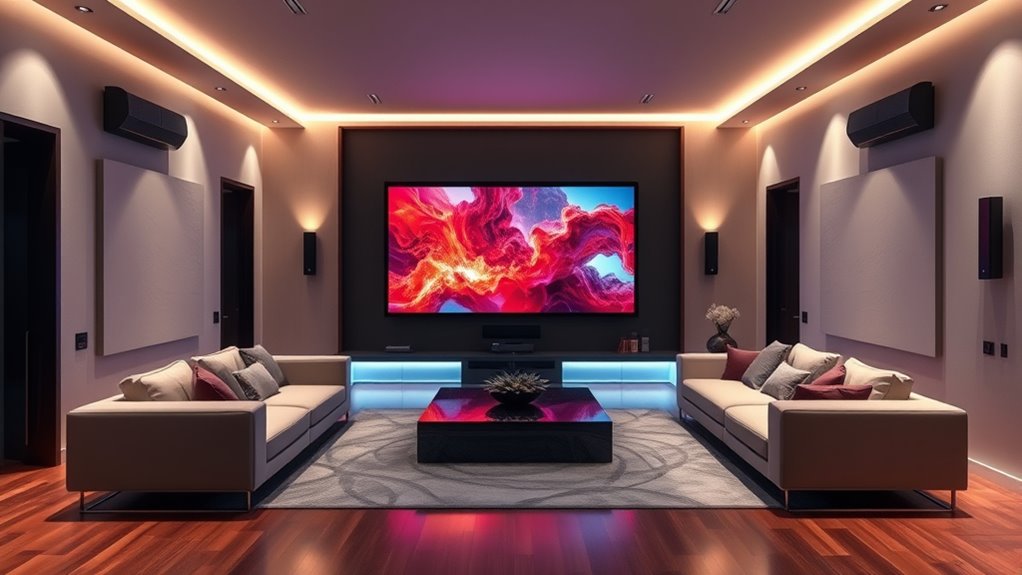
The beauty of a wireless speaker setup is that it offers flexibility. You’re not confined to specific spots or wired connections. Whether you want to fill a large living room with immersive sound or have background music in the backyard, your system can adapt. With multi room synchronization, you can also create different zones, playing different music in the kitchen and living room, or keep everything unified for a party or movie night. When paired with projectors, this setup enhances your home theater experience, with clear, synchronized sound complementing stunning visuals.
Moreover, wireless systems often come with user-friendly controls. You can adjust volume, switch sources, or change zones from your device, making it simple to customize your listening environment on the fly. Some systems even support voice commands, giving you hands-free control. This ease of use makes managing your whole-home audio feel natural and intuitive, especially when integrated with your projector setup for a seamless entertainment experience.
In essence, a well-planned wireless audio system with multi room synchronization transforms your home into an entertainment haven. It combines convenience, flexibility, and high-quality sound, all while allowing you to enjoy movies and music anywhere in your house without the clutter of wires. Additionally, wireless connectivity options ensure your system remains reliable and easy to maintain as technology evolves. When you invest in this kind of setup, you’ll wonder how you ever enjoyed your entertainment without it.
wireless multi-room speaker system
As an affiliate, we earn on qualifying purchases.
As an affiliate, we earn on qualifying purchases.
Frequently Asked Questions
How Do Wireless Audio Systems Handle Multiple Zones in a Home?
Wireless audio systems handle multiple zones by allowing you to set up multi-room synchronization, so each zone plays the same or different music simultaneously. You manage audio sources easily through a central app, giving you control over what plays where. You can stream from various devices, adjust volume independently, and switch zones effortlessly, creating a seamless listening experience across your home.
What Are the Latency Issues With Wireless Audio and Projectors?
Latency issues with wireless audio and projectors can cause noticeable delays during playback. You might experience audio buffering, which leads to sync problems, especially with videos or live content. Signal interference from other wireless devices can also increase latency, disrupting the experience. To minimize these issues, guarantee your system uses a stable connection, and consider devices with low-latency features for smoother audio-visual sync.
Can Wireless Audio Systems Integrate With Existing Smart Home Devices?
Imagine your smart home as a bustling city, where wireless audio protocols act like highways connecting devices seamlessly. Yes, you can integrate wireless audio systems with existing smart home devices, creating a harmonious network. By using compatible smart home integration platforms and protocols like Wi-Fi or Bluetooth, you guarantee your audio system communicates effortlessly with lights, thermostats, and security, making your home smarter and more synchronized.
What Maintenance Is Required for Wireless Audio Equipment?
You need to regularly check your wireless audio equipment’s battery life to guarantee uninterrupted use, especially for portable devices. Keep firmware updates current, as they improve performance and fix security issues. Also, clean the devices gently to prevent dust buildup and verify connections periodically. This simple maintenance keeps your system running smoothly, prolongs its lifespan, and ensures peak sound quality across your smart home setup.
Are There Compatibility Concerns With Different Projector Brands?
They say “a chain is only as strong as its weakest link,” so check brand compatibility before connecting your projector. Most wireless audio systems work across different brands, but compatibility issues can arise, especially with older devices. To keep everything running smoothly, make certain firmware updates are current, as they often improve compatibility and fix bugs. Doing this helps your system stay integrated and functional, no matter the brand.
home theater wireless audio system
As an affiliate, we earn on qualifying purchases.
As an affiliate, we earn on qualifying purchases.
Conclusion
Bringing whole-home audio with projectors transforms your space from silent to vibrant, yet it’s the quiet moments—like the soft hum of a speaker—that remind you of the technology working behind the scenes. As visuals dazzle and surround sound immerses, don’t forget the understated elegance of wireless systems, quietly connecting every room. In this blend of sight and sound, you create a seamless experience—dynamic and discreet—where technology becomes the backdrop to your everyday life.
Wi-Fi enabled smart speakers
As an affiliate, we earn on qualifying purchases.
As an affiliate, we earn on qualifying purchases.
wireless surround sound system for home
As an affiliate, we earn on qualifying purchases.
As an affiliate, we earn on qualifying purchases.