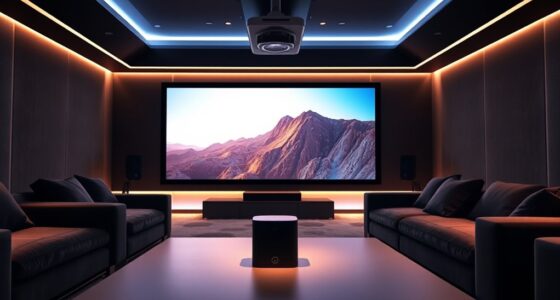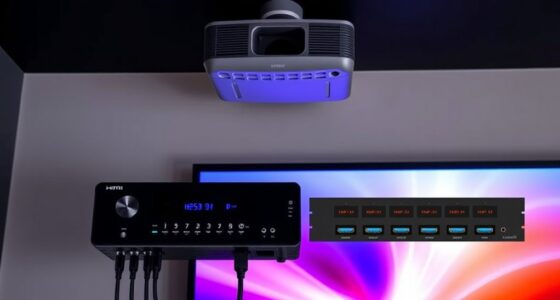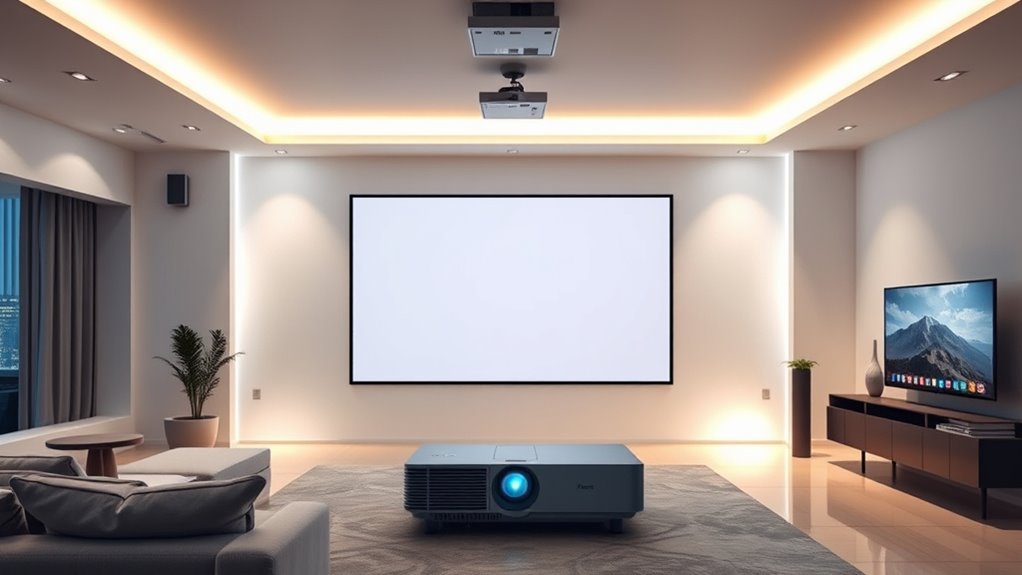
By connecting your lights and screens with your projector through smart home integration, you can create a seamless, immersive entertainment setup. Voice commands let you dim lights, switch screens, and activate your projector effortlessly, reducing the hassle of multiple remotes or app switching. This setup not only enhances your experience but also saves energy by automating lighting and device control based on routines. Keep exploring how smart home integration can transform your entertainment space even further.
Key Takeaways
- Use compatible smart home hubs or controllers to connect your projector, lights, and screens for seamless synchronization.
- Implement voice commands or automation routines to synchronize lighting and screen adjustments during movie or presentation modes.
- Integrate smart lighting and screens with your projector via apps or compatible smart home platforms for centralized control.
- Set up automated triggers that dim lights and lower screens when the projector is powered on for an immersive experience.
- Regularly update device firmware and software to ensure optimal compatibility and smooth integration between all smart home components.
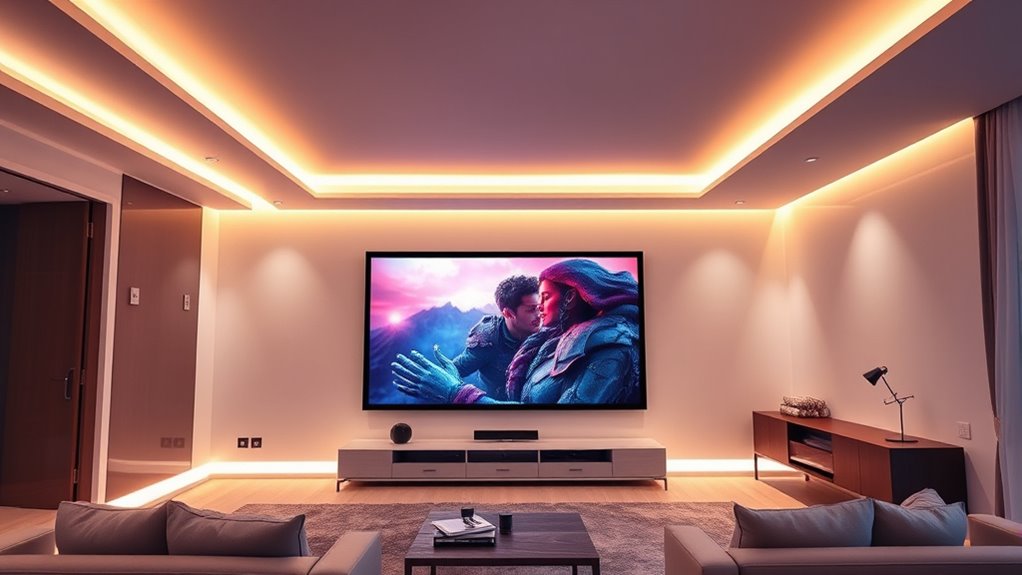
Smart home integration has transformed the way you interact with your living space, making everyday tasks more convenient and efficient. When it comes to syncing your lights and screens with your projector, this technology streamlines your entertainment setup and enhances your overall experience. You can effortlessly control everything with just your voice, eliminating the need to juggle multiple remote controls or switch between different apps. Voice control allows you to turn lights on or off, adjust brightness, change screen inputs, or even power down your projector, all with simple commands. This seamless interaction not only saves you time but also creates a more immersive environment where technology responds intuitively to your needs.
By integrating your smart devices, you gain more than just convenience—you also improve energy efficiency within your home. When you use voice commands to manage your lighting, you can easily dim or turn off lights when they’re not needed, reducing unnecessary energy consumption. Similarly, syncing your projector with smart home systems enables you to switch it on only when necessary, avoiding wasteful standby power. Over time, these small adjustments add up, lowering your energy bills and reducing your carbon footprint. Plus, smart lighting systems can be programmed to operate on schedules or adjust based on ambient light levels, further optimizing energy use without sacrificing comfort.
Smart device integration boosts energy efficiency and reduces your carbon footprint effortlessly.
The real advantage of smart home integration lies in its ability to create a harmonious environment tailored to your preferences. Imagine walking into your living room and saying, “Movie time,” which triggers your projector to turn on, your lights to dim, and your screens to automatically switch to the right input. This level of automation simplifies your setup and ensures everything is ready for your viewing experience. You’re no longer bound by manual controls or complicated setups—your voice commands do the work for you. With smart home technology, you can also customize routines, so your lights and screens respond differently depending on the time of day or activity, making your space more adaptable and energy-conscious. Additionally, understanding juice cleanses and detox, such as their health benefits and potential side effects, can contribute to a healthier lifestyle outside of home automation.
In essence, integrating your lights and screens with your projector creates a smarter, more efficient living space. Voice control makes managing devices effortless, while energy efficiency ensures you use resources wisely. This synergy not only enhances your entertainment experience but also promotes sustainable living. As you continue to explore smart home options, you’ll find that these integrations become more intuitive and personalized, giving you greater control over your environment and helping you enjoy your space to its fullest.
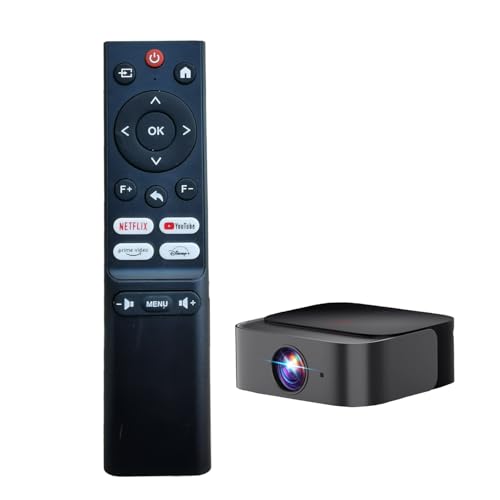
RUOYINKE Remote Control Compatible for DBPOWER E2 Smart Home Mini Projector, (Not Compatible with Other Brands,Maybe They Look The Same)
RUOYINKE Remote Control Only Compatible for E2 Mini Projectors, Not compatible with other brands and models
As an affiliate, we earn on qualifying purchases.
As an affiliate, we earn on qualifying purchases.
Frequently Asked Questions
Can Smart Home Systems Control Non-Compatible Projectors?
Yes, you can control non-compatible projectors with smart home systems through universal compatibility solutions. Using device integration hubs or universal remote controls, you can connect your smart home system to your projector, even if it’s not natively compatible. These tools act as intermediaries, allowing you to automate and control your projector alongside other smart devices, streamlining your home entertainment experience effortlessly.
What Security Measures Protect My Smart Home Integrations?
Imagine you control your smart home with voice commands, like adjusting lights during movie night. To keep your system secure, data encryption safeguards your information, preventing unauthorized access. You should also enable strong, unique passwords and two-factor authentication. Regular firmware updates patch vulnerabilities, and secure Wi-Fi networks prevent intrusions. These measures ensure your smart home integrations stay safe while you enjoy seamless control.
How Do I Troubleshoot Connectivity Issues Between Devices?
To troubleshoot connectivity issues, first check if your devices are properly paired and within range. Make certain there’s no signal interference from other electronics or Wi-Fi networks, which can disrupt device pairing. Restart your devices and your Wi-Fi router to reset connections. If problems persist, update device firmware and re-establish pairing. Keeping devices close and minimizing interference often restores smooth communication, making your smart home work seamlessly.
Are There Energy-Saving Options for Integrated Lighting and Screens?
You can save tons of energy with smart options like energy-efficient lighting and power-saving screens that practically sip power. These features automatically dim or turn off lights when not needed, and screens adjust brightness for ideal viewing without wasting energy. Setting up timers or motion sensors further boosts efficiency, making your home not only smarter but also a powerhouse of eco-friendly tech that reduces your carbon footprint effortlessly.
Can Multiple Users Control the Smart Home Setup Simultaneously?
Yes, you can control your smart home setup simultaneously with multiple users. You’ll want to set up user permissions to manage who can access and modify settings. Voice commands are helpful for quick control, but make sure each user has the appropriate permissions. This way, everyone can enjoy seamless control, whether through voice or app, without conflicts or accidental changes.

DAYBETTER 100 ft Smart WiFi Led Lights, Led Strip Lights Work with Alexa and Google Assistant, App Voice Remote Control Music Sync Color Changing RGB Strip Lighting for Bedroom Room Decor, 50 ft *2
Hands-Free Voice Control: Smart led strip lights work great with Alexa and Google Assistant, you can effortlessly control…
As an affiliate, we earn on qualifying purchases.
As an affiliate, we earn on qualifying purchases.
Conclusion
By integrating your lights and screens with your projector, you create a seamless home theater experience that feels like stepping into your own personal cinema. This smart setup turns your space into a symphony of synchronized devices, where every element works together like a well-conducted orchestra. With just a few simple steps, you’re transforming your room into a mesmerizing escape, where technology and comfort blend effortlessly—making every movie night feel like a blockbuster premiere.

Home Assistant Green | Smart Home hub with Advanced Automation | Official Home Assistant Hardware
💡 EASIEST WAY TO GET STARTED WITH HOME ASSISTANT – With Home Assistant already installed, it only requires…
As an affiliate, we earn on qualifying purchases.
As an affiliate, we earn on qualifying purchases.
![[Officially-Licensed APP & 2500 ANSI] 4K Projector with WiFi and Bluetooth,TOF Real-Time Auto Focus Smart Projector, AuKing Outdoor Movie Home Theater Proyector with Omni-Adjustable Stand(Grey)](https://m.media-amazon.com/images/I/51jcTjFXrwL._SL500_.jpg)
[Officially-Licensed APP & 2500 ANSI] 4K Projector with WiFi and Bluetooth,TOF Real-Time Auto Focus Smart Projector, AuKing Outdoor Movie Home Theater Proyector with Omni-Adjustable Stand(Grey)
[Smart Projector Built-in APP – Cinema Experience, Anywhere] Experience effortless entertainment with the AuKing smart projector, which features…
As an affiliate, we earn on qualifying purchases.
As an affiliate, we earn on qualifying purchases.