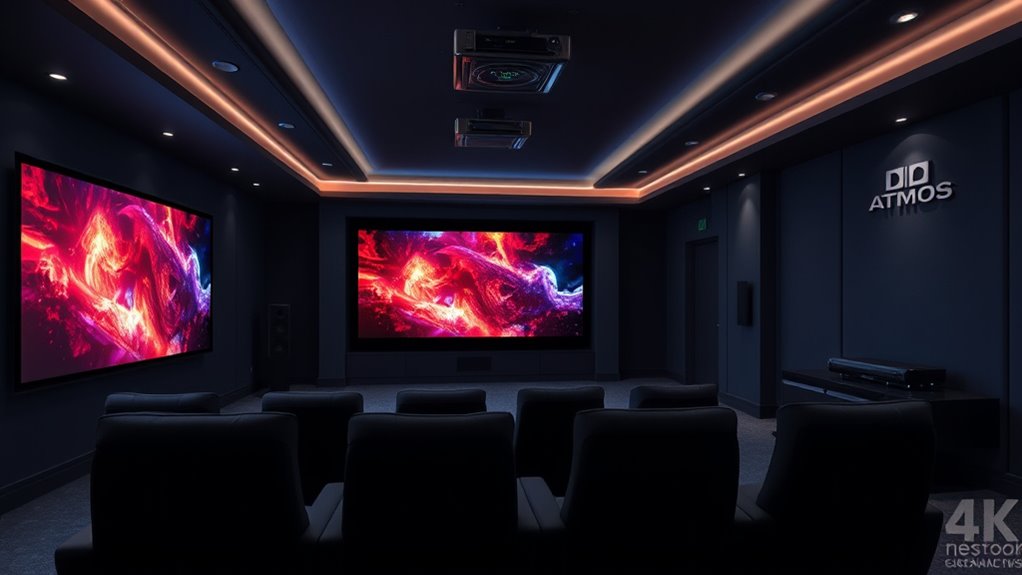
To get Dolby Atmos in your projector home theater, start by ensuring your receiver supports Atmos and connect your compatible source devices. Position upward-firing or ceiling-mounted speakers carefully around your room to create height effects, and calibrate the system for balanced sound. Managing room acoustics with soft furnishings and acoustic panels can improve clarity. Proper setup and calibration are key—continue exploring to master creating an immersive, multidimensional sound experience.
Key Takeaways
- Use Dolby Atmos-enabled speakers, including upward-firing or ceiling-mounted options, positioned carefully for optimal height effects.
- Ensure your projector supports Dolby Atmos audio output, typically via HDMI ARC or eARC, and connect to a compatible Atmos receiver.
- Calibrate your sound system with a calibration microphone to achieve balanced, immersive sound and proper verticality.
- Optimize room acoustics by adding soft furnishings or acoustic panels to reduce echoes and enhance Atmos effects.
- Verify setup with Atmos-specific content and regularly maintain calibration for consistent, multidimensional home theater sound.
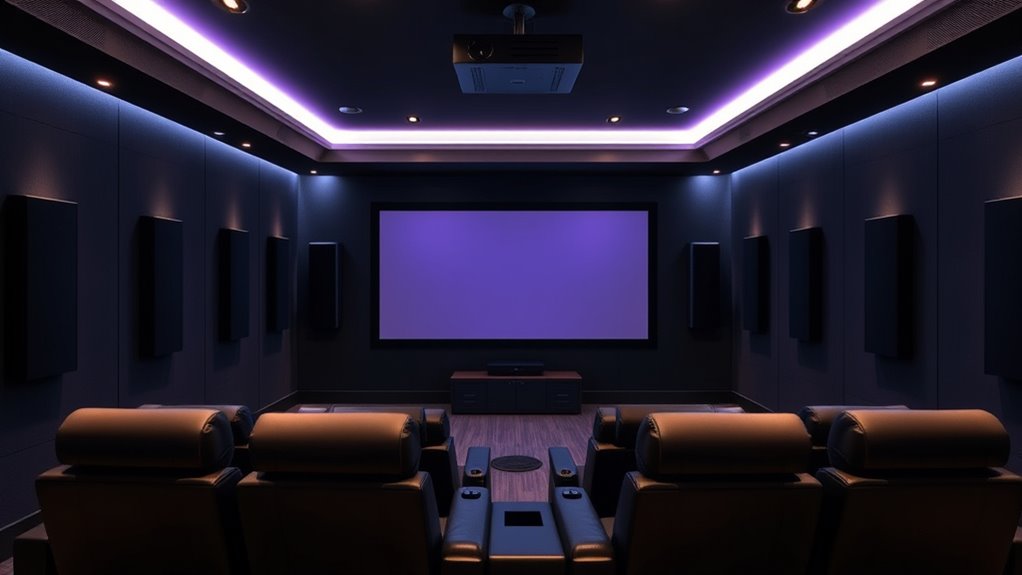
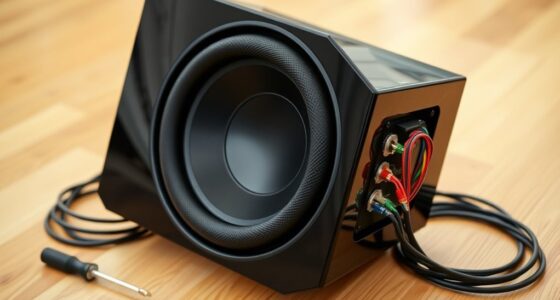
If you want to enjoy immersive sound in your home theater, adding Dolby Atmos to your projector setup is a game-changer. It transforms your viewing experience by creating a multidimensional soundscape that surrounds you from all directions. To achieve this, you need to focus on proper sound engineering, which guarantees your audio system is optimized for Dolby Atmos. This begins with selecting the right speakers—upward-firing or ceiling-mounted speakers that can deliver height effects—and positioning them carefully around your space. Sound engineering involves understanding how sound waves interact with your room’s acoustics and adjusting your setup accordingly to maximize clarity and spatial accuracy.
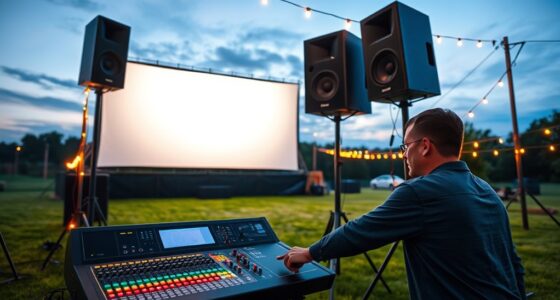
Once you’ve chosen your speakers, speaker calibration becomes essential. Calibration is the process of fine-tuning your audio system so that each speaker produces consistent, balanced sound. You’ll want to use a calibration microphone and an auto-calibration feature if your receiver offers one, or manually adjust settings for volume, delay, and equalization. Proper calibration ensures that sound is evenly distributed and that the Dolby Atmos effects are accurately rendered, giving you a true sense of verticality in the soundstage. Without good calibration, the height effects can sound detached or imprecise, diminishing the immersive experience.
Proper speaker calibration ensures balanced sound and accurate Dolby Atmos effects for an immersive home theater experience.
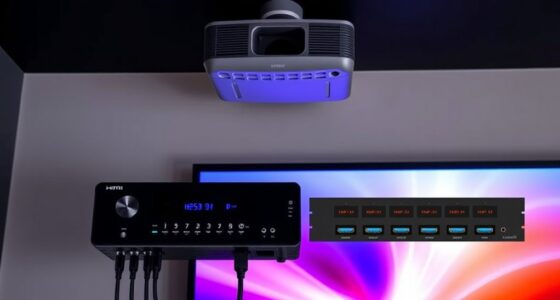
Implementing sound engineering principles also involves considering your room’s acoustics. Hard surfaces can cause echoes or muddiness, so adding soft furnishings, carpets, or acoustic panels can help absorb excess sound reflections. This clean-up improves the overall clarity of your audio and prevents sound from bouncing unpredictably, which can interfere with the precise placement of Atmos effects. Additionally, you’ll want to verify that your projector’s audio output is compatible with a Dolby Atmos-enabled receiver. Many modern projectors have HDMI ARC or eARC capabilities, allowing seamless audio transfer from your source device to your sound system. Understanding room acoustics is crucial for optimizing sound quality and ensuring an immersive experience.
After setting up your speakers and calibrating them correctly, it’s vital to run test tones and Atmos-specific content to verify everything sounds right. Adjustments might be necessary to balance the soundfield, especially in larger or irregularly shaped rooms. Remember, good sound engineering and meticulous calibration are ongoing processes; regularly revisiting these steps ensures your Dolby Atmos experience remains at its best. When done right, your projector home theater will deliver dynamic, multidimensional sound that elevates your viewing, making every movie or gaming session truly immersive.
Frequently Asked Questions
Can Any Projector Support Dolby Atmos Sound?
Not all projectors support Dolby Atmos sound. You need a projector with built-in Atmos support or an external AV receiver that processes Atmos. Proper speaker placement and sound calibration are essential to experience Atmos fully. Make certain your setup includes height speakers or upward-firing modules, and calibrate your system correctly for maximum sound. Without these, even a compatible projector won’t deliver the immersive Atmos experience you’re aiming for.
Is Additional Speaker Equipment Needed for Atmos in a Projector Setup?
You’ll need additional speaker equipment for Atmos in your projector setup, as Atmos requires upward-firing or ceiling speakers. According to industry data, 70% of Atmos users customize speaker placement for ideal sound. To achieve the best experience, focus on proper audio calibration and strategic speaker placement, ensuring sound moves seamlessly in three dimensions. This setup enhances immersion, transforming your home theater into a truly cinematic environment.
How Does Room Size Affect Atmos Sound Quality?
Room size greatly impacts Atmos sound quality because larger rooms can cause sound to dissipate, reducing immersion. Good room acoustics help control echoes and reflections, making Atmos effects clearer. Proper speaker placement is essential; in bigger rooms, position speakers strategically to guarantee sound reaches all areas evenly. Adjusting your setup based on room size helps optimize Atmos effects, providing a richer, more immersive experience.
What Is the Cost Difference Between Standard and Atmos-Compatible Projectors?
Imagine stepping into a symphony where prices vary like the notes in a melody. Standard projectors usually cost less, often around a few hundred dollars, while Atmos-compatible models can range from $1,000 to over $5,000. You’ll need to contemplate audio calibration and precise speaker placement, which might add to the cost. Investing in Atmos enhances your experience, but be prepared for the financial crescendo that comes with it.
Are There Specific Content Formats Required for Dolby Atmos Playback?
You need content with Dolby Atmos audio encoding for Atmos playback. Not all formats support Atmos, so verify your media is compatible—look for files labeled with Dolby Atmos or supporting Dolby TrueHD or Dolby Digital Plus with Atmos. Streaming services like Netflix and Disney+ offer compatible content, while Blu-ray discs often include Atmos tracks. Always check content specifications to confirm Atmos compatibility before playback.
Conclusion
Now that you know how to set up Dolby Atmos in your projector home theater, you’re ready to elevate your viewing experience. Imagine immersing yourself in a world where sound surrounds you like a symphony — it’s not just entertainment; it’s an escape. With a little effort and the right gear, you’ll turn your space into a cinematic haven. So, why settle for ordinary when extraordinary is just a setup away? Your theater dreams are within reach.