To set audio levels for outdoor movie events, start by evaluating your venue’s acoustics and audience size. Choose weather-resistant speakers with adjustable volume controls, and perform a sound check during daylight to fine-tune the system. Gradually increase the volume while monitoring sound quality and audience feedback, ensuring levels stay within local noise regulations. Continuously adjust the sound during the event to maintain clarity and avoid disturbance—exploring these steps will help you achieve optimum audio for your outdoor screening.
Key Takeaways
- Assess venue acoustics and environmental features to determine optimal speaker placement and volume levels.
- Conduct thorough sound checks during daytime, adjusting volumes incrementally for clarity and coverage.
- Monitor audio levels continuously during the event using real-time meters, making prompt adjustments as needed.
- Coordinate with technical support and prepare backup equipment to address potential technical issues smoothly.
- Comply with local noise regulations by adjusting sound levels according to noise ordinances and environmental considerations.
Assess the Venue and Audience Area
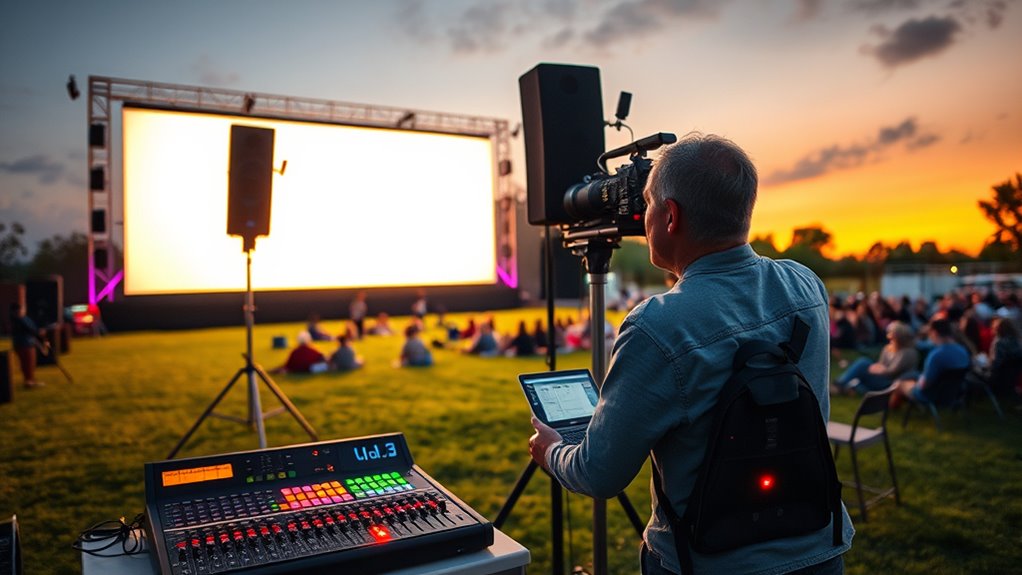
Before setting audio levels, you need to assess the venue and audience area thoroughly. Understanding the venue acoustics is vital because outdoor spaces often have unpredictable sound reflections and absorption. These factors can substantially influence how your audio travels and how loud it needs to be. Additionally, consider your audience size; a larger crowd demands higher volume levels to guarantee everyone hears clearly, but too much sound can cause disturbance or sound bleed into neighboring areas. Take note of natural features like trees, hills, or buildings, as they can affect sound dispersion. By evaluating these elements beforehand, you’ll be better prepared to set appropriate audio levels that deliver clear sound without overwhelming the environment or your audience. Consulting sound system specifications can also help determine the optimal levels for your specific equipment and venue conditions.
Choose Appropriate Sound Equipment
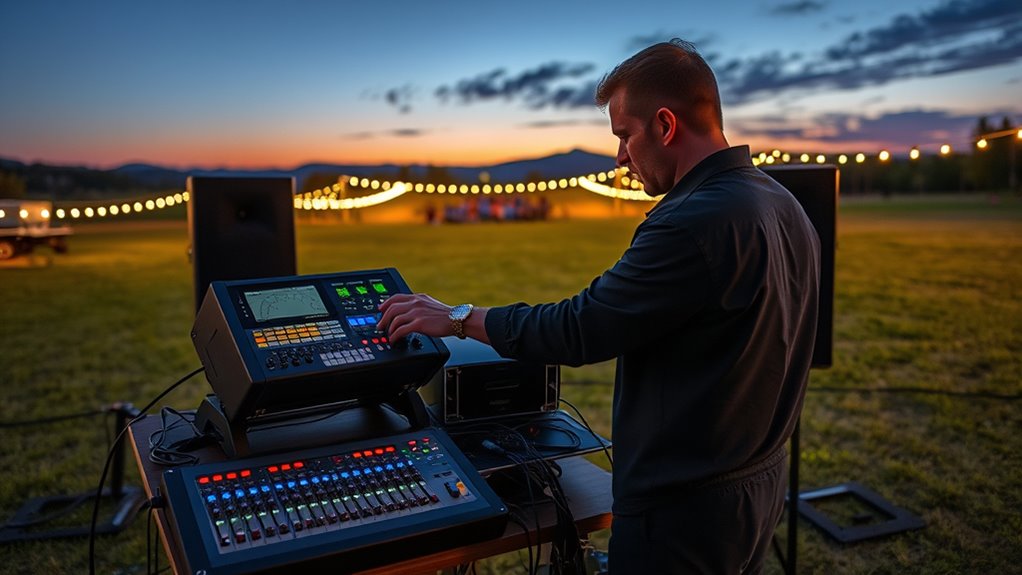
Selecting the right sound equipment is crucial to guarantee your outdoor movie event sounds clear and balanced. You’ll want reliable outdoor speakers that can project sound evenly across the venue, ensuring all guests can hear clearly. Wireless microphones are essential for presenters or hosts, providing mobility without cluttering the setup with cables. Choose equipment designed for outdoor use, with weather-resistant features and sufficient power to cover your space without distortion. Opt for speakers with adjustable volume controls so you can fine-tune the sound levels during setup. Avoid cheap or underpowered gear, as it can lead to poor audio quality. Investing in quality outdoor speakers and wireless microphones helps create an immersive experience while simplifying your setup and ensuring consistent sound throughout the event. Additionally, considering sound equipment that incorporates features like anti-feedback and noise reduction can further enhance audio clarity.
Perform a Sound Check Before the Event
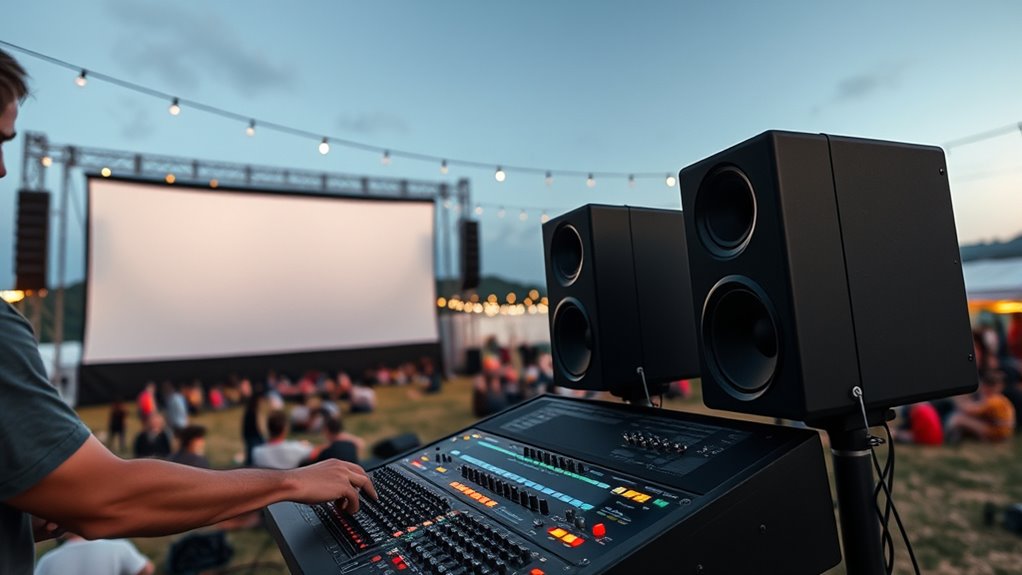
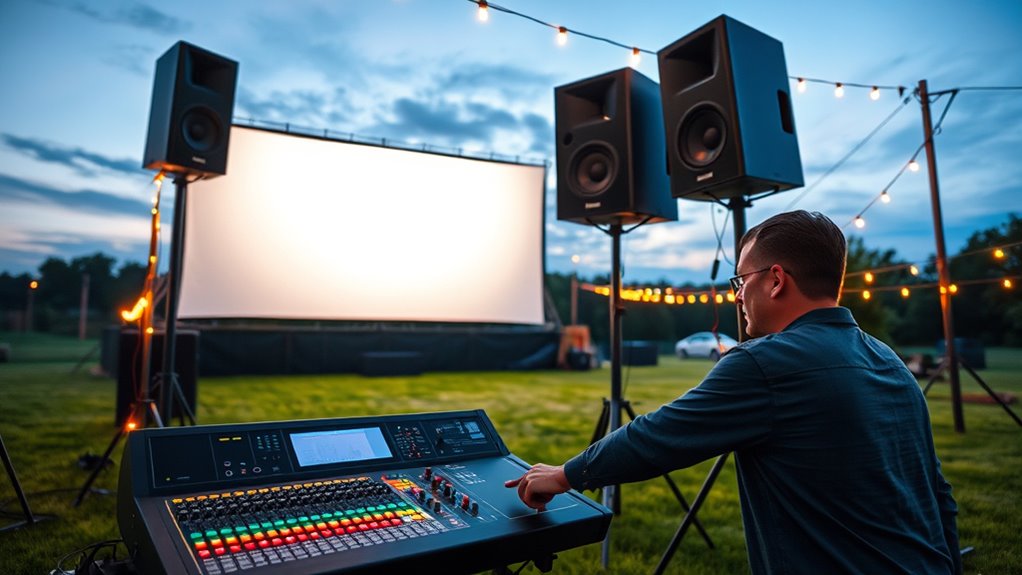
Once you’ve set up your outdoor speakers and microphones, it’s time to perform a thorough sound check. Proper microphone placement is vital to guarantee clear audio and prevent feedback. Position microphones away from speakers and reflective surfaces, and test different placements to find the best sound quality. Soundcheck timing is essential—you should do it well before the event begins, ideally during daylight hours, so you have ample time to make adjustments. Walk around the venue with your microphone to check for consistent volume and clarity from different areas. Listen for any unwanted noise, distortion, or feedback, and reposition microphones as needed. Conducting an effective sound check ensures your audio setup is optimized, providing a smooth experience for your audience during the outdoor movie event.
Set Initial Volume Levels and Adjust Gradually

Start your audio at a low volume to prevent sudden loud sounds that might disturb your audience. As the movie plays, make small adjustments to make certain the sound remains clear and balanced. Gradually increasing the volume helps you find the perfect level without overwhelming your listeners. Incorporating protective styling benefits into your setup ensures that your equipment remains safe during outdoor conditions.
Start at Low Volume
To guarantee a smooth outdoor movie experience, begin by setting your audio levels low. Starting at a low volume helps you focus on proper volume calibration without overwhelming your audience. This initial step ensures you establish a baseline for audio consistency across different areas of the venue. By setting the volume low, you can identify potential issues early and prevent loud surprises later. Keep in mind that a lower starting point allows for more controlled adjustments as the event progresses. Maintaining consistent audio levels from the beginning helps ensure everyone hears the movie clearly without distortion or sudden jumps in volume. Starting low sets the foundation for a seamless, enjoyable outdoor viewing experience. Additionally, understanding the importance of sound quality can help you achieve the best audio balance throughout your event.
Adjust in Small Steps
Because sudden volume changes can disrupt the viewing experience, you should adjust your audio levels gradually. Start with a low volume and make incremental adjustments, guaranteeing clear volume calibration. This approach prevents surprises and allows you to find the right balance for all viewers. Use small, measured changes to avoid overwhelming your audience. When making adjustments, consider the environment and background noise. Use the following table as a quick guide:
| Step | Action | Purpose |
|---|---|---|
| 1 | Set initial volume | Establish a baseline |
| 2 | Increase gradually | Maintain comfort and clarity |
| 3 | Check for feedback | Prevent audio issues |
| 4 | Adjust based on crowd | Tailor sound to audience |
| 5 | Final calibration | Attain ideal sound quality |
This method ensures a smooth, enjoyable viewing experience. Additionally, maintaining consistent audio levels throughout the event helps prevent unnecessary distractions.
Monitor Sound During the Movie

As the movie plays, keep an eye on real-time audio meters to guarantee sound levels stay consistent. Watch the audience’s reactions to spot any signs of discomfort or difficulty hearing. Be ready to make quick adjustments to volume so everyone can enjoy the film comfortably. Additionally, understanding the importance of audio tuning can help you optimize sound quality for outdoor movie events.
Use Real-Time Audio Meters
How can you guarantee the sound remains balanced and clear throughout your outdoor movie? Use real-time audio meters to monitor sound levels continuously. These sound level meters display live data, helping you maintain proper audio calibration. Keep an eye on these meters to make sure your levels stay within the ideal range, preventing distortion or inaudibility. Here’s what to do:
- Watch the meters during the movie to catch fluctuations immediately.
- Adjust the mixer or amplifier if levels spike or dip unexpectedly.
- Set a consistent target range for sound levels based on your venue size.
- Confirm that peaks don’t reach red zones, avoiding distortion.
- Regularly calibrate audio equipment to ensure accurate readings and optimal sound quality.
Check Audience Reaction
Are your audience members enjoying the movie with clear, balanced sound? Monitoring their reactions is key to ensuring good sound quality. Watch for signs like confusion, covering ears, or whispering — these indicate issues. Encourage audience feedback by observing their engagement and comfort. Use your senses and stay attentive throughout the screening. To help, consider the following:
| Audience Reaction | Sound Clarity | Engagement Level |
|---|---|---|
| Smiles, cheers | Clear dialogue | Active viewing |
| Confused looks | Muffled audio | Disinterest |
| Whispering, fidgeting | Distorted sound | Distraction |
Regularly check these cues and adjust if needed, keeping the sound balanced for everyone’s enjoyment. An understanding of contrast ratio can help you optimize audio settings to enhance overall clarity. Your attentiveness guarantees a great outdoor movie experience.
Adjust Volume Accordingly
During the movie, it is vital to continuously monitor the sound levels and make adjustments as needed to maintain clarity and balance. To guarantee sound level consistency and audience comfort, keep an eye on the audio throughout the screening.
- Check the volume periodically to avoid sudden loud noises or muffled sounds.
- Use a sound meter or listen with your ears at different points in the audience area.
- Adjust the main volume and individual speaker levels as necessary.
- Communicate with the audio team if issues arise, guaranteeing smooth shifts.
- Be aware of retail hours that might affect the availability of technical support or equipment rentals during setup or post-event.
Consider Noise Regulations and Surrounding Environment

Before setting your audio levels, it’s essential to understand local noise regulations and the characteristics of the surrounding environment. You need to contemplate the noise impact on nearby residents and ensure legal compliance. Ignoring these factors can lead to complaints or fines. Be aware of quiet zones or restrictions that limit sound levels during certain hours. Use this table to evaluate environmental factors:
| Environment Type | Noise Impact | Legal Requirements |
|---|---|---|
| Residential Area | High; potential annoyance | Strict noise limits; permits |
| Commercial Zone | Moderate; less disturbance | Varies; check local ordinances |
| Park/Open Space | Low; minimal disturbance | Usually fewer restrictions |
Adjust your volume accordingly to respect these regulations and protect your event’s success. Additionally, assessing the noise level in your area can help you determine appropriate audio settings and avoid unintended disturbances.
Frequently Asked Questions
How Can I Prevent Sound Leakage to Neighboring Areas During the Event?
To prevent sound leakage to neighboring areas, you should use soundproof barriers around your event space, which absorb and block noise. Additionally, opt for directional speakers that focus sound directly at your audience, minimizing spillover. Position the speakers carefully and keep the volume at a moderate level. Combining these strategies guarantees your movie night stays enjoyable for attendees without disturbing nearby residents.
What Are the Best Ways to Protect Equipment From Outdoor Weather Conditions?
To safeguard your equipment outdoors, use weatherproof covers to shield gear from rain and dust. Additionally, apply equipment insulation, like foam or thermal blankets, to prevent damage from temperature fluctuations. Make sure covers are securely fastened and properly ventilated to avoid overheating. Regularly check your insulation and covers throughout the event to ensure continuous protection, keeping your audio equipment safe and operational regardless of weather conditions.
How Do I Manage Sound Levels for Different Audience Sizes?
Think of managing sound levels like tuning a guitar—balance is key. You should start with volume calibration based on your audience size, increasing it for larger crowds and dialing down for smaller groups. Keep an eye on audience engagement; if people seem overwhelmed or disengaged, adjust the volume accordingly. Always test sound levels beforehand to make sure everyone enjoys the movie without discomfort or distraction.
What Troubleshooting Steps if Audio Cuts Out Unexpectedly?
If your audio cuts out unexpectedly, start by checking for audio feedback, which can cause interruptions. Verify all cables are securely connected and inspect for signal interference from nearby electronic devices. Restart your audio equipment to reset connections, and test the sound system with a different source if possible. Keep an eye on potential sources of interference and adjust placement if needed to maintain a strong, consistent signal.
How Can I Ensure Consistent Sound Quality Across Uneven Terrain?
Tackle terrain challenges by tactfully positioning speakers on stable surfaces, avoiding uneven spots that cause inconsistencies. Test sound at multiple points, adjusting speaker placement to optimize coverage. Use directional speakers to target specific areas and minimize sound loss. Secure equipment to prevent movement, ensuring steady sound quality. Regularly monitor audio, making real-time adjustments as needed. This proactive approach guarantees consistent, clear sound, despite the outdoor terrain’s twists and turns.
Conclusion
By carefully setting your audio levels, you’re guiding your outdoor movie’s success like a steady lighthouse in the night. Each adjustment is a beam that cuts through potential chaos, ensuring your audience stays engaged and immersed. Remember, your sound system is the heartbeat of the event—when tuned right, it radiates warmth and clarity like a guiding star, leading everyone to a memorable experience. Keep your signals clear, and let your movie shine brightly for all to enjoy.