To avoid lip-sync issues in projector setups, prioritize low-latency audio options and minimize wireless delays. Use devices with codecs like aptX Low Latency or AAC, and adjust buffer settings for a balance between smooth sound and minimal delay. Connecting your audio source directly with a wired connection can eliminate wireless lag altogether. Choosing equipment designed for low latency helps sync audio and video better. If you continue exploring, you’ll discover more ways to optimize your setup for seamless playback.
Key Takeaways
- Use wireless audio devices with low-latency codecs like aptX Low Latency or AAC for quicker audio transmission.
- Adjust buffering settings to find a balance that minimizes delay without causing dropouts.
- Opt for wired audio connections when possible to eliminate wireless latency issues entirely.
- Choose wireless transmitters and receivers specifically designed for minimal audio delay.
- Always verify device compatibility and update firmware to ensure optimal low-latency performance.
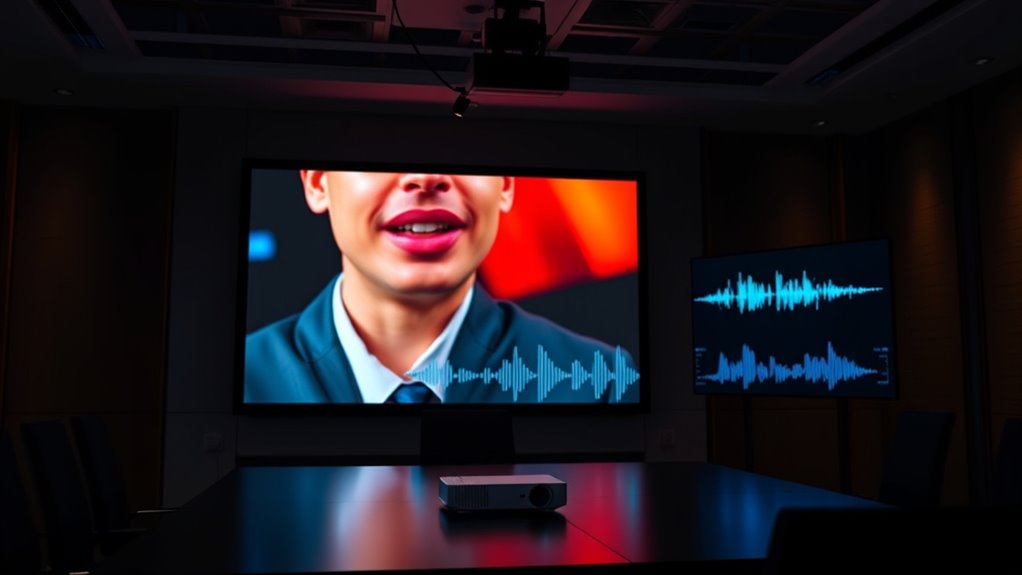
Latency in audio refers to the delay between when a sound is produced and when you hear it through your speakers or headphones. This delay can become noticeable and disruptive, especially in settings like projector setups where lip-sync accuracy is essential. When you’re dealing with wireless transmission, this issue often worsens because wireless signals naturally introduce additional latency compared to wired connections. Wireless transmission uses radio frequencies to send audio signals, which can be subject to interference and data compression. As a result, the audio may lag behind the video, causing a disjointed viewing experience. To minimize this, many wireless audio systems incorporate advanced encoding techniques, but some delay is still inevitable.
One of the main culprits behind audio lag in these setups is audio buffering. Buffering temporarily stores incoming audio data to ensure smooth playback, especially when the connection isn’t stable or the data stream is high in volume. While buffering helps prevent dropouts and stuttering, it also introduces a delay. When you’re watching a movie or giving a presentation, even a small buffer can cause noticeable lip-sync issues. The key is finding the right balance: enough buffering to ensure continuous sound without creating excessive delay. Many modern wireless audio devices allow you to adjust buffer size settings, giving you more control over latency.
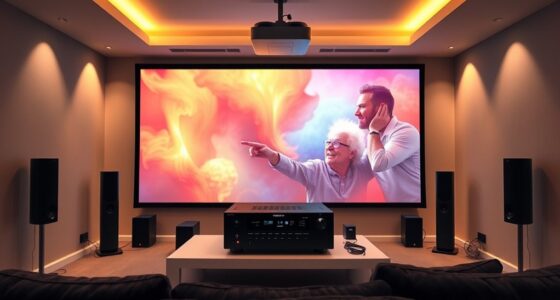
If you’re setting up a projector system that relies on wireless transmission, you should prioritize low-latency options. Look for wireless audio transmitters and receivers designed specifically for minimal delay. These often use technologies like aptX Low Latency or AAC, which are engineered to reduce lag. Additionally, connecting your audio source directly to the projector via a wired connection can eliminate most wireless transmission delays, but that’s not always practical or possible in large or flexible setups. When wireless is your only option, ensuring your devices support these low-latency codecs can make a significant difference.
low latency wireless audio transmitter
As an affiliate, we earn on qualifying purchases.
As an affiliate, we earn on qualifying purchases.
Frequently Asked Questions
How Does Room Acoustics Affect Audio Latency?
Room acoustics directly impact audio latency by affecting sound reflection and absorption. When reflections bounce off surfaces, they can delay sound reaching your ears, increasing perceived latency. Conversely, sound absorption reduces reflections, helping audio stay synchronized. You should optimize your space by controlling reflections with diffusers or absorbers, ensuring clear, synchronized sound. This creates a more accurate audio experience, minimizing lip-sync issues caused by room-induced delays.
Can Software Updates Reduce Audio Latency in Projectors?
Coincidence suggests that software updates can indeed reduce audio latency in projectors. You should regularly install firmware updates and optimize drivers, as these often include performance improvements and bug fixes. By keeping your projector’s software current, you guarantee better synchronization between audio and video, minimizing lip-sync issues. Staying proactive with updates is the simplest way to enhance audio performance and enjoy seamless playback during presentations or movie nights.
What Is the Impact of Different Audio Formats on Latency?
Different audio formats can considerably impact latency, especially if your device has limited audio format compatibility. You might experience increased delays with formats that aren’t optimized for low latency. To manage this, use latency measurement tools to identify delays and verify your setup supports the most efficient audio formats. By selecting compatible formats and monitoring latency, you can reduce lip-sync issues and improve your overall audio-visual experience.
How Do Wireless Connections Influence Lip-Sync Accuracy?
Wireless connections can substantially impact lip-sync accuracy, with studies showing up to 30% more latency compared to wired setups. You might notice issues when wireless interference causes signal instability, leading to audio lag behind the video. To minimize this, guarantee a stable connection by reducing interference sources and using high-quality wireless transmitters. Keeping your wireless setup optimized helps maintain precise lip-sync, delivering a seamless viewing experience.
Are There Specific Hardware Settings to Minimize Latency?
Yes, you can minimize latency by adjusting hardware settings. Start with proper hardware calibration to synchronize audio and video outputs accurately. Managing audio buffering settings also plays a critical role; reducing buffer sizes can lower latency but might cause audio glitches. Find a balance that ensures smooth playback without lip-sync issues. Regularly update your device firmware and drivers to optimize performance and maintain minimal latency during your projector setup.
aptX Low Latency Bluetooth headphones
As an affiliate, we earn on qualifying purchases.
As an affiliate, we earn on qualifying purchases.
Conclusion
To keep your audio and video perfectly in sync, addressing latency is essential. Did you know that even a delay of just 40 milliseconds can be noticeable to viewers? By understanding and minimizing audio latency, you ensure a seamless viewing experience, especially in projector setups. Don’t let latency disrupt your presentation—act now to synchronize your audio and visuals, and enjoy clear, unified content every time. Your audience will thank you for it.
wired audio cable for projector
As an affiliate, we earn on qualifying purchases.
As an affiliate, we earn on qualifying purchases.
audio buffer adjustment device
As an affiliate, we earn on qualifying purchases.
As an affiliate, we earn on qualifying purchases.