
EARC and ARC are HDMI features that improve your projector’s audio. ARC simplifies connections by sending audio back from your projector to a sound system through a single cable, but it has limited bandwidth and supports only compressed audio. EARC, part of HDMI 2.1, offers higher bandwidth and handles uncompressed, high-quality audio like Dolby Atmos. To get the best setup, make certain your devices support the right standard—continue exploring to find out which is right for you.
Key Takeaways
- eARC supports higher bandwidths and uncompressed audio formats like Dolby Atmos, providing superior sound quality for projectors.
- ARC is suitable for basic audio needs, transmitting compressed formats with lower bandwidth, ideal for simpler setups.
- Devices require HDMI 2.1 ports and compatible cables to utilize eARC, while HDMI 1.4 or higher suffices for ARC.
- Proper connection and compatibility ensure seamless audio transmission and optimal projector audio performance.
- Choosing between eARC and ARC depends on your audio quality requirements, device compatibility, and setup complexity.

Official Licensed Google TV Smart Projector, HAPPRUN 4K UHD Home Theater with Dolby Sound, Wi-Fi & Bluetooth, Built-in Streaming Apps, Compatible with Games Consoles & Smartphone, Indoor & Outdoor Use
[ Built-in Official Licensed Google TV ] - Without additional equipment, the smart projector can directly access Netflix,...
As an affiliate, we earn on qualifying purchases.
What Is EARC and How Does It Work?
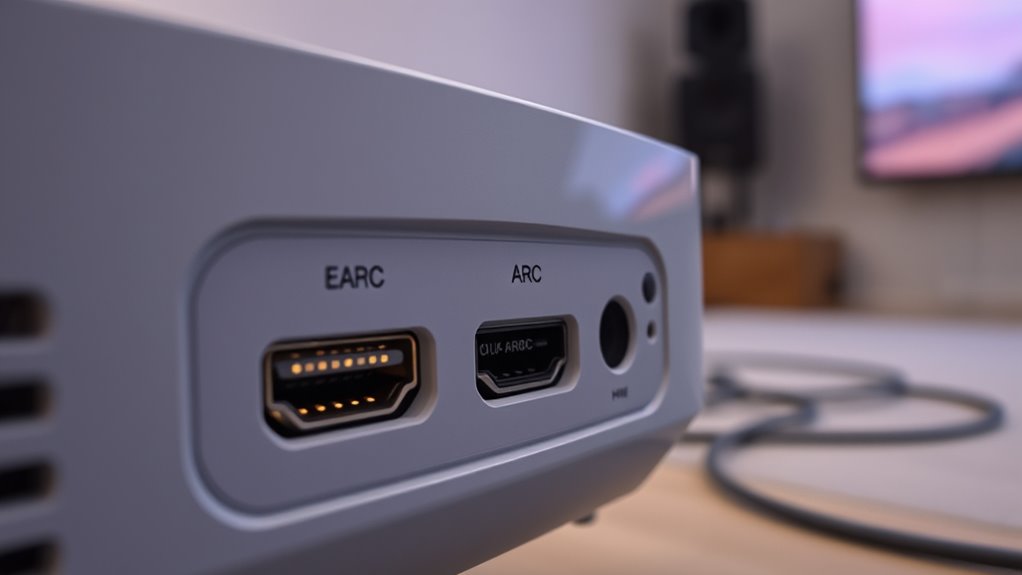
Have you ever wondered how modern audio and video devices achieve seamless high-quality connections? eARC, or enhanced Audio Return Channel, is a technology designed to simplify and improve the way your projector communicates with other devices. It supports a wider range of audio formats, including high-resolution formats like Dolby Atmos and DTS:X, ensuring richer sound. eARC is part of the HDMI standards, specifically HDMI 2.1, which offers increased bandwidth compared to earlier versions. This upgrade allows for transmitting uncompressed audio signals with minimal latency. Unlike traditional ARC, eARC provides a more reliable and higher-quality audio transfer, making it ideal for modern home theaters. By understanding how eARC leverages HDMI standards and supports advanced audio formats, you can optimize your projector’s audio setup for the best experience. Additionally, AI in Education advancements are influencing the development of smarter audio-visual tools, enhancing user experience.
![Projector-4K with WiFi and Bluetooth:[3500 ANSI/60W Dolby Audio/Official Licensed Apps], Outdoor-Projector with Smart OS 2.0 & AI Auto Focus,ONOAYO ONO5Pro 2.0 Smart Movie Projector for Indoor/Outdoor](https://m.media-amazon.com/images/I/41fylkjOTIL._SL500_.jpg)
Projector-4K with WiFi and Bluetooth:[3500 ANSI/60W Dolby Audio/Official Licensed Apps], Outdoor-Projector with Smart OS 2.0 & AI Auto Focus,ONOAYO ONO5Pro 2.0 Smart Movie Projector for Indoor/Outdoor
[Hear the Difference–Hollywood-Grade Dual 60W Dolby Audio] Why spend $500 on a TV + soundbar or settle for...
As an affiliate, we earn on qualifying purchases.
The Basics of ARC and Its Functionality
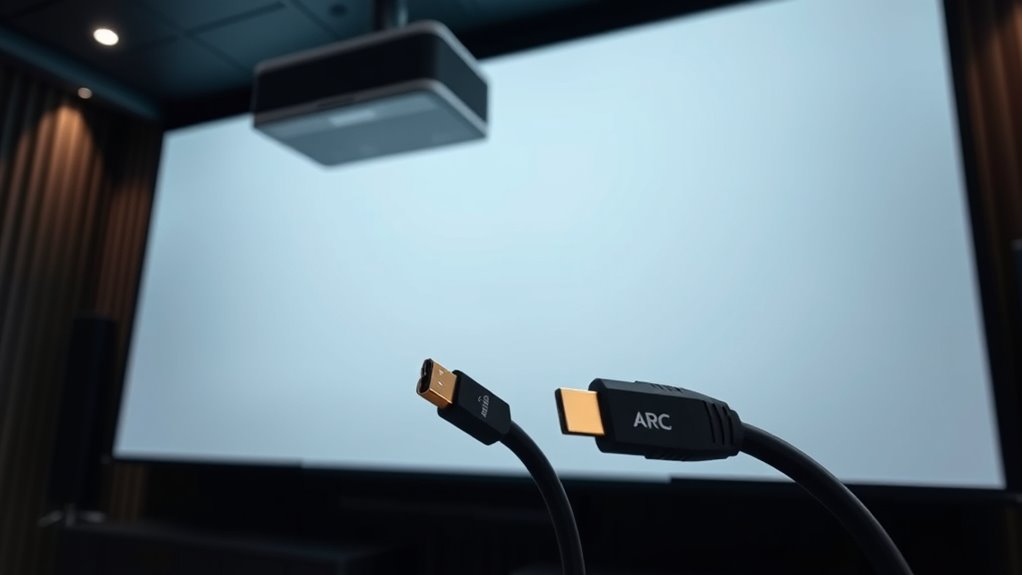
Curious about how your projector easily connects to sound systems without multiple cables? That’s where ARC, or Audio Return Channel, comes in. It simplifies signal transmission by allowing audio to travel both ways over a single HDMI cable. ARC supports various audio formats, including Dolby Digital and DTS, ensuring high-quality sound. When your projector and sound system are ARC-enabled, you don’t need separate audio cables; the HDMI connection handles everything. This setup reduces clutter and makes controlling your audio easier through a single remote. Fundamentally, ARC’s primary function is to streamline how audio signals are sent and received, making your home theater setup more efficient. It’s a straightforward technology that enhances convenience without sacrificing audio quality. Additionally, understanding high refresh rates can further improve your gaming or viewing experience by providing smoother motion.

1500 ANSI Official Licensed Google TV Smart Projector, HAPPRUN 4K Full HD Home Theater with Auto Focus, Dolby Sound, Wi-Fi Bluetooth, Built-in Apps, Compatible with Phone & PC, Indoor & Outdoor Use
[ Built-in Officially Licensed Google TV ]-Enjoy the reliability of an officially certified Google TV projector. Stream Netflix,...
As an affiliate, we earn on qualifying purchases.
Key Differences Between EARC and ARC

While ARC and eARC both serve to transmit audio over HDMI, they differ markedly in capability and performance. eARC, or enhanced Audio Return Channel, is designed to handle higher bandwidths and more advanced audio formats, such as Dolby Atmos and DTS:X, offering better sound quality and compatibility. The key difference lies in bandwidth capabilities: eARC supports up to 37 Mbps, enabling transmission of uncompressed and high-resolution audio formats, whereas ARC’s bandwidth tops out around 1 Mbps, limiting it to compressed formats like Dolby Digital. This increased bandwidth allows eARC to deliver richer, more immersive sound without compression artifacts. As a result, eARC provides a significant upgrade for your home theater setup, ensuring superior audio quality and future-proofing your connection for emerging high-quality audio formats. Additionally, industry trends indicate that eARC is becoming the standard for modern home entertainment systems due to its superior performance.
Amazon Product B0F5WVBTZP
As an affiliate, we earn on qualifying purchases.
Compatibility and Setup Considerations
To make certain your HDMI connection supports eARC or ARC, you need to verify that both your projector and audio device are compatible with these features. First, check if your devices support the correct audio formats, such as Dolby Atmos or DTS:X, which are essential for high-quality sound. Second, ensure your projector and audio device are compatible with HDMI version 1.4 or higher for ARC, or HDMI 2.1 for eARC, as older versions may not support these features. Third, confirm that your devices have the necessary HDMI ports labeled as ARC or eARC. Proper device compatibility guarantees seamless audio transmission. Additionally, understanding the differences between ARC and eARC can help you choose the right setup for your needs. Always consult your device manuals or manufacturer specifications to avoid setup issues and maximize audio quality.
Choosing the Right Connection for Your Projector
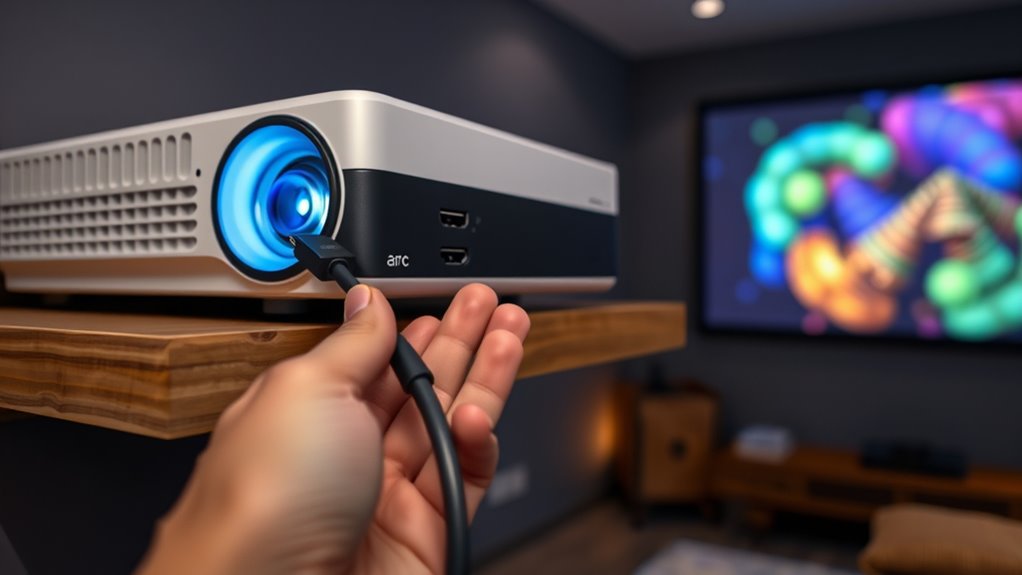
Choosing the right connection for your projector depends on your audio and video needs, as well as the capabilities of your devices. If you prioritize superior audio quality, EARC offers enhanced sound with high bandwidth, ideal for immersive experiences. For simpler setups, ARC provides decent audio without extra cables. Consider cable types: HDMI cables compatible with EARC or ARC are essential. Additionally, understanding skincare patches can help you optimize your setup and avoid issues like signal interference or compatibility problems. Think about your space, device compatibility, and desired audio experience. Choosing the right cable type can make all the difference in achieving *ideal* performance and emotional impact.
Frequently Asked Questions
Can EARC Carry Higher Audio Quality Than ARC?
Yes, eARC can carry higher audio quality than ARC because it offers increased bandwidth requirements, allowing for uncompressed audio formats like Dolby Atmos and DTS:X. This means you get better sound clarity and detail. With eARC, you’re less likely to experience audio dropouts or compression artifacts. So, if you want top-tier audio, eARC is the better choice for your projector setup, providing richer, more immersive sound.
Are EARC and ARC Compatible With All HDMI Ports?
You check your HDMI ports to see if they support ARC or eARC, as not all do. Typically, HDMI standards 1.4 and above support ARC, while HDMI 2.1 is needed for eARC. If your devices are compatible, they’ll handle high-quality audio formats like Dolby Atmos or DTS:X. Make sure your port and device specifications match these standards to get the best audio experience without compatibility issues.
Does Using EARC Require Specific Cables or Hardware?
Oh, the irony—using eARC doesn’t require fancy new cables, just ones with the right cable specifications. You’ll need HDMI 2.1 cables to guarantee proper hardware compatibility, but most standard HDMI cables won’t cut it. So, while it sounds simple, upgrading your hardware might be necessary. Don’t forget, sticking to the right cables guarantees smooth audio return and prevents frustrating connection issues.
Can I Upgrade From ARC to EARC Easily?
Yes, you can upgrade from ARC to eARC easily if your equipment supports it. You’ll need an HDMI cable that handles higher bandwidth, like a High-Speed HDMI or Ultra High-Speed HDMI cable, to transmit advanced audio formats such as Dolby Atmos or DTS:X. Make sure your projector and receiver are eARC-compatible. Once connected with the right cable, your setup will support enhanced audio quality and formats seamlessly.
How Do EARC and ARC Impact Latency and Synchronization?
You might think eARC and ARC don’t impact latency or sync, but they do. eARC generally offers lower audio delay, reducing synchronization issues, especially with high-bitrate formats. While ARC can introduce slight audio delay, eARC minimizes this, ensuring better audio-visual sync. This means your projector’s audio stays aligned with the picture, providing a smoother experience. Upgrading to eARC helps you avoid annoying lip-sync problems and improves overall audio quality.
Conclusion
Now that you know the nuances between eARC and ARC, you can confidently choose the connection that complements your projector setup. By understanding the differences, you guarantee seamless sound and stunning visuals. Whether you’re prioritizing pristine audio or simple setup, making the right choice matters. Remember, a well-wired, wired connection will work wonders, turning your viewing experience into a true theater sensation. So, select smartly, set up smoothly, and savor your spectacular cinematic sessions.