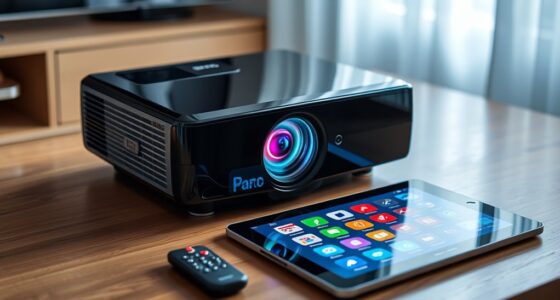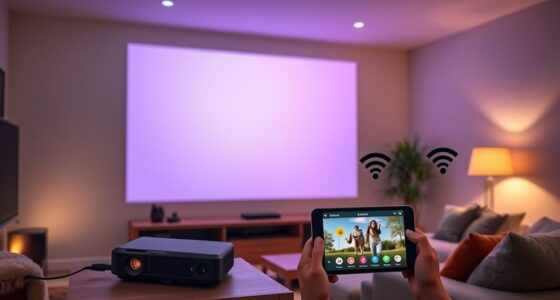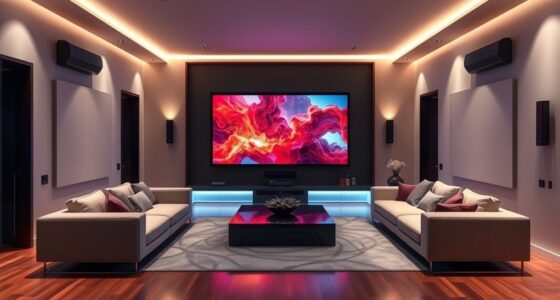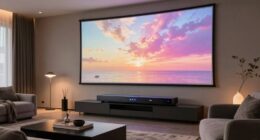
To improve your projector’s sound in just 15 minutes, start by placing a soundbar directly beneath or above the screen and aim it toward your audience for better clarity. Consider connecting wireless speakers or a soundbar using a simple wireless transmitter to reduce cords and enhance placement flexibility. Many modern devices include AI sound optimization features that can quickly boost audio quality. With these quick tweaks, you’ll enjoy richer, clearer sound—keep exploring for even more easy, impactful upgrades.
Key Takeaways
- Use a wireless audio transmitter to connect external speakers or soundbars easily and reduce cable clutter.
- Place the soundbar directly below or above the projector screen, aiming it toward the audience for clear sound.
- Elevate the soundbar on a shelf or wall mount at ear level for optimal audio distribution.
- Utilize AI-enhanced sound processing features on your projector or device for automatic audio optimization.
- Experiment with speaker placement and settings quickly to achieve richer bass, clearer dialogue, and balanced sound.
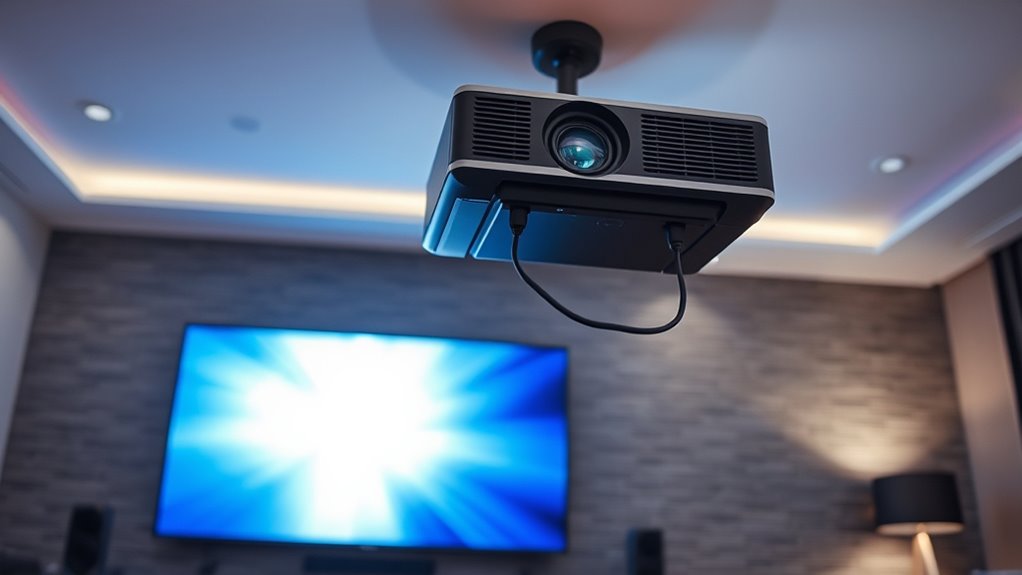
If you’ve ever struggled to hear your projector’s audio clearly, you’re not alone. Poor sound quality or low volume can turn an engaging presentation or movie into a frustrating experience. Luckily, improving your projector’s audio doesn’t have to be complicated or time-consuming. In just about 15 minutes, you can make a noticeable difference by focusing on simple solutions like wireless audio and soundbar placement. These quick wins are designed to maximize sound quality without requiring extensive setup or expensive equipment.
Improve your projector’s sound in just 15 minutes with simple solutions like wireless audio and strategic soundbar placement.
First, consider upgrading to wireless audio options. Wireless transmitters and receivers allow you to connect external speakers or soundbars without messy cables cluttering your space. This setup not only reduces tripping hazards but also gives you more flexibility in positioning your audio equipment for ideal sound. With wireless audio, you can place speakers closer to the audience or in positions that enhance sound clarity, without being constrained by cable length. This approach is especially useful if your projector is mounted on a ceiling or in a fixed location, limiting traditional wired connections. Simply connect the wireless transmitter to your projector’s audio output, pair it with compatible speakers or a soundbar, and you’re good to go. This setup usually takes only a few minutes and instantly boosts audio quality, making your sound clearer and more immersive.
Next, pay attention to soundbar placement. A soundbar is a compact, powerful speaker that can dramatically improve audio quality over built-in projector speakers. Positioning your soundbar correctly is key. Place it directly beneath or above your projector screen, ensuring it’s aimed toward your audience for the best sound distribution. If possible, elevate the soundbar on a shelf or mount it on the wall at ear level. Avoid placing it behind furniture or in corners, as this can muffle the sound or create uneven audio. Experiment with different placements within your space to find the sweet spot where sound travels most clearly. A well-placed soundbar can provide richer bass, clearer dialogue, and a more balanced sound experience, transforming your viewing or presentation environment.
Additionally, it’s worth noting that many modern projectors and audio devices incorporate AI-enhanced sound processing, which can automatically optimize audio quality and clarity with minimal effort. In just 15 minutes, these simple adjustments can make your projector’s audio much more effective. Wireless audio gives you flexibility and reduces clutter, while strategic soundbar placement ensures the sound reaches everyone clearly. These quick wins don’t require extensive technical knowledge or large investments, yet they deliver noticeable results. By focusing on these two areas, you’ll create a more engaging, immersive audio experience that keeps your audience attentive and enhances your viewing or presentation quality. So, take a few minutes now to set up wireless audio and experiment with soundbar placement—your ears will thank you.

1Mii Bluetooth 5.3 Transmitter Receiver for TV to Wireless Headphones, Dual Link aptX Adaptive/Low Latency/HD Audio, Aux Bluetooth Audio Receiver Adapter for Home Stereo, Airplane, Boat, Gym
The Latest Bluetooth 5.3: The latest Bluetooth 5.3 technology enables your aux Bluetooth adapter backward compatible with Bluetooth…
As an affiliate, we earn on qualifying purchases.
As an affiliate, we earn on qualifying purchases.
Frequently Asked Questions
Can External Speakers Significantly Improve Projector Sound Quality?
Yes, external speakers can considerably improve your projector’s sound quality. By upgrading your audio cable and choosing the right speaker placement, you’ll notice clearer, richer audio. Position speakers away from walls or corners to enhance sound distribution, and use quality cables for a better connection. This quick upgrade makes a big difference, transforming your viewing experience without a major overhaul.
What Are the Best Budget-Friendly Audio Enhancement Options?
You can boost your projector’s sound without breaking the bank by using wireless adapters to connect affordable external speakers easily. Additionally, try soundproofing techniques like placing soft materials around the area to enhance audio clarity. These budget-friendly options improve sound quality, making your viewing experience better without costly upgrades. Just make sure your wireless setup is compatible with your speakers, and you’ll enjoy clearer, richer sound effortlessly.
How Do Room Acoustics Affect Projector Audio Performance?
Room acoustics markedly impact your projector’s audio performance. Poor room layout can cause sound to bounce or echo, reducing clarity. To improve sound, try soundproofing techniques like adding rugs, curtains, or acoustic panels to absorb excess noise. Rearrange furniture to minimize reflective surfaces and create a more controlled environment. These adjustments help direct sound toward you, making dialogue clearer and enhancing your overall viewing experience.
Is It Better to Upgrade the Projector’s Built-In Speakers?
Upgrading the projector’s built-in speakers isn’t always the best move. Think of speaker placement and acoustic treatments as tuning a guitar – small adjustments make a big difference. Instead, focus on positioning your existing speakers *preferably* and adding acoustic panels or rugs to absorb echoes. You’ll get clearer sound without the expense of new speakers, transforming your viewing experience into one that’s crisp, immersive, and well-balanced.
Can Sound Calibration Apps Optimize Audio Instantly?
Sound calibration apps can instantly optimize your audio by adjusting settings to match your environment. They analyze your speaker output and automatically tune bass, treble, and balance for better clarity. While they don’t replace professional calibration, these apps provide a quick, effective way to enhance sound quality. For instant audio optimization, simply run the app, follow the prompts, and enjoy clearer, more balanced sound during your projector sessions.

Assistrust Sound Bar for Smart TV, Soundbar with Bluetooth/ARC/Opt/AUX Connect, Auto Volume Boost, 3 Equalizer Modes, 2 in 1 Detachable Soundbar for TV/PC/Gaming/Projectors
【𝐈𝐦𝐩𝐚𝐜𝐭𝐟𝐮𝐥 𝐕𝐨𝐥𝐮𝐦𝐞 𝐁𝐨𝐨𝐬𝐭】: Elevate faint sounds to vibrant with automatic loudness boost. Experience immersive sound through 4 versatile…
As an affiliate, we earn on qualifying purchases.
As an affiliate, we earn on qualifying purchases.
Conclusion
With just a few simple tweaks, you’ve transformed your projector’s sound from a faint whisper to a roaring engine. Think of it as tuning a musical instrument—small adjustments can turn a dull note into a symphony. In just 15 minutes, you’ve discovered richer, clearer audio that makes your movies and presentations come alive. So go ahead, sit back, and enjoy your newly amplified soundscape—your perfect audio adventure is just a quick fix away.

ULTIMEA 7.1ch Soundbar with Wireless Subwoofer, Virtual Surround Sound System for TV, App Control, 410W Peak Power, Sound bar for TV, 4 Wired Surround Speakers, Home Theater Sound System Poseidon D70
7.1ch Virtual Surround Sound System: Upgraded from the 5.1ch Poseidon D50, the Poseidon D70 meets more needs with…
As an affiliate, we earn on qualifying purchases.
As an affiliate, we earn on qualifying purchases.

Howonder Soundbar Wall Mount,All Metal Sound Bar Mounts Under TV for Sonos,Samsung, Bose, Vizio, LG, Sony, JBL and More,Depth Adjustable 3.7”-6.3”, Hold up to 30 lbs,HD-118,2 Packs,Black
Universal Compatibility:The Soundbar Wall Mount fits for Sonos,Samsung, Bose,Sony,Vizio, LG, Sony, JBL and More!
As an affiliate, we earn on qualifying purchases.
As an affiliate, we earn on qualifying purchases.