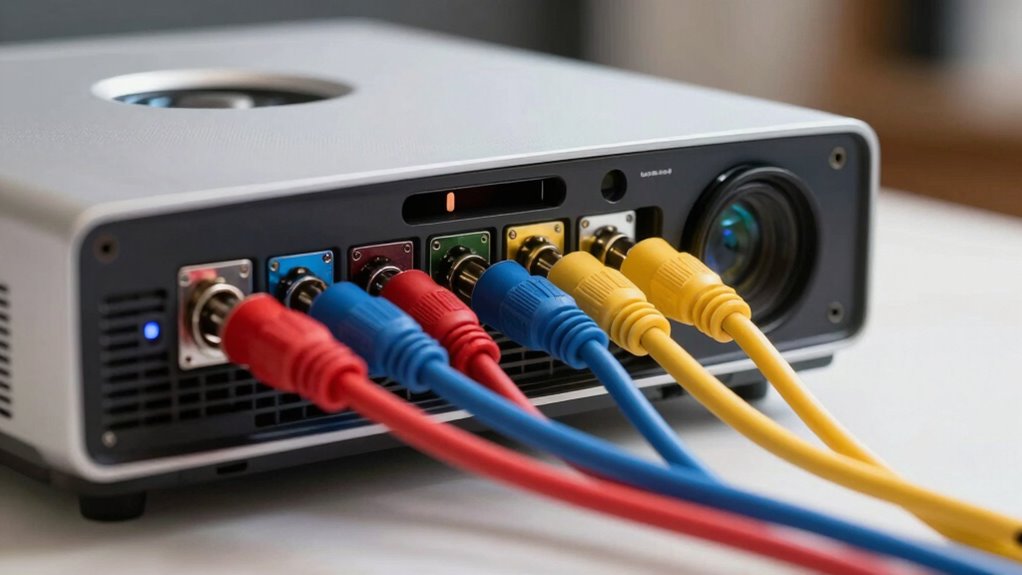
To fix the weakest link in your projector audio chain, start by checking your wireless connections for interference or stability issues—moving closer or switching to wired can help. Make certain your firmware is up to date, and calibrate your sound settings for clarity and bass. Consider using external transmitters or upgraded cables if needed. Small adjustments can make a big difference, and continuing will give you more tips to optimize your sound quality further.
Key Takeaways
- Identify and troubleshoot connectivity issues causing audio lag or dropout, focusing on wireless interference sources.
- Ensure devices are within optimal range and consider switching to wired connections for stability.
- Update firmware regularly on all wireless audio devices to fix bugs and improve compatibility.
- Calibrate audio settings for room acoustics, adjusting volume, balance, and equalization for clearer sound.
- Use dedicated wireless transmitters or stronger signals to enhance overall audio performance and reliability.
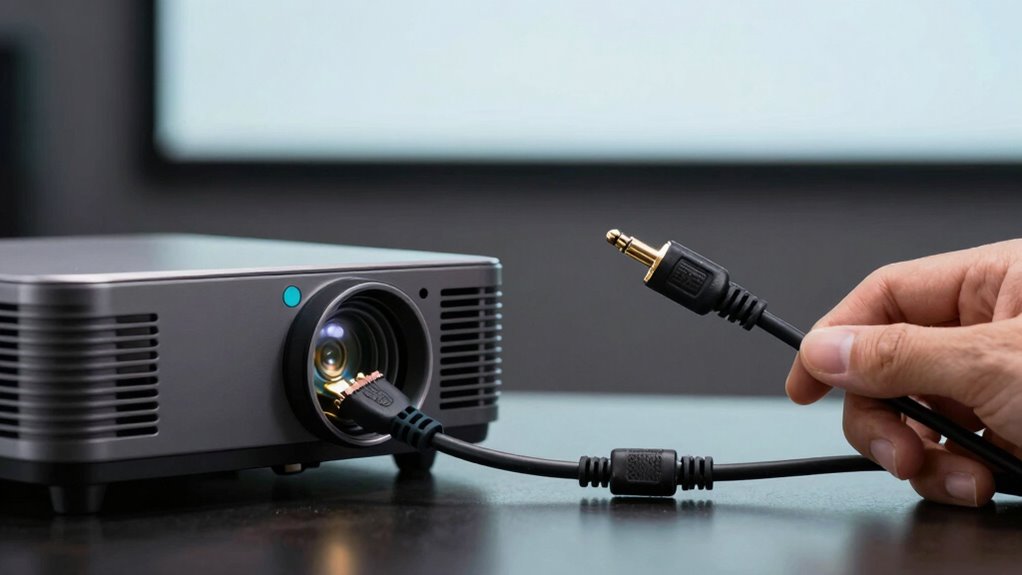
If your projector’s audio isn’t as clear or loud as you’d like, the problem often lies somewhere in the audio chain. The audio chain includes everything from the projector’s internal speakers or external audio sources to the connection methods you use. Identifying and fixing the weakest link can dramatically improve sound quality. One common issue is poor wireless connectivity, which can cause audio lag, dropout, or low volume. If you’re relying on wireless methods like Bluetooth or Wi-Fi, ensure your device is close enough to avoid interference, and check that the connection is stable. Sometimes, simply reconnecting or updating the firmware on your wireless devices can resolve these issues. You might also consider switching to a wired connection if wireless proves inconsistent, but if wireless connectivity is vital, investing in a stronger signal or a dedicated wireless audio transmitter can help.
Once your connection is stable, focus on sound calibration. Many projectors and external audio systems offer settings to tweak volume, balance, and equalization. Take a moment to access these settings and adjust them to your room’s acoustics. Proper sound calibration guarantees that the audio output aligns with your environment, eliminating muffled or distorted sound. You want to optimize the sound for speech clarity and bass response, which can make a significant difference in your viewing experience. Use test tones if available, or simply play familiar content to gauge improvements. Small adjustments can make a noticeable difference, especially if your projector has built-in audio enhancements or equalizers. Remember, calibration isn’t a one-time fix; revisit these settings periodically, especially after updates or changes to your setup. Additionally, ensuring your audio system supports wireless connectivity standards can prevent future issues and improve overall performance. Confirming the compatibility of external devices with your projector and their support for the necessary connection standards is also essential to maintain a reliable audio chain.

Wireless HDMI Transmitter and Receiver 328ft/100m Extender 1080P Output
- Easy Plug-and-Play Setup: No cables, WiFi, or Bluetooth needed
- Low Latency Transmission: Less than 0.01 seconds delay
- Supports 4K and 1080P: Clear, stable HD video output
As an affiliate, we earn on qualifying purchases.
As an affiliate, we earn on qualifying purchases.
Frequently Asked Questions
How Do I Identify the Weakest Link in My Audio Chain?
You identify the weakest link by testing each component in your audio chain. Check cable compatibility first—look for loose connections or damaged cables. Pay attention to speaker placement; if speakers are too far away or blocked, sound quality drops. Swap out cables one at a time to see if performance improves, and reposition speakers for better sound distribution. These steps help you pinpoint and fix the weak link effectively.
What Are the Signs of Poor Audio Quality?
Poor audio quality feels like trying to hear a whisper through a thick wall. You notice muffled sounds, uneven volume, or distorted voices. It’s as if your sound is trapped behind soundproofing techniques or lost in poor acoustic treatment. These signs signal issues in your audio chain. To fix this, improve your acoustic treatment and make certain your setup is free from unnecessary noise or interference, allowing your audio to flow clear and true.
Can I Upgrade Just One Component for Better Sound?
Yes, upgrading just one component can improve your sound. Focus on replacing or upgrading your audio receiver or speakers, and make certain they support wireless connectivity for added convenience. After upgrading, perform sound calibration to optimize audio quality. This targeted approach helps you achieve better sound without overhauling your entire setup, making your projector experience more immersive and enjoyable.
How Often Should I Check My Audio Connections?
You should check your audio connections regularly, ideally once a month, to prevent issues caused by cable management problems or signal interference. Frequent inspections help you spot loose or damaged cables and guarantee connections are secure. Good cable management minimizes interference and maintains sound quality. By staying proactive, you avoid unexpected audio problems and keep your projector’s sound performance at its best, especially during important viewing or presentation sessions.
Are There Affordable Solutions to Improve Projector Audio?
Your projector’s audio can be transformed with surprisingly affordable solutions. You might consider upgrading to wireless connectivity options, which eliminate tangled cords and boost clarity. Additionally, adding simple acoustic treatments like foam panels or curtains can dramatically improve sound quality by reducing echoes and background noise. These solutions are budget-friendly and effective, turning your basic setup into a powerhouse of clear, immersive sound without breaking the bank.

Amazon Basics Toslink Digital Optical Audio Fiber Optic Cable, Multi-Channel, for Sound Bar, Audio System, Home Theatre, Game Console, Blu-Ray Player, Gold-Plated Connectors, 6 Foot, Black
- Cable Length: 6-foot digital optical cable
- Connector Type: Gold-plated Toslink connectors
- Audio Quality: Multi-channel, clear digital audio
As an affiliate, we earn on qualifying purchases.
As an affiliate, we earn on qualifying purchases.
Conclusion
So, after all that, you might think the loudest speakers or the fanciest cables are the real heroes. But surprisingly, it’s often the tiny, overlooked weak link—like a loose connection or low-quality wire—that ruins your audio experience. Ironically, fixing that tiny flaw can turn your crystal-clear sound into a symphony, proving sometimes, it’s the smallest details that make the biggest difference. Don’t ignore the little things—they might just be your audio chain’s saving grace.

Bluetooth Audio Adapter for Music Streaming Sound System, Esinkin Wireless Audio Adapter Works with Smartphones and Tablets, Bluetooth Receiver for Home Stereo
- Wireless Music Streaming: Connects to speakers via Bluetooth or cables
- Simple One-Button Pairing: Easy setup with automatic reconnect feature
- Extended Wireless Range: Up to 40 feet indoors without obstacles
As an affiliate, we earn on qualifying purchases.
As an affiliate, we earn on qualifying purchases.
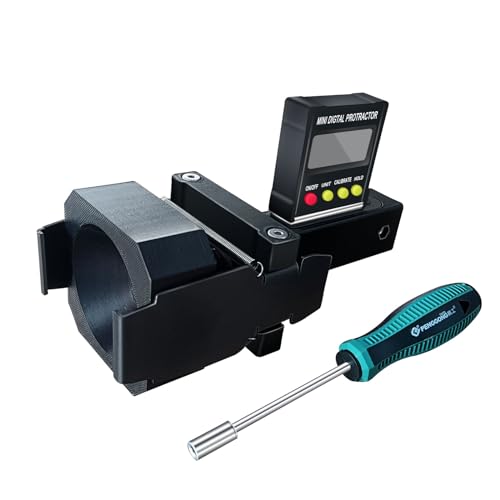
Dynamic ACC Positioning Tool For Eyeball Unit, ADAS Calibration Tool
- Power Source: Requires 2 AAA batteries (not included)
- Compatibility: Designed for eyeball unit only
- Calibration Type: Suitable for dynamic ADAS calibration
As an affiliate, we earn on qualifying purchases.
As an affiliate, we earn on qualifying purchases.