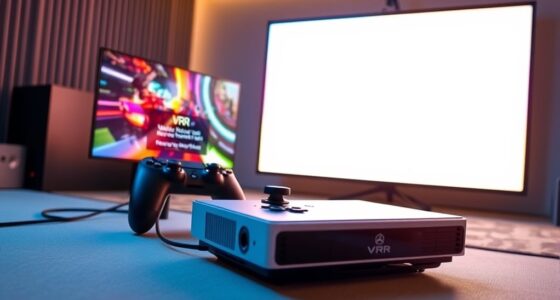
To improve your gaming with a projector, start by dimming or turning off overhead lights and closing blinds to boost contrast and clarity. Use blackout curtains or dark walls to minimize ambient light, and position your projector away from glare sources. Enhance sound quality with quality speakers and strategic placement, and keep the room clutter-free to avoid distractions. Making these tweaks can transform your setup — keep going to discover more tips for an optimized gaming space.
Key Takeaways
- Dim or block out natural and ambient light to improve image contrast and color vibrancy.
- Adjust projector settings like contrast, brightness, and calibration for optimal image quality.
- Use quality speakers and strategic placement to enhance immersive sound and clarity.
- Keep the room clutter-free and organize cables to prevent distractions and maintain focus.
- Incorporate soft furnishings and blackout curtains to minimize reflections, echoes, and enhance visual depth.
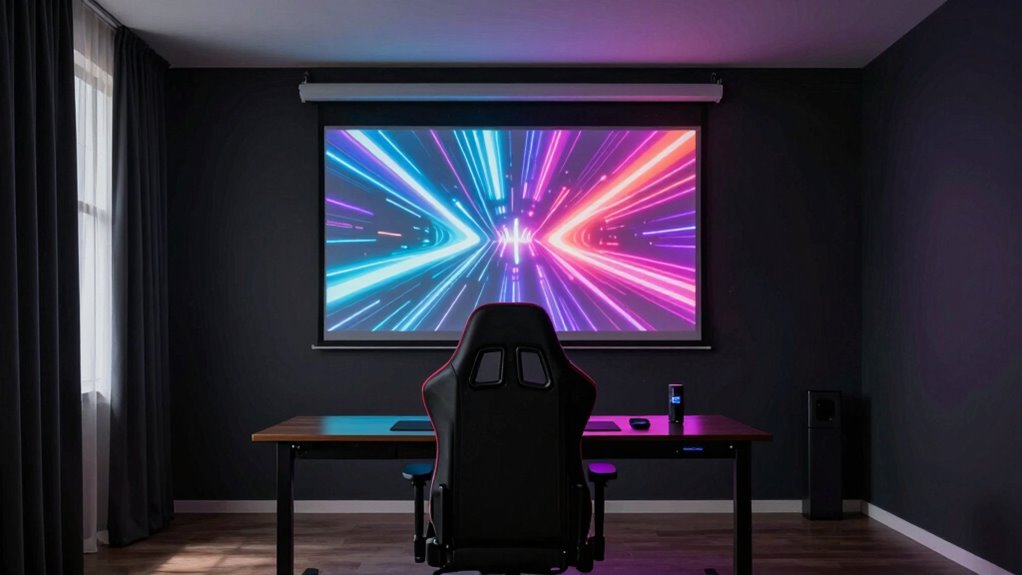
If you want to get the most out of your gaming projector, tweaking your room setup can make a significant difference in performance and image quality. Small adjustments can enhance your gaming experience by making visuals sharper, colors more vivid, and sounds more immersive. Two key areas to focus on are lighting adjustments and sound optimization, both of which drastically influence how well you perceive your game.
Start with lighting adjustments. Bright ambient light can wash out your projector’s image, making details hard to see and colors dull. To combat this, control the lighting in your room by dimming or turning off overhead lights and closing blinds or curtains to block out natural light. If you can, add blackout curtains or dark-colored walls to absorb excess light and create a darker environment. This helps your projector’s image appear more vibrant and sharp. For even better contrast, consider using a projector with a high lumen rating suited for darker rooms. You might also want to position your projector away from windows or light sources that cause glare or reflections, which can interfere with image clarity.
Sound optimization is just as crucial. No matter how stunning your visuals are, poor sound quality can diminish your gaming experience. Invest in quality speakers or a soundbar that can deliver clear, rich audio. Position speakers strategically around your room to create a surround sound effect, immersing you in the game world. Adjust the speaker levels and settings, such as bass and treble, to match your preferences and the environment. If your room is large or has hard surfaces that reflect sound, consider adding soft furnishings like rugs, curtains, or acoustic panels. These absorb excess echoes and improve sound clarity. Proper sound placement ensures you hear important game cues and dialogue without distortion, giving you a competitive edge and heightening immersion.
Additionally, keep your room clutter-free and organized. Clutter can interfere with both your visual focus and sound quality by creating distractions or blocking speakers. Maintain a clean, comfortable space that’s tailored for gaming. Regularly check your projector’s settings—such as contrast, brightness, and color calibration—to fine-tune the image quality as needed. Understanding the importance of contrast ratio can help you select the right projector for dark scenes and enhance overall image quality. Combining these lighting adjustments and sound optimization strategies transforms your room into a dedicated gaming haven, allowing you to enjoy games with the full visual and auditory impact they’re meant to deliver. Small tweaks can elevate your gaming performance and make every session more engaging and enjoyable.
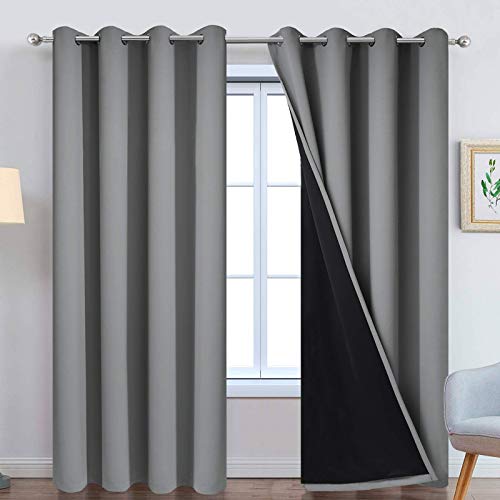
Yakamok Grey 100% Blackout Curtain Panels 84 inches, 52" Wide, 2 Panels
- Package Includes: 2 panels, each 52" wide x 84" long
- Easy to Hang: Silvery grommets fit many rods
- Complete Blackout: Blocks 100% sunlight and UV rays
As an affiliate, we earn on qualifying purchases.
As an affiliate, we earn on qualifying purchases.
Frequently Asked Questions
How Does Ambient Lighting Affect Projector Gaming Performance?
Ambient light can considerably impact your projector gaming performance by washing out the image, making it harder to see details. Too much ambient light causes glare and reduces contrast, which diminishes visual clarity. To improve your experience, control ambient light levels and use curtains or blinds. Incorporate glare reduction techniques like matte screens or adjustable lighting, ensuring your gaming environment stays dark enough for ideal image quality and immersive gameplay.
What Is the Optimal Viewing Distance for Gaming on a Projector?
You should sit about 1.5 to 2.5 times the screen’s diagonal size away for ideal gaming. This distance lets your eyes enjoy the full magic of high screen resolution without straining. Make sure your projector’s lumens provide bright, vibrant images, especially at this distance, so every detail shines. Think of it as finding the perfect spot on a canvas where colors blend harmoniously, creating an immersive gaming masterpiece.
Can Room Acoustics Impact Gaming Experience With a Projector?
Yes, room acoustics profoundly impact your gaming experience with a projector. Sound reflection can cause echoes that distract you during gameplay, while poor acoustics diminish audio clarity. To improve this, use acoustic treatment like foam panels or carpets to absorb excess sound. These tweaks reduce unwanted reflections, making audio more precise and immersive, so you can fully enjoy your gaming sessions without audio distractions.
How Do Different Wall Colors Influence Image Quality?
Wall colors greatly influence your projector image quality; lighter shades like white or gray reflect light better, enhancing brightness and clarity. Matte paint finishes reduce glare and minimize color distortion, while textured walls can diffuse light unevenly, affecting sharpness. Smooth, flat wall textures combined with neutral, non-reflective paints create ideal conditions, ensuring your gaming visuals stay vivid and crisp without unwanted reflections or color shifts.
What Are the Best Ventilation Tips for Projector Gaming Setups?
To improve ventilation in your gaming setup, prioritize airflow optimization by positioning ventilation fans strategically near your projector and gaming area. Make sure there’s enough space around your equipment for proper air circulation, preventing overheating. Regularly clean dust from fans and vents to maintain efficiency. Keep the room well-ventilated with open windows or an air purifier, and avoid blocking airflow paths, which helps keep your projector cool and running smoothly during intense gaming sessions.
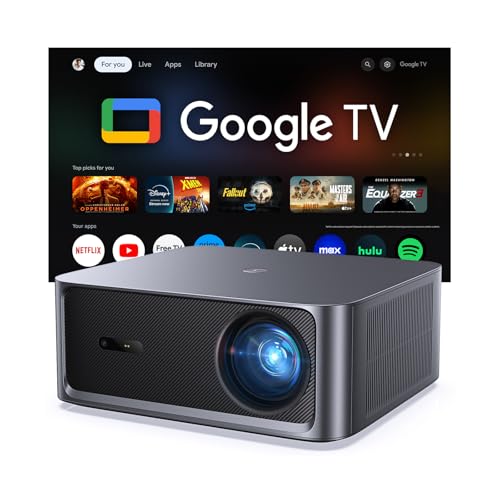
HAPPRUN 3000 ANSI Lumens Outdoor Projector with Official Google TV
- Built-in Google TV: Access 1,000+ streaming apps instantly
- Bright 3000 ANSI Lumens: Vivid images in day or night
- Supports 4K with HDR10+: Cinematic visuals with high contrast
As an affiliate, we earn on qualifying purchases.
As an affiliate, we earn on qualifying purchases.
Conclusion
Now that you’ve learned these room tweaks, your gaming experience is about to reach new heights. But don’t stop here—there’s always one more trick, one last adjustment that could make all the difference. Are you ready to discover it? Keep experimenting, stay curious, and push your setup further. Because the perfect gaming environment isn’t just a dream—it’s just a tweak away. And once you find it, everything will change.

ULTIMEA 5.1CH Surround Sound Bar System with Dolby Atmos, Poseidon M60
- Immersive Dolby Atmos Setup: Easy 5.1ch Dolby Atmos with wide surround
- Enhanced Voice Clarity: Real-time vocal isolation and enhancement
- Powerful 300W Sound Output: Six-driver system with subwoofer for room-filling sound
As an affiliate, we earn on qualifying purchases.
As an affiliate, we earn on qualifying purchases.

Focusound 52 Pack Acoustic Foam Panels 1" x 12" x 12" Sound Proof Foam Panles Soundproofing Noise Cancelling Wedge Panels for Home Office Recoding Studio with 300PCS Double-Side Adhesive
- Soundproofing Design: Triangular grooves for noise absorption
- Includes Adhesive Tape: 300pcs double-sided adhesive for easy installation
- Easy Shape Recovery: Soak in water to restore foam shape
As an affiliate, we earn on qualifying purchases.
As an affiliate, we earn on qualifying purchases.