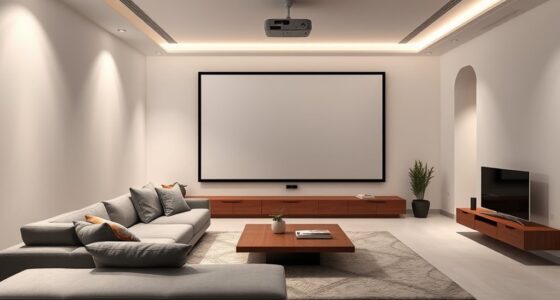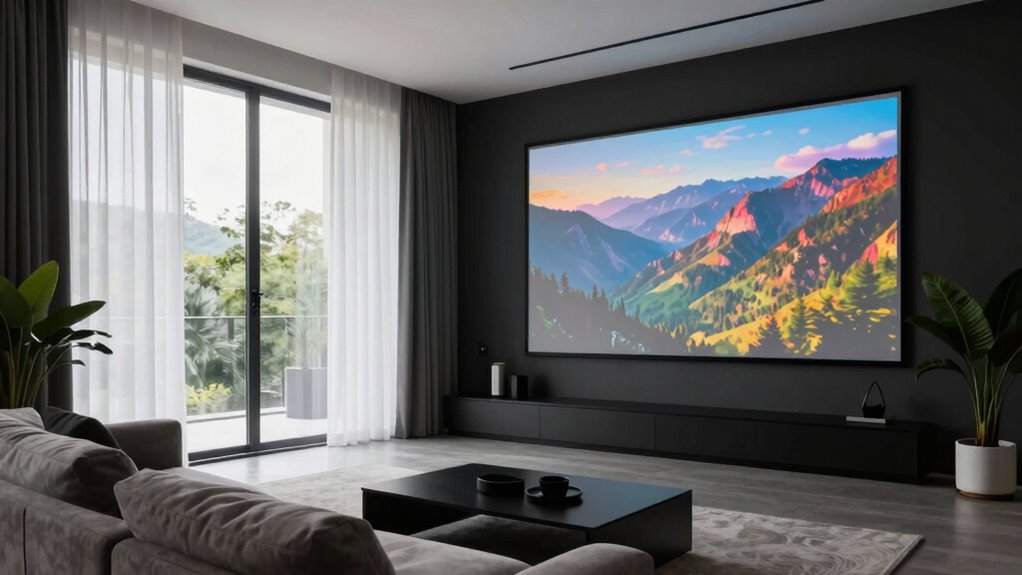
To optimize your projector-based living room, you’ll want to control natural light with blackout curtains, shades, or blinds that you can easily adjust. Layering treatments, like sheer curtains combined with blackout shades, gives you flexibility. For privacy and insulation, frosted films or cellular shades work well, especially in street-facing windows. Managing your windows properly helps guarantee clear visuals and a comfortable space. Keep exploring for more tips on perfecting your setup.
Key Takeaways
- Use blackout curtains or shades to block sunlight and prevent projector image washout during daytime viewing.
- Incorporate layered window treatments, like sheer curtains with blackout shades, for flexible light control and privacy.
- Opt for motorized or adjustable blinds to easily switch between natural light and darkened conditions.
- Consider frosted films or privacy shades to enhance privacy without sacrificing natural light.
- Ensure windows are properly insulated to improve energy efficiency and maintain consistent indoor temperature.
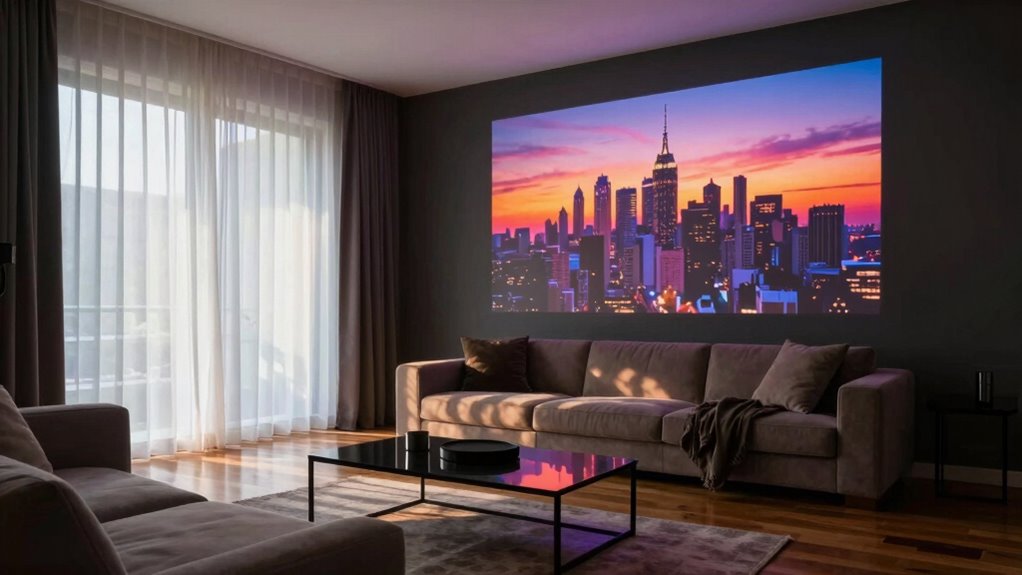
Living in a projector-based living room offers a sleek, immersive entertainment experience, but it also presents unique challenges—one of the biggest being managing natural light from windows. While sunlight can brighten your space during the day, it also threatens to wash out your projector’s image, making it harder to enjoy movies or shows with clarity. To tackle this, you need effective window treatments that control light and preserve your viewing quality. But beyond managing light, you also have to think about privacy concerns. Large, uncovered windows can expose your space to neighbors or passersby, especially if your living room is on the ground floor or faces busy streets. Finding the right balance between privacy and light control becomes essential.
Balancing light control and privacy is key for a projector living room.
When selecting window treatments, consider options that offer versatility. Blackout curtains or shades are excellent for blocking out sunlight completely, ensuring your projector image stays sharp and vibrant. They’re a simple, effective solution if you often watch during the daytime or in bright rooms. If you prefer more natural light during certain hours, opting for adjustable blinds or sheer curtains can give you control over how much light enters. You can open them fully when you want daylight or close them tightly for movie time. Motorized window treatments are also a smart choice, allowing you to easily switch between different settings with the push of a button, which is especially handy if your seating area is far from the windows.
Privacy concerns are just as important as managing light. If you’re worried about outsiders peering in, choose window treatments that offer better privacy without sacrificing your ability to control light. Honeycomb or cellular shades provide both privacy and insulation, and they can be layered with sheer curtains for a softer look. Frosted window films are another option; they obscure the view from outside while still letting in diffused light. These solutions help you enjoy your living space without feeling exposed, even if your windows face busy streets or neighboring homes. Additionally, light control is crucial for optimizing your viewing environment and maintaining comfort throughout the day. Incorporating window treatments that also improve insulation can help regulate indoor temperatures, making your space more energy-efficient and comfortable. Selecting energy-efficient window treatments can also contribute to a greener, more sustainable home. Considering privacy protection is vital to ensure your space remains secure and private, especially when living in closely packed neighborhoods.
Choosing the right window treatments also involves considering energy efficiency, which can help lower your utility bills by reducing heat loss or gain through the windows. Ultimately, the key is to select window treatments that align with your lifestyle and viewing habits. You want to block out enough light to keep your projector image crisp, while also maintaining your privacy and comfort. Combining blackout shades with layered treatments offers maximum flexibility, so you can create the perfect environment for entertainment or relaxation at any time of day. Balancing these factors ensures your projector-based living room remains both functional and private, letting you enjoy your immersive experiences without compromise.

MIULEE Blackout Curtains for Bedroom 2 Panels 40 x 84 Inch Long Black
- Package Includes: 2 blackout panels, 40×84 inches each
- Light Blocking Efficiency: Blocks 60% to 95% of light and UV
- Color Options: Darker colors provide better shading
As an affiliate, we earn on qualifying purchases.
As an affiliate, we earn on qualifying purchases.
Frequently Asked Questions
Can I Use Touchscreen Windows on a Projector Setup?
Yes, you can use touchscreen Windows on a projector setup, but compatibility considerations are essential. You’ll need a touchscreen-compatible device or an external touchscreen overlay that works with your projector. Make sure your Windows version supports touch functionality and that your hardware can handle the input. Keep in mind, touch accuracy might vary depending on the projector’s resolution and surface, so test your setup thoroughly before relying on it for regular use.
How Do I Prevent Windows From Showing on the Projector During Use?
To prevent Windows from showing on your projector, adjust the window opacity to make the desktop less visible or hide specific windows altogether. Use screen mirroring settings to selectively display content, ensuring only what you want appears. You can also minimize or move windows off-screen before projecting. These steps help you control what shows up, keeping your projector display clean and focused on your main content.
What Windows Features Are Best for a Projector-Based Living Room?
You should customize your Windows features to optimize your projector experience. Use window customization tools to hide or resize windows during presentations, preventing distractions. Adjust privacy settings to limit notifications or background apps that might pop up unexpectedly. Enable focus assist to block alerts, and consider setting up multiple desktops for different activities. These tweaks help keep your living room environment seamless and immersive, ensuring your projector setup works smoothly without interruptions.
How Does Windows Handle Ambient Light in a Projector Environment?
Sure, Windows isn’t exactly built for a projector paradise, but it does handle ambient light mitigation surprisingly well—if you tweak the settings and use the right tools. You can calibrate your projector screen to combat glare, making your space more enjoyable. While Windows can’t block sunlight, smart adjustments and room tweaks help reduce ambient light interference, turning your living room into a cozy theater—proof that even tech struggles with bright days.
Can I Connect Multiple Windows Devices to One Projector?
Yes, you can connect multiple Windows devices to one projector using wireless streaming and screen mirroring. You’ll need compatible devices and a wireless display adapter or a network that supports Miracast. By setting up a shared connection, you can easily switch between devices or display multiple screens, making your projector versatile for meetings, entertainment, or collaborative work. Just confirm your devices and projector support these features for seamless connectivity.

Motorized Blinds No Drill Automatic Blinds for Windows Cordless Roller Shades Electric Blinds with Remote Control Smart Blinds (White, 34.5 x 72)
- Easy No-Drill Installation: Simple adhesive mounting for inside windows
- Stylish Light Blocker: Includes valance to block gaps and light
- Premium Blackout Fabric: Three-layer textured fabric for UV and privacy
As an affiliate, we earn on qualifying purchases.
As an affiliate, we earn on qualifying purchases.
Conclusion
In a projector-based living room, managing your windows is key to creating the perfect viewing experience. Blocking out unwanted light can be as simple as blackout curtains or blinds, which can reduce glare by up to 90%. Remember, controlling natural light not only enhances picture quality but also sets the mood. So, take the time to optimize your windows—your home theater will thank you, and you’ll enjoy immersive movie nights every time.

Dwersty Frosted Glass Window Privacy Film Decorative, 17.5" x 78.74"
- Installation Notes: Remove protective film before installation
- Easy Cutting: Updated backing grids for precise cuts
- Privacy & Light: Creates privacy with soft natural light
As an affiliate, we earn on qualifying purchases.
As an affiliate, we earn on qualifying purchases.

BlindsAvenue Cordless Cellular Shade, White, 30" W x 48" H
- Custom Inside Mount Size: Order 1/4 to 1/2 inch narrower
- Outside Mount Sizing: Order to match desired coverage
- Cordless Pull-Down Control: Adjust height easily with free stop system
As an affiliate, we earn on qualifying purchases.
As an affiliate, we earn on qualifying purchases.