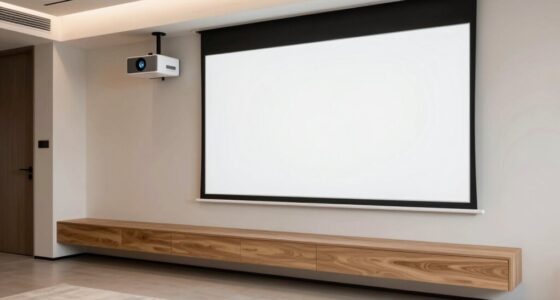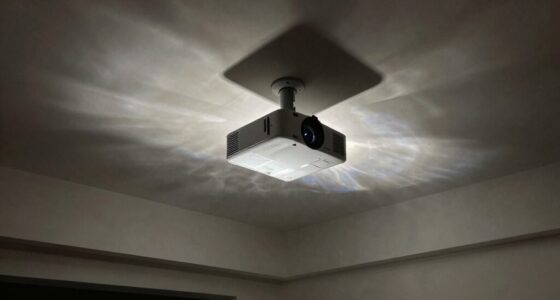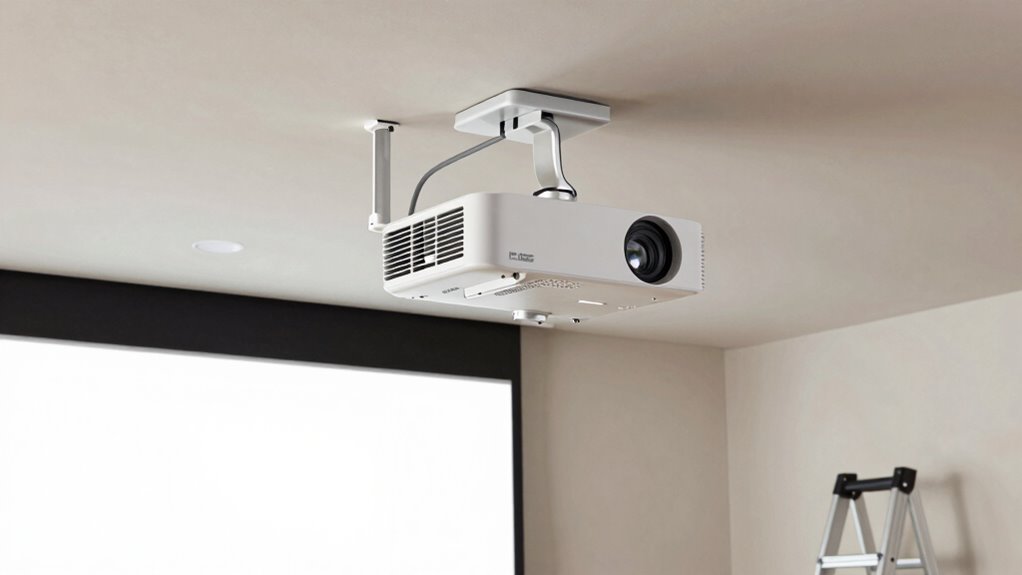
To keep projector maintenance easy, choose a mount with quick-release or adjustable arms, making it simple to access the device for cleaning or bulb changes. Position the projector in a spot that’s free of obstructions, with easy access to cables. Use mounts that support future adjustments and plan for good cable management. Make certain the installation allows for ventilation and minimizes dust buildup. Following these tips today can save you time and hassle later—you’ll find more helpful strategies ahead.
Key Takeaways
- Choose a mount with quick-release or adjustable arms for easy access during maintenance.
- Position the projector to allow straightforward access to cables and filters.
- Use cable management systems to keep cords organized and facilitate upgrades or repairs.
- Install the projector on an adjustable or flexible mount for future repositioning.
- Ensure the installation site offers unobstructed access for routine cleaning and part replacement.
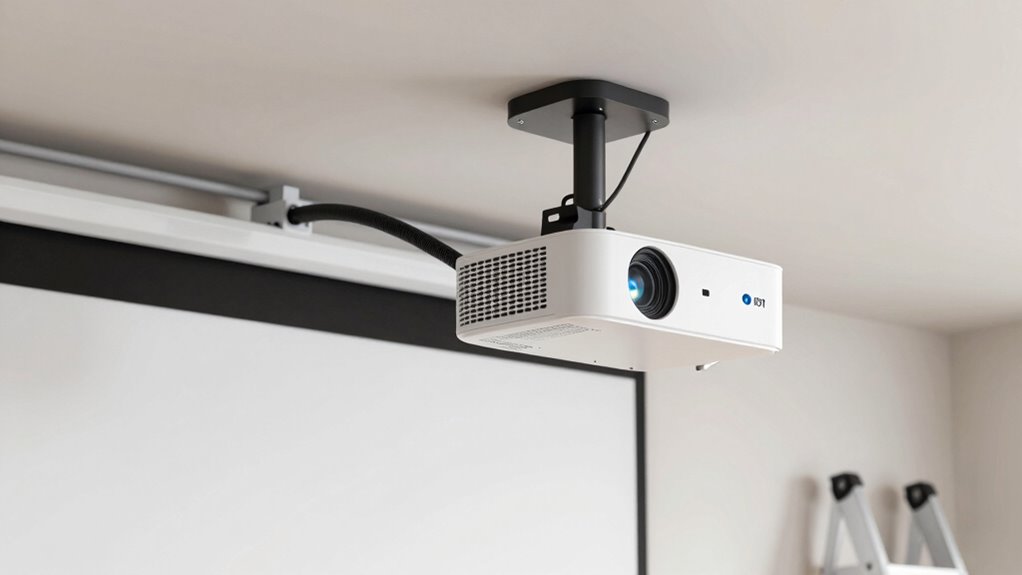
Wondering how to securely mount a projector? The key is to plan carefully from the start, ensuring that your setup allows for easy maintenance and adjustments later on. One of the first steps is to consider how you’ll perform remote calibration. Remote calibration is a game-changer because it allows you to fine-tune your projector’s image without constantly climbing on ladders or moving furniture. Before installing, check if your projector supports remote calibration features, and make sure your mounting location provides a clear line of sight for the remote control or calibration tools. This way, you can make adjustments from a comfortable position, saving time and effort down the line.
Plan your projector mount carefully for easy remote calibration and future adjustments.
Next, you need to take ceiling considerations into account. The ceiling’s height, material, and structure will influence your mounting choices. For example, if you’re working with a high or uneven ceiling, you might need an adjustable mount that can extend or tilt, ensuring the projector’s lens is perfectly aligned with your screen. Also, consider the material—if it’s a drop ceiling, you’ll need specialized anchors or mounting plates designed for that surface. For concrete or brick ceilings, you’ll require appropriate anchors and possibly a drill with heavy-duty bits. Ensuring the mount is secure is vital so it can support the projector’s weight over time, especially if you plan to leave it undisturbed for long periods.
When choosing your mount, look for options that allow easy access for maintenance. A mount with a quick-release feature or adjustable arm can make cleaning filters, replacing bulbs, or making minor adjustments much simpler. Position the projector in a way that minimizes obstruction and allows for easy access to power and HDMI cables. Avoid mounting in tight spots where reaching behind the projector becomes a hassle. Instead, aim for a location that’s both stable and accessible, so routine maintenance doesn’t turn into a chore. Additionally, selecting a mount that supports remote calibration can greatly enhance your setup process, ensuring precise image adjustments without frequent physical access. Incorporating cable management solutions can also prevent clutter and make future upgrades or repairs less cumbersome. Furthermore, understanding nail biology/hygiene concepts can help you recognize potential issues like dust accumulation or wear that might affect your projector’s environment and longevity.
Being aware of environmental factors such as humidity, temperature, and dust levels can also help you choose the best location and maintenance routine for your projector. Adding proper ventilation can further prolong the life of your equipment by preventing overheating. Finally, while you focus on the initial setup, keep in mind future needs. Use cable management systems that keep cords neat and accessible, and choose a mount that can be adjusted or repositioned if needed. This proactive approach to mounting ensures your projector remains easy to maintain, saves you time, and helps prolong its lifespan. Proper planning for remote calibration and ceiling considerations from the start makes all the difference, turning a complicated task into a straightforward, hassle-free process.

PropVue Universal Projector Mount – Adjustable Ceiling or Wall Mount for Office & Home Mini Projectors – Full Motion, Easy Installation, 360° Swivel, Extendable Length 13.8" to 21"
FULL MOTION UNIVERSAL PROJECTOR MOUNT: Designed to fit regular and mini projectors with mounting hole distances from 5.2"…
As an affiliate, we earn on qualifying purchases.
As an affiliate, we earn on qualifying purchases.
Frequently Asked Questions
Can I Mount a Projector on a Ceiling With Uneven Surfaces?
Yes, you can mount a projector on a ceiling with uneven surfaces by focusing on ceiling stability and surface leveling. Use adjustable mounts or shims to compensate for unevenness, ensuring the projector stays aligned. Secure the mount firmly and double-check that it’s level before installation. This approach helps maintain a stable setup, making maintenance easier and preventing future adjustments or damage caused by an unstable, uneven surface.
How Do I Hide the Projector Cables for a Clean Look?
Imagine your cables are like a river flowing behind a dam; you want it to look neat and controlled. To hide projector cables for a clean look, use cable management solutions like conduit, raceways, or cable covers that blend with your ceiling or wall. Aesthetic concealment keeps the space tidy, prevents tripping hazards, and creates a sleek, professional appearance, making your setup both functional and visually appealing.
What Tools Are Needed for Mounting a Projector?
To mount a projector, you’ll need a drill compatible with your wall type, along with appropriate drill bits. A level ensures accurate mounting height, while a stud finder helps locate secure spots. A screwdriver helps tighten brackets, and possibly a measuring tape for precise positioning. Make certain you have all these tools ready to guarantee a secure, level installation that’s easy to maintain and adjust over time.
How Often Should I Clean or Replace Projector Filters?
You should clean or replace your projector filters every 3 to 6 months, depending on usage and environment. Regular filter maintenance helps prevent dust buildup, ensuring peak performance and preventing overheating. Follow your projector’s replacement schedule in the user manual, and inspect the filters monthly if you use the projector heavily or in dusty areas. Staying on top of filter maintenance keeps your projector running smoothly and extends its lifespan.
Is It Possible to Mount a Projector Outdoors?
Yes, you can mount a projector outdoors, but it requires a weatherproof setup. Think of your projector as a delicate flower—protect it from rain, dust, and extreme temperatures. Use outdoor-rated mounts and enclosures to shield it from the elements. Position it under a canopy or eaves for extra protection. With careful outdoor mounting, you’ll enjoy your movies under the stars without worrying about weather damage.
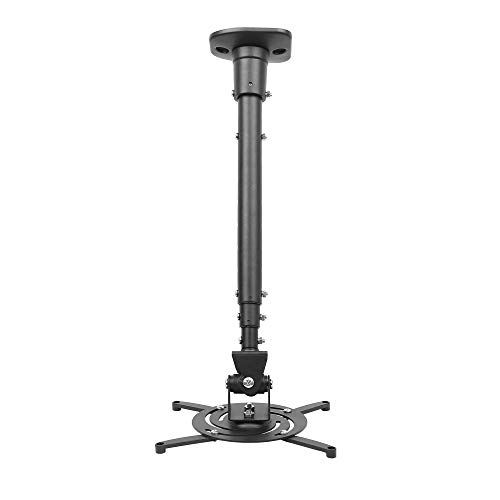
DYNAVISTA Full Motion Universal Ceiling Projector Mount Bracket with Adjustable Height and Extendable Arms Rotating Swivel Mount for Home and Office Projector (Black)
Universally Compatible: This projector ceiling mount supports most projector brands with distance between the mounting holes on back…
As an affiliate, we earn on qualifying purchases.
As an affiliate, we earn on qualifying purchases.
Conclusion
Now that you know how to properly mount your projector for easy maintenance, imagine the convenience of quick adjustments and hassle-free cleaning whenever needed. But there’s one more secret to keeping your setup flawless—something many overlook. Stay tuned, because mastering this final step will transform your viewing experience and guarantee your projector stays in top shape for years to come. Are you ready to discover what it is? The best is yet to come.

N NOROCME 192 PCS Cable Management Kit 4 Wire Organizer Sleeve,11 Cable Holder,35Cord Clips 10+2 Roll Cable Organizer Straps and 100 Fastening Cable Ties for Computer TV Under Desk, black,clear
Cable Management Kit: 4pcs Cable Sleeves( 20 in L x 0.4 in w), 20pcs reusable wire ties,35Cable Clips…
As an affiliate, we earn on qualifying purchases.
As an affiliate, we earn on qualifying purchases.
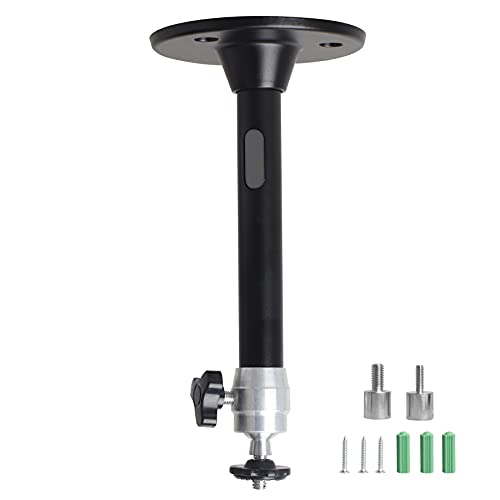
YiePhiot Mini Ceiling Wall Projector Mount Stand Compatible with QKK, DR.J, DBPOWER, Anker, VANKYO, AAXA, Jinhoo, PVO, TMY, AuKing and Most Other Mini Projector (175mm, Black)
Universal Mount: The Universal Projector Mount is compatible with most mini projectors, including CLOKOWE, HAPPRUN, ELEPHAS, NICPOW and…
As an affiliate, we earn on qualifying purchases.
As an affiliate, we earn on qualifying purchases.