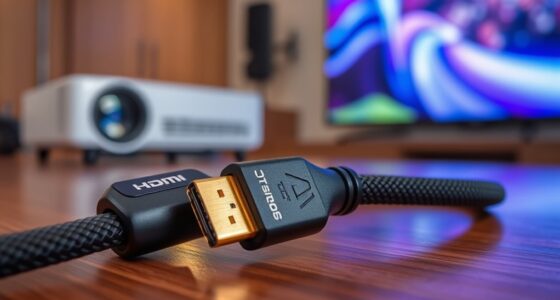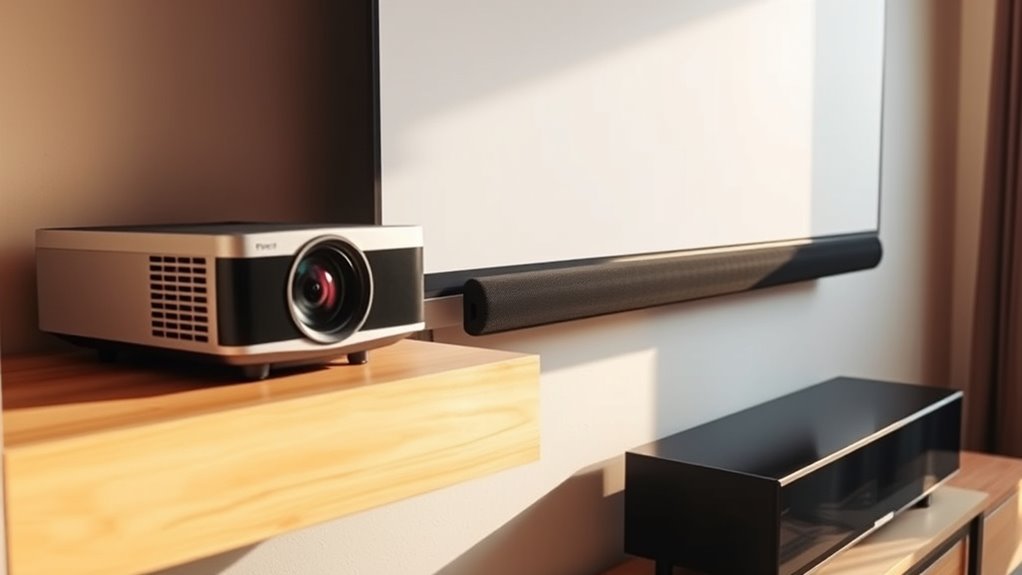
Yes, you can use a soundbar instead of a receiver for your projector audio, especially with modern wireless and HDMI-capable models. Many soundbars now support surround sound formats like Dolby Atmos and DTS:X, providing immersive audio without bulky equipment. Wireless connections reduce clutter and simplify setup. However, not all soundbars support multiple channels or advanced formats. If you’d like to explore how to optimize your setup, there’s more to contemplate beyond basic features.

Get business pricing on your home office setup
- Business-only prices and quantity discounts
- Tax-exempt purchasing
- Multiple users, one account, clear invoices
Key Takeaways
- Many modern soundbars support HDMI ARC, allowing direct connection from the projector and reducing the need for a receiver.
- Soundbars with Dolby Atmos or DTS:X can deliver immersive surround sound comparable to traditional receiver setups.
- Wireless soundbars simplify installation by eliminating cables, ideal for clean projector environments.
- Not all soundbars support multiple channels or advanced surround formats; check specifications before replacing a receiver.
- For reliable audio, wired connections like HDMI or optical may be preferable over wireless options in unstable network environments.
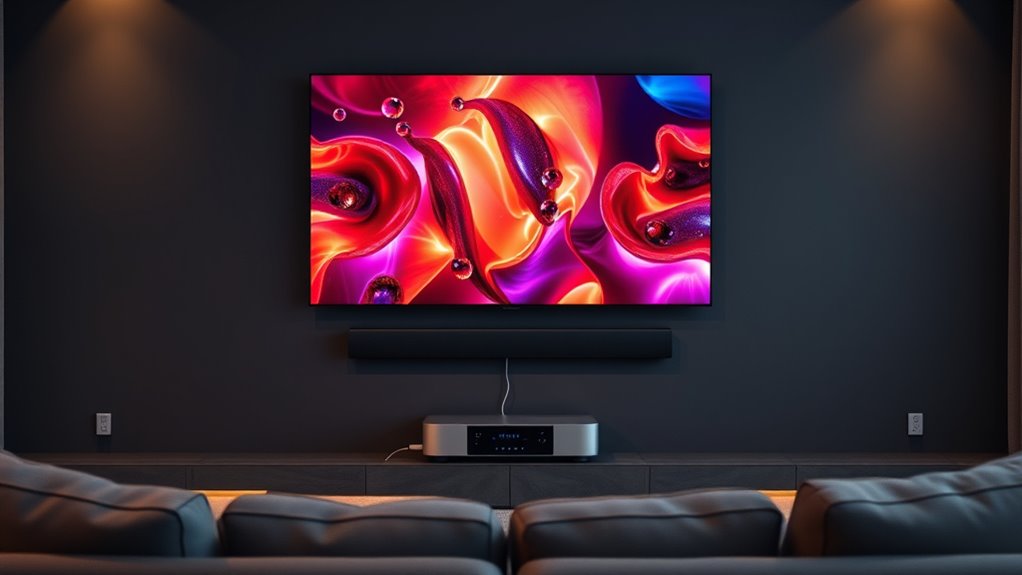
If you’re considering upgrading your projector audio setup, you might wonder whether a soundbar can replace a traditional receiver. The short answer is, it depends on your needs and the complexity of your setup. Modern soundbars often come with wireless connectivity options, making them a convenient alternative to bulky receivers. With features like Bluetooth, Wi-Fi, or proprietary wireless links, you can connect your projector directly to the soundbar without the clutter of wires and multiple connections. This ease of setup is especially appealing if you want a clean, minimalist look for your home theater space.
Modern soundbars offer wireless connectivity, making them a simple alternative to traditional receivers for your projector audio setup.
However, when it comes to supporting surround sound formats, things get a little more complicated. Many high-end soundbars now support popular surround sound formats like Dolby Atmos and DTS:X, allowing you to enjoy immersive audio experiences without a traditional receiver. These soundbars typically have multiple built-in speakers or upward-firing drivers that create a sense of height and depth, mimicking the effects of a full surround sound system. If your primary goal is to achieve a rich, cinematic experience with minimal equipment, a soundbar that supports these formats can be a great choice.
But be aware that not all soundbars are created equal. While some are capable of handling advanced surround sound formats and multiple audio channels, others are limited to stereo or basic virtual surround sound. Check the specifications carefully to ensure the soundbar supports the surround sound formats your projector and content require. Additionally, some soundbars come with multiple HDMI inputs and outputs, which allow for better integration with your projector and other devices, making it easier to switch sources without hassle.
While wireless connectivity simplifies the setup and reduces cable clutter, it also introduces the potential for latency or connection issues, especially if your Wi-Fi network isn’t robust. Consider your environment and network stability when opting for a wireless-enabled soundbar. If you prefer wired connections, many soundbars also offer HDMI ARC or optical inputs, providing reliable and high-quality audio transmission.
As an affiliate, we earn on qualifying purchases.
Frequently Asked Questions
Can a Soundbar Support Multiple HDMI Inputs?
Some soundbars support multiple HDMI inputs, allowing you to connect various devices for surround sound. Check your soundbar’s specifications to confirm HDMI input count; many high-end models do support multiple ports. Additionally, look for Bluetooth connectivity for wireless audio streaming. While a soundbar can handle multiple inputs, if you need extensive surround sound options or multiple device connections, a receiver might be a better choice.
Is a Soundbar Compatible With All Projector Brands?
Think of your soundbar as a universal key—most brands are compatible, but speaker placement matters. While many soundbars work with popular projector brands, compatibility isn’t guaranteed across all models. Check your soundbar’s specifications and confirm it can connect via HDMI or Optical. Proper speaker placement enhances sound, so position your soundbar for ideal audio. Ultimately, research your specific projector and soundbar to ensure seamless compatibility.
How Does a Soundbar Affect Audio Lag Compared to a Receiver?
A soundbar generally introduces less audio delay than a receiver, helping you avoid synchronization issues. Because soundbars are designed for quick, direct connections, they often provide lower latency, making your audio match your on-screen action more precisely. However, some models still experience slight audio lag, so it’s crucial to select a high-quality soundbar with low latency features to guarantee your audio stays perfectly synchronized with your projector.
Can I Connect a Soundbar Wirelessly to My Projector?
Yes, you can connect a soundbar wirelessly to your projector. Many modern soundbars offer wireless connectivity options like Bluetooth or Wi-Fi, making setup simple. Just guarantee your projector supports these features or use a compatible device like a wireless transmitter. This setup maintains good audio quality and reduces clutter. Keep in mind, wireless connections might introduce slight audio lag, but overall, they provide a clean, seamless audio experience.
What Is the Maximum Distance Between a Soundbar and Projector?
The maximum distance between your soundbar and projector depends on your wireless connectivity type. If you’re using Bluetooth, expect a range of about 30 feet, but obstacles can reduce this. For Wi-Fi or other wireless connections, the range extends much farther, often up to 100 feet or more. Keep in mind, the closer they are, the more reliable the connection, ensuring seamless audio without interruptions.
Dolby Atmos soundbar with multiple HDMI inputs
As an affiliate, we earn on qualifying purchases.
As an affiliate, we earn on qualifying purchases.
Conclusion
Switching to a soundbar for your projector is like choosing a sleek, efficient motorcycle over a bulky car—you gain simplicity and style without sacrificing much power. While a soundbar can deliver great audio, it might not match the versatility of a receiver. So, weigh your space, budget, and sound needs carefully. Ultimately, whether you ride solo with a soundbar or take the full route with a receiver, your home theater journey is yours to customize.
wireless surround soundbar for home theater
As an affiliate, we earn on qualifying purchases.
As an affiliate, we earn on qualifying purchases.
best soundbar for projector audio
As an affiliate, we earn on qualifying purchases.
As an affiliate, we earn on qualifying purchases.
Fall Picks
fall essentials
As an affiliate, we earn on qualifying purchases.