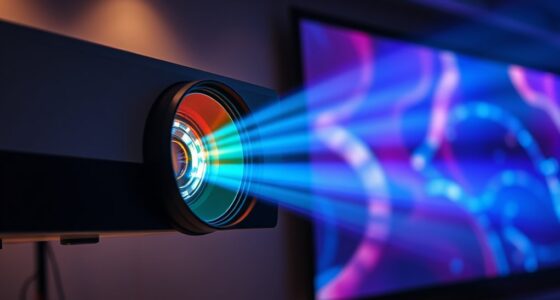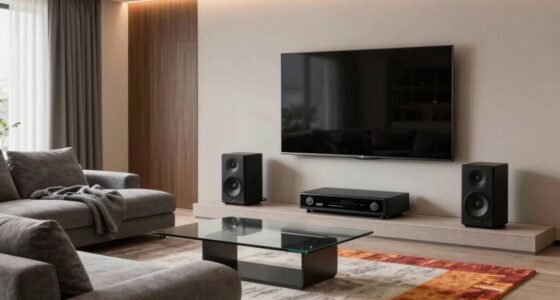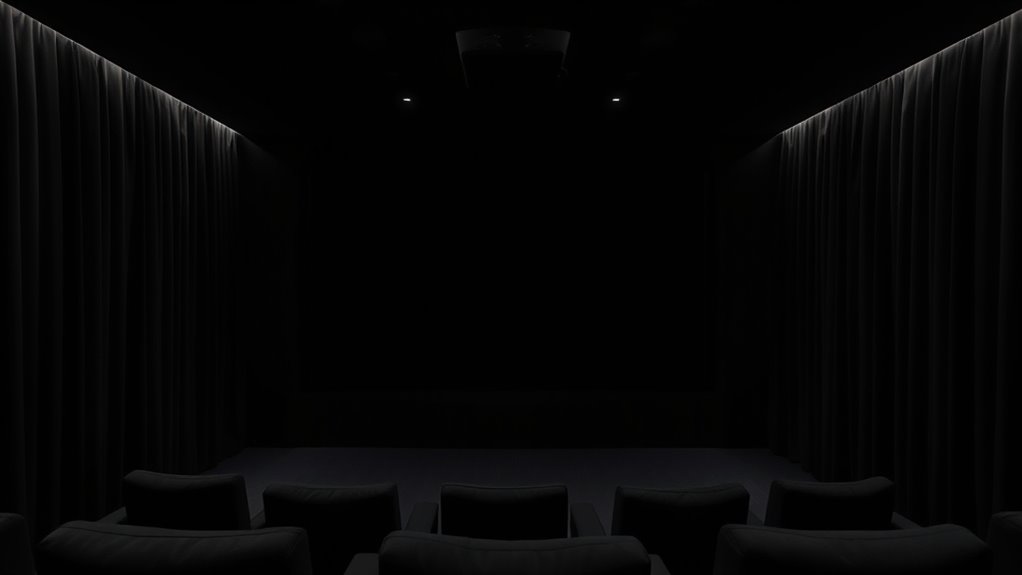
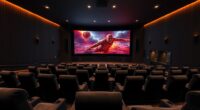
Using a dark room is essential for your projector to show deep blacks, vibrant colors, and sharp contrast. Bright ambient light washes out details and diminishes picture quality, making images look dull. Controlling light with blackout shades and positioning your equipment correctly helps maximize contrast and black levels. Creating an ideal environment lets your projector perform its best, revealing the full richness of your content. Keep exploring to find more tips on setting up the perfect viewing space.
Key Takeaways
- Dark rooms reduce ambient light, preventing washout and enhancing contrast for clearer, more detailed images.
- Minimizing light reflections improves black levels, making dark scenes appear richer and more immersive.
- Controlling room lighting helps projectors display true blacks and vibrant colors effectively.
- Proper room design with dark walls and minimal reflective surfaces prevents glare that diminishes contrast.
- A dark environment maximizes projector performance, delivering sharper images and better viewing experiences.
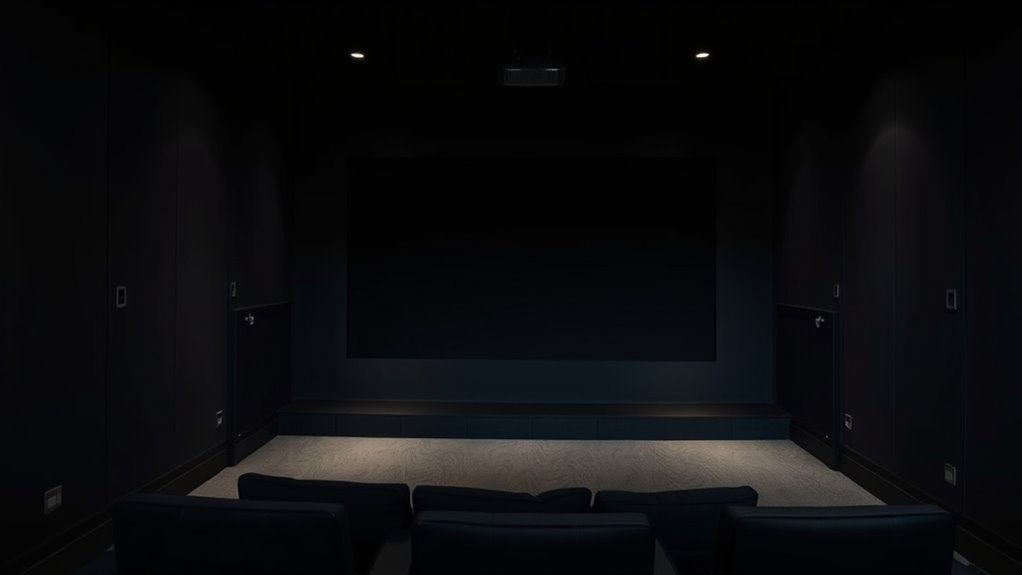
Creating the perfect environment for your projector starts with controlling ambient light. When ambient lighting is too bright, it competes with your projected image, making it harder to see details and diminishing overall picture quality. To get the best contrast and black levels, you need to minimize ambient lighting as much as possible. This doesn’t mean turning off every light in the room, but rather managing it so that it doesn’t wash out your image. Curtains, blackout shades, or dimmable lights can help you control the light levels effectively. The goal is to create a space where the projector’s contrast and black levels can shine without interference.
Screen reflectivity plays a significant role in this process. A high-quality projector screen with low reflectivity can absorb ambient light rather than bounce it back, which helps preserve the contrast and deep blacks. When your screen reflects less ambient light, the image remains vivid and sharp even in less-than-ideal lighting conditions. Conversely, screens with high reflectivity can amplify ambient light, causing glare and washing out the image. If you’re serious about picture quality, opt for a screen specifically designed for dark-room viewing. Matte or grey screens tend to perform better in controlled lighting environments, as they reduce glare and improve black levels. They absorb excess light and prevent unwanted reflections that can diminish contrast.
To maximize the benefits of controlled ambient lighting and screen reflectivity, position your projector and seating in a way that minimizes indirect light hitting the screen. Avoid placing lights directly behind or beside the screen, as this can cause reflections and reduce contrast. It’s also smart to think about the room’s overall lighting design. Using wall colors that don’t reflect light—like matte dark shades—can help maintain a deep, immersive image. When you combine controlled ambient lighting with a screen that minimizes reflectivity, your projector can produce richer blacks and more vibrant colors. This setup is especially *crucial* for movies, gaming, or any content where contrast makes a real difference. Additionally, understanding the importance of black level can guide you in selecting the right projector and screen for your space.
blackout shades for projector room
As an affiliate, we earn on qualifying purchases.
As an affiliate, we earn on qualifying purchases.
Frequently Asked Questions
Can Ambient Light Affect Projector Black Levels?
Ambient light definitely affects your projector’s black levels, making dark scenes appear washed out. When there’s too much light, your projector’s settings need adjusting to compensate, but it’s hard to achieve true blacks in bright environments. To improve contrast, reduce ambient light as much as possible or use curtains. Proper projector settings also help, but a dark room delivers the best black levels for vibrant, clear images.
Are Blackout Curtains Necessary for Optimal Black Levels?
Absolutely, blackout curtains are your ticket to cinematic perfection. Without curtain installation with blackout fabrics, your projector’s black levels will suffer, turning your home theater into a washed-out mess. Think of blackout fabrics as superheroes blocking pesky ambient light. So, if you want those deep blacks and vibrant contrast, invest in quality blackout curtains. Your eyes—and your movie nights—will thank you for the dark, drama-filled experience.
How Does Room Color Impact Projector Contrast?
Room color considerably impacts your projector’s contrast. Lighter walls reflect more light, reducing contrast and making blacks appear washed out. Darker room colors, like deep gray or black, absorb stray light, enhancing contrast and deepening blacks. To maximize contrast enhancement, choose room colors that minimize light reflection. This simple change can dramatically improve your viewing experience, making images look more vibrant and true to life.
What’s the Best Way to Prevent Light Leaks?
To prevent light leaks, you should use light-tight enclosures around your projector and screen area. guarantee all gaps are sealed with high-quality sealant application, especially around vents, doors, and windows. Add blackout curtains or light-blocking panels to further minimize stray light. These measures create a controlled environment, reducing unwanted light and enhancing your viewing experience by maintaining ideal contrast and black levels.
Do Projector Screen Types Influence Perceived Black Levels?
Think of your projector screen as a painter’s canvas—its surface impacts how vivid your images appear. Different screen types, especially those with varying gain levels, influence perceived black levels. A high-gain screen reflects more light, which can wash out dark scenes, while a matte or low-gain screen helps absorb ambient reflections, enhancing contrast. So, your choice of screen directly shapes how deep and rich your black levels look on screen.
projector screen low reflectivity matte grey
As an affiliate, we earn on qualifying purchases.
As an affiliate, we earn on qualifying purchases.
Conclusion
When you create a dark room for your projector, you’re not just blocking out light—you’re inviting your visuals to breathe and truly shine. Imagine stepping into a quiet, shadowed space where every detail pops and colors deepen, like a secret world waiting to be explored. Embrace the darkness, and watch your images come alive with vivid clarity. It’s in those quiet moments of darkness that your viewing experience transforms from ordinary to unforgettable.

Brightever 12 Inch LED Flush Mount Ceiling Light Fixture, Dimmable, 3200LM
- Ultra-thin Design: Only 0.67 inches thick for seamless integration
- Five Color Temperatures: Adjustable from 2700K to 6500K with toggle
- Stepless Dimming: Dimmable from 5% to 100% brightness
As an affiliate, we earn on qualifying purchases.
As an affiliate, we earn on qualifying purchases.
As an affiliate, we earn on qualifying purchases.