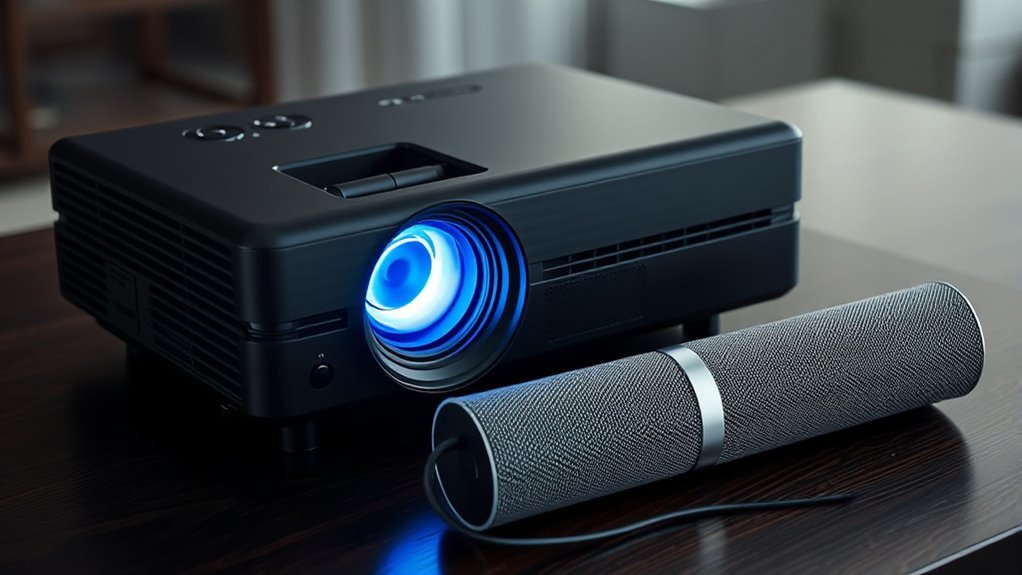

Built-in speakers on projectors are convenient but often offer limited sound quality, making them less ideal for an immersive experience. External audio options, like connecting via HDMI, Bluetooth, or audio jack, considerably boost sound clarity, bass response, and overall volume. They also allow customization to better suit your room and preferences. To get the best audio setup for your projector, exploring these external options can make a big difference—learn more about enhancing your sound experience below.

Get business pricing on your home office setup
- Business-only prices and quantity discounts
- Tax-exempt purchasing
- Multiple users, one account, clear invoices
Key Takeaways
- Built-in speakers are convenient but typically offer limited sound quality suitable for small spaces.
- External audio options, such as speakers or soundbars, provide enhanced clarity, bass, and immersive sound.
- Connect external speakers via HDMI, Bluetooth, or audio jack for flexible placement and better audio performance.
- Upgrading to external audio systems significantly improves overall viewing experience and sound fidelity.
- Using AI-driven audio enhancements can optimize sound quality further when paired with external speakers.
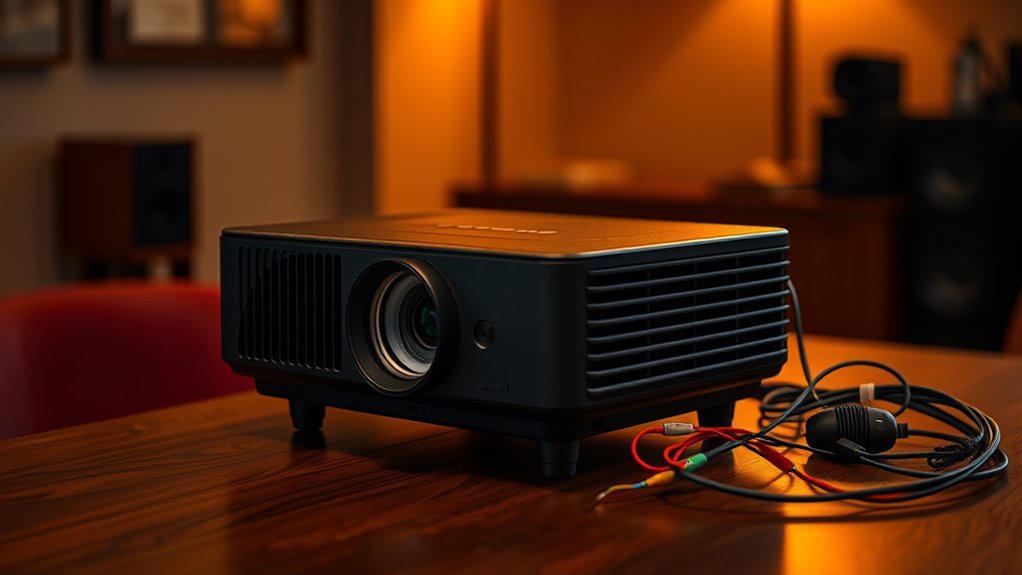
While built-in speakers are handy, they often fall short in delivering ideal sound quality. If you’re serious about audio, external speakers are your best option. Connecting external speakers via HDMI, Bluetooth, or audio jack can considerably improve sound clarity, bass response, and overall volume. External systems also give you more control over sound quality, allowing you to match speaker performance to your room size and acoustics. Many soundbars or home theater speakers can be easily integrated with your projector setup, providing richer, more balanced audio. Remember, the key to a great audio experience isn’t just about loudness but also about clarity and fidelity, which external audio options can better deliver. Additionally, leveraging AI-driven audio enhancements can optimize sound quality in your setup.
Products Worth Considering

Bose TV Speaker Compact Soundbar with Bluetooth and HDMI-ARC, Black

Bose SoundLink Flex Bluetooth Speaker (2nd Gen), Portable Waterproof Speaker, Black

Sonos Era 100 Wireless Smart Speaker, Black
As an affiliate, we earn on qualifying purchases.
Frequently Asked Questions
Can I Upgrade My Projector’s Built-In Speakers Easily?
Yes, you can upgrade your projector’s built-in speakers for better audio enhancement. Many projectors allow you to connect external speakers easily via audio output ports like 3.5mm jacks or HDMI. To upgrade, simply choose compatible external speakers suited to your sound needs, connect them, and adjust settings if necessary. This way, you improve your sound quality without much hassle, creating a more immersive viewing experience.
What Is the Typical Power Output of Projector Built-In Speakers?
Think of your projector’s built-in speakers as tiny musical notes trying to fill a stadium. Typically, their speaker wattage ranges from 1 to 5 watts, which means they’re great for casual viewing but might struggle with sound clarity at higher volumes. If you want richer, fuller sound, consider external speakers. They’ll transform your viewing experience from a whisper to a roar, ensuring every note hits just right.
Are External Speakers Compatible With All Projector Brands?
External speakers generally aren’t compatible with all projector brands because compatibility depends on speaker standards and input options. You need to check your projector’s audio output ports, like 3.5mm, RCA, or HDMI, and confirm they match your external speakers’ input. Some brands may have specific requirements or proprietary connections, so always verify brand compatibility and speaker standards before making a purchase to guarantee seamless setup and peak sound quality.
How Do I Connect Bluetooth Speakers to My Projector?
Think of your projector as a ship seeking new horizons; pairing Bluetooth speakers is like giving it a trusted crew member. To connect, enable Bluetooth pairing on your projector and speakers, then search for your speakers in the projector’s Bluetooth menu. Be mindful of audio latency, which can cause delays, so opt for Bluetooth 5.0 or low-latency devices for seamless sound. Once paired, enjoy wireless audio freedom.
Does Audio Quality Vary Significantly Between Built-In and External Speakers?
Yes, audio quality often varies markedly between built-in and external speakers. Built-in speakers usually offer lower audio fidelity and sound clarity, making voices and music less crisp. External speakers, especially quality ones, deliver richer sound and better clarity, enhancing your viewing experience. If you want immersive, high-quality audio, investing in external speakers is the best choice, as they provide superior sound compared to most projector’s built-in options.
Conclusion
Think of your projector as a storyteller’s voice—its built-in speakers are like a gentle whisper, enough to set the scene. But when you connect external speakers, you’re opening a gateway to a symphony, filling the room with vivid sound. Your audio choices shape the experience, transforming a simple image into an immersive journey. Remember, whether whisper or roar, your sound setup is the heartbeat that brings your visual story to life.