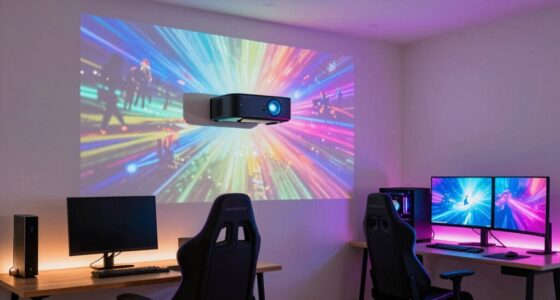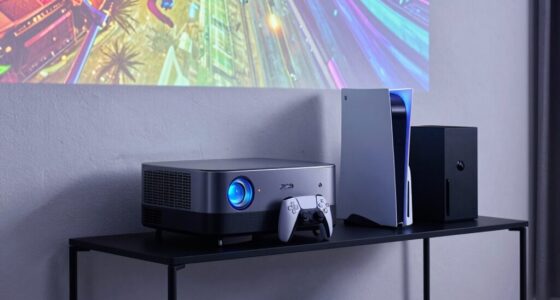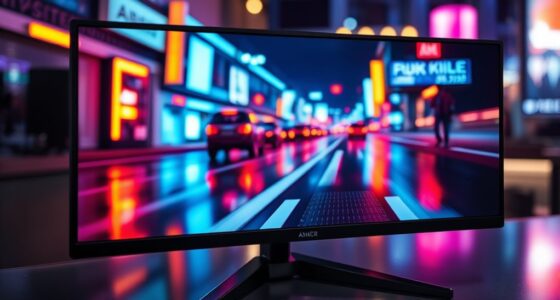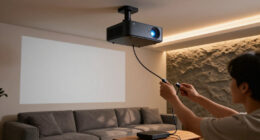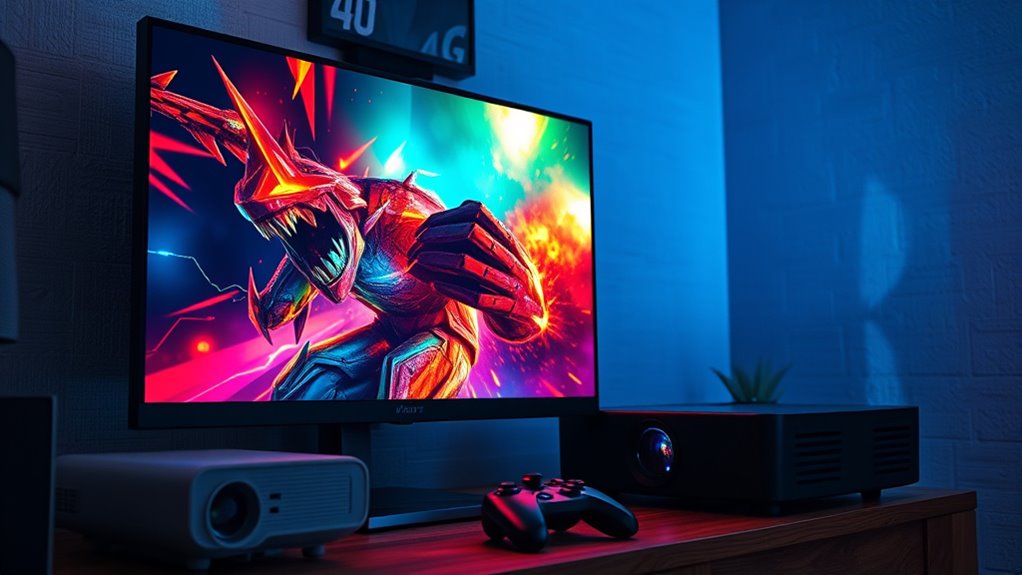

Choosing between a projector and a monitor for console gaming depends on your gaming style and environment. If you want sharp visuals, quick response times, and superior color accuracy, a high-quality monitor is your best bet, especially for competitive play. However, if you prefer cinematic experiences and a larger display for immersive gaming, a projector could suit you better, especially in a dark room. To learn which setup suits your needs best, continue exploring your options.
Open a free Amazon Business account
Business pricing, bulk buying and tax-exempt orders.
As an affiliate, we earn on qualifying purchases.
Key Takeaways
- Monitors provide higher resolutions, faster response times, and better color accuracy, ideal for competitive and detailed gaming.
- Projectors offer a large, immersive screen ideal for cinematic experiences but may struggle with brightness and ambient light.
- Bright room conditions favor monitors due to their performance in well-lit environments; dark rooms enhance projector visuals.
- High-end monitors support higher refresh rates and low latency, crucial for fast-paced gaming, whereas projectors may have variable responsiveness.
- Consider space constraints and room lighting to determine whether a monitor or projector best suits your gaming setup.
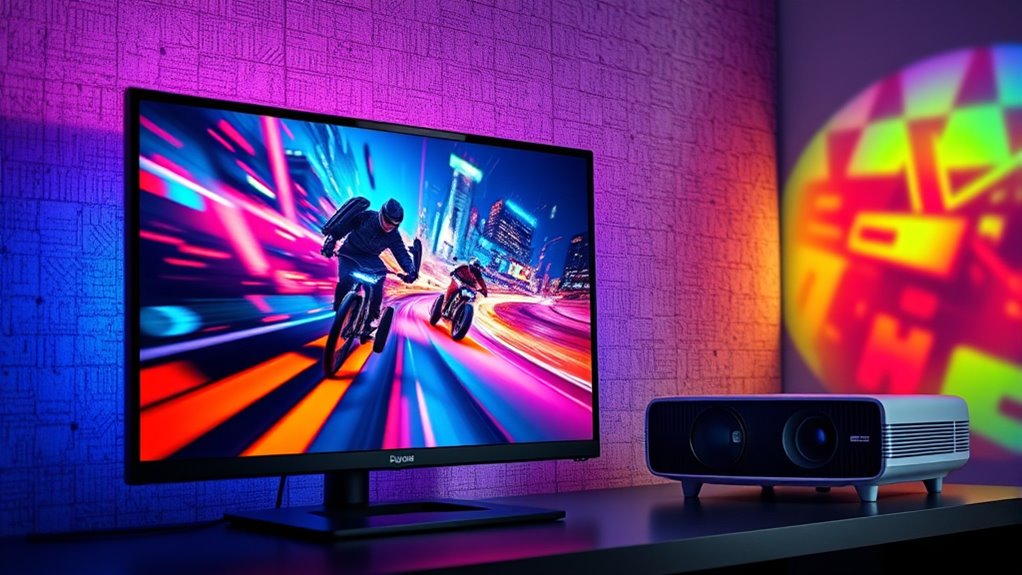
Choosing between a projector and a monitor for console gaming depends on your priorities and gaming environment. If you’re looking for crisp visuals and detailed images, you’ll want to pay close attention to screen resolution and color accuracy. Screen resolution directly impacts how sharp and clear the images appear on your display. Monitors typically offer higher resolutions—such as 1080p, 1440p, or 4K—ensuring that every detail in your game is sharp and well-defined. Projectors, on the other hand, can vary widely in resolution, but many high-end models also support 4K, providing similarly detailed images. However, achieving true 4K resolution with a projector can be more expensive, and the quality may depend on the projector’s native resolution and processing capabilities. Additionally, the type of display technology can influence the overall visual quality and performance.
Color accuracy is another critical factor. Monitors generally excel in delivering precise and vibrant colors, making them ideal for games that rely heavily on visual fidelity. With better color accuracy, you’ll notice richer hues, more realistic shading, and more immersive environments. This is especially noticeable in games with detailed textures and subtle lighting effects. Projectors can also produce impressive colors, but they often struggle with achieving the same level of accuracy, especially in brightly lit rooms. Ambient light can wash out the image, diminishing the visual quality. If color precision is essential for your gaming experience—perhaps for visually stunning games or for use in multimedia projects—you’re likely to prefer a high-quality monitor.
Your gaming environment plays a large role in this decision. If you have a dedicated, dark room, a projector can create a cinematic experience with a massive screen size, immersing you deeply into your game. However, if your space is bright or you need quick, sharp visuals, a monitor might serve you better. Monitors are designed to perform well in various lighting conditions and often come with features like higher refresh rates and lower response times, which enhance smoothness and responsiveness—key factors for competitive gaming.
Ultimately, choosing between a projector and a monitor comes down to balancing your priorities. If you prioritize resolution, color accuracy, and quick response times, a high-end monitor will serve you best. But if you want an expansive viewing area and a more cinematic feel, and your environment allows for it, a projector could be the way to go. Consider your typical lighting conditions, space constraints, and gaming preferences to make the best choice for your setup. Understanding the display technology involved can help you make a more informed decision.
As an affiliate, we earn on qualifying purchases.
Frequently Asked Questions
Can Projectors Handle Fast-Paced Gaming Without Lag?
Projectors can handle fast-paced gaming, but lag issues and input delay might be problems. Many projectors have higher input lag compared to monitors, which can affect your gameplay responsiveness. If you want smooth, lag-free action, look for a projector with low input delay or consider a high-refresh-rate model. Otherwise, a monitor is generally better suited for fast-paced gaming, offering lower input lag and minimal lag issues.
What Is the Ideal Screen Size for Console Gaming?
The ideal screen size for console gaming depends on your viewing distance, but generally, a 55-65 inch screen hits the sweet spot. Think of it as a window to another world; too big and you’ll strain your eyes, too small and you’ll miss details. For maximum immersion, sit about 1.5 to 2.5 times the screen’s diagonal distance, ensuring your gaming experience feels natural and engaging without overwhelming your vision.
Do Monitors Support HDR Better Than Projectors?
Monitors generally support HDR better than projectors because of their advanced display technology. With dedicated HDR support, modern monitors can display a wider range of colors and contrast, resulting in vibrant, detailed images. Projectors often struggle with HDR due to brightness limitations and lack of precise control over contrast. So, if HDR quality matters most, you’ll find monitors more capable, providing sharper, more vivid visuals for your gaming experience.
How Does Ambient Light Affect Projector Gaming Quality?
Ambient light greatly impacts your projector gaming quality by reducing image clarity. When there’s too much light, your visuals appear washed out, making it harder to see details clearly. To get the best experience, game in a darker room or use a projector with high brightness levels. Controlling ambient light ensures sharper images and vibrant colors, helping you enjoy your gaming sessions without distractions or loss of visual quality.
Are There Portable Options for Gaming Monitors or Projectors?
Yes, there are portable options for gaming on the go. You can find compact gaming monitors with built-in batteries and lightweight projectors designed for portability. These devices let you enjoy console gaming anywhere, whether you’re traveling or just moving around. Look for features like high refresh rates and good resolution to guarantee a quality gaming experience, even on the move. Portable options are perfect for gaming on the go without sacrificing performance.
home theater projector for gaming
As an affiliate, we earn on qualifying purchases.
As an affiliate, we earn on qualifying purchases.
Conclusion
Choosing between a projector and a monitor for your console gaming ultimately depends on your space, budget, and preferences. Think of it like picking the right tool for the job—you want something that fits your needs perfectly. A monitor offers crisp images and quick responses, while a projector can turn your entire wall into a giant screen. Weigh your options carefully; after all, you don’t want to miss the boat on the best gaming experience.
gaming monitor with high refresh rate
As an affiliate, we earn on qualifying purchases.
As an affiliate, we earn on qualifying purchases.
As an affiliate, we earn on qualifying purchases.
Flea & tick season Picks
flea and tick prevention
As an affiliate, we earn on qualifying purchases.