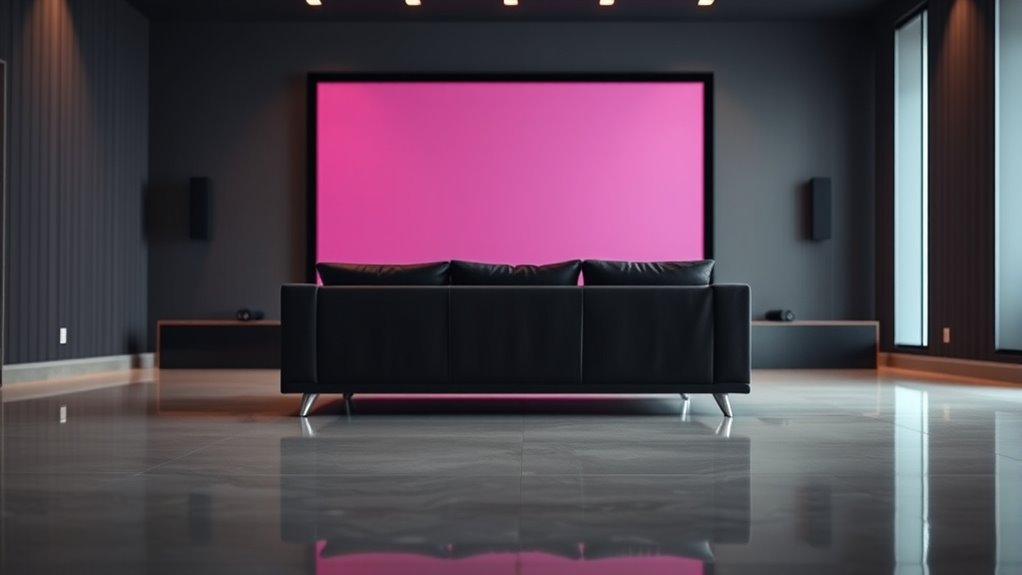
To find the ideal mounting distance based on your screen size, a simple guideline is to set the viewing distance between 1.5 to 2.5 times the screen’s diagonal measurement. For example, a 55-inch TV should be mounted about 82 to 137 inches away for comfortable viewing. Keep in mind factors like resolution and room layout. If you continue exploring, you’ll discover more detailed formulas and tips to optimize your setup.
Key Takeaways
- The recommended viewing distance is typically 1.5 to 2.5 times the screen’s diagonal size.
- For HD TVs, SMPTE suggests about 1.2 times the diagonal as a comfortable viewing distance.
- Larger screens require proportionally greater mounting distances for optimal viewing comfort.
- Using the formula (distance ≈ 1.5–2.5 × screen diagonal) helps balance visibility and room aesthetics.
- Factors like resolution and contrast ratio can influence the ideal mounting distance beyond basic formulas.
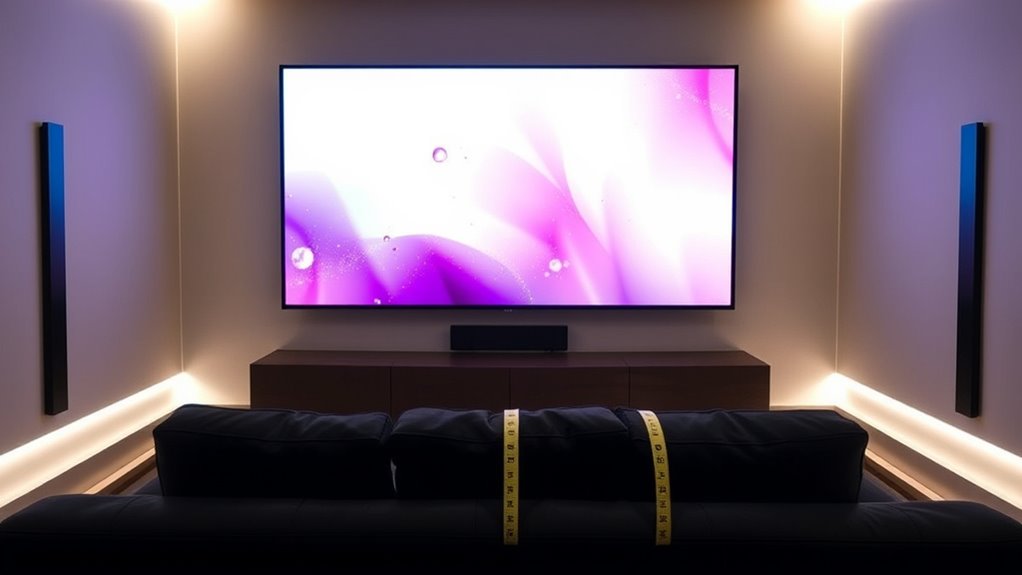
When choosing the right mounting distance for your screen, understanding how screen size impacts viewing comfort and image quality is essential. The distance you place your screen from your seating area influences how well you see details, how comfortable your eyes feel, and how the overall room aesthetics come together. If your screen is too close, you might strain your eyes or miss out on the full picture; if it’s too far, you may lose detail and create a disjointed viewing experience. Striking the right balance ensures that your setup is both functional and visually pleasing.
Choosing the correct mounting distance ensures optimal viewing comfort and room aesthetics.
To maximize visual comfort, you need to take into account the relationship between screen size and viewing distance. Larger screens demand a greater distance to prevent eye strain and to allow your eyes to comfortably take in the entire image. Conversely, smaller screens can be viewed comfortably from a closer range. A common rule of thumb suggests that your viewing distance should be roughly 1.5 to 2.5 times the diagonal size of the screen. For example, if you have a 55-inch TV, the ideal viewing distance would be somewhere between 82 and 137 inches. This range helps your eyes focus comfortably without excessive effort or fatigue, enhancing your overall viewing experience.
Room aesthetics also play a significant role in determining the mounting distance. You want your screen to blend seamlessly with your interior design rather than dominate or get lost in the space. Proper mounting allows for a balanced visual setup where the screen complements furniture and decor, creating a cohesive look. When you position your screen at an appropriate distance, it becomes a focal point without overwhelming the room. Additionally, mounting at the right height and distance can improve the overall ambiance, making your entertainment area feel inviting and well-organized.
Understanding basic formulas for mounting distance can help you make informed decisions. Besides the general rule based on screen size, some formulas incorporate factors like resolution and viewing angle. For example, the Society of Motion Picture and Television Engineers (SMPTE) recommends that the ideal viewing distance should be about 1.2 times the diagonal size of the screen for HD TVs, ensuring both clarity and comfort. For 4K screens, you can sit closer without noticing pixelation, so the distance can be reduced accordingly. By applying these formulas and considering your room’s layout, you can create a setup that maximizes both visual comfort and room aesthetics, making every viewing session enjoyable and visually harmonious.
Additionally, considering the contrast ratio of your projector or TV can influence the optimal mounting distance, as higher contrast ratios often allow for closer viewing without losing image quality.

Mounting Dream Full Motion TV Wall Mount for 32-70 Inch TVs up to 99lbs
- Universal Compatibility: Fits 32-70 inch TVs up to 99 lbs
- VESA Compatibility: Supports max VESA 400x400mm
- Full Motion Adjustment: Swivels, tilts, and extends 17.5 inches
As an affiliate, we earn on qualifying purchases.
As an affiliate, we earn on qualifying purchases.
Frequently Asked Questions
How Does Room Lighting Affect Optimal Mounting Distance?
Room lighting directly impacts your ideal mounting distance because higher ambient light can cause glare, making the screen harder to see. To reduce glare and improve visibility, you should mount your TV or projector farther from windows or light sources. Adjusting the mounting distance helps minimize reflections and enhances contrast, ensuring you get a clear picture even in well-lit rooms. Always consider your room’s lighting conditions for the best viewing experience.
Can Mounting Distance Impact Eye Strain During Prolonged Viewing?
Yes, mounting distance can impact eye strain during prolonged viewing. When your screen is too close, you may strain your eyes and adopt poor ergonomic postures, leading to discomfort. Conversely, a well-chosen distance promotes visual comfort and encourages better ergonomic posture, reducing fatigue. Make sure your monitor is positioned at an ideal distance based on screen size to minimize eye strain and maintain comfort during extended use.
Does Screen Resolution Influence Ideal Mounting Height?
Yes, screen resolution influences your ideal mounting height because higher resolutions offer sharper images, making it easier for your eyes to focus comfortably. When you mount your screen at the right height, especially with high-resolution displays, you reduce strain and improve viewing comfort. Make certain the top of the screen is at or slightly below eye level to optimize clarity and avoid neck discomfort during prolonged use.
Are There Differences in Mounting Guidelines for Different Screen Types?
Yes, you should adjust mounting guidelines based on screen type to guarantee safety and ideal viewing. For example, lightweight screens like projectors need different installation techniques than heavy, flat-panel displays. You must prioritize mounting safety by following manufacturer instructions and using appropriate brackets. Consider screen size and weight, and verify your mounting method matches the specific requirements to prevent accidents and achieve a secure, comfortable viewing experience.
How Often Should Mounting Setups Be Reevaluated for Optimal Viewing?
You should reevaluate your mounting setup whenever ergonomic considerations or aesthetic preferences change—because nothing says “modern” like a constantly shifting screen. Regular checks, ideally every six to twelve months, guarantee your setup remains comfortable and visually pleasing. Life’s dynamic, after all, and so are your needs. Keep your screen aligned with your posture and style, or risk turning your workspace into a chaotic homage to poor design choices.
Mounting Dream Full Motion TV Wall Mount for 32-70 Inch TVs up to 99lbs
- Universal Compatibility: Fits 32-70 inch TVs up to 99 lbs
- VESA Compatibility: Supports max VESA 400x400mm
- Full Motion Adjustment: Swivels, tilts, and extends 17.5 inches
As an affiliate, we earn on qualifying purchases.
As an affiliate, we earn on qualifying purchases.
Conclusion
So, now you know the secret formulas to avoid eye strain or turning your living room into a mini cinema. Who knew that simple math could save your neck and your sanity? Remember, a perfectly mounted screen isn’t just for bragging rights — it’s your ticket to binge-watching bliss without feeling like you’re auditioning for a yoga class. So go ahead, impress your friends with your newfound knowledge, and keep those eyes happy!

Mount-It! Universal TV Mount Installation Kit, 7-Piece Set Includes 2 Wood Drill Bits, 2 Concrete Drill Bits, 1 Stud Finder with Bubble Level, 1 Tape Measure, 1 Philipps Screwdriver
- Complete Installation Kit: Includes all necessary tools and hardware
- Versatile Wall Compatibility: Suitable for studs, concrete, and brick walls
- Includes Stud Finder: Built-in bubble level for accurate mounting
As an affiliate, we earn on qualifying purchases.
As an affiliate, we earn on qualifying purchases.

IWORKBOARD 55 65 75 85 inch Tilting TV Wall Mount for 32-90 '' TVs, Low Profile TV Mount Bracket, Safe Lock & Quick Release, Max VESA 600x400mm, 24 inch Studs,132 lbs, Fit Most 55+ 75+ 85+ 86 TVs
- Heavy-duty Support: Supports TVs up to 132 lbs securely
- Wide Compatibility: Fits TVs 32-90 inches with VESA 600x400mm
- Secure Mounting: UL-certified for safety and stability
As an affiliate, we earn on qualifying purchases.
As an affiliate, we earn on qualifying purchases.