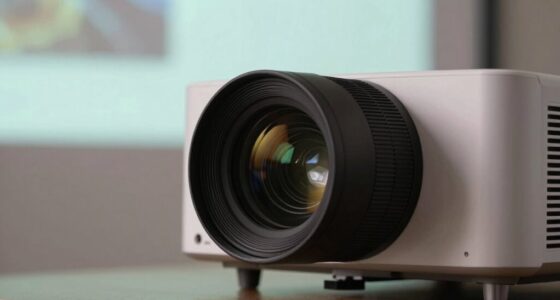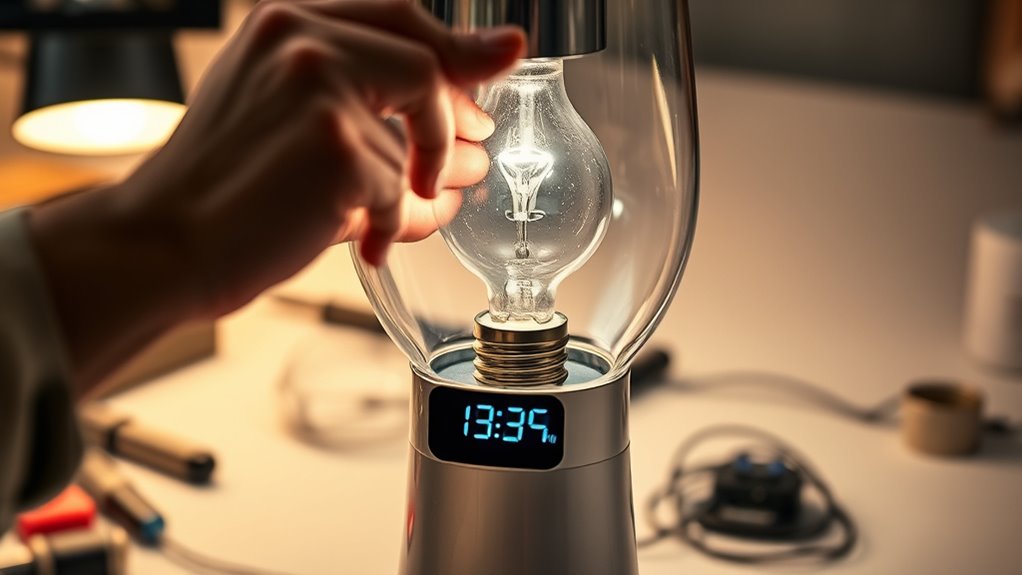

When replacing your projector or device lamp, it’s important to reset the lamp timer to avoid false error messages and accurately track the lamp’s lifespan. Check your device’s manual or on-screen menu for specific reset steps, which often involve steering through maintenance settings and confirming a reset. Verify the new bulb is installed correctly and is compatible. Follow proper reset procedures, and if errors persist, keep investigating—more tips are available to help you troubleshoot effectively.
Key Takeaways
- Always consult your device manual or on-screen menu to find specific reset steps for the lamp timer.
- Properly install the new bulb, ensuring compatibility and correct placement before resetting the timer.
- Navigate to maintenance or setup menus to initiate the lamp timer reset and clear error messages.
- Confirm the reset process is complete to prevent false end-of-life alerts or device malfunctions.
- Keep firmware updated and follow manufacturer guidelines for maintenance to avoid recurring errors and extend device lifespan.
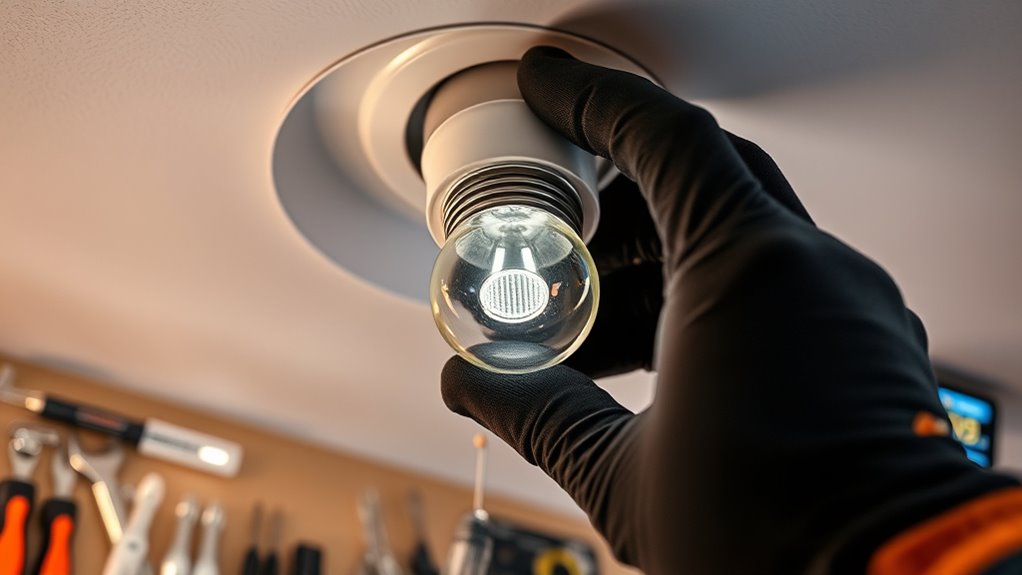
Replacing a bulb might seem straightforward, but it can sometimes present unexpected challenges. One common issue is making sure your device recognizes the new bulb and accurately tracks its lamp lifespan. Many modern lamps and projectors keep a record of how long the bulb has been in use, and they often display error codes when the lamp approaches the end of its expected lifespan. These error codes serve as alerts to replace the bulb, but after installing a new one, you might find that the device still shows warning messages or refuses to reset the lamp timer. This can be frustrating, especially if you’re eager to get back to your movie night or presentation.
The key to avoiding these problems lies in properly resetting the lamp timer after replacing the bulb. Many devices have specific procedures you need to follow to clear error codes and update the lamp’s lifespan. If you skip this step, the device might continue to display warning messages, or it could even refuse to operate altogether. To reset the timer correctly, consult your device’s manual or on-screen menu options. Usually, it involves navigating to a maintenance or setup menu, selecting the reset option, and confirming the reset. Some devices might require powering off, holding specific buttons, or performing a sequence of steps. Failing to do so can lead to persistent error codes, which might suggest a malfunction when, in reality, it’s just a reset oversight.
Another aspect to consider is that different brands and models handle lamp lifespan tracking and error codes differently. Some devices automatically reset the lamp timer when a new bulb is installed, while others need manual intervention. If you’re unsure, look for instructions specific to your model—these are often found online or in the user manual. Not resetting the lamp timer properly can cause the device to prematurely display error codes, or worse, it might affect the lamp’s performance or longevity if it continues to believe the lamp is near the end of its lifespan.
Additionally, it’s wise to double-check that the new bulb is installed correctly and compatible with your device. Incorrect installation can trigger error codes or cause the device to misread the lamp’s actual lifespan. After replacing the bulb and resetting the lamp timer, turn on your device and monitor it for a few minutes. If error codes persist, it might be worth performing a full reset or troubleshooting further, but often, following the correct reset procedure after replacing the bulb resolves these issues effectively. Remember, proper maintenance and following the correct reset procedures ensure your device functions smoothly and extends the lifespan of your new bulb.
A helpful tip is to regularly update firmware if your device supports it, as manufacturers often release updates that improve error handling and reset processes.

ELP LP88 Replacement Projector Lamp for Elplp88 Epson Powerlite Home Cinema 2040 1040 2045 740HD 640 EX3240 EX7240 EX9200 EX5250 EX5240 VS240 VS345 VS340 97H 98H 99WH 955WH X27 Lamp Bulb Replacement
- Compatible Projector Models: Fits various Epson and PowerLite models
- Durable Construction: Engineered for extended lifespan and frequent use
- 220-Day Warranty: Includes a 220-day limited warranty for peace of mind
As an affiliate, we earn on qualifying purchases.
As an affiliate, we earn on qualifying purchases.
Frequently Asked Questions
How Often Should I Reset the Lamp Timer?
You should reset the lamp timer after replacing the bulb, typically every time the lamp reaches its estimated lifespan. Following proper reset procedures guarantees your projector accurately tracks usage and alerts you when to replace the bulb. Don’t wait too long; resetting the timer helps prevent unexpected shutdowns and extends your lamp’s life. Make it a habit to reset the timer each time you change the lamp to maintain peak performance.
Can Incorrect Bulb Installation Cause Reset Errors?
Incorrect bulb installation can definitely cause reset errors, acting like a wrench in the works. When you don’t install the bulb properly, the projector might not recognize the new bulb, leading to reset errors. Make sure you follow the installation instructions carefully, ensuring the bulb is securely seated. Proper bulb installation is key to avoiding reset errors and keeping your projector running smoothly.
What Should I Do if the Timer Won’T Reset?
If the timer won’t reset, you’re likely facing a timer malfunction or incorrect reset procedures. First, double-check that the new bulb is installed correctly and securely. Then, follow the reset procedures carefully, ensuring you press all necessary buttons or hold them for the right duration. If it still won’t reset, consult the user manual or contact technical support. Sometimes, a reset button or power cycle can resolve the issue.
Are There Specific Bulbs Compatible With My Projector?
You should check your projector’s manual or manufacturer’s website for specific bulb compatibility details. Not all projector bulbs work with every model, so verify the exact model number and recommended bulb types. Using compatible projector bulbs ensures proper fit and performance, preventing potential damage. Always purchase from reputable sources to guarantee quality and compatibility, and avoid generic or incompatible bulbs that could cause errors or reduce your projector’s lifespan.
Does Resetting the Lamp Timer Affect Warranty Coverage?
Resetting the lamp timer typically doesn’t void your warranty if you follow the correct reset procedures provided by your projector’s manufacturer. However, some warranties may have specific conditions regarding resets or repairs. To be safe, check your warranty terms and make sure you perform the reset procedures properly. If done correctly, resetting the lamp timer generally won’t affect warranty coverage, but always verify with your manufacturer’s guidelines.

DEWENWILS Indoor 24 Hour Programmable Digital Timer Outlet, 1 Outlet,1 Pack
- Multiple Daily Repeat Programs: 3 sets of daily schedules
- Compact and Sleek Design: Doesn't block other sockets
- Backup Battery for Settings: Preserves programs for 3 months
As an affiliate, we earn on qualifying purchases.
As an affiliate, we earn on qualifying purchases.
Conclusion
Regularly resetting your lamp timers can extend the life of your bulbs and prevent unnecessary errors. Did you know that over 60% of smart device errors are caused by outdated or improperly reset timers? By staying on top of these resets, you avoid disruptions and keep your devices running smoothly. So, next time you replace a bulb, take a moment to reset the timer—it’s a simple step that makes a big difference in maintaining your device’s performance.
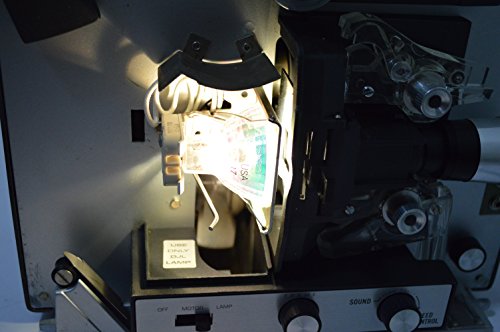
DJL Projector Lamp Bulb Replacement Kit Retrofit Ez to Install W/Video Manual Bell & Howell
- Long-lasting halogen lamp: Replaces 15-hour DJL lamp with 200-hour halogen lamp
- Easy installation: Install in just 5 minutes
- Tool-free setup: No drilling, wire cutting, or special tools needed
As an affiliate, we earn on qualifying purchases.
As an affiliate, we earn on qualifying purchases.
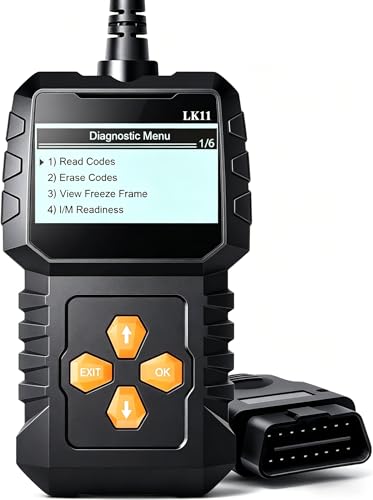
OBD2 Scanner Ease Setup Plug-Play: Clear Reset Engine Error Code
- Plug-and-Play Design: Easy to use, no technical knowledge needed
- Comprehensive Diagnostics: Retrieve and clear engine fault codes
- Live Data Monitoring: View real-time vehicle data
As an affiliate, we earn on qualifying purchases.
As an affiliate, we earn on qualifying purchases.