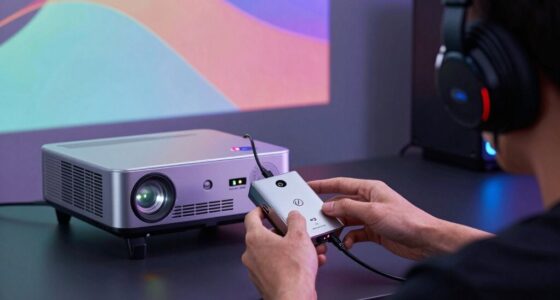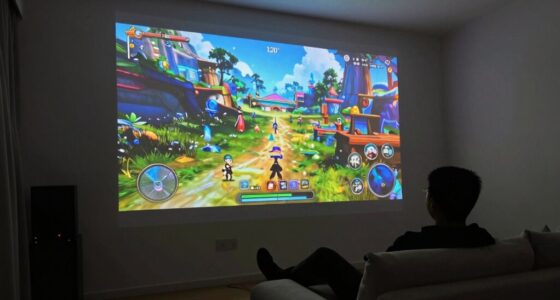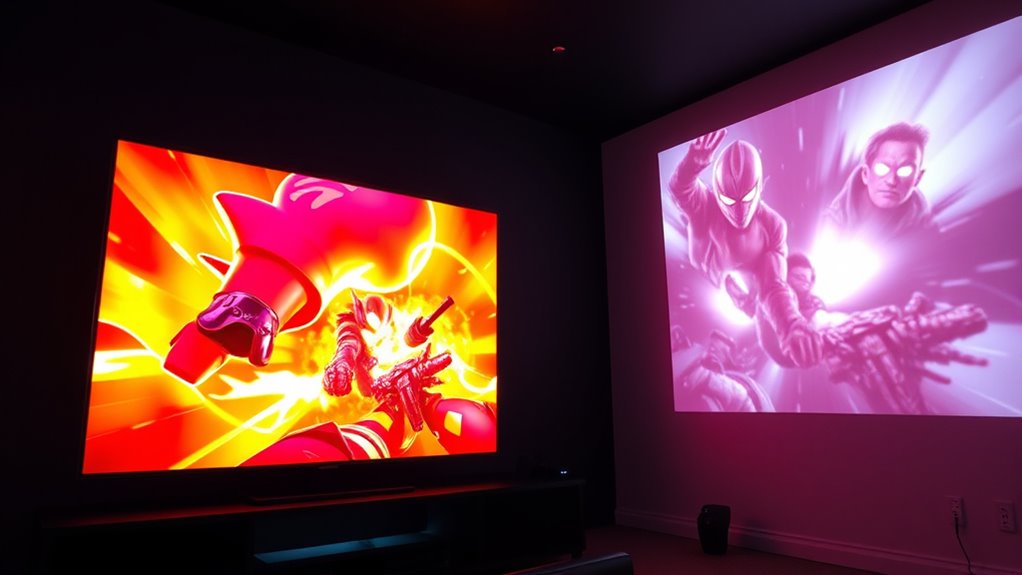

When comparing projectors and TVs for gaming, lag and performance are key factors. Modern gaming TVs boast low input lag, sometimes as low as 10 ms, making them ideal for fast-paced games. High-end projectors are catching up but usually still lag behind in responsiveness due to processing and projection delays. If smooth gameplay is your priority, TVs generally offer better response times. To discover more about how each option stacks up, keep exploring the details behind performance and visuals.
Key Takeaways
- Modern gaming TVs often have lower input lag (as low as 10 ms) compared to projectors.
- High-end projectors are improving but generally still lag behind TVs in responsiveness.
- Gaming TVs typically feature dedicated low-latency modes to reduce processing delay.
- Projectors may introduce additional latency due to image processing and projection time.
- Overall, TVs usually offer better performance for fast-paced gaming due to quicker response times.

Are projectors better than TVs for gaming? It’s a question many gamers ask, especially when weighing the overall experience. One key factor to contemplate is the resolution differences. Generally, modern TVs tend to offer higher resolutions, such as 4K or even 8K, which means sharper images and more detailed visuals. Projectors, on the other hand, often struggle to match these resolutions at the same price point, although high-end models are closing that gap. If you prioritize crisp, vibrant visuals, a TV might be the better choice because it can deliver clearer images with less pixelation, especially in fast-paced games where every detail counts.
Sound quality is another critical aspect. Most TVs come equipped with built-in speakers that, while not audiophile-grade, are designed to provide decent sound directly out of the box. Projectors typically lack integrated sound systems, forcing you to connect external speakers or soundbars. This setup can add to the overall cost and complexity but often results in better sound quality—something that enhances immersion during gaming sessions. If you’re looking for a simple, straightforward setup, a TV might be more convenient with its integrated audio. However, if you’re ready to invest in a good sound system, a projector paired with external speakers can produce richer, more immersive audio experiences, often surpassing what built-in TV speakers can offer.
When it comes to lag and performance, both projectors and TVs have made significant strides. Modern gaming TVs feature low input lag, some as low as 10 milliseconds, making them highly responsive for fast-paced action. High-end projectors are also improving in this regard, but they still can lag behind unless specifically designed for gaming. The key is to look for models with low latency and gaming modes that minimize processing delays. Keep in mind that projectors often introduce additional latency due to their processing requirements and the time it takes for the image to project onto the screen. Additionally, the display technology used in TVs and projectors impacts the overall responsiveness and image quality during gaming.
Ultimately, your choice depends on your priorities. If you want the best resolution differences and quick responsiveness, a gaming-oriented TV is probably your best bet. But if you prefer a large, cinematic display and are willing to invest in external sound systems, a projector can offer an impressive, immersive experience. Just remember that each setup has its trade-offs, so consider what matters most to your gaming style and space before making your decision.

iFFALCON 55" 4K MiniLED Smart TV | PS5 & Xbox Ready, 4X HDMI 2.1 | Hotel, Home & Office Use | 144Hz VRR 240Hz, Dolby Vision Gaming, Dolby Atmos, IMAX Enhanced, Google TV, Alexa | 55U85
- High Refresh Rate for Smooth Gameplay: 144Hz VRR with 240Hz support
- Vivid HDR with Local Dimming: 1000 nits brightness, 6000:1 contrast
- Supports Major HDR Formats: Dolby Vision IQ, Gaming, HDR10+, IMAX
As an affiliate, we earn on qualifying purchases.
As an affiliate, we earn on qualifying purchases.
Frequently Asked Questions
How Does Ambient Light Affect Gaming Performance on Projectors and TVS?
Ambient light can substantially impact your gaming performance on both projectors and TVs. Excess light causes glare, reducing contrast and making images less clear. For projectors, high ambient light washes out the image, so glare reduction becomes essential, often requiring dimming the lights or using a darker room. TVs handle ambient light better, but minimizing it still improves picture quality, ensuring you see details clearly without distractions.
Which Device Offers Better Motion Handling for Fast-Paced Games?
For fast-paced games, a TV generally offers better motion handling, thanks to its superior motion clarity and quicker response time. You’ll notice less motion blur and smoother visuals, giving you a competitive edge. Projectors tend to lag behind in response time, which can cause motion blur during rapid movements. If fast response and crisp motion clarity are your priorities, a TV is the better choice for high-speed gaming.
Are There Specific Gaming Genres Better Suited for Projectors or TVS?
Like a hero choosing their weapon, your gaming genre influences your choice. Fast-paced shooters and racing games benefit from TVs with quick response times and high resolution considerations. Meanwhile, story-driven RPGs and cinematic experiences shine on projectors, especially with immersive audio quality. Think about your preferred genre, and pick the device that enhances your gameplay, ensuring smooth visuals and sound that pull you right into the action.
What Are the Long-Term Durability Differences Between Projectors and TVS?
You’ll find that TVs generally have better projection durability and longer screen longevity compared to projectors. TVs are built with more robust screens that resist scratches and wear over time, while projectors’ bulbs and lenses may need replacements after several years. If you want a durable setup, a high-quality TV offers more consistent performance and less maintenance, making it a smarter long-term choice for gaming and entertainment.
How Does Screen Size Impact Immersion and Gameplay Experience?
A larger screen size considerably boosts your immersion and enhances the visual impact of gameplay. When you opt for a bigger display, you feel more engaged, making it easier to spot details and react quickly. The increased size heightens the sense of presence, elevating your overall gameplay experience. So, choosing a bigger screen can transform your gaming sessions into more immersive, exciting adventures that pull you deeper into the action.
![Outdoor-Projector-4K [VIDAA Live TV/40W Dolby/920 ISO] with WiFi6 and Bluetooth Compatible with Netflix, Smart Projector, AI Voice Control & Auto Focus, HDR10, Movie Proyector for Ceiling Home Theater](https://m.media-amazon.com/images/I/5127Br3WkBL._SL500_.jpg)
Outdoor-Projector-4K [VIDAA Live TV/40W Dolby/920 ISO] with WiFi6 and Bluetooth Compatible with Netflix, Smart Projector, AI Voice Control & Auto Focus, HDR10, Movie Proyector for Ceiling Home Theater
- Smart TV-like VIDAA OS: Fast, stable, secure with cloud storage
- Extensive App Selection: Over 1,000 live channels and popular streaming apps
- High Brightness & 4K Decoding: 920 ANSI lumens, native 1080P, HDR10 support
As an affiliate, we earn on qualifying purchases.
As an affiliate, we earn on qualifying purchases.
Conclusion
Ultimately, whether you choose a projector or a TV, your gaming experience depends on your priorities—speed, size, or immersion. If you crave quick response times and sharp visuals, a TV might serve you better. But if you value a massive display and a cinematic feel, a projector could be your perfect match. Both options bring unique benefits and challenges, so weigh your preferences carefully. Your ideal gaming setup awaits—choose what excites, what enhances, what transforms your play.

BenQ TH671ST 3000 Lumens 1080p Short Throw Home Entertainment Projector
- High-Resolution Display: Native Full HD 1080p resolution
- Vivid Color Accuracy: 92% Rec. 709 color accuracy
- Bright Image: 3000 lumens brightness
As an affiliate, we earn on qualifying purchases.
As an affiliate, we earn on qualifying purchases.

Samsung 27" Odyssey G5 (G51F) Series QHD (1440P) Gaming Monitor
- Resolution: QHD (2560 x 1440) for sharp images
- HDR Support: HDR10 for vivid visuals
- Refresh Rate: 180Hz for smooth gameplay
As an affiliate, we earn on qualifying purchases.
As an affiliate, we earn on qualifying purchases.