To connect external speakers to your projector, first check for audio output ports like a 3.5mm headphone jack, RCA, or HDMI ARC. Use the appropriate cable to connect your projector to powered speakers or an amplifier, or pair wireless Bluetooth speakers if supported. Make sure the connections are secure and test the sound for clarity and volume. Proper placement and adjustments will improve your audio experience—continue exploring to get the most out of your setup.
Key Takeaways
- Identify the projector’s audio output ports, such as 3.5mm headphone jack, RCA, or HDMI ARC.
- Use compatible cables like a 3.5mm audio cable or RCA connectors to connect the projector to external speakers.
- For Bluetooth speakers, enable Bluetooth on both devices and pair them wirelessly.
- Test the connection by playing audio and adjust volume and settings for optimal sound.
- Position speakers at ear level and away from walls to ensure clear, balanced audio quality.
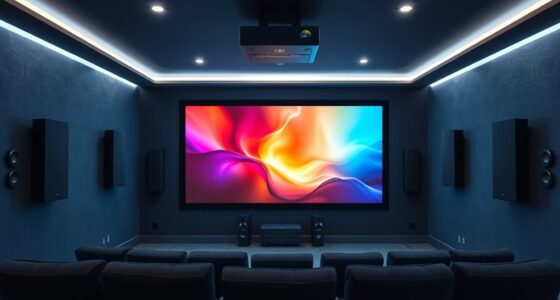
Have you ever wanted to improve your projector’s sound quality for movies or presentations? If so, connecting external speakers is a straightforward way to elevate your audio experience. The key to maximizing audio quality starts with proper speaker placement. When you position your speakers correctly, you fill the room with clearer, richer sound, making your viewing or presentation more immersive. To begin, consider where you’re sitting and how sound travels around the space. Ideally, place speakers slightly in front of or beside your seating area, aiming for a balanced sound that doesn’t overwhelm or get drowned out. Avoid placing them too close to walls or corners, as this can cause sound distortions or unwanted bass booms. Keep the speakers at ear level if possible, so sound reaches you directly without unnecessary reflections that can muddy audio clarity.
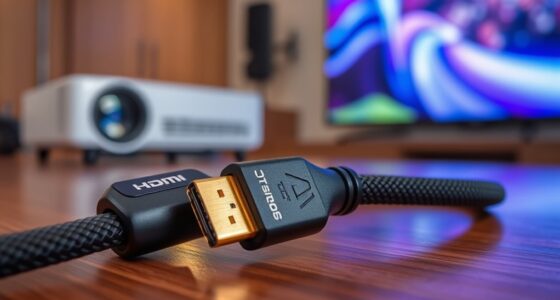
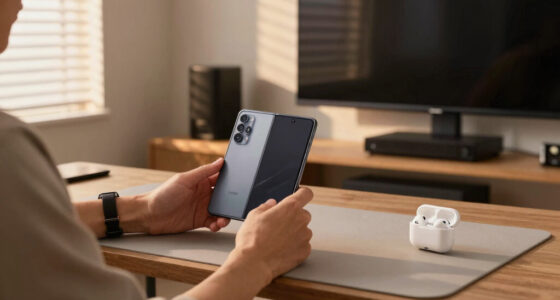
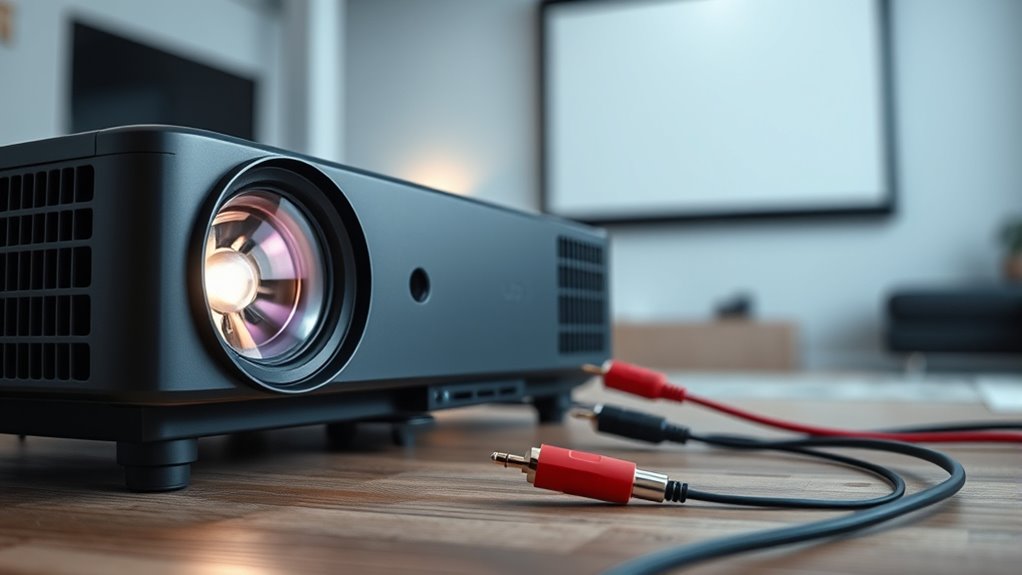
Next, think about how your projector connects to these external speakers. Most projectors have audio output ports, such as a 3.5mm headphone jack, RCA connectors, or even HDMI ARC ports if your equipment supports it. If your external speakers have compatible inputs, connecting them is usually as simple as using the appropriate cable. For example, a 3.5mm cable can link the projector’s audio output to powered speakers or an amplifier. If your speakers are wireless, like Bluetooth-enabled models, pairing them with your projector can eliminate clutter and give you more flexibility in placing speakers around the room. Just ensure your projector’s Bluetooth capability is active and within range.
Once connected, test the sound. Adjust the speaker placement if needed to achieve the best audio quality. Sometimes, slightly repositioning speakers can make a significant difference in clarity and volume. Remember, good speaker placement isn’t just about volume; it’s about creating a balanced soundstage where dialogue, music, and effects are all clear and well-defined. If your external speakers have volume controls or equalizers, tweak these to fine-tune the sound to your preference. Keep in mind that the room’s acoustics also play a role—hard surfaces reflect sound, while soft furnishings absorb it. Incorporating sound-absorbing materials like rugs, curtains, or wall hangings can help reduce echoes or dead spots and enhance overall sound clarity.
In the end, connecting external speakers is a simple yet effective way to enhance your projector experience. Proper speaker placement and understanding your audio setup make all the difference in delivering crisp, immersive sound that matches your high-quality visual display. With a little experimentation, you’ll enjoy movies and presentations with audio that truly complements your visuals.

VIOY Aux Cord 20 FT, 3.5mm Male to Male Braided Auxiliary Audio Cable
- Universal Compatibility: Connects various devices without converters
- Long Distance Listening: Ideal for extended audio transmission
- High-Quality Sound: Pure copper core and dual shielding
As an affiliate, we earn on qualifying purchases.
As an affiliate, we earn on qualifying purchases.
Frequently Asked Questions
Can I Connect Multiple External Speakers to My Projector Simultaneously?
Yes, you can connect multiple external speakers to your projector simultaneously. However, you need to take into account speaker impedance to prevent overload and ensure compatibility. Using an audio crossover helps split signals properly, especially if speakers have different impedance ratings. Make sure your projector supports multiple outputs or use an amplifier to safely connect and power multiple speakers without damaging your equipment.
What Compatibility Issues Might Arise With Different External Speaker Types?
You might encounter compatibility issues related to speaker impedance and cable compatibility. If your external speakers have a different impedance than your projector’s output, it could cause poor sound quality or damage. Also, verify your cables match the connectors on both devices—using incompatible cables may lead to connection problems or audio loss. Always check your speakers’ specifications and use the right cables to ensure smooth, high-quality audio transmission.
How Do I Troubleshoot Audio Delay or Lag When Using External Speakers?
To troubleshoot audio delay or lag with external speakers, first check for audio synchronization issues. Use your projector’s settings or connected device’s options to adjust delay correction, aligning sound with the video. If delay persists, try restarting your devices or switching to a different audio port. Ensuring your firmware is up-to-date can also help reduce lag, providing smoother audio synchronization during your viewing experience.
Is It Possible to Connect Wireless Speakers to My Projector?
Yes, you can connect wireless speakers to your projector using wireless connectivity options like Bluetooth. Make sure your projector supports Bluetooth pairing or has a compatible wireless adapter. Turn on your wireless speakers and enable Bluetooth pairing mode. Then, access your projector’s Bluetooth settings, find your speakers, and connect. Once paired, you’ll enjoy wireless audio without the hassle of cables, making your setup neater and more flexible.
What Are the Best Settings to Optimize Sound Quality With External Speakers?
To optimize sound quality with external speakers, start with audio calibration by adjusting your projector’s audio settings to match your speakers. Then, focus on volume balancing—set each speaker’s volume so the sound is even and clear across your space. Test different settings, listen carefully, and fine-tune until you achieve a balanced, immersive audio experience. Proper calibration and volume balancing make a noticeable difference in sound clarity.

CableCreation RCA to Speaker Wire Adapter, 2 Bare Wire Cables to RCA Plug Adapter Repair Cord Compatible with Speaker Amplifier, Audio Video AV Receiver, TV, Subwoofer (2Pack 20AWG 3.3FT)
- Replacement RCA Adapter: RCA male to bare wire connector
- High-Quality 20AWG Wire: Oxygen-free copper for clear audio
- Color-Coded Wires: Red and black for easy identification
As an affiliate, we earn on qualifying purchases.
As an affiliate, we earn on qualifying purchases.
Conclusion
Now that you’ve uncovered the secret to amplifying your projector’s sound, you’re ready to turn any space into a cinematic oasis. Think of your external speakers as the orchestra behind your visual masterpiece, bringing every scene to life with rich, immersive sound. With these simple steps, you’ve got the magic wand to transform your setup from a quiet whisper to a roaring symphony. So go ahead, hit play and let the good times roll!

Assistrust Sound Bar for Smart TV, Soundbar with Bluetooth/ARC/Opt/AUX Connect, Auto Volume Boost, 3 Equalizer Modes, 2 in 1 Detachable Soundbar for TV/PC/Gaming/Projectors
- Auto Volume Boost: Automatic loudness enhancement for clarity
- Multiple Placement Options: Horizontal, vertical, tabletop, wall mount
- Powerful 80W Sound: Rich audio with 4 drivers for immersive experience
As an affiliate, we earn on qualifying purchases.
As an affiliate, we earn on qualifying purchases.

eSynic Professional 192KHZ eARC & ARC Audio Extractor-3.5mm AUX or L/R Out
- Supports eARC/ARC from HDTV: Converts HDTV eARC/ARC to 3.5mm and L/R audio
- High Sampling Rate: Supports 192KHz/24bit audio for clear sound
- Compatible Audio Formats: Supports PCM & PCM 2.0 audio formats
As an affiliate, we earn on qualifying purchases.
As an affiliate, we earn on qualifying purchases.