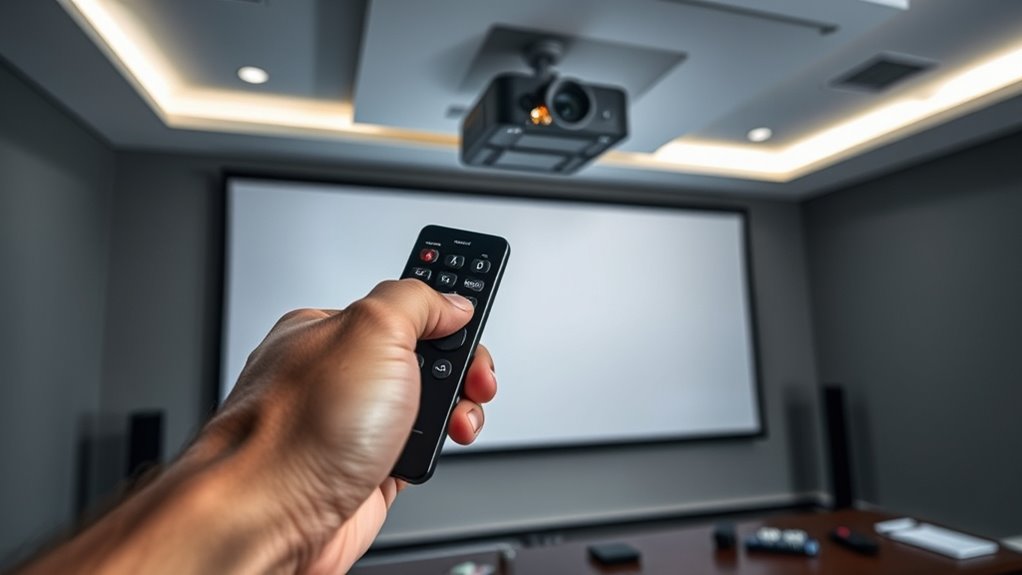

If your projector remote isn’t working, start by replacing the batteries and making sure the remote is aimed directly at the projector’s sensor without obstacles. If it still doesn’t respond, try reprogramming or syncing the remote by following the manufacturer’s instructions, or consider replacing it with a compatible universal remote. For persistent issues, checking the sensor or interference sources may help. Keep exploring all options to get your remote working smoothly again.

Get your home office setup delivered free — and shop member deals
- Fast, free delivery on millions of items
- Access to Prime Big Deal Days deals on October 6–7
- Prime Video, Amazon Music and more included
Key Takeaways
- Ensure remote batteries are fresh, correctly installed, and the remote is aimed directly at the projector’s sensor.
- Reprogram or reset the remote, using manual codes or auto-search features for universal remotes.
- Clean the projector’s IR sensor and check for damage or obstructions to ensure proper communication.
- Minimize interference by turning off other electronic devices and adjusting lighting conditions around the projector.
- Consider replacing the remote with an original or compatible universal remote if troubleshooting fails.

Have you ever pressed the remote control buttons only to find nothing happens? It’s frustrating, especially when you’re trying to start a movie or present something important. Before you give up and start replacing batteries or buying a new remote, consider a few troubleshooting steps. Sometimes, the problem isn’t with the remote itself but with how it’s communicating with your projector. Remote troubleshooting can help you identify and fix common issues quickly. One effective solution is to use universal remotes, which can often replace multiple remotes and simplify your setup. Universal remotes are designed to work with various brands and devices, so they can be a great investment if you find yourself juggling multiple remotes.
Pressing remote buttons that don’t respond? Try troubleshooting or using a universal remote to simplify control.
First, check the basics: ensure the remote has fresh batteries, as weak batteries are a frequent cause of unresponsiveness. If replacing batteries doesn’t help, the next step is to confirm the remote is aimed correctly at the projector’s sensor. Sometimes, objects or furniture block the signal, or you might be standing too far away. Most remotes rely on infrared signals, which require a clear line of sight. If you’re using a universal remote, you’ll need to program it properly for your projector. This usually involves entering a code from the remote’s manual or using an auto-search feature. Be patient during this process, as it might take a few tries to find the right code.
If your remote still isn’t working after these steps, you might need to troubleshoot the projector’s receiver. Clean the sensor area on the projector, removing any dust or smudges that could interfere with the signal. If the projector’s sensor is damaged or malfunctioning, even a perfectly programmed remote won’t be able to communicate with it. In such cases, replacing the remote might be necessary. When replacing a remote, ensure you get one compatible with your projector model. Many manufacturers sell original remotes, but universal remotes can often be programmed to work just as well, sometimes even better, for their versatility.
Another common issue is interference from other electronic devices or bright lights, which can disrupt infrared signals. Turning off nearby devices or adjusting the lighting might improve remote performance. If troubleshooting doesn’t resolve the issue, check online for support forums or contact the manufacturer. Sometimes, firmware updates or specific reset procedures are necessary to restore remote functionality. Remember, many remote issues are simple to fix with patience and a systematic approach. Whether you choose to troubleshoot, reprogram a universal remote, or replace your existing remote entirely, these steps will help you regain control of your projector and get back to your viewing or presentation without unnecessary hassle. Additionally, understanding time periods and their associated technologies can provide insights into device compatibility and troubleshooting.
universal projector remote control
As an affiliate, we earn on qualifying purchases.
As an affiliate, we earn on qualifying purchases.
Frequently Asked Questions
Can I Use a Universal Remote for My Projector?
Yes, you can use a universal remote for your projector. First, verify compatibility testing by checking if the universal remote supports your projector’s brand and model. Follow the remote’s instructions to program it, usually through a code search or manual entry. Keep in mind that some features may not work perfectly, but most basic functions like power and input switching should operate smoothly with a compatible universal remote.
How Do I Reprogram a Faulty Remote?
If your remote isn’t responding, don’t worry—reprogram it easily. Start with remote programming by removing the batteries, pressing a button for 10 seconds, then reinserting batteries. If that doesn’t work, try remote troubleshooting by resetting the remote or replacing its batteries. Many remotes have a specific code or method for reprogramming; consult your manual or manufacturer’s website. This quick fix can restore your remote’s functionality without buying a new one.
Why Does My Remote Work Intermittently?
Your remote might work intermittently because the remote battery could be weak or dying, causing inconsistent signals. Also, signal interference from other electronic devices or obstructions can disrupt communication with your projector. To fix this, replace the remote battery with fresh ones and minimize nearby electronic interference. Verify there’s a clear line of sight between the remote and projector, and try resetting or re-syncing your remote if issues persist.
Is There a Way to Test if the Remote Is Defective?
You can test if your remote is defective by performing simple remote testing techniques. First, use your phone camera or a digital camera to see if the remote’s IR LED flashes when you press buttons—if it does, the remote is sending signals. If not, it might be faulty. For effective remote troubleshooting, verify batteries are fresh and clean the remote’s sensor. If issues persist, replacing the remote may be necessary.
Can Smartphone Apps Replace Traditional Projector Remotes?
Sure, your smartphone can sometimes replace a traditional projector remote—if it’s compatible. Many projector brands offer remote apps with features like power control, input switching, and volume adjustment. Just check your device’s compatibility first. But beware—if your phone’s OS or the app isn’t up to date, you might find yourself more frustrated than a remote that refuses to sync. Irony? Your phone might be more effective—until it isn’t.
As an affiliate, we earn on qualifying purchases.
Conclusion
When your projector remote stops working, it can be frustrating, but don’t give up just yet. Whether you’re syncing it again or replacing it, solutions are within reach. Have you considered that troubleshooting might actually extend your device’s life? With a little patience and the right steps, you’ll be back to enjoying movies and presentations in no time. So why let a remote control hiccup spoil your movie night or meeting?
As an affiliate, we earn on qualifying purchases.
projector remote with auto-search codes
As an affiliate, we earn on qualifying purchases.
As an affiliate, we earn on qualifying purchases.
Halloween Picks
halloween
As an affiliate, we earn on qualifying purchases.