When mounting your projector, position it away from vents, windows, and heat sources to prevent overheating and distortion. Use ceiling mounts or stable stands that allow you to adjust height and angle for ideal image quality. To improve airflow, place fans strategically—either pulling in cool air or pushing out warm air—ensuring no obstructions along the path. Proper placement not only cools your equipment but also prolongs its life; discover more tips to maximize your setup.
Key Takeaways
- Mount the projector at an appropriate height and angle to prevent airflow obstruction and distortion.
- Position the fan near the projector or opposite heat sources to promote effective cooling.
- Ensure airflow paths are unobstructed by avoiding placing devices close to vents, walls, or objects.
- Use larger fans with higher capacity for better ventilation and regularly clean them for optimal airflow.
- Secure all mounting components to keep the setup stable, maintaining proper airflow and preventing overheating.
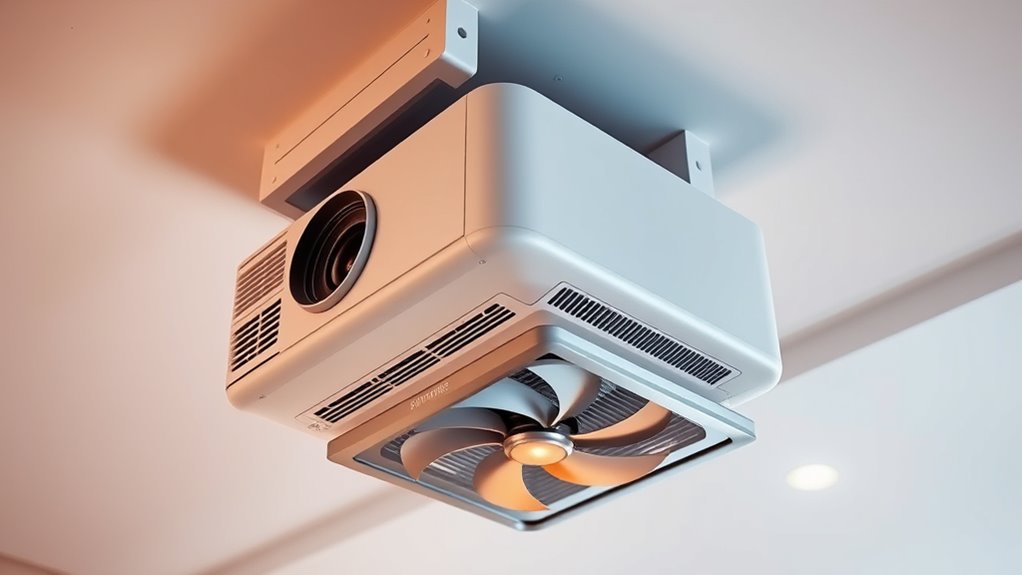
Proper placement of your projector and fan is essential for ideal performance and comfort. When ceiling mounting your projector, you want to guarantee it’s positioned at the right height and angle to deliver the best image quality without distortion. Equally important is the placement of your fan, which plays a critical role in maintaining proper airflow and preventing overheating. To achieve this, you need to pay close attention to airflow optimization, ensuring that air circulates effectively around both devices. Properly mounted fans can help dissipate heat generated by the projector and keep the surrounding environment comfortable, especially in enclosed spaces.
Proper placement of projector and fan ensures optimal performance and airflow for a cool, efficient setup.
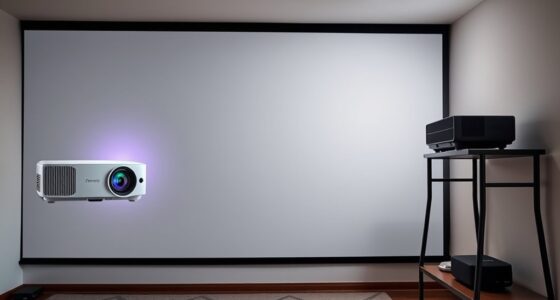
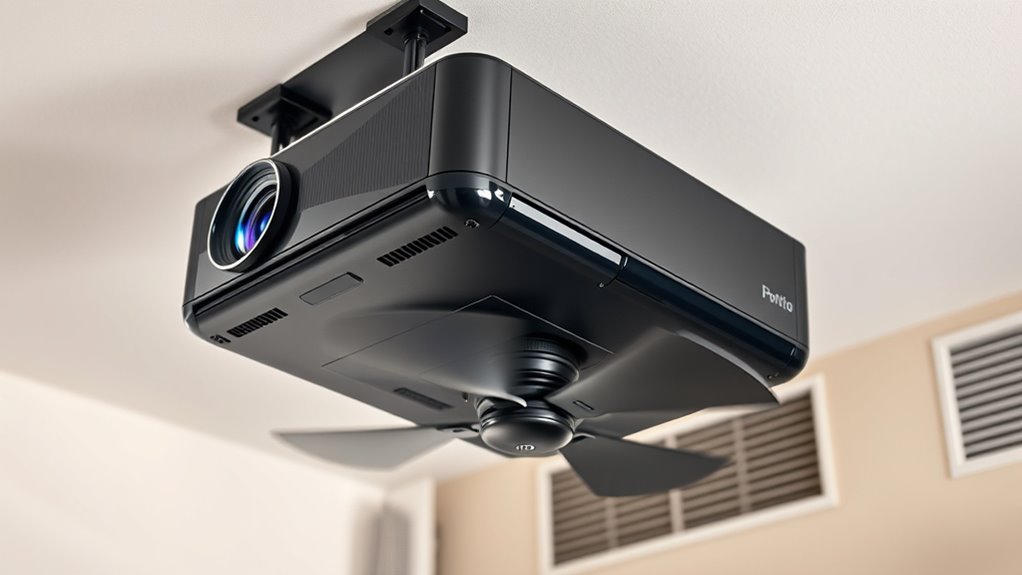
Ceiling mounting is a popular choice because it keeps your projector out of the way, reduces clutter, and provides a stable platform for consistent image projection. When installing your projector on the ceiling, consider its proximity to walls and objects that might block airflow or cause heat buildup. A well-placed ceiling mount allows you to angle the projector precisely, minimizing shadows and glare, but it also offers an opportunity to optimize airflow. Position the projector away from vents, windows, or heat sources that could interfere with cooling. This setup ensures the projector remains cool and functions smoothly over extended periods.
For airflow optimization, your fan’s placement is just as critical. Mount the fan in a position that promotes efficient air circulation around the projector and the room. If the fan is too close or obstructed, it won’t circulate air effectively. Ideally, you want the fan to be positioned so that it pulls cool air in and pushes warm air out, creating a continuous flow that prevents heat from accumulating. This might mean mounting the fan on the ceiling near the projector or on a wall opposite to heat sources. Use vents or ducts if necessary to guide airflow precisely where it’s needed, ensuring the environment remains cool and ventilated.
Additionally, it’s important to consider the size and capacity of your fan relative to your space and equipment. A larger fan with higher airflow capacity will be more effective at cooling and ventilation. Regularly check and clean your fan to maintain optimal airflow. When ceiling mounting both the projector and fan, make sure they are securely installed to prevent any accidents and to keep the airflow paths unobstructed. Proper placement and airflow management not only prolong the lifespan of your devices but also enhance your viewing experience by preventing overheating and ensuring consistent operation. Being aware of airflow optimization can significantly improve device longevity and performance. By paying attention to these details, you’ll create a setup that’s both efficient and comfortable, allowing you to enjoy your multimedia experience without interruptions.
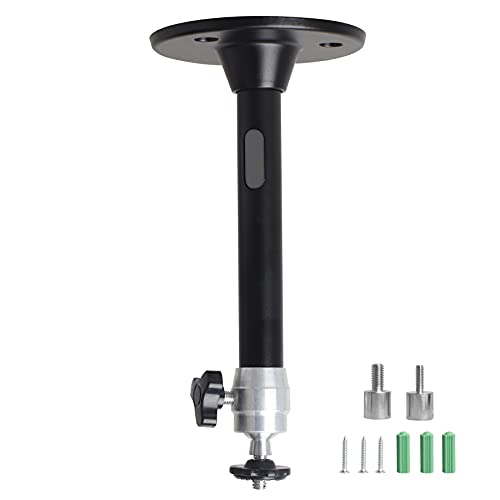
YiePhiot Mini Ceiling Wall Projector Mount Stand Compatible with QKK, DR.J, DBPOWER, Anker, VANKYO, AAXA, Jinhoo, PVO, TMY, AuKing and Most Other Mini Projector (175mm, Black)
Universal Mount: The Universal Projector Mount is compatible with most mini projectors, including CLOKOWE, HAPPRUN, ELEPHAS, NICPOW and…
As an affiliate, we earn on qualifying purchases.
As an affiliate, we earn on qualifying purchases.
Frequently Asked Questions
How Do I Prevent Dust Buildup Around Mounted Projectors and Fans?
To prevent dust buildup around mounted projectors and fans, regularly clean the vents and surrounding areas with a soft brush or compressed air. You should also optimize airflow by ensuring unobstructed ventilation paths, which helps dust prevent settling. Consider installing dust filters on intake vents to trap particles. Consistent maintenance and airflow optimization are key to dust prevention, keeping your equipment running smoothly and extending its lifespan.
What Are the Best Materials for Mounting Surfaces to Support Ventilation?
Think of your mounting surface as the backbone of your setup. You should choose durable materials like steel or aluminum, which provide excellent mounting surface durability. These metals resist corrosion, ensuring longevity even in humid environments. For added strength, consider powder-coated finishes to prevent rust and deterioration. Using these materials guarantees that your projector and fan stay securely mounted, while maintaining proper ventilation, and standing strong against wear and tear over time.
Can Improper Placement Cause Overheating or Damage?
Yes, improper placement can cause overheating or damage. When you don’t prioritize ventilation efficiency, heat builds up, risking component failure. Poor mounting stability can lead to vibrations or movement, which may disrupt airflow and cause overheating. To prevent this, make sure your projector and fan are mounted securely in a well-ventilated area, optimizing airflow and stability. Proper placement safeguards your equipment’s performance and longevity.
How Often Should I Clean the Ventilation Areas of Mounted Devices?
You should clean the ventilation areas of mounted devices every three to six months, depending on your environment. Follow a regular maintenance schedule to prevent dust buildup that can cause overheating. Use gentle cleaning techniques like compressed air or a soft brush to remove dust without damaging components. Staying consistent with this routine guarantees proper airflow, keeps your devices running efficiently, and extends their lifespan.
Are There Specific Safety Precautions for Electrical Wiring Near Ventilation Setups?
You should always guarantee electrical wiring near ventilation setups has proper electrical insulation to prevent shorts or shocks. Keep wires away from hot surfaces and moving parts to reduce fire safety risks. Use flame-retardant materials and secure all cables to avoid accidental damage. Regularly inspect wiring for wear or damage, and follow local electrical codes to maintain a safe environment. Proper precautions help avoid hazards and ensure your setup operates safely.
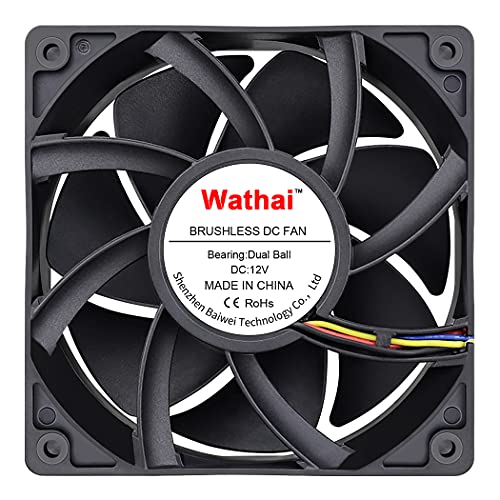
Wathai 12038 120mm x 38mm PWM Computer PC Case Fan 12V 4pin 5300rpm 230 CFM High Airflow Duall Ball CFM FG DC Brushless Cooling Fan
Dimensions: 120x120x38 mm ( 4.72×4.72×1.5 in ) | Rated Voltage :12V 2.0 A| Noise: 60 dBA(Max) | Airflow:…
As an affiliate, we earn on qualifying purchases.
As an affiliate, we earn on qualifying purchases.
Conclusion
By carefully placing your projector and fan, you’re creating a gust of fresh air for your space. Think of your setup as a dance—each element moving in harmony to keep the heat at bay and airflow flowing freely. When you prioritize proper placement, you’re not just mounting devices; you’re orchestrating a symphony of ventilation that ensures your equipment stays cool and your environment stays comfortable. Keep the rhythm right, and your space will thank you.
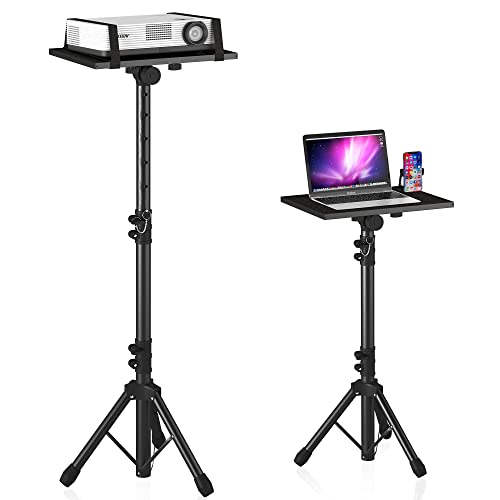
Projector Stand Tripod Adjustable, Laptop Height from 23.5 to 46.5 inches with Gooseneck Phone Holder, Floor for Office, Home, Stage, Studio, DJ Racks Holder Mount, 23.5inch-46.5inch
【𝑼𝒑𝒈𝒓𝒂𝒅𝒆𝒅 𝑷𝒓𝒐𝒕𝒆𝒄𝒕𝒊𝒐𝒏 𝑫𝒆𝒗𝒊𝒄𝒆】: Projector Stands add a safety latch, which avoids the danger of falling. Laptop tripod is…
As an affiliate, we earn on qualifying purchases.
As an affiliate, we earn on qualifying purchases.

Easy Cloud Computer Fan with AC Plug, 120mm Variable Speed Axial Muffin PC Fan with Controller 120V 110V 220V Small 12V Case Cooling for PC Server Cabinet DVR TV Router Receiver Xbox Greenhouse
【Speed Controllable】Easy Cloud axial fan 120v allows you to freely adjust the computer cooling fan speed according to…
As an affiliate, we earn on qualifying purchases.
As an affiliate, we earn on qualifying purchases.