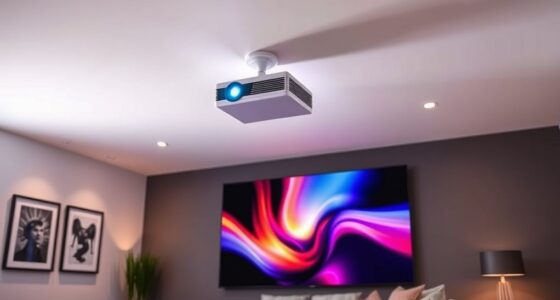
To calculate the throw distance for your 4K projector, first find its throw ratio in the specs or manual. Then, decide your desired screen size, and multiply it by the throw ratio to get the ideal distance from the projector to the screen. Keep room size and conditions in mind, and consider using online calculators for accuracy. Continuing will help you master precise placement and optimize your setup.
Key Takeaways
- Find the projector’s throw ratio in its specifications or manual.
- Measure the desired screen width and multiply by the throw ratio to determine the optimal distance.
- Use online calculators by inputting your projector model, room size, and screen dimensions for precise results.
- Consider room layout, wall color, and ambient light, as they influence ideal throw distance and image quality.
- Ensure proper mounting and alignment to maintain focus and minimize distortion at the calculated throw distance.

WALI Projector Mount Ceiling/Wall - Universal 3-in-1 Bracket with Extension Pole, Height Adjustable Holder for LCD/DLP Projectors, Supports up to 44lbs (PM-003-W), White
Compatibility: Universal Projector Mount Bracket for Both Ceiling and Wall Installation. Applicable to mounting holes distance between 8.9’’to...
As an affiliate, we earn on qualifying purchases.
Understanding Throw Ratio and Its Significance
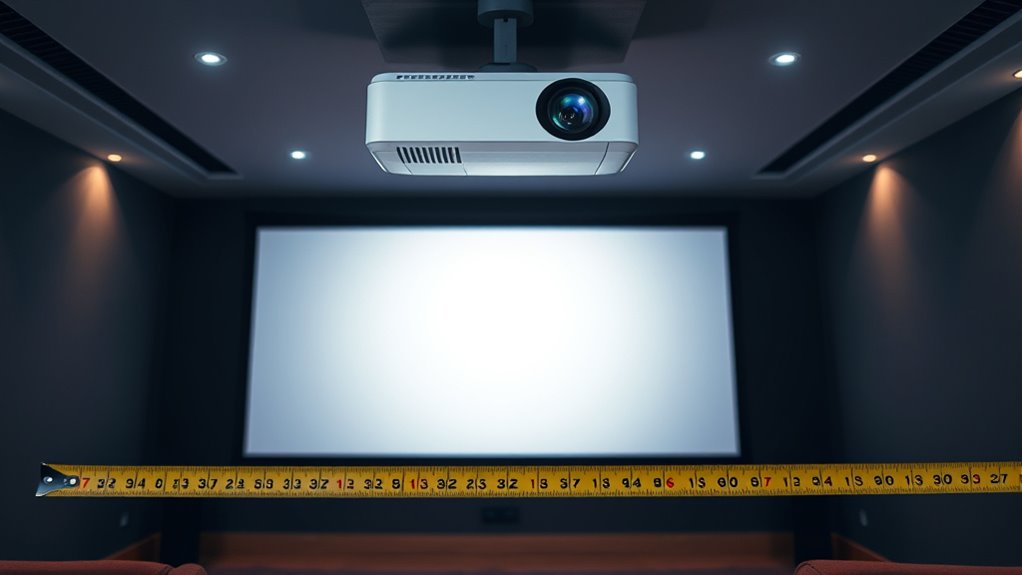
Understanding throw ratio is essential because it directly impacts how you set up your projector. The throw ratio determines how far your projector needs to be from the screen to produce a specific image size. A lower throw ratio means a shorter distance, which is helpful in tight spaces, while a higher ratio requires more room. Keep in mind that lens distortion can be affected by throw ratio, especially if the projector isn’t properly aligned, leading to distorted images. Additionally, ambient light influences image clarity; a projector with a suitable throw ratio helps position the device ideally, reducing the impact of ambient light and ensuring a brighter, clearer picture. Mastering throw ratio helps you achieve ideal image quality with minimal adjustments and distortions. Understanding projection setup is also crucial for optimizing overall image performance.

Official Licensed Google TV Smart Projector, HAPPRUN 4K UHD Home Theater with Dolby Sound, Wi-Fi & Bluetooth, Built-in Streaming Apps, Compatible with Games Consoles & Smartphone, Indoor & Outdoor Use
[ Built-in Official Licensed Google TV ] - Without additional equipment, the smart projector can directly access Netflix,...
As an affiliate, we earn on qualifying purchases.
Determining Your Desired Screen Size

Choosing the right screen size is an essential step in setting up your 4K projector because it directly affects your viewing experience. To determine your ideal size, consider the screen material, as different surfaces reflect light differently and can impact image clarity. If your room has significant ambient lighting, you’ll want a larger screen to maintain brightness and contrast, ensuring the image remains vivid. Conversely, in a darker environment, a smaller screen might suffice without sacrificing detail. Measure your space carefully, factoring in viewing distance and comfort. Keep in mind that larger screens require more throw distance, so your chosen size should align with your projector’s capabilities. By balancing screen size with ambient lighting and material, you’ll create an immersive, high-quality viewing setup. Additionally, understanding the room layout can help optimize your projector placement for the best image quality.
![Projector-4K with WiFi and Bluetooth:[3000 ANSI/40W Dolby Audio/Official Licensed Apps], Outdoor-Projector with Smart OS 2.0 & AI Auto Focus,ONOAYO ONO5Pro 2.0 Smart Movie Projector for Indoor/Outdoor](https://m.media-amazon.com/images/I/411TCiwZ0EL._SL500_.jpg)
Projector-4K with WiFi and Bluetooth:[3000 ANSI/40W Dolby Audio/Official Licensed Apps], Outdoor-Projector with Smart OS 2.0 & AI Auto Focus,ONOAYO ONO5Pro 2.0 Smart Movie Projector for Indoor/Outdoor
[Hear the Difference–Hollywood-Grade Dual 40W Dolby Audio] Why spend $500 on a TV + soundbar or settle for...
As an affiliate, we earn on qualifying purchases.
Finding Your Projector’s Throw Ratio
How can you determine the right throw ratio for your projector? First, consider your projection angles and the space available. The throw ratio is the ratio of the distance from the projector to the screen divided by the screen width. For ceiling mounts, knowing your projector’s throw ratio helps you position it correctly to achieve the desired image size. Check your projector’s specifications or manual, where the throw ratio is usually listed. If you want a wider image from a short distance, look for a projector with a low throw ratio. Conversely, for longer distances or higher ceilings, a higher throw ratio may be necessary. Understanding your projector’s throw ratio guarantees you optimize placement without sacrificing image quality or projection angles. Additionally, comfort and support solutions like proper placement can significantly enhance your viewing experience.

Aurzen Ceiling Projector Mount Bracket, 360° Rotation & 90° Tilt, Adjustable 9"-15" Length, ¼-Inch Screw, Compatible with TMY, HAPPRUN, Yaber, Epson & Most Projectors
Note: Not compatible with Aurzen D1 MAX
As an affiliate, we earn on qualifying purchases.
Calculating the Ideal Throw Distance

Your room size and screen choice directly impact the ideal throw distance for your projector. Consider how much space you have and the screen size you want to achieve, as these factors determine the most suitable placement. Getting these details right ensures a clear, immersive 4K viewing experience. Additionally, understanding the nutritional advantages of green juice can help you appreciate the health benefits of incorporating fresh, nutrient-rich options into your diet.
Room Size Considerations
Determining the ideal throw distance for your 4K projector depends heavily on your room size. A larger room allows for a greater distance, but you need to consider how wall color and ambient light impact image quality. Light-colored walls can reflect more light, reducing contrast, so you might need a slightly shorter throw distance or additional wall treatment. Conversely, darker walls absorb excess light, helping maintain picture clarity at longer distances. Ambient light from windows or fixtures can wash out the image, so choosing a room with controlled lighting is vital. Measure your space carefully, and aim for a throw distance that balances projector specifications with room characteristics, ensuring you get a bright, sharp image without compromising comfort or setup feasibility. Additionally, understanding ambient light management can significantly improve your viewing experience by minimizing glare and reflections.
Screen Size Selection
Choosing the right screen size is essential for achieving a prime viewing experience with your 4K projector. To determine the ideal size, consider your room’s dimensions and how distance affects image clarity. A larger screen offers immersive viewing but requires a longer throw distance for optimal focus. Remember, proper color calibration enhances picture quality, making details pop. Wall color choices also impact perceived contrast and brightness; darker hues improve image depth, while lighter walls may require adjustments in projector brightness. Measure your available space carefully and match it with recommended throw distances for your chosen screen size. Adjusting these factors ensures your projector’s resolution is fully utilized, producing sharp images with vibrant colors. Additionally, understanding throw distance and its relation to screen size can help prevent image distortion and ensure a comfortable viewing experience. Ultimately, selecting an appropriate screen size balances room limitations, image clarity, and visual comfort.
Adjusting for Different Screen Sizes and Room Conditions
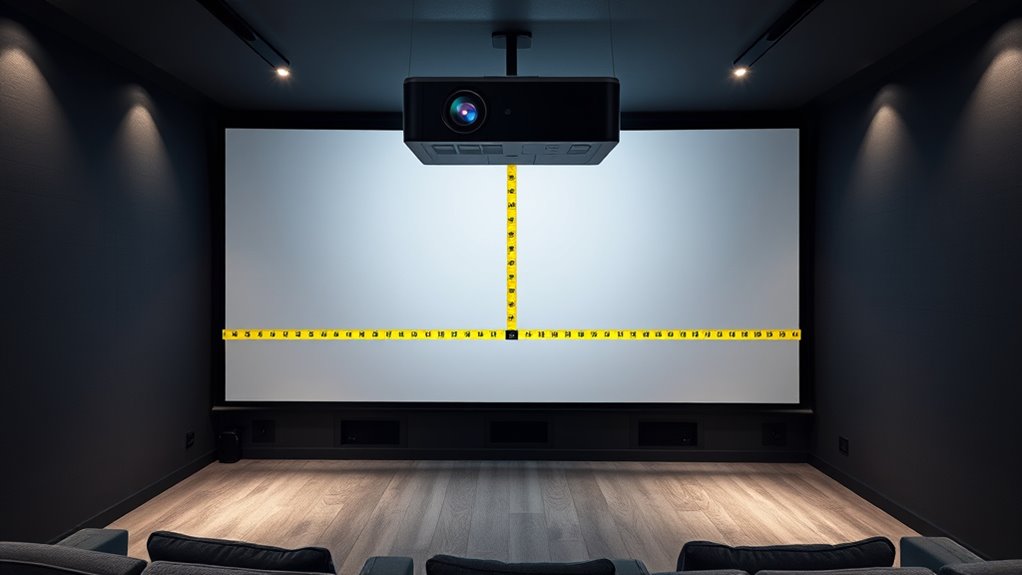
Adjusting for different screen sizes and room conditions is essential to achieving ideal throw distances with your 4K projector. Larger screens may require longer distances to prevent lens distortion, while smaller screens demand shorter setups. Ambient lighting impacts image brightness and clarity; brighter rooms often need higher lumens or adjustments to prevent washed-out visuals. Consider room shape and furniture placement, which influence optimal projector positioning. Use the following table to help plan your setup:
| Screen Size | Room Condition | Effect on Throw Distance | Additional Notes |
|---|---|---|---|
| Large | Bright | Increase distance | Minimize lens distortion |
| Small | Dark | Decrease distance | Maximize image clarity |
Adjusting for these factors guarantees your projector delivers crisp, vivid images tailored to your space. Proper throw distance calculation ensures your setup is optimized for your specific environment.
Using Online Calculators and Tools

Online calculators and tools make planning your 4K projector setup quick and accurate. They help you determine the ideal throw distance based on your projector’s specifications and room size, ensuring supreme image quality. These tools often factor in projector brightness, so you can balance brightness levels with screen size for a clear picture. Additionally, they consider lamp lifespan, helping you estimate how long your projector will perform well before bulb replacement, which can influence brightness and image quality over time. Using online calculators saves you from manual calculations and reduces setup errors. Simply input your projector model, desired screen size, and room dimensions, and these tools generate precise throw distance recommendations, making your installation process smoother and more efficient. Understanding the optics and light projection principles behind projectors can further enhance your setup accuracy.
Tips for Accurate Placement and Setup
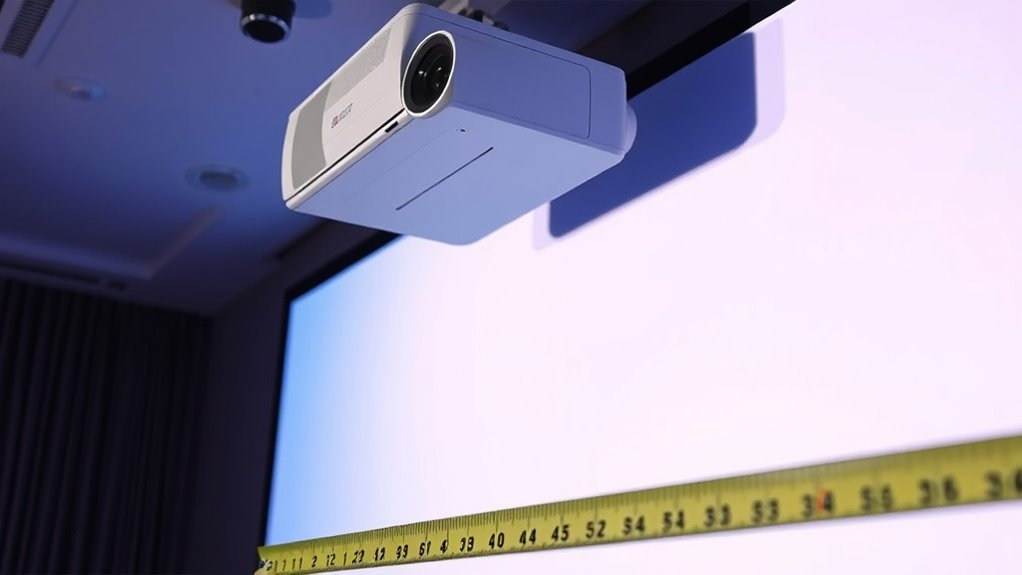
To guarantee your projector is set up accurately, start with precise room measurements to determine the ideal placement. Proper mounting techniques are essential to keep the projector stable and aligned correctly. Taking these steps will help you achieve the best image quality and avoid common setup issues.
Precise Room Measurements
Accurate room measurements are essential for ideal projector placement and image quality. Start by measuring the ceiling height to determine the best mounting position and ensure the projector’s throw distance aligns with your screen size. Consider ceiling placement to avoid obstructions and optimize viewing angles. Take note of ambient lighting sources, like windows or lamps, which can affect picture clarity; plan your room layout to minimize glare and reflections. Measure the distance from potential projector locations to the screen, keeping in mind the projector’s throw ratio. Use a tape measure for precision and record all dimensions. These measurements help you select the right projector position, preventing image distortion or focus issues, and guaranteeing a bright, clear picture with minimal setup adjustments. Additionally, understanding the types of cookies used on projector setup websites can help you manage your online privacy during your research.
Proper Mounting Techniques
Proper mounting is essential for achieving the best image quality and guaranteeing safety. To do this, carefully select a ceiling mount that supports your projector’s weight and size. Adjust the projection angle to minimize keystone distortion and enhance image focus. Precise placement ensures the image aligns with your screen, avoiding unnecessary adjustments later. Additionally, understanding resource and tools such as regional legal resources can help you access the best mounting options and professional assistance if needed.
Frequently Asked Questions
How Does Ambient Light Affect Throw Distance Calculations?
Ambient light doesn’t directly influence your throw distance calculations, but it impacts your viewing quality. When there’s more ambient light, you need a brighter projector to maintain a clear image. If your projector’s brightness isn’t sufficient, you might consider adjusting your throw distance or adding light control measures. Keep in mind, higher ambient light levels mean you’ll need a projector with higher lumens to ensure a bright, sharp 4K image.
Can I Adjust Throw Distance for Different Aspect Ratios?
Did you know that most projectors support multiple aspect ratios? You can adjust throw distance for different aspect ratios by changing lens compatibility and calibrating your projector accordingly. Aspect ratio adjustments impact image size and positioning, so verify your lens is compatible with the desired ratio. Always check manufacturer specifications to optimize your setup, and remember that precise adjustments help achieve the best image quality and fit for your space.
What Are Common Mistakes When Measuring Throw Distance?
You should watch out for measurement errors like using incorrect tape lengths or not keeping the tape straight, which can skew your results. Misinterpretation pitfalls include confusing the projector’s lens center with the image’s center or measuring from the wrong reference point. Always double-check your measurements and clarify your reference points to avoid these common mistakes and guarantee accurate throw distance calculations.
How Do Lens Shift and Zoom Features Impact Setup?
Think of lens shift and zoom features as your projectors’ secret superpowers, giving you flexibility in setup. Lens shift lets you adjust the image vertically or horizontally without moving the projector, while zoom controls the image size from a fixed distance. These features help you fine-tune throw distance, making installation easier and more precise—so you get that perfect picture without hassle, even in tight spaces.
Is There a Difference in Throw Distance for Short-Throw and Ultra-Short-Throw Projectors?
Yes, there is a difference in throw distance for short-throw and ultra-short-throw projectors. Short-throw projectors typically need a projection angle to cover a specific screen size from a closer distance, while ultra-short-throw models require even less space, often placed nearly against the wall. Your setup depends on the screen size, as larger screens demand longer throw distances, especially with standard projectors.
Conclusion
Now that you know how to calculate your projector’s throw distance, you’re practically a superhero armed with the power to transform any room into a massive movie theater! With this knowledge, you could turn a tiny corner into an epic cinematic universe or make a small space feel like a giant stadium. So, go ahead—set up that projector with confidence and prepare for a viewing experience so incredible, it’ll blow your mind and everyone else’s away!