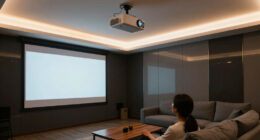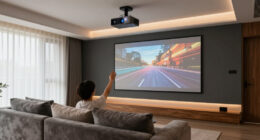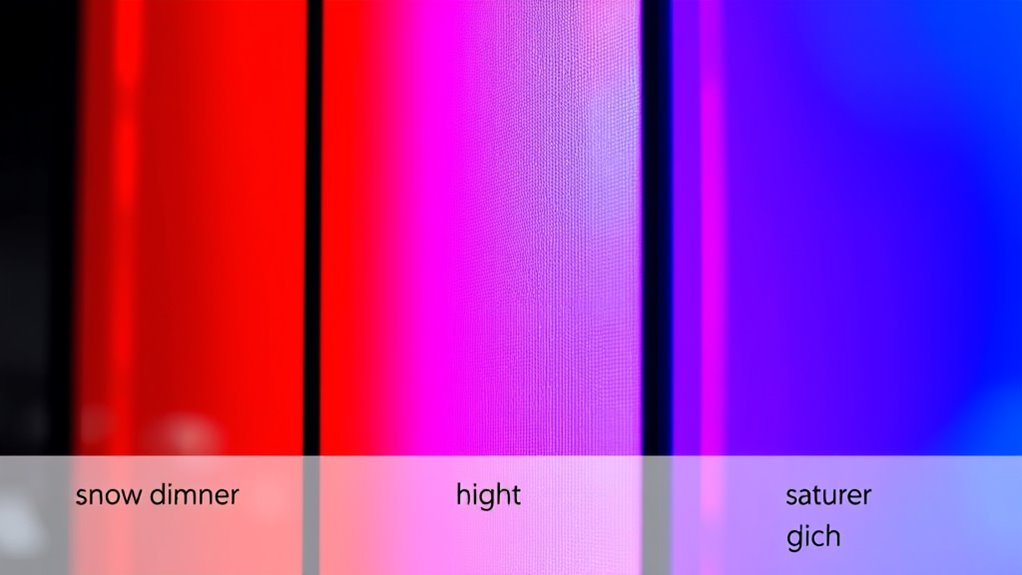
Screen gain impacts how bright and vibrant your projected images appear by determining how much light the surface reflects. Higher gain screens reflect more light, making images look brighter and colors more vivid, especially in well-lit rooms. However, too much gain can cause hotspots and uneven brightness. Conversely, lower gain screens reduce glare and provide wider viewing angles but may produce less brightness. To discover how to optimize your setup, keep exploring further.

Get business pricing on your home office setup
- Business-only prices and quantity discounts
- Tax-exempt purchasing
- Multiple users, one account, clear invoices
Key Takeaways
- Higher screen gain reflects more light, increasing perceived brightness and making images appear more vibrant.
- Gain level influences color vibrancy; higher gain screens enhance color richness but may risk oversaturation.
- Elevated gain can cause hotspots and uneven brightness, affecting color accuracy across the screen.
- Low gain screens scatter light more evenly, resulting in consistent color and reduced glare in bright environments.
- Selecting the appropriate gain balances brightness and color fidelity, optimizing image quality for specific viewing conditions.
projection screen with high gain
As an affiliate, we earn on qualifying purchases.
As an affiliate, we earn on qualifying purchases.
What Is Screen Gain and How Is It Measured?

Screen gain refers to how much a projector’s image brightness increases when it hits a reflective surface, compared to a standard white, matte surface. It’s a key concept in projection technology because it determines how well your image will stand out in different lighting conditions. To measure screen gain, manufacturers typically project a standard light source onto the screen and measure the reflected light from multiple angles. Higher gain screens reflect more light, making images appear brighter, especially in well-lit rooms. When considering ambient lighting, a higher gain screen can improve visibility, but it may also affect image uniformity. Understanding screen gain helps you choose the right screen for your projector and environment, ensuring ideal brightness and color accuracy. Additionally, the type of surface material used can influence the overall image quality and viewing experience.
low gain projection screen for bright rooms
As an affiliate, we earn on qualifying purchases.
As an affiliate, we earn on qualifying purchases.
The Relationship Between Screen Gain and Brightness
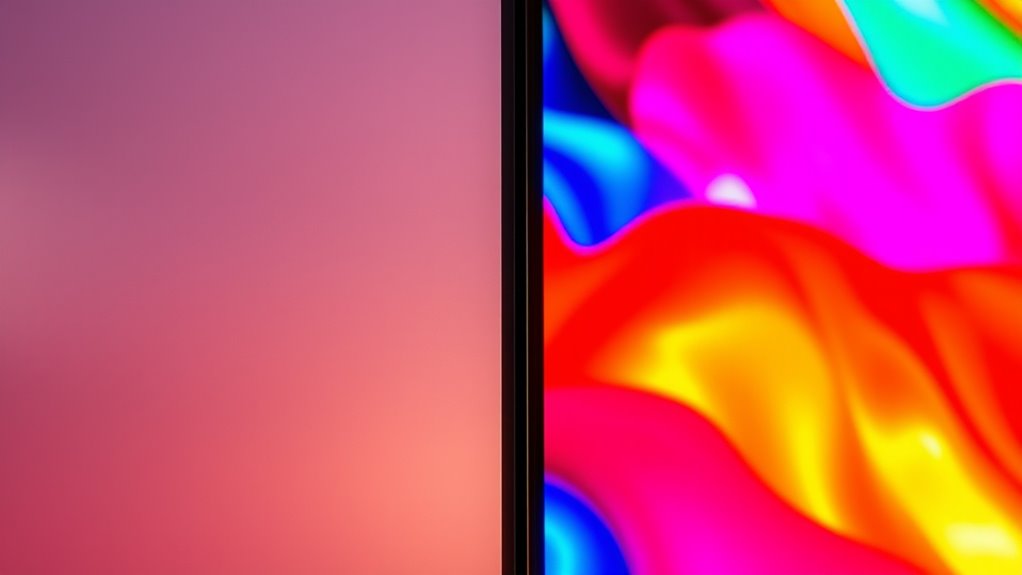
The gain level of your projection screen directly impacts how bright your images appear, especially in environments with ambient lighting. Higher gain screens reflect more light, making images look brighter even when ambient lighting is present. Conversely, low gain screens produce less reflection, which can result in dimmer images but better contrast. When considering projector placement, a higher gain screen can compensate for less suitable positioning or brighter rooms, ensuring your picture stays vivid. Keep in mind, though, that excessive gain may cause hotspots or uneven brightness across the screen. To achieve the best results, balance your screen gain with ambient lighting conditions and projector placement, tailoring your setup for optimal brightness and clarity. Additionally, understanding contrast ratio can help you select a screen that complements your projector’s capabilities for the best overall image quality.
projection screen for color accuracy
As an affiliate, we earn on qualifying purchases.
As an affiliate, we earn on qualifying purchases.
How Screen Gain Influences Color Vibrancy and Accuracy
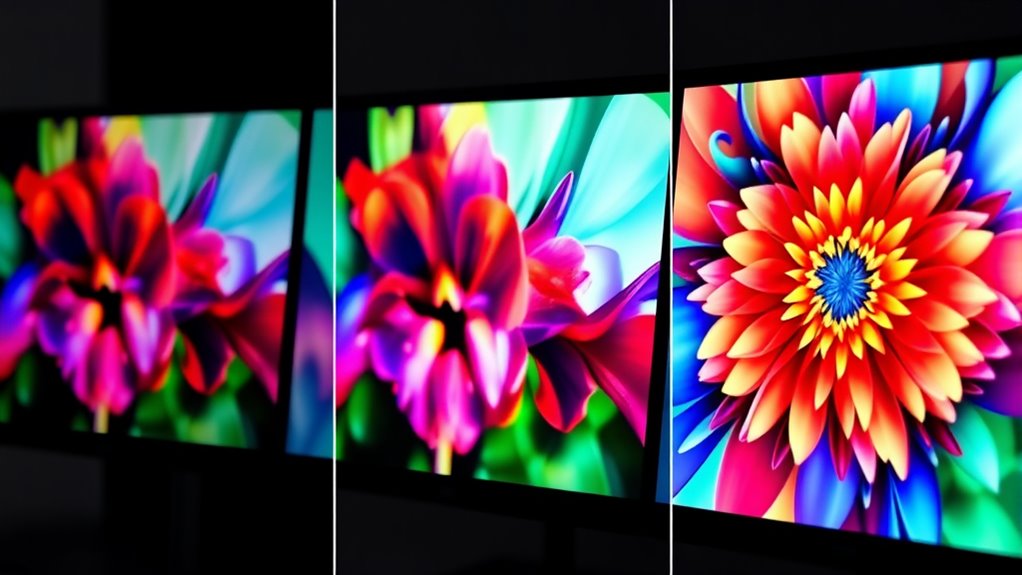
Higher gain screens can considerably enhance color vibrancy by reflecting more light toward your eyes, making colors appear richer and more saturated. This increased reflectivity boosts vibrancy enhancement, helping images look more lively. However, this can sometimes compromise color accuracy, as the intensified reflections may lead to color shifts or oversaturation if not properly calibrated. To maintain true-to-life visuals, it’s important to calibrate your display settings when using high gain screens. While they deliver vivid, eye-catching colors, excessive gain can distort subtle color nuances, reducing overall accuracy. Balancing gain levels ensures you enjoy vibrant images without sacrificing true color representation. Ultimately, understanding how gain influences both vibrancy and accuracy empowers you to optimize your display for your specific viewing needs. Recognizing the impact of screen gain can help you make informed decisions to improve your viewing experience.
adjustable gain projection screen
As an affiliate, we earn on qualifying purchases.
As an affiliate, we earn on qualifying purchases.
Comparing Low and High Gain Screens
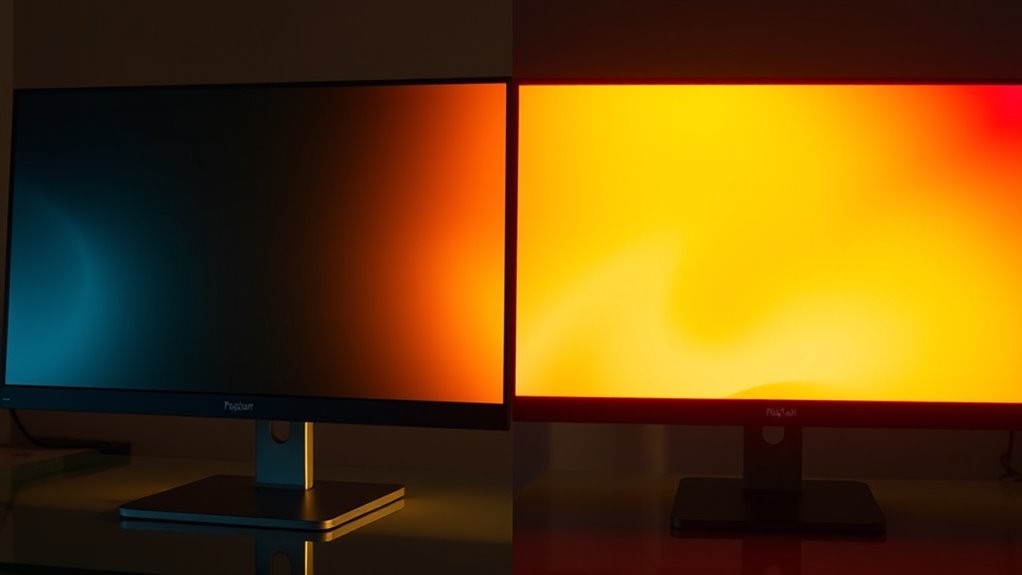
When choosing between low and high gain screens, understanding their differences helps you optimize your viewing experience. Low gain screens typically have a matte surface that scatters light, reducing brightness but offering wider viewing angles. High gain screens feature a reflective surface with more focused light, increasing brightness and contrast but narrowing viewing angles. To clarify, consider this: light scattering occurs more with low gain screens, affecting the overall image quality.
| Screen Surface | Reflective Properties | Ideal Use Case |
|---|---|---|
| Low Gain | Diffuses light | Wide seating arrangements |
| High Gain | Reflects light intensely | Bright rooms, close seating |
| Moderate Gain | Balanced reflection | Versatile environments |
This comparison highlights how screen surface and reflective properties influence brightness and viewing angles, helping you select the right screen for your space.
Ideal Screen Gain Settings for Different Uses
The best screen gain setting depends on how you use your projector. For gaming, a moderate gain gives you clear images without excessive brightness. If you’re doing business presentations, a low gain helps prevent glare, while a higher gain enhances your home theater experience with brighter, richer colors. Additionally, understanding screen gain can help you select the optimal settings to match your specific tuning needs and viewing environment.
Gaming: Moderate Gain Ideal
For gaming, setting your screen gain to a moderate level often delivers the best balance between brightness and color accuracy. This helps guarantee your visuals are vivid without oversaturation, making details clearer. Proper color calibration is essential here, so your display accurately reproduces game colors. Moderate gain also minimizes glare caused by ambient lighting, reducing eye strain during extended play sessions. If gain is too high, colors can appear washed out or overly bright, while too low can make the image dull. Adjusting gain to a moderate setting allows you to optimize brightness for your environment, especially in rooms with variable lighting conditions. Additionally, understanding how screen gain impacts visual output can guide you in achieving the ideal settings for different activities, including gaming. This balance ensures you experience immersive visuals while maintaining accurate color representation essential for competitive gaming and detailed graphics.
Business Presentations: Low Gain Best
In business presentations, setting your screen gain to a low level enhances clarity and reduces glare, making your visuals easier to see in well-lit rooms. Low gain screens minimize the impact of ambient lighting, preventing reflections that can obscure details or distort colors. This setting helps maintain consistent brightness across the display, ensuring your audience clearly sees charts, text, and images without distraction. If the room has bright lighting or windows, a low gain screen is essential to combat screen glare and preserve image quality. Additionally, diverse designs of screens can be tailored to different lighting conditions, further improving visibility. By choosing a low gain setting, you create a more professional environment where visuals remain sharp and legible, regardless of ambient lighting conditions. This focus on reducing glare ensures your presentation is impactful and easy to follow.
Home Theater: Higher Gain Preferred
When setting up a home theater, higher gain screens can markedly enhance your viewing experience by increasing brightness and improving visibility in darker rooms. The key is selecting a screen surface with the right material reflectivity. Higher gain screens reflect more light, making images appear brighter, especially in rooms with ambient light or larger audiences. However, they may introduce some hot-spotting, where brightness is uneven across the screen. For home theaters, a gain of 1.2 to 2.0 often strikes a good balance. Use this table to guide your choice:
| Screen Surface | Material Reflectivity | Ideal Gain Range |
|---|---|---|
| Matte | Low to moderate | 0.8 – 1.3 |
| Glossy | High | 1.5 – 2.0 |
| Silver | Very high | 1.8 – 2.2 |
Additionally, understanding screen gain can help you select the optimal surface for your specific viewing conditions.
The Impact of Screen Gain on Viewing Angles
Higher screen gain can give you wider viewing angles, making it easier to see the display from different positions. This can improve your viewing experience, especially in larger rooms or group settings. However, it may also affect how evenly the brightness appears across the screen. Additionally, screen gain influences the perceived contrast and color vibrancy, enhancing the overall picture quality.
Wider Viewing Angles
Screen gain considerably influences how wide an angle you can comfortably view without color distortion or brightness loss. Higher gain screens often have narrow viewing angles, making colors appear washed out or dull when you move off-center. To counteract this, polarized filters can be used to improve contrast and reduce glare from ambient light, helping maintain color accuracy at wider angles. Lower gain screens typically offer broader viewing angles, so you can sit off to the side without losing picture quality. Keep in mind that ambient light impacts your viewing experience—bright rooms can accentuate limitations in gain, especially if glare isn’t managed well. Choosing the right screen gain, combined with appropriate filters, ensures you enjoy vibrant, consistent color and brightness from various angles in different lighting conditions.
Screen Brightness Consistency
The gain level of your screen directly affects how consistently brightness is maintained across different viewing angles. Higher gain screens tend to reflect more ambient lighting, which can cause glare and uneven brightness when viewed from off-center angles. This reflection amplifies screen reflection issues, making it harder to see details clearly in bright rooms. Conversely, low-gain screens distribute light more evenly, reducing the impact of ambient lighting and maintaining consistent brightness across wider angles. If your viewing space has variable lighting conditions, choosing a screen with appropriate gain helps prevent brightness fluctuations. Being mindful of the gain level ensures you enjoy uniform image quality, minimizing the influence of ambient lighting and screen reflection, and preserving a clear, bright picture from different positions in the room. Additionally, understanding Fokos can help you better appreciate the importance of optimal display settings for your environment.
Choosing the Right Screen Gain for Your Environment
Selecting the right screen gain depends largely on your environment’s lighting conditions and viewing distance. If your space has bright ambient lighting, like sunlight or strong room lights, a higher gain screen (around 1.8 to 2.5) can help reflect more light and improve brightness. Conversely, in darker rooms with controlled ambient lighting, a lower gain screen (around 1.0 to 1.3) reduces glare and enhances color accuracy. Consider your projector lens and placement as well; a shorter throw lens might require a different gain setting for ideal image quality. Always evaluate your ambient lighting to determine whether you need a brighter, more reflective screen or one that minimizes reflections. This ensures you get the best brightness and color performance tailored to your environment.
Common Misconceptions About Screen Gain
Many people assume that a higher gain screen always results in a brighter, better picture, but this isn’t quite true. This misconception stems from myths about screen gain that overlook technical misunderstandings. Higher gain screens do reflect more light, but they can also cause glare and hot spots, reducing overall image quality. Some believe that gain directly correlates with color accuracy, which isn’t accurate—other factors like material and coating matter more. It’s a common misconception that lower gain screens are always dull or dim; in reality, they often provide more uniform images without hotspots. Understanding these myths helps you make better choices and avoid overestimating the benefits of high gain screens. Recognizing these misconceptions ensures you select a screen that matches your viewing environment and preferences.
Tips for Optimizing Brightness and Color With Screen Gain

To enhance brightness and color with screen gain, you need to understand how to adjust your setup for the best results. Begin by performing proper color calibration to ensure your display shows accurate colors. Use calibration tools or software to fine-tune contrast, gamma, and color balance. Additionally, consider your ambient lighting; dim or control lights in your environment to reduce reflections and glare, which can distort perceived brightness and color. This helps your screen gain settings work more effectively. Experiment with different gain levels while observing color consistency and brightness, making small adjustments until you achieve a natural, vibrant image. Regular calibration and thoughtful lighting create the ideal conditions to maximize your screen’s performance, guaranteeing peak brightness and color accuracy.
Frequently Asked Questions
How Does Ambient Lighting Affect Optimal Screen Gain Choice?
Ambient lighting greatly influences your ideal screen gain choice. In bright environments, you should select a higher screen gain to enhance brightness and maintain visibility. Conversely, in darker settings, a lower gain reduces glare and improves contrast. By adjusting your screen gain based on ambient light, you guarantee better screen contrast, clearer images, and less eye strain, making your viewing experience more comfortable and visually balanced.
Can High Gain Screens Cause Glare or Reflective Issues?
High gain screens can turn your viewing area into a mirror maze, causing intense glare and reflection issues. They amplify light, making reflections from windows or lights unbearable, which hampers your viewing experience. To combat this, look for screens with glare reduction and reflection management features. This helps you enjoy bright, vibrant images without the distraction of unwanted reflections, ensuring your screen remains clear and comfortable even in bright environments.
Is Screen Gain Adjustable on Fixed or Portable Screens?
On fixed screens, the gain isn’t adjustable because it’s built into the surface material, so you can’t change it. Portable screens, however, often feature adjustable gain settings, allowing you to optimize brightness and contrast based on your environment. If you need flexibility, look for a portable screen with adjustable gain. Fixed screens are more permanent, so their gain remains constant, which simplifies setup but limits customization.
How Does Screen Gain Influence Long-Term Image Quality?
You might think high screen gain means vibrant images forever, but ironically, it can harm your long-term image quality. Higher gain screens often sacrifice screen uniformity, leading to uneven brightness and spots, while risking color accuracy. Over time, these issues can cause your visuals to look dull or inconsistent, reminding you that choosing the right gain isn’t just about initial brightness—it’s about maintaining crisp, uniform images for the long haul.
Are There Health Considerations Related to High Gain Screens?
High gain screens can cause eye strain because they reflect more light, leading to glare and reduced visual comfort. You might find yourself squinting or experiencing discomfort during prolonged use. To protect your eyes, take regular breaks, adjust screen brightness, and consider anti-glare filters. Prioritizing your eye health helps maintain visual comfort, especially when working with screens that have high gain, so you can stay focused without discomfort.
Conclusion
Think of screen gain as the lens through which your visuals come alive—sharpening or softening the view. By understanding its influence on brightness and color, you hold the key to revealing your ideal viewing experience. Adjusting gain is like tuning a musical instrument; when done right, everything harmonizes perfectly. So, choose wisely, and let your screen become a window—reflecting your perfect world in vivid clarity and true color.
Fall Picks
fall essentials
As an affiliate, we earn on qualifying purchases.