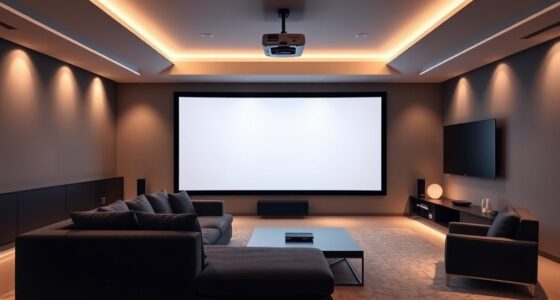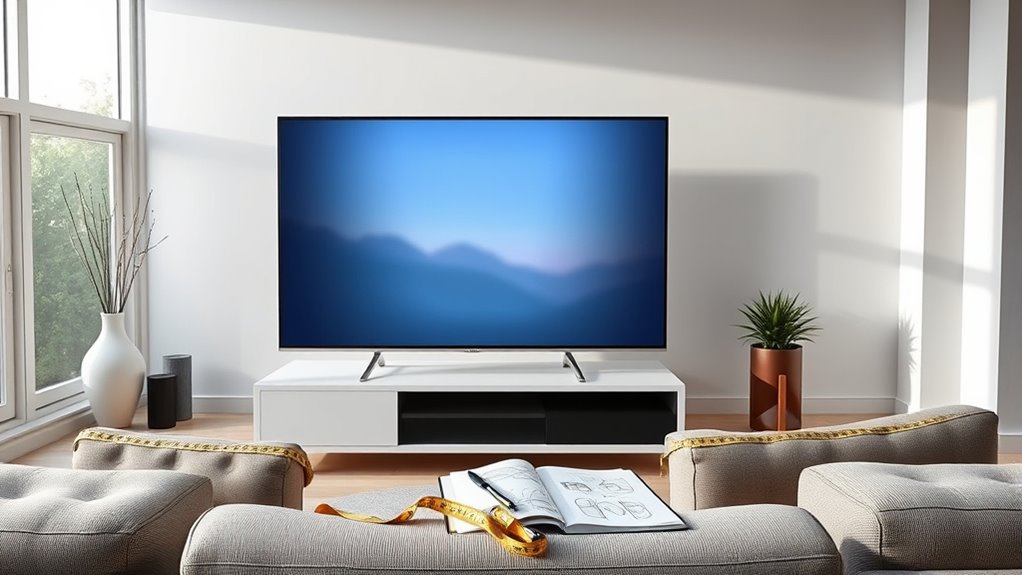
To calculate your ideal screen size, measure the distance from your seating area to where the projector will be placed. Aim for a screen width that’s roughly 1/3 to 1/2 of that projection distance to guarantee a clear, immersive experience without pixelation or strain. Adjust based on your room size and viewing comfort. If you want to get this just right, keep exploring these guidelines to optimize your setup.
Key Takeaways
- Measure your room’s projection distance to determine the optimal screen size, typically 1/3 to 1/2 of that distance.
- Ensure the projected image fits comfortably within your seating area without causing pixelation or distortion.
- Use room dimensions and seating layout to balance immersive viewing with visual comfort.
- Consider recommended viewing angles to prevent neck strain and maximize image clarity.
- Avoid guessing; follow established guidelines to select a screen size that complements your projector’s distance and room setup.
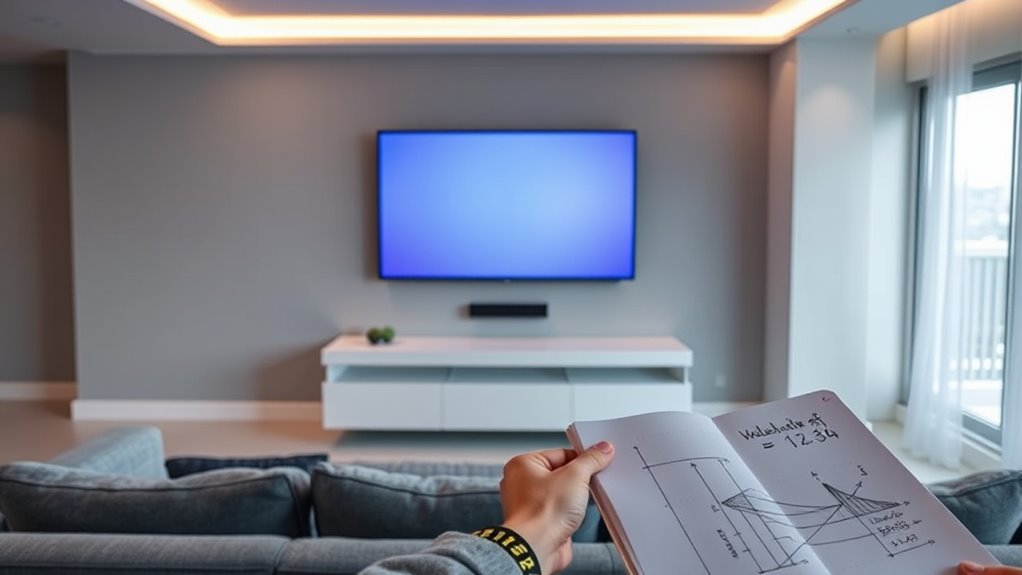
Have you ever wondered how to determine the perfect screen size for your setup? It’s a common question, especially when you want to maximize viewing comfort without straining your eyes or missing out on picture detail. The key lies in understanding the relationship between projection distance and screen size. Projection distance, which is how far your projector is from the screen, directly influences what size your screen should be. If your projector is too close or too far, it can lead to distorted images or uncomfortable viewing angles. To get it right, you need to consider how large the screen appears from your usual seating position and how comfortably you can view the entire image without craning your neck or squinting.
Choosing the right screen size depends on projection distance and viewing comfort.
The goal is to find a balance where the screen size fits the room’s dimensions and your viewing position. A good rule of thumb is to measure the distance between your seating area and the projected screen—this is your projection distance. From there, you can determine the ideal screen size by following specific guidelines. For instance, many experts recommend that your screen width should be roughly 1/3 to 1/2 of the distance from your seating to the screen. This ensures that your viewing experience feels immersive but not overwhelming. When your screen is too large for the projection distance, images can become pixelated or lose clarity, and your eyes may have trouble focusing, reducing overall viewing comfort.
Conversely, a screen that’s too small relative to your seating distance can diminish the cinematic effect and make details hard to see. It’s vital to keep in mind that larger screens aren’t always better if your projection distance isn’t adequate. For ideal viewing comfort, the screen size should allow you to take in the entire image comfortably without moving your head excessively or straining your eyes. When seated at the right distance, your peripheral vision should comfortably encompass the screen, and you shouldn’t need to move your head to see the edges.
Additionally, considering the recommended viewing angles can help optimize your setup and prevent discomfort during extended viewing sessions. In essence, calculating your ideal screen size involves matching the projection distance with the screen dimensions, ensuring that images are sharp, clear, and comfortable to watch. Avoid rushing into buying a massive screen without considering these factors—doing so can lead to a less satisfying viewing experience. Instead, use these guidelines to select a size that complements your room’s layout and your seating arrangement, creating a setup that’s both immersive and comfortable for hours of entertainment.
Frequently Asked Questions
How Does Room Shape Affect Screen Size Choices?
Your room shape substantially impacts screen size choices because it influences viewing angles and distance. If you have a narrow or irregular space, opt for a smaller or more adaptable screen to guarantee comfortable viewing without straining your eyes or compromising image quality. Conversely, a large, open room allows for a bigger screen, giving you immersive viewing angles. Always consider room shape to optimize your viewing experience and avoid awkward angles or glare.
What Is the Best Viewing Distance for Different Screen Sizes?
You might think the perfect viewing distance is a mystery, but it’s simple—about 1.5 to 2.5 times your screen’s diagonal size. For 4K screens, you can sit closer without losing sharpness, thanks to high resolution and wider viewing angles. Ironically, sitting too far makes your screen feel tiny, while sitting too close can strain your eyes. Find that sweet spot, and enjoy immersive, crystal-clear visuals.
How Do Lighting Conditions Influence Optimal Screen Size?
Ambient lighting substantially influences your ideal screen size since bright rooms can cause glare and reduce contrast, making smaller screens less enjoyable. To minimize glare, choose a screen size that balances your viewing distance with the room’s lighting conditions. When lighting is dim, larger screens enhance immersion, but in bright environments, smaller screens reduce eye strain and glare, ensuring a comfortable viewing experience. Proper lighting and glare reduction are key.
Can Wall Mounting Impact the Ideal Screen Dimensions?
Wall mounting can considerably influence your ideal screen dimensions by affecting your viewing angle. When you install the TV on a wall, make certain it’s at eye level for comfortable viewing and ideal angle. A proper wall mount allows you to position the screen correctly, preventing strain and ensuring a better experience. Keep in mind that a too-large or too-small TV may disrupt your viewing angle, so choose a size that fits your space and setup.
What Are Ergonomic Considerations for Large Screens?
Imagine you’re living in the 1980s with a giant screen—ergonomics still matter. To prevent eye strain, position your large screen so that your eyes are level with the top edge, and sit at a comfortable distance. Maintain good sitting posture, avoiding leaning forward or slouching. This reduces neck and eye fatigue, making your viewing experience comfortable and safe, even with expansive screens.
Conclusion
Knowing the right screen size can truly transform your viewing experience. Did you know that the ideal viewing distance is about 1.5 to 2.5 times your screen’s diagonal size? By calculating your perfect screen size, you’ll avoid eye strain and enjoy movies or games more fully. So, take the time to measure and plan—you’ll end up with a setup that’s just right for your space and budget. Happy viewing!