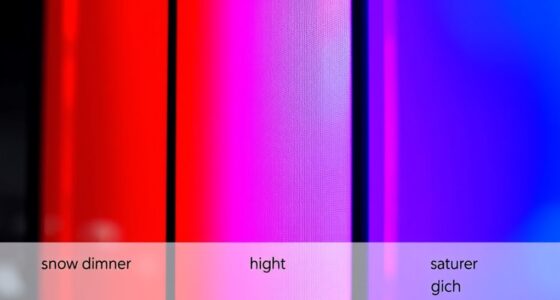

When comparing grey versus white screens for contrast, grey screens often provide better control over ambient light, reducing glare and reflections that can wash out images, making details clearer and colors more accurate. White screens boost brightness and visual impact but may cause glare and washout in bright environments, reducing contrast. Choosing the right one depends on your lighting conditions and usage; exploring further will help you find the best fit for your needs.

Get your home office setup delivered free — and shop member deals
- Fast, free delivery on millions of items
- Access to Prime Big Deal Days deals on October 6–7
- Prime Video, Amazon Music and more included
Key Takeaways
- Grey screens absorb ambient light, reducing glare and reflections, thus enhancing contrast and image clarity across various lighting conditions.
- White screens reflect more ambient light, increasing brightness but risking glare and washout, which can diminish contrast and detail.
- Grey backgrounds offer better control over ambient lighting effects, resulting in more consistent contrast and color perception.
- White screens boost overall brightness and impact but require careful calibration and controlled lighting to maintain contrast.
- Grey screens provide a more stable, distraction-free viewing environment, especially in environments with variable lighting, improving perceived contrast.
As an affiliate, we earn on qualifying purchases.
The Role of Screen Backgrounds in Image Contrast

The background color of your screen plays a crucial role in how well images stand out and appear sharp. Your choice of background impacts contrast, especially considering the color temperature and ambient lighting conditions. A grey screen with a neutral tone helps balance the overall color temperature, reducing eye strain and making details clearer in various lighting environments. This neutrality minimizes the influence of ambient lighting on perceived contrast, allowing images to pop without being washed out or overly harsh. White screens, on the other hand, can reflect more ambient light, causing glare and reducing contrast in bright rooms. By choosing the right background color, you control how images are perceived, ensuring they stand out sharply regardless of your ambient lighting conditions. Additionally, understanding contrast ratio can help you select the most effective screen background for your specific viewing environment.
As an affiliate, we earn on qualifying purchases.
How Grey Screens Enhance Contrast and Detail

Grey screens improve visual clarity by making details stand out more sharply. They also cut down on glare, reducing eye strain during long viewing sessions. Plus, they help colors appear more accurate and vibrant, enhancing your overall viewing experience. Additionally, the use of comfortable viewing environments can further optimize visual comfort and reduce fatigue.
Improved Visual Clarity
Because grey screens reduce glare and minimize reflections, they allow for sharper contrast and finer details to stand out more clearly. This results in improved visual clarity, especially in environments with varying ambient lighting. By stabilizing the perceived color temperature, grey screens prevent color distortions that can blur images or make details harder to distinguish. This consistency helps your eyes focus more comfortably, reducing fatigue during extended viewing sessions. When ambient lighting is bright or inconsistent, grey screens maintain their effectiveness, ensuring images remain clear and vibrant. The reduced reflection minimizes distractions, so your attention stays on the content itself. Overall, grey screens help you see more detail with less eye strain, making your viewing experience more precise and comfortable. Additionally, color temperature regulation provided by grey screens contributes to a more natural and balanced image quality, enhancing overall viewing satisfaction.
Reduced Glare Effects
Reduced glare substantially enhances your viewing experience by boosting contrast and revealing finer details. Grey screens naturally minimize reflections, making screen calibration easier and more effective in different lighting conditions. Unlike white screens, which can reflect ambient lighting and create glare, grey screens absorb excess light, reducing eye strain and improving image clarity. This glare reduction allows you to see subtle differences in contrast, especially in bright environments. When ambient lighting is controlled or unpredictable, grey screens help maintain consistent image quality. By lowering distracting reflections, grey screens ensure that your focus stays on the content, not on the glare or reflections bouncing off the screen. Additionally, screen calibration becomes more straightforward on grey screens due to their neutral tone. Overall, decreased glare from grey screens creates a more comfortable and detailed viewing experience.
Enhanced Color Perception
By minimizing reflections and glare, grey screens create a more controlled environment for your eyes to perceive subtle differences in contrast and color. This enhanced color perception improves overall image clarity, making details stand out more vividly. Grey screens help maintain color harmony by reducing ambient lighting interference, allowing colors to appear more natural and balanced. When ambient lighting is controlled, your display’s true colors are preserved, resulting in richer, more accurate visuals. This setup is especially beneficial for tasks requiring precise color accuracy, like photo editing or watching films with vibrant palettes. Additionally, ambient lighting conditions can significantly impact how contrast and color are perceived, further emphasizing the importance of controlling environmental factors. Overall, grey screens enable you to enjoy a more immersive experience by sharpening contrast and enhancing the perception of fine color details, regardless of the ambient lighting conditions.
ambient light reducing projector screen
As an affiliate, we earn on qualifying purchases.
As an affiliate, we earn on qualifying purchases.
The Impact of White Screens on Brightness and Color Accuracy

White screens tend to increase overall brightness, making images appear more vivid and eye-catching. This heightened brightness can improve visual impact but may challenge your color calibration, especially if your display isn’t properly adjusted. Bright backgrounds reflect more ambient lighting, which can cause glare and wash out details, reducing color accuracy. To maintain true colors, you need to calibrate your display carefully, considering the lighting conditions in your environment. In well-lit rooms, white screens can boost perceived brightness but might compromise color precision without proper calibration. Conversely, in darker settings, the increased brightness enhances contrast and vibrancy, yet you must still manage ambient lighting to prevent reflections that distort color perception. Overall, white screens amplify brightness but require careful adjustments for accurate color reproduction. Additionally, understanding visual impact can help optimize display settings for better viewer experience.
As an affiliate, we earn on qualifying purchases.
Comparing Visual Clarity: Grey Vs White in Different Lighting Conditions
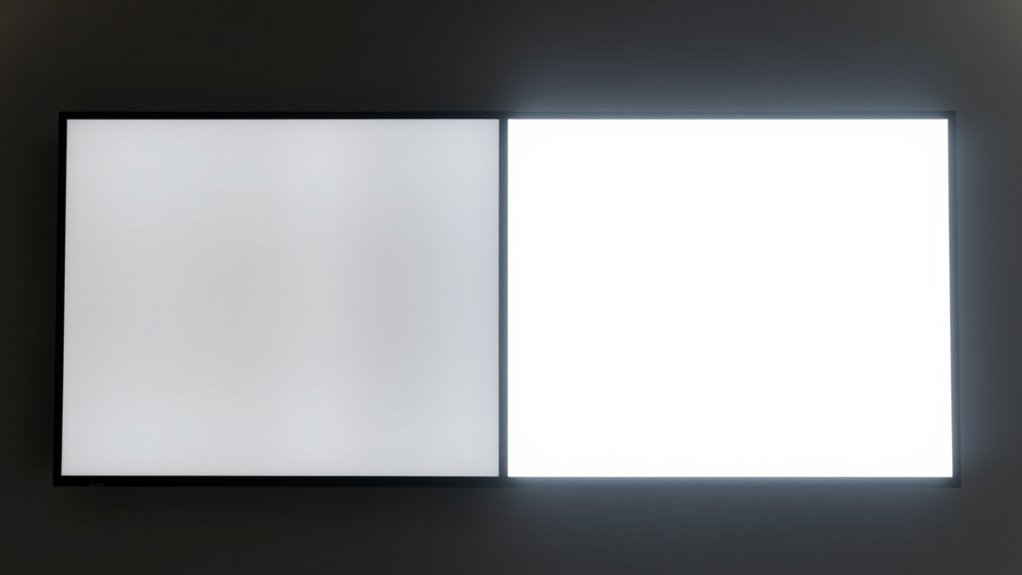
The clarity of your display can vary considerably depending on the background color and the lighting conditions in your environment. In bright ambient lighting, a grey screen often reduces screen glare, making content easier to see without straining your eyes. Conversely, a white screen can reflect more ambient light, causing glare that hampers clarity. In low-light conditions, both screens perform well, but grey screens tend to minimize reflections better. Your ability to view details clearly depends on these factors. Consider these points:
- Grey screens reduce screen glare in bright environments
- White screens may cause reflections in well-lit settings
- Ambient lighting notably influences visual clarity on both surfaces
- Automation technologies play a role in optimizing display settings and adaptive brightness to improve user experience.
Adjusting your environment or screen choice based on lighting conditions can enhance your viewing experience and reduce eye fatigue.
Color Reproduction and Accuracy on Grey and White Surfaces
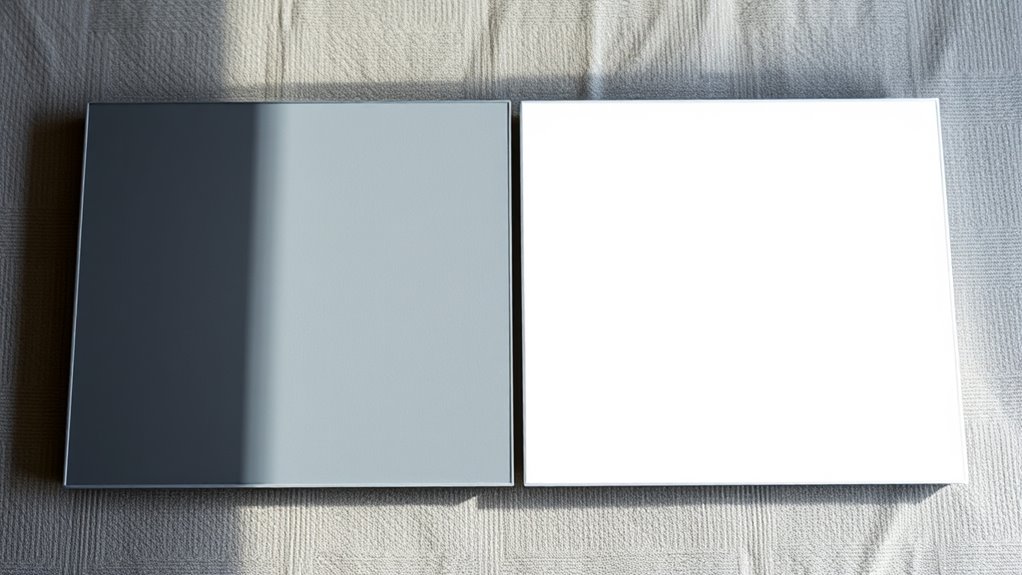
Color reproduction and accuracy can vary markedly between grey and white screens, affecting how true-to-life your visuals appear. Grey surfaces tend to reduce surface reflection, helping to minimize glare and preserve color fidelity in bright environments. This results in better color accuracy, especially with darker shades, since ambient light doesn’t wash out the colors. White screens, on the other hand, reflect more light overall, which can lead to oversaturation or color distortions if the surface reflection isn’t well-managed. If you need precise color reproduction for tasks like photo editing or design work, grey screens often provide a more consistent and accurate display. Additionally, surface reflectivity plays a significant role in how well a screen maintains color integrity under various lighting conditions. In contrast, white surfaces may introduce unwanted reflections that compromise color accuracy, especially under high ambient light conditions.
Viewer Comfort and Eye Strain: Considering Background Choices
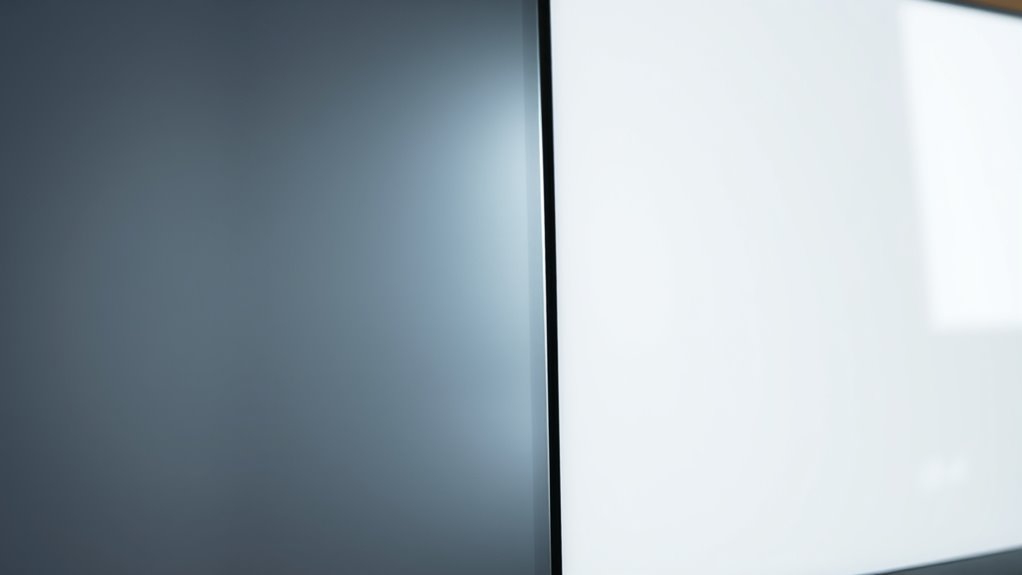
Choosing the right background for your screen can markedly impact your comfort and reduce eye strain during extended viewing sessions. A well-chosen background minimizes glare and helps your eyes adjust comfortably, especially in varying ambient lighting conditions. To enhance comfort, consider adjusting your screen calibration so that brightness and contrast match your environment. Avoid overly bright white backgrounds in dim rooms, which can cause discomfort, or dark grey backgrounds in bright settings that strain your eyes. Managing ambient lighting around your workspace is equally important, as it influences how your eyes perceive the screen. Additionally, understanding the contrast capabilities of your device can help you select the optimal background setting for prolonged use.
Optimal Uses for Grey Screens in Professional Settings

Grey screens are a great choice in professional settings because they reduce visual strain and help you focus more easily. They also improve clarity, making details stand out without overwhelming your eyes. This makes them especially ideal for design work where precision matters. Incorporating attention in your creative process can further enhance your ability to notice subtle details and improve overall output.
Reduces Visual Strain
Because prolonged exposure to bright screens can cause eye fatigue, using grey screens in professional settings can considerably reduce visual strain. Grey screens lessen the contrast and brightness, making it easier on your eyes during long work hours. They also support better color psychology by creating a neutral environment that minimizes distractions. When paired with appropriate ambient lighting, grey screens help maintain comfortable viewing conditions that prevent eye strain. This setup promotes sustained focus without the discomfort caused by harsh brightness. To maximize this benefit, consider these tips:
- Adjust ambient lighting to complement the grey tone for balanced illumination
- Use grey screens in rooms with controlled lighting to avoid glare
- Incorporate breaks to reduce eye fatigue during extended screen time
Enhances Focus & Clarity
When working on detailed tasks or reviewing complex data, grey screens can considerably boost your focus and clarity. Their neutral tone reduces distractions caused by bright or high-contrast backgrounds, helping you stay attentive. Additionally, grey screens maintain a consistent color temperature, which minimizes eye strain during long hours of work. Adjusting for ambient lighting is easier with grey screens because they don’t reflect as much glare or color distortion as white screens. This stability ensures your visual perception remains accurate, allowing you to interpret data or fine details more precisely. Overall, grey screens optimize focus by creating a balanced viewing environment, making them ideal for tasks requiring sustained concentration and clarity.
Ideal for Design Work
For professional design work, grey screens offer a neutral backdrop that helps you focus on color accuracy and detail. They create an environment where colors remain true, supporting precise adjustments and achieving better color harmony. Grey screens are especially beneficial in spaces with ambient lighting, as they prevent reflections and glare that can distort perception. This stability allows you to work confidently across various projects, from branding to digital art.
- Enhance color fidelity by reducing color distortion caused by bright backgrounds
- Minimize ambient lighting interference, maintaining consistent visuals
- Support accurate color grading and fine detail work without distractions
Best Environments for White Screens to Maximize Performance
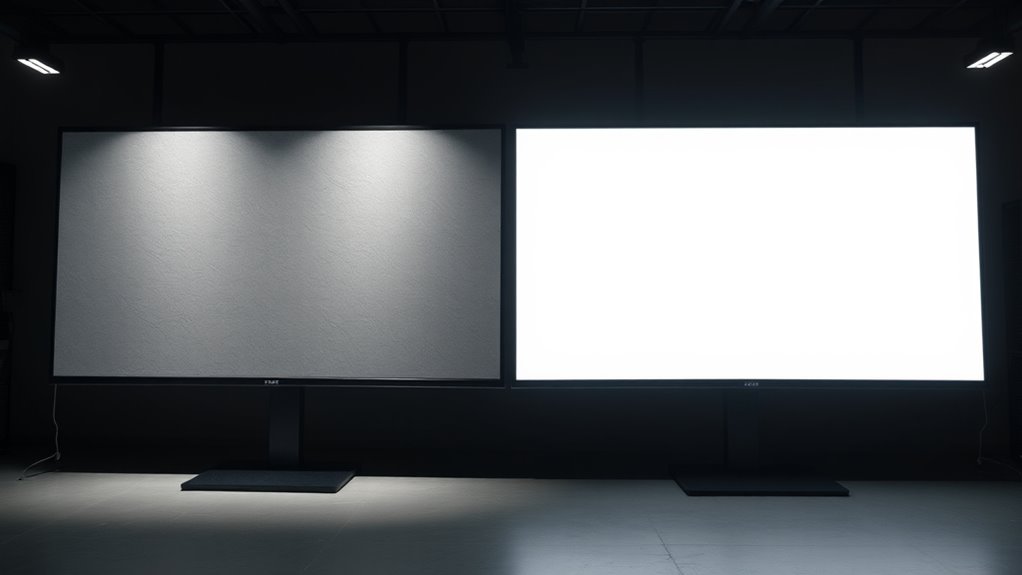
White screens perform best in environments with controlled lighting conditions that minimize glare and reflections. Bright ambient light can wash out the display, reducing contrast and clarity. To optimize performance, guarantee the room uses soft, indirect lighting rather than harsh, direct sources. A grey background can help reduce eye strain and enhance the white screen advantages, especially in settings with some ambient light. Avoid reflective surfaces nearby that could cause unwanted glare. Keep windows covered or use curtains to block sunlight during critical viewing times. Proper lighting control ensures the white screen’s brightness stands out, making details clearer and improving overall viewing comfort. By managing your environment, you maximize the white screen’s benefits without compromising image quality.
Making the Choice: Factors to Consider When Selecting a Screen Background

Choosing the right screen background involves weighing several important factors to guarantee an ideal viewing experience. Your environment’s ambient lighting influences how grey or white backgrounds perform; darker rooms benefit from grey screens, reducing glare, while brighter spaces may favor white screens. Additionally, proper screen calibration ensures colors and contrast are optimized, making the background choice more effective. Consider your typical viewing conditions and how much light fluctuates during use.
Choose your screen background wisely, considering ambient lighting and calibration for the best viewing comfort.
- Ambient lighting: Assess your room’s lighting to select a background that minimizes reflections and enhances contrast.
- Screen calibration: Regularly calibrate your display to ensure colors and contrast remain accurate, regardless of background.
- Viewing environment: Think about the size, purpose, and lighting stability of your space to choose the most suitable background for clarity and comfort.
Frequently Asked Questions
How Do Grey and White Screens Affect Power Consumption?
Grey screens tend to be more power-efficient because they reduce brightness and contrast, leading to lower energy consumption. White screens, on the other hand, usually require more power as they display brighter images with higher contrast levels. By choosing a grey screen, you can improve energy savings and boost overall power efficiency, especially during extended use. This makes grey screens a better option if you’re aiming to minimize power consumption.
Are There Specific Industries That Prefer Grey or White Screens?
You’ll find that industry preferences often dictate screen color choices based on design aesthetics. For example, graphic design and photography industries favor grey screens for their neutral tone, helping clients see true colors. In contrast, retail or presentation settings opt for white screens to maximize brightness and clarity. Your choice depends on the industry’s focus—whether it’s visual accuracy or overall visual impact—making the right screen essential for effective communication.
Can Ambient Light Conditions Influence the Choice Between Grey and White Screens?
Did you know that 85% of offices experience varying ambient light levels? Ambient light substantially influences your choice between grey and white screens. In bright environments, a grey screen minimizes glare, enhancing screen visibility. Conversely, in dim settings, a white screen offers better contrast. So, assess your ambient light conditions to choose the screen that guarantees ideal visibility, reducing eye strain and improving your overall viewing experience.
How Do Grey and White Screens Impact Projection or Display Longevity?
You’ll find that grey screens often offer better durability, resisting environmental wear and tear longer than white screens. While white screens may experience color fidelity issues over time, especially with prolonged use, grey screens tend to maintain their contrast and color accuracy better. This means your display stays sharp and vibrant longer, making grey screens a smarter choice if you prioritize screen durability and consistent color fidelity for sustained projection quality.
Are There Any Maintenance Differences Between Grey and White Screen Surfaces?
You’ll find that maintenance needs are quite similar between grey and white screens, with surface cleaning being straightforward for both. Regular dusting and gentle cleaning preserve surface durability, ensuring your display remains vibrant. Grey screens may hide smudges better, reducing the need for frequent cleaning, but both surfaces benefit from careful handling. Overall, maintaining either screen involves simple routines that help prolong their lifespan and keep your visuals sharp and clear.
Conclusion
Ultimately, choosing between grey and white screens depends on your needs and environment. Think of it like selecting a trusty steed—each has its strengths, whether enhancing contrast or boosting brightness. Consider your lighting conditions and what you prioritize—detail or color accuracy. By weighing these factors, you’ll make an informed decision. Just don’t forget, even in this modern age, a well-chosen background can turn your display into a true masterpiece, like a painting hanging in the Louvre.
Halloween Picks
halloween
As an affiliate, we earn on qualifying purchases.