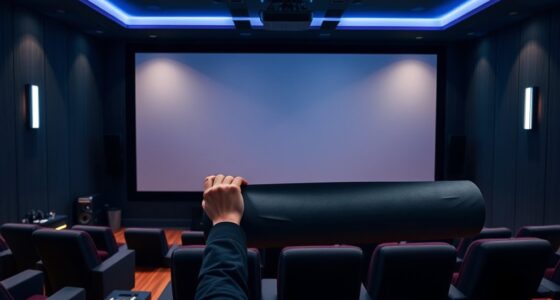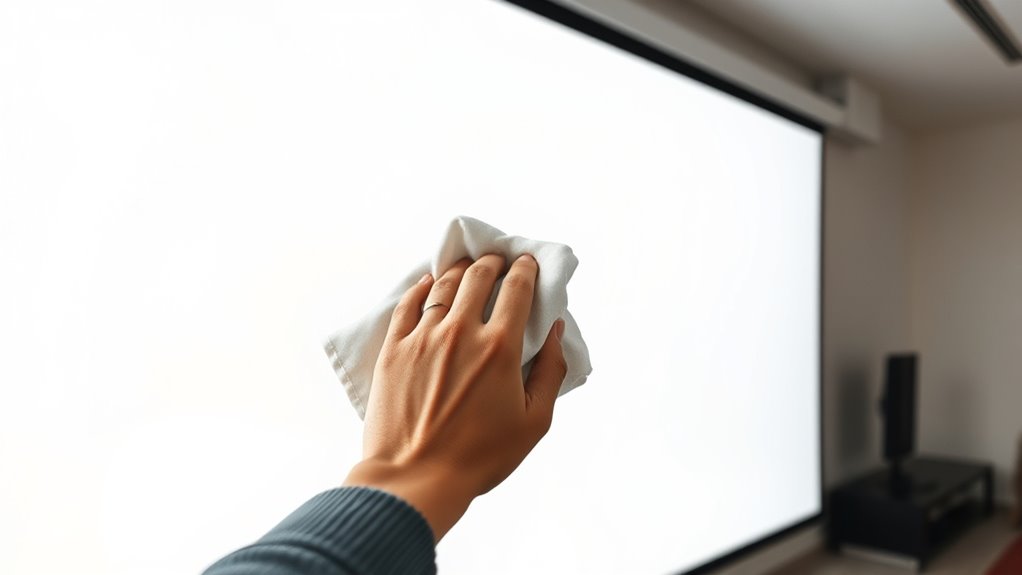
To clean your projector screen safely, turn off and unplug it first, and let it cool down. Use a soft microfiber cloth lightly misted with distilled water or a screen-specific cleaner, avoiding sprays directly on the surface. Gently wipe in circular motions without applying too much pressure, and never use harsh chemicals or abrasive materials. Regularly inspect and clean your screen to keep it clear and vibrant—continue with these tips to guarantee long-lasting performance.
Key Takeaways
- Turn off and unplug the projector before cleaning to prevent electrical damage.
- Use a soft microfiber cloth lightly dampened with distilled water or screen-specific cleaner.
- Avoid spraying liquids directly onto the screen; mist the cloth instead.
- Do not use harsh chemicals, alcohol-based cleaners, or abrasive materials that can damage the surface.
- Regularly inspect and clean the screen in gentle circular motions to maintain clarity and prevent streaks.
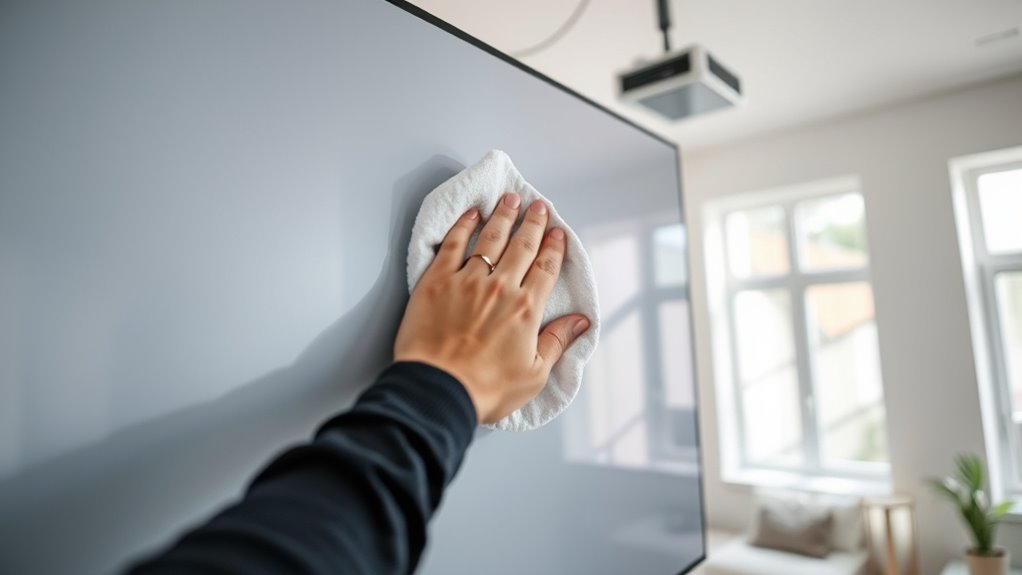
A clean projector screen is essential for delivering clear, vibrant images, so regular maintenance is key. Proper screen cleaning isn’t just about wiping off dust; it’s about ensuring your viewing experience remains sharp and free of distractions. When it comes to maintenance tips, understanding the right techniques can prevent damage and prolong the life of your screen. First, always handle screen cleaning with gentle, non-abrasive materials. Use a soft microfiber cloth, which is ideal for removing dust and smudges without scratching the surface. Avoid paper towels, rough cloths, or anything abrasive that could leave marks or damage the screen’s coating. Before you start, turn off and unplug your projector, giving the screen time to cool down and avoid accidental electrical issues.
When cleaning, it’s best to use a minimal amount of cleaning solution. Many screens only require a damp cloth—never spray liquid directly onto the surface. Instead, lightly mist the microfiber cloth with distilled water or a screen-specific cleaning solution if necessary. Harsh chemicals, alcohol-based cleaners, or ammonia should be avoided because they can degrade the screen’s material over time. During screen cleaning, work gently in a circular motion, applying light pressure to lift dirt and fingerprints without pressing too hard. Remember that patience is key; rushing can lead to damage or streaks that are hard to remove.
Regularly inspecting the screen for dust buildup is part of good maintenance tips. Dust can settle on the surface and cause a dull or hazy image, especially over time. To prevent this, dust your screen weekly or bi-weekly, depending on your environment. If you notice stubborn smudges or stains, don’t attempt to scrub them aggressively. Instead, repeat the gentle cleaning process, and if needed, use a slightly more damp cloth. Always ensure the screen is completely dry before turning the projector back on. Moisture left behind can cause streaks or even damage electronic components if it seeps into seams or edges. Properly maintaining your screen can also help prevent issues like streaks or haze, which can be caused by improper cleaning methods.
Lastly, keep your environment clean and free of excessive dust, smoke, or pet dander that can settle on the screen. Using air purifiers or keeping windows closed during use can help maintain a dust-free surface. Following these maintenance tips ensures your projector screen stays in top condition, providing you with crisp, vibrant images every time you watch. Remember, the key to effective screen cleaning is gentle, consistent care—avoiding harsh chemicals and rough materials will protect your investment and improve your viewing experience.

MagicFiber Microfiber Cleaning Cloth, 6 Pack – Premium Cloth for Glasses, Lens, Screens & More
Glasses cleaner – Sourced from the highest quality microfiber that absorbs and removes dust, oil, smudges, fingerprints, dirt,…
As an affiliate, we earn on qualifying purchases.
As an affiliate, we earn on qualifying purchases.
Frequently Asked Questions
Can I Use Regular Glass Cleaner on My Projector Screen?
You should avoid using regular glass cleaner on your projector screen because it can cause screen damage. Glass cleaners often contain chemicals that might harm the delicate surface, leading to discoloration or scratches. Instead, opt for a gentle, screen-specific cleaner and a soft cloth. This way, you safeguard your screen’s integrity and ensure it stays clean without risking damage or affecting image quality.
How Often Should I Clean My Projector Screen?
Imagine your projector screen as a canvas waiting for your touch. You should clean it about once every few months, or more often if you notice dust or smudges. Regular screen maintenance keeps images crisp and colors vibrant. Keep an eye on it, and adjust your cleaning frequency accordingly. Over-cleaning can cause damage, so be gentle and follow proper cleaning practices for the best results.
Is It Safe to Use a Vacuum on the Screen?
Using a vacuum on your projector screen isn’t recommended because it can compromise vacuum safety and cause screen damage. The suction might pull or tear delicate fibers, especially on fabric screens, or create uneven surfaces. Instead, gently dust the screen with a soft microfiber cloth or a brush designed for delicate surfaces. This approach guarantees you clean effectively without risking damage or reducing the quality of your projection.
What Cleaning Products Should I Avoid for Screens?
You should avoid harsh chemicals and abrasive materials when cleaning your projector screen. These products can damage the delicate surface, causing scratches or discoloration. Instead, opt for gentle, screen-specific cleaners or a soft, lint-free cloth dampened with water. Avoid ammonia-based or alcohol-based cleaners, as they can strip the screen’s coating. Protect your investment by sticking to mild solutions and gentle techniques for a clear, long-lasting display.
Can I Use a Microfiber Cloth Dry or Damp?
You can use a microfiber cloth either dry or slightly damp for cleaning your projector screen. A dry cloth helps remove dust without risking screen damage, while a damp cloth gently tackles smudges and dirt. Avoid oversaturating the cloth to prevent moisture damage. Regular cleaning frequency keeps your screen clear and vibrant, but over-cleaning might cause wear. Always handle the cloth gently to preserve your screen’s quality and avoid unnecessary cleaning.

EVEO Screen Cleaner Spray – Large Screen Cleaner Bottle – TV Screen Cleaner, Computer Screen Cleaner, for Laptop, Phone, Ipad – Computer Cleaning kit Electronic Cleaner (1 Pack)
Screen Cleaner is Your Screen’s New Bestfriend! – EVEO is proud to present a screen cleaner that’s perfectly…
As an affiliate, we earn on qualifying purchases.
As an affiliate, we earn on qualifying purchases.
Conclusion
Now that you know the dos and don’ts, cleaning your projector screen becomes simple and safe. Remember, a gentle touch prevents damage, and regular cleaning keeps your visuals sharp. It’s funny how a little care can make a big difference—just like how a quick wipe can refresh your entire viewing experience. So, take these tips to heart, and enjoy crystal-clear images every time, because a clean screen is the key to perfect visuals, after all.
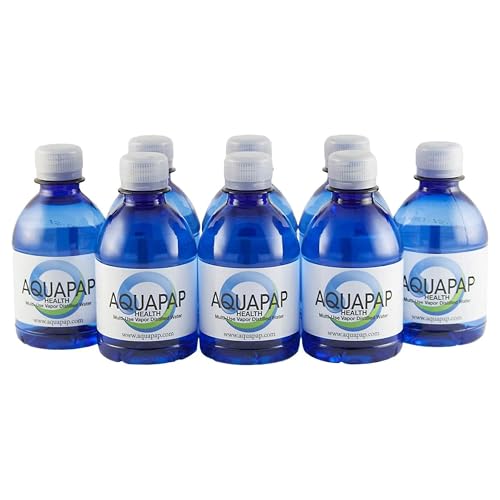
AQUAPAP 8 Ounce 8 Pack Vapor Distilled CPAP Water | for use with Resmed and Respironics Machines
𝐄𝐱𝐭𝐞𝐧𝐝 𝐭𝐡𝐞 𝐋𝐢𝐟𝐞 𝐨𝐟 𝐘𝐨𝐮𝐫 𝐂𝐩𝐚𝐩 𝐌𝐚𝐜𝐡𝐢𝐧𝐞: Aquapap vapor distilled cpap water complies with cpap manufacturers instructions as…
As an affiliate, we earn on qualifying purchases.
As an affiliate, we earn on qualifying purchases.
EVEO Screen Cleaner Spray – Large Screen Cleaner Bottle – TV Screen Cleaner, Computer Screen Cleaner, for Laptop, Phone, Ipad – Computer Cleaning kit Electronic Cleaner (1 Pack)
Screen Cleaner is Your Screen’s New Bestfriend! – EVEO is proud to present a screen cleaner that’s perfectly…
As an affiliate, we earn on qualifying purchases.
As an affiliate, we earn on qualifying purchases.