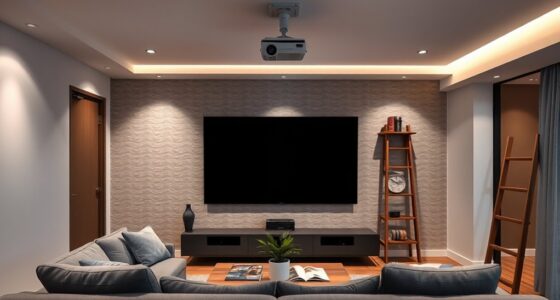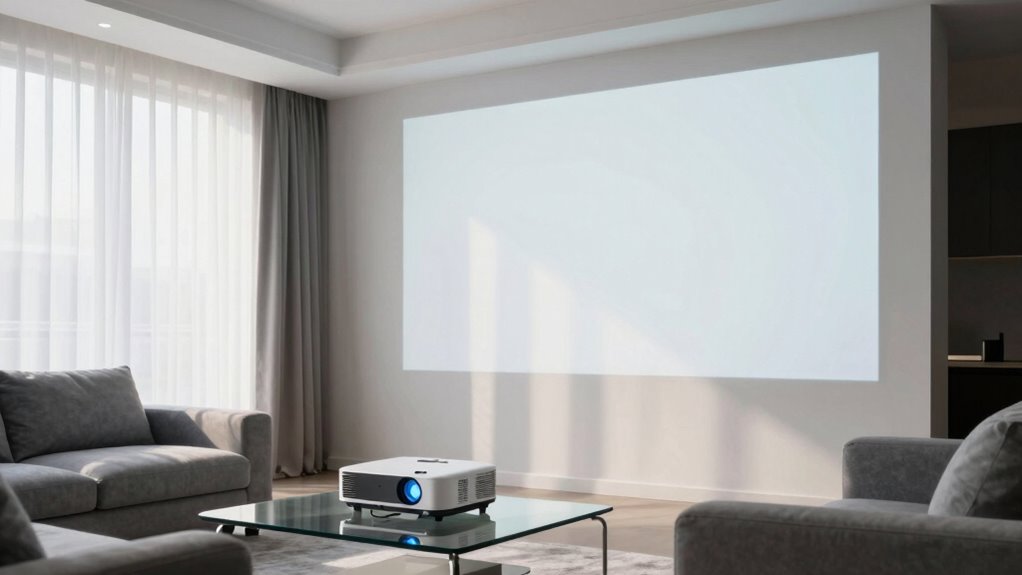
To prevent your projector from washing out in a bright living room, start by using a high-gain or ambient-light-rejecting screen that reflects less ambient light. Increase the projector’s brightness with a higher lumen rating for better visibility. Adjust contrast, brightness, and color settings for peak image quality. Dim the lights and block sunlight with blackout curtains or heavy drapes. Proper positioning and equipment choices make a significant difference—keep exploring to discover more effective tips.
Key Takeaways
- Use a high-gain or ambient-light-rejecting screen to enhance contrast and brightness in bright environments.
- Increase projector lumen output to ensure the image remains vivid despite ambient light.
- Manage ambient lighting by using blackout curtains and dimming or turning off nearby lights.
- Properly calibrate the projector and adjust settings for optimal contrast and color accuracy.
- Position the projector at the ideal distance and ensure it is level to minimize distortion and maximize clarity.
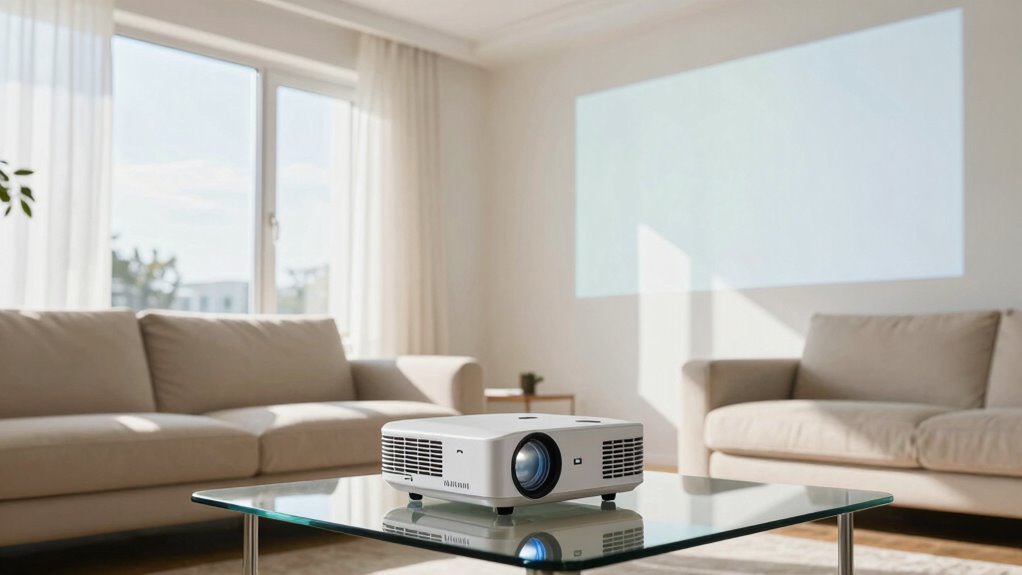
Using a projector in a bright living room might seem challenging, but with the right techniques, you can enjoy clear, vibrant images even in well-lit spaces. The key is to focus on screen calibration and managing ambient lighting. Properly calibrating your projector’s settings ensures that colors remain vivid and details stay sharp, even when surrounding light levels are high. Start by adjusting the projector’s contrast, brightness, and color settings to match your room’s lighting conditions. Many projectors have preset modes for different environments—use these to maximize image quality. Fine-tuning these settings allows you to balance brightness and color accuracy, so the picture won’t wash out or look dull. Additionally, understanding the importance of ambient lighting can help you make more informed adjustments for optimal viewing. Incorporating a high-gain or ambient-light-rejecting screen** can further improve image clarity by reducing the impact of ambient light. Ambient light management, such as using blackout curtains or dimming lights, is essential for enhancing picture quality. Managing ambient light levels effectively can significantly improve your viewing experience, especially in rooms with large windows or bright environments. Ambient lighting plays a crucial role in how well your projector performs. The more light in the room, the more it can diminish your image’s clarity. To counteract this, consider controlling the ambient lighting as much as possible. Use blackout curtains or heavy drapes to block out sunlight during the day. If you can’t completely darken the room, at least dim the lights or turn them off when watching. Avoid placing bright lamps nearby that can reflect onto the screen, creating glare that reduces contrast. The goal is to create a controlled environment where the projector’s output stands out clearly against the surroundings. Additionally, choosing ambient-light-rejecting screens can provide a significant improvement in image quality under bright conditions. Investing in a high-gain or ambient-light-rejecting screen can greatly enhance your viewing experience. These screens are designed to reflect less ambient light and enhance contrast, making images appear brighter and more vivid in well-lit rooms. When setting up your projector, position it at the ideal distance from the screen to maximize image clarity and minimize distortion. Ensure the projector is level and aligned properly to avoid keystone effects, which can distort the picture. Remember, the combination of proper screen calibration and managing ambient lighting levels will give you the best possible image quality. Finally, consider using a projector with higher lumen output if your room remains bright. A brighter projector can counteract the effects of ambient lighting better than a dimmer one. Keep your projector’s lens clean** and free of dust, as smudges can reduce light output and image sharpness. With these adjustments—screen calibration, controlling ambient lighting, and choosing the right equipment—you’ll find that using a projector in a bright living room becomes a much more enjoyable experience. The image will stay vibrant, detailed, and engaging, no matter how much light is present.

AAJK ALR Projector Screen, 4K Movie Projector Screen 16:9 HD Foldable Anti-Crease Portable Projector, Movies Screen for Home Theater Outdoor Indoor Support (120in Pro)
【Watch What You Want, When You Want!】 Remember when you could only really use your projector at night?…
As an affiliate, we earn on qualifying purchases.
As an affiliate, we earn on qualifying purchases.
Frequently Asked Questions
What Type of Projector Is Best for Bright Rooms?
In bright rooms, you need a projector with high lumen output—ideally over 3,000 lumens—to maintain clear images. DLP (Digital Light Processing) projectors excel here, offering vibrant colors and sharp contrast. They also tend to have longer bulb lifespans, reducing maintenance. This projection technology is designed to cut through ambient light, ensuring your picture stays vivid and crisp without washing out, even in well-lit environments.
Can Screen Size Affect Image Brightness in a Bright Room?
Yes, screen size can affect image brightness in a bright room. When you enlarge the screen, the image appears dimmer because the light spreads over a larger area, reducing perceived brightness. To counter this, choose a screen with high screen gain and consider ambient contrast. Higher screen gain reflects more light, making the image brighter, while good ambient contrast helps maintain clarity despite ambient light interference.
Are There Specific Wall Colors That Improve Projector Visibility?
Choosing wall color options like matte or satin finishes helps improve projector visibility, as they reduce glare and reflections. Opt for darker shades such as deep gray, charcoal, or navy blue, which absorb light and enhance contrast. Avoid glossy or bright colors that reflect light and wash out the image. These paint finish choices and wall colors work together to create a better viewing experience in a bright living room.
How Does Ambient Light Impact Projector Image Quality?
Ambient light is like a stealthy thief that can steal your projector image’s clarity. It considerably impacts image quality by reducing contrast and making colors appear washed out. To combat this, you need a projector with high brightness, ideally over 2,500 lumens, and control the ambient light as much as possible. Dimming lights or closing curtains helps, ensuring your projector brightness shines through for a vivid, crisp picture.
What Accessories Can Enhance Projection in a Bright Living Room?
To boost your projection in a bright living room, consider screen placement by positioning it away from windows and light sources, and use a high-gain screen to reflect more light. Additionally, invest in audio enhancement accessories like external speakers or soundbars to improve sound quality, creating an immersive experience. These accessories help optimize your setup, making the image clearer and the sound richer despite ambient light challenges.

ViewSonic PA503HD 4000 Lumens High DLP Brightness Projector with 1.1x Optical Zoom, USB, and HDMI inputs for Home and Office
High Brightness DLP Lamp FHD Projector: Full HD (1920x1080p) resolution with a 1.4-1.6 throw ratio and 4,000 ANSI…
As an affiliate, we earn on qualifying purchases.
As an affiliate, we earn on qualifying purchases.
Conclusion
So, next time you’re battling that bright living room, remember—your projector’s secret weapon isn’t a blackout curtain, but a little bit of clever thinking. Ironically, the very brightness you crave for your daily life might be your biggest enemy when it’s movie time. Embrace the challenge, tweak your setup, and watch as your screen transforms from a washed-out mess to a vibrant escape—proof that sometimes, the brightest rooms need the darkest tricks.

MIULEE Black Blackout Curtains for Bedroom Living Room 84 Inches Long 2 Panels, Thermal Insulated Room Darkening Drapes Solid Grommet Top Noise Reduction Light Blocking Halloween Window Treatments
Pair Sold: Each package includes 2 panels of blackout curtains. Each panel measures 40"W x 84"L, with a…
As an affiliate, we earn on qualifying purchases.
As an affiliate, we earn on qualifying purchases.

datacolor Spyder – Monitor Calibrator for Graphic Designers, Photographers, and Content Creators, Shows You True Colors, Works on OLED Monitors & LED Screens, Easy-to-Use Color Calibration Tool
Color “Surprises” Are a Thing of the Past: Datacolor’s exclusive DevicePreview TM Beta feature simulates what your photos…
As an affiliate, we earn on qualifying purchases.
As an affiliate, we earn on qualifying purchases.