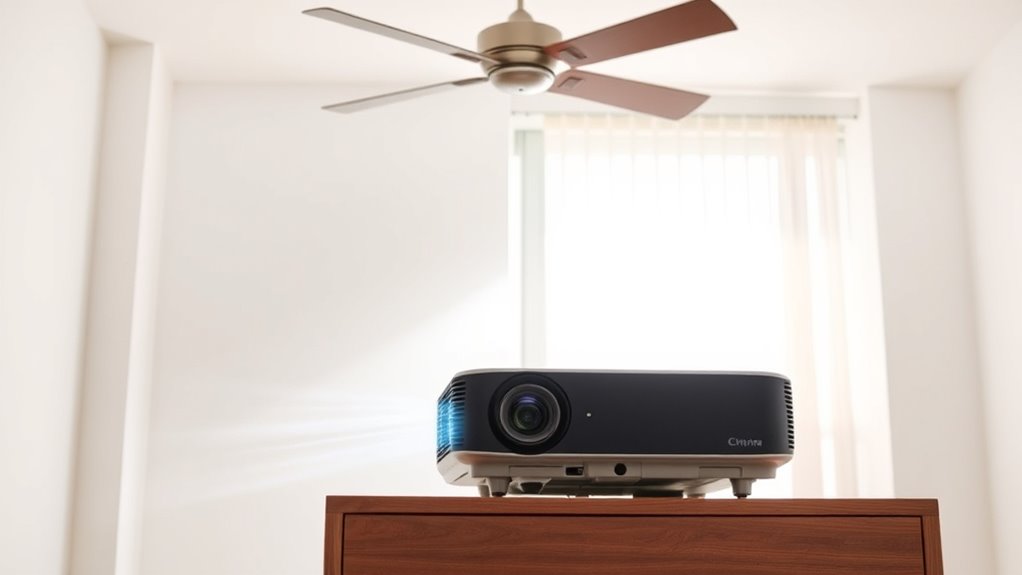

To keep your projector and room temperature down, guarantee proper ventilation by strategically placing exhaust fans near heat sources and using intake vents for fresh air. Regularly maintain your cooling systems by cleaning filters and checking vents for obstructions. This prevents overheating, extends device lifespan, and maintains a comfortable environment. Optimizing airflow reduces energy use and keeps everything running smoothly. Keep an eye on these tips, and you’ll find out how to enhance your space even more.
Key Takeaways
- Position exhaust fans near projectors and heat sources to effectively remove heat and improve airflow.
- Use intake vents to bring in cool, fresh air and promote even temperature distribution.
- Regularly clean filters and inspect fans to maintain optimal cooling system performance.
- Ensure vents and ducts are unobstructed to prevent airflow blockages and heat buildup.
- Strategically combine vents and fans to enhance ventilation, reduce room temperature, and prolong device lifespan.
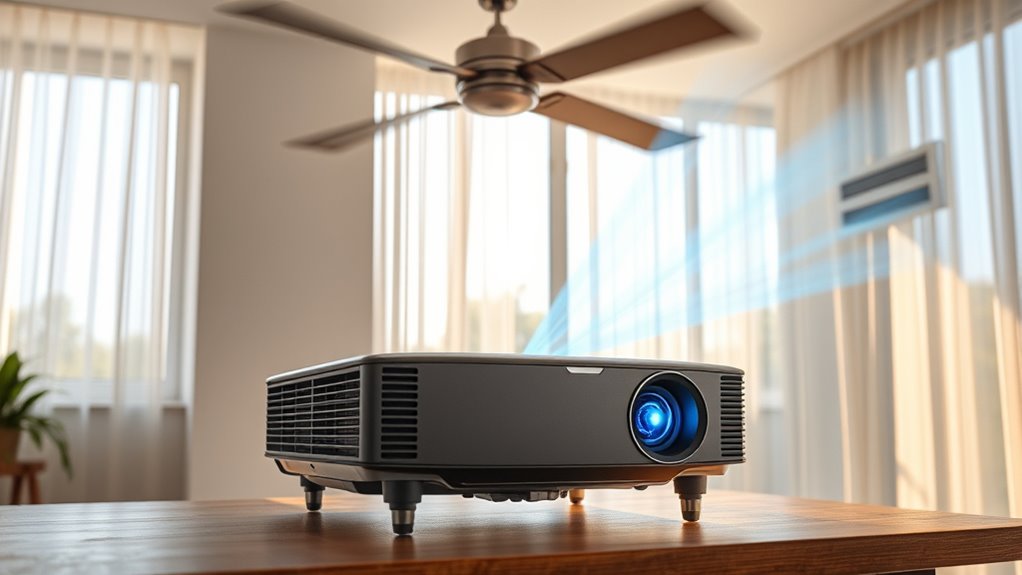
Have you ever wondered how proper ventilation keeps your indoor spaces comfortable and healthy? It’s more than just opening a window; it’s about ensuring airflow optimization so that fresh air circulates efficiently, removing excess heat and humidity. When you prioritize good ventilation, you help prevent hot spots and stuffy environments, which is especially important in rooms with electronic equipment like projectors. Proper airflow not only enhances comfort but also extends the lifespan of your devices by reducing heat buildup. To achieve this, regular cooling system maintenance becomes essential. Cleaning filters, checking fans, and ensuring vents are unobstructed keeps your cooling systems running at peak efficiency, preventing unexpected breakdowns that could cause temperature spikes.
Optimizing airflow involves more than just turning on fans or AC units. It requires strategic placement of vents and fans to promote even distribution of air throughout the space. For example, positioning exhaust fans near heat sources like projectors or computers helps pull hot air out, while intake vents bring in cooler, fresh air. When these elements work together seamlessly, your room maintains a steady, comfortable temperature, making it easier to focus or enjoy entertainment without the distraction of discomfort. Additionally, maintaining an even airflow reduces energy consumption, saving you money and reducing your environmental impact. Regularly inspecting and maintaining cooling systems ensures consistent performance and efficiency.
Cooling system maintenance plays a vital role in this process. A well-maintained system runs more efficiently, meaning it cools your space faster and with less energy. Regularly inspecting and replacing filters prevents dust buildup that can obstruct airflow and diminish cooling performance. Cleaning out vents and ducts ensures unobstructed pathways for air to circulate freely. Many people overlook these simple steps, but neglecting cooling system maintenance can lead to decreased airflow, increased energy bills, and even system failure. When your cooling system is in good shape, it automatically contributes to better airflow optimization, keeping your room temperature consistently low without overworking the equipment.
Frequently Asked Questions
How Often Should I Clean My Projector’s Ventilation Filters?
You should clean your projector’s ventilation filters every 1 to 3 months, depending on usage and environment. Regular filter maintenance prevents dust buildup, which can block airflow and cause overheating. If you notice dust or debris, clean the filters sooner. Use compressed air or a gentle brush to remove dust, ensuring proper ventilation. Consistent filter maintenance keeps your projector cool, prolongs its lifespan, and maintains ideal picture quality.
Can Using a Fan Improve Projector Cooling Efficiency?
Using a fan can improve your projector’s cooling efficiency by enhancing airflow and reducing heat buildup. Fan effectiveness depends on proper placement and power, helping to circulate cool air more effectively. Incorporating additional cooling methods, like ensuring clean filters and proper ventilation, works together with fans to keep your projector at ideal temperatures. Regularly using a fan can prevent overheating, prolonging your projector’s lifespan and maintaining prime performance.
What Room Temperature Is Ideal for Projector Operation?
You should aim for a room temperature between 68-72°F (20-22°C) for ideal projector operation. Good air circulation helps with thermal management, preventing overheating and maintaining performance. Keep the room well-ventilated with fans or air conditioning to guarantee consistent airflow around the projector. Proper thermal management not only prolongs your projector’s lifespan but also ensures clear, uninterrupted images, so don’t neglect room temperature and airflow control.
Are There Specific Ventilation Systems Recommended for Home Theaters?
Sure, you don’t need a fancy ventilation system—unless you want your home theater to turn into a sauna. For airflow optimization, choose a system with proper ventilation design that promotes fresh air circulation and heat escape. Look for quiet, efficient exhaust fans and adjustable vents. These help prevent overheating, keep your projector cool, and make sure your movie nights stay crisp and comfortable without turning your room into a tropical paradise.
How Can I Prevent Overheating During Long Presentations?
To prevent overheating during long presentations, you should prioritize proper ventilation maintenance and thermal management. Make certain your projector has unobstructed airflow and clean filters regularly. Use additional cooling devices like fans or portable air conditioners if needed. Keep the room cool and well-ventilated, and avoid placing the projector in enclosed spaces. These steps help maintain ideal temperature, preventing overheating and ensuring smooth, uninterrupted presentations.
Conclusion
Now that you know how proper ventilation and cooling keep your projector running smoothly, imagine what could happen if you ignore these tips. Over time, heat builds up, threatening your equipment’s lifespan and your movie nights. Are you prepared to face a sudden shutdown or damaged projector right when you’re about to start? Stay ahead by maintaining those vents and cooling systems. The next moment could depend on it—don’t let heat catch you off guard.