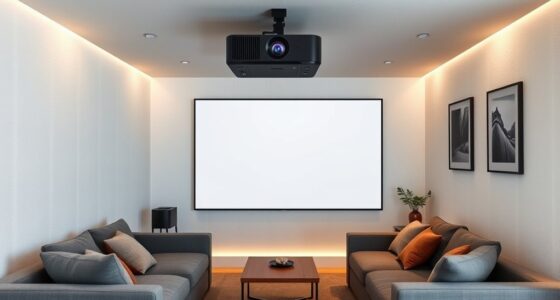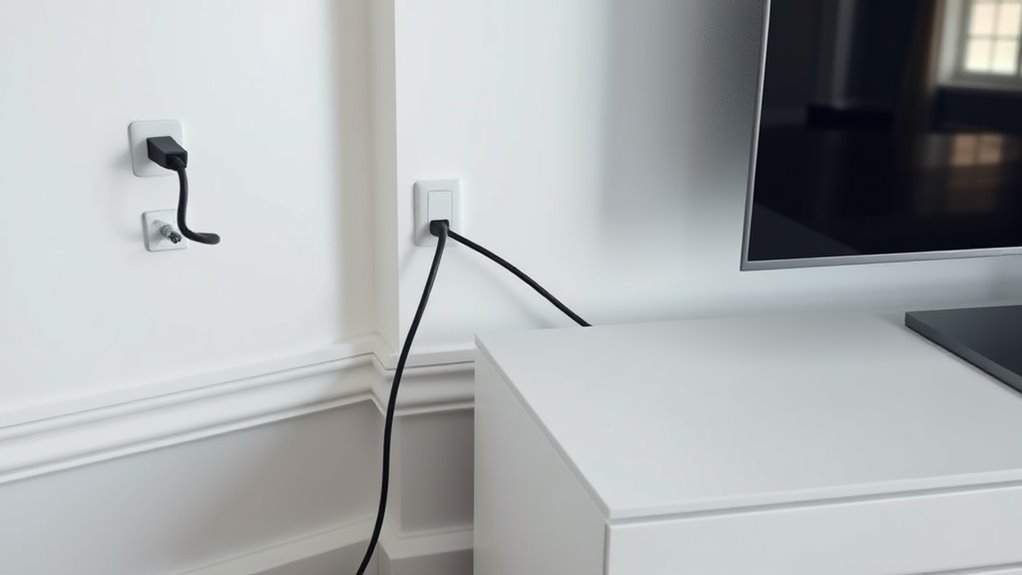

When planning your HDMI and power cable routes, start by measuring from your device locations to power outlets and connection points, leaving extra slack for flexibility. Keep power cables separate from data lines to prevent interference, and avoid running them together for long distances. Use conduit or raceways for neatness and protection, and guarantee cables are securely fixed to prevent damage or tripping hazards. For more tips on organizing your setup effectively, get into the details below.
Key Takeaways
- Measure distances accurately from device locations to power outlets and HDMI sources, accounting for future adjustments.
- Plan separate routes for power and HDMI cables to minimize interference and signal degradation.
- Use appropriate cable lengths to avoid slack or tension, ensuring safety and ease of movement.
- Follow building codes and use in-wall rated cables when passing through walls or ceilings for safety and compliance.
- Incorporate cable management accessories like clips and conduits to keep routes organized, protected, and accessible.
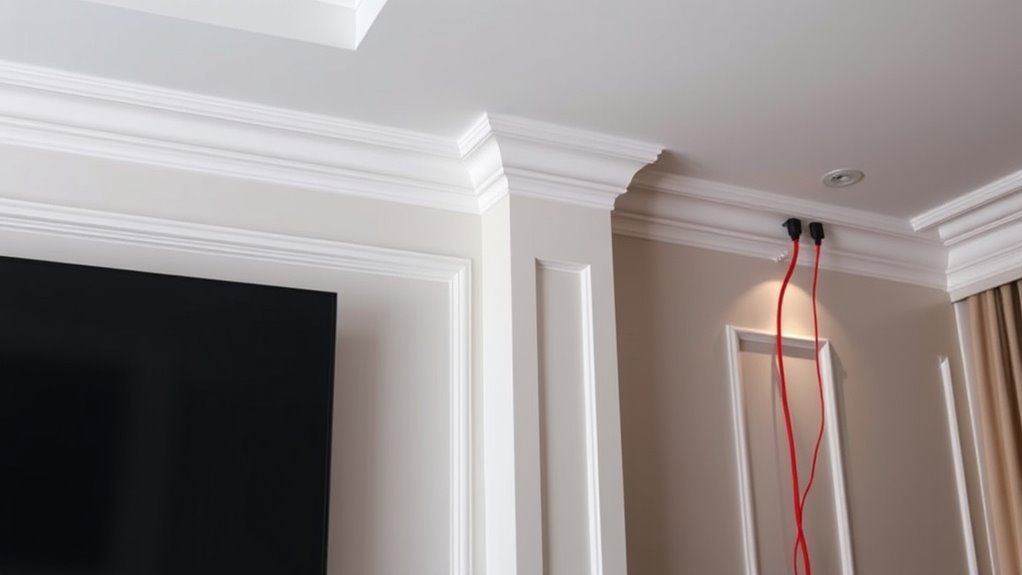
Planning your cable routes carefully is essential to guarantee a clean, safe, and efficient setup for both HDMI and power cables. Proper wire management isn’t just about aesthetics; it’s about ensuring safety and performance. When you’re determining the best routes, think about how cables will run along walls, floors, or ceilings, and consider how to keep them organized to prevent tangling or damage. Using cable clips, conduits, or raceways helps keep everything neat and secure, which reduces the risk of tripping hazards or accidental disconnections. Good cable safety practices mean avoiding pinched or overly bent cables, which can degrade signal quality or cause shorts. Planning ahead allows you to minimize unnecessary cable clutter and guarantees that each cable is the right length for its purpose, avoiding slack or tension that could lead to wear and tear over time.
Measuring the distances accurately is a key part of planning your cable runs. When you decide where your devices will be placed, take careful measurements to determine the appropriate cable lengths. Too long, and you’ll have excess slack that can look messy and cause potential hazards; too short, and you might strain the cable connections or limit your device placement options. Keep in mind that HDMI cables, in particular, can suffer from signal loss over longer distances, so it’s wise to use lengths recommended by manufacturers or consider active extenders if needed. For power cables, it’s best to avoid running them parallel to HDMI or other data cables for extended distances, as this can introduce interference. Instead, separate them when possible to maintain signal integrity and guarantee safety. Additionally, understanding the expiration of cables can help you decide when to replace old or damaged wires to ensure optimal performance and safety.
When planning your routes, consider the natural layout of your room and furniture placement. Running cables along walls or ceilings not only keeps them out of the way but also protects them from accidental damage. If you need to pass cables through walls or ceilings, use proper in-wall rated cables and follow building codes to guarantee safety. Also, think about future flexibility — leaving some extra length allows you to reposition devices later without having to redo all your wiring. Remember, well-planned cable runs reduce clutter and make troubleshooting easier. It also extends the lifespan of your cables by preventing unnecessary stress or bending. Ultimately, taking the time to map out your HDMI and power routes with attention to wire management and cable safety will reward you with a cleaner, safer, and more reliable entertainment setup.

100 PCS Adhesive Cable Clips White (Small & Large), Upgraded Wall Wire Holder for Cord Organizer Cable Management, Outdoor Light Clips Hooks for LED, Car Dash Cam, HDMI, Extension Cord
Assorted Sizes: Package include 50 pcs large cable clips and 50 pcs small cable clips. Made of eco-friendly…
As an affiliate, we earn on qualifying purchases.
As an affiliate, we earn on qualifying purchases.
Frequently Asked Questions
Can I Extend HDMI or Power Cables Beyond Recommended Lengths?
You can extend HDMI or power cables beyond recommended lengths, but it’s not ideal because of cable management and length limitations. Longer runs can cause signal degradation or power issues. To avoid this, use active HDMI extenders, signal boosters, or powered amplifiers. These solutions help uphold quality while keeping your cable management neat. Always check manufacturer guidelines and consider the maximum recommended length to ensure reliable performance.
What Tools Are Best for Measuring Cable Routes Accurately?
You should use measuring tools like a tape measure or laser distance meter for accurate cable route measurements. Cable tracers are also great for pinpointing existing cables behind walls and ceilings without damage. These tools help you plan your HDMI and power runs precisely, ensuring you avoid obstacles and keep cables within recommended lengths. Investing in quality measuring tools and cable tracers makes your installation safer and more efficient.
How Do I Hide Cables for a Clean Look?
To hide cables for a clean look, focus on cable concealment and effective cable management. Use wall panels, conduit, or raceways to hide and route cables neatly along walls or ceilings. Velcro straps or cable clips help keep cords organized behind furniture. Consider running cables through baseboards or behind furniture to minimize visible clutter. With proper cable management, your room stays tidy, safe, and visually appealing, creating a seamless entertainment setup.
Are There Safety Concerns With Long Cable Runs?
Long cable runs can pose safety concerns, especially if the cables lack proper insulation or electrical grounding. Did you know that voltage drops increase with length, potentially causing overheating or failure? To stay safe, verify your cables have adequate insulation and proper grounding, and avoid running them through areas prone to damage. This helps prevent electrical hazards and maintains ideal performance for your devices.
How Do I Prevent Signal Degradation Over Long Distances?
To prevent signal degradation over long distances, you should use signal amplifiers or extenders to boost the HDMI signal. Additionally, good cable management keeps cables organized and reduces interference, which can affect signal quality. Opt for high-quality, shielded HDMI cables designed for longer runs. Regularly check connections and avoid sharp bends. These steps guarantee your signal remains clear and strong across extended cable runs.
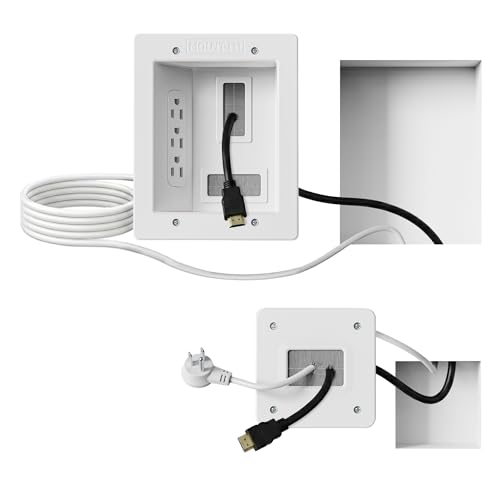
Mount-It! in-Wall TV Cable Management Kit with Recessed Power – Triple Outlet, 9ft Extension Cord and Hand Saw – Easy, Safe TV Outlet Wall Kit and TV Cable Hider Behind Wall
Organized home theater setup – Eliminate messy wires and give your entertainment area a clean, modern look. This…
As an affiliate, we earn on qualifying purchases.
As an affiliate, we earn on qualifying purchases.
Conclusion
Think of your cable setup like designing a city’s road network—you want smooth, direct routes that avoid congestion. Planning your HDMI and power runs carefully guarantees your entertainment setup functions seamlessly and looks neat. By mapping out the paths now, you prevent future headaches and messy cable clutter. Remember, a well-planned route is the backbone of a clean, efficient room—like a well-laid highway that keeps everything running smoothly and effortlessly.

Yecaye Cord Hider, 113in One-Cord Cable Concealer, Cord Covers for Wires on Wall, Easy Install Cable Management Kit for 2 Small Wires, Cables Raceway Home Office, W0.59in H0.4in, White
Easily tidy up your single cable: Our cord hider is designed for concealing a low-voltage wire or cable…
As an affiliate, we earn on qualifying purchases.
As an affiliate, we earn on qualifying purchases.
Mount-It! in-Wall TV Cable Management Kit with Recessed Power – Triple Outlet, 9ft Extension Cord and Hand Saw – Easy, Safe TV Outlet Wall Kit and TV Cable Hider Behind Wall
Organized home theater setup – Eliminate messy wires and give your entertainment area a clean, modern look. This…
As an affiliate, we earn on qualifying purchases.
As an affiliate, we earn on qualifying purchases.