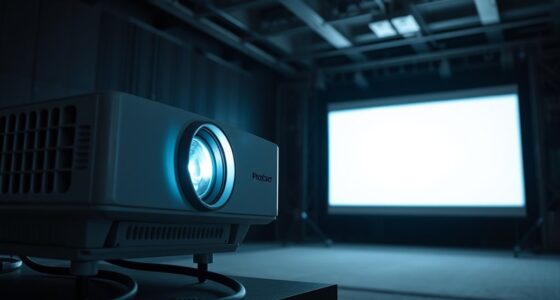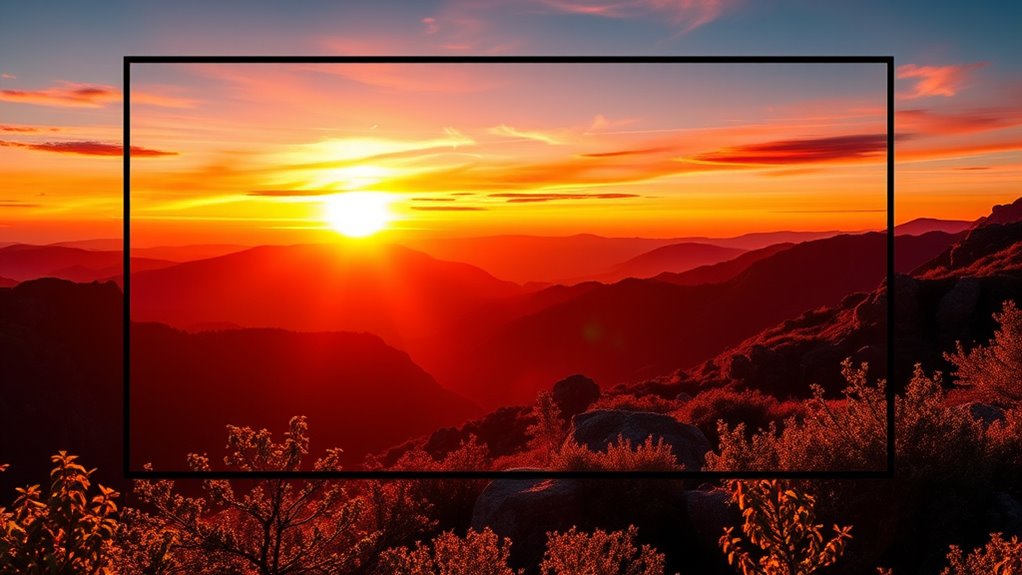

HDR10+ is an advanced HDR format that uses dynamic metadata to adjust brightness, contrast, and colors scene-by-scene, giving you more vivid and realistic images on your projector. It enhances details in dark and bright areas, creating a more immersive viewing experience compared to static HDR formats. Proper calibration and tone mapping are key to revealing its full potential. Keep exploring to discover how HDR10+ and other emerging HDR formats can elevate your projection setup.
Key Takeaways
- HDR10+ uses dynamic metadata for scene-by-scene adjustments of brightness, contrast, and color.
- It provides more vivid, realistic images compared to static HDR formats like HDR10.
- Proper calibration enhances HDR10+ performance by fine-tuning settings like white balance and gamma.
- Tone mapping optimizes high dynamic range content, preventing issues like black crushing and highlight blowout.
- HDR10+ delivers a more immersive viewing experience with enhanced detail, depth, and true-to-life visuals.

Have you ever wondered how modern projectors deliver stunning, lifelike images? The secret lies in advanced HDR formats like HDR10+ and the way projectors are calibrated to maximize their potential. HDR10+ stands out because it uses HDR10+ dynamic metadata, which allows the projector to adjust brightness, contrast, and color on a scene-by-scene basis. Unlike static HDR formats that apply the same settings throughout a video, HDR10+ dynamically adapts to the content, resulting in more vivid images with greater detail in both dark and bright areas. This means you experience deeper blacks, brighter highlights, and more accurate colors, making movies and images feel more real and immersive.
HDR10+ dynamically adjusts brightness and contrast scene-by-scene for more vivid, lifelike images.
To take full advantage of HDR10+ and other emerging HDR formats, proper projector calibration is essential. Projector calibration techniques involve fine-tuning settings like white balance, gamma, contrast, and color accuracy to guarantee the output matches the original content’s intended look. Calibration isn’t a set-it-and-forget-it process; it’s about making precise adjustments that reflect the viewing environment and the capabilities of your projector. Many modern projectors come with built-in calibration tools or support external calibration devices, making this process more accessible. Proper calibration ensures that HDR content, especially formats with dynamic metadata like HDR10+, displays at its best, revealing subtle details and vibrant hues that might otherwise be lost.
When calibrating a projector for HDR10+, you should pay particular attention to the tone mapping process. Tone mapping is how the projector manages high dynamic range content with limited brightness and contrast capabilities. Projector calibration techniques allow you to optimize tone mapping so that the projector doesn’t crush blacks or blow out highlights, preserving the integrity of HDR content. This process often involves adjusting the projector’s HDR settings, ensuring the dynamic metadata is correctly interpreted, and using test patterns or calibration discs to verify accuracy. Proper calibration not only enhances image quality but also prevents issues like color banding or washed-out images, especially in scenes with extreme lighting variations.
Additionally, understanding the role of content optimization can help you achieve the best possible image quality with HDR10+ formats. In essence, understanding HDR10+ and mastering projector calibration techniques empowers you to unlock your projector’s full potential. With dynamic metadata guiding scene-by-scene adjustments, your viewing experience becomes more vibrant and true to life. Investing time in calibration makes sure that the stunning visual benefits of HDR10+ are fully realized, giving you cinematic quality right in your own space. It’s about making every scene look its absolute best, with ideal brightness, contrast, and color precision—all thanks to the synergy of advanced HDR formats and meticulous calibration.
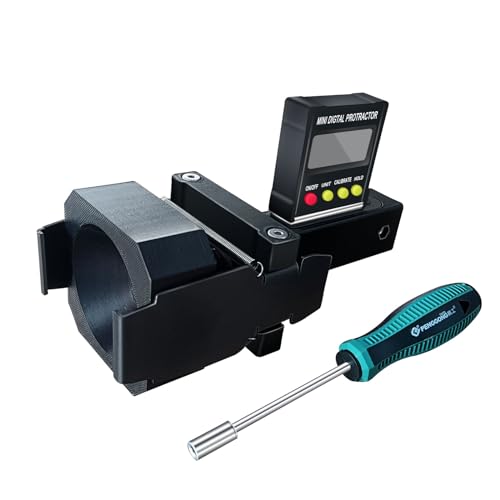
ADAS Calibration Dynamic ACC Positioning Tool for Eyeball Unit, Angso-auto Angle Leveling Tool Accessory for Auto
The ANGSO-AUTO leveling tool is designed to be powered by 2* AAA 1.5 V batteries (Please note that…
As an affiliate, we earn on qualifying purchases.
As an affiliate, we earn on qualifying purchases.
Frequently Asked Questions
How Does Hdr10+ Differ From Dolby Vision?
HDR10+ differs from Dolby Vision by offering enhanced color depth and dynamic metadata, which allows for scene-by-scene adjustments. While HDR10+ is open and royalty-free, Dolby Vision is proprietary and may require licensing fees. You’ll notice better contrast and richer colors with Dolby Vision, but HDR10+ still provides significant improvements over standard HDR, making your viewing experience more immersive with dynamic adjustments tailored to each scene.
Are HDR10+ Projectors Compatible With All HDR Content?
Imagine you’re streaming a high-quality HDR movie on your HDR10+ projector, but it struggles with certain content. HDR10+ projectors generally support most HDR content, but device limitations can affect content compatibility. Some older models or budget projectors may not handle all formats seamlessly, so your experience depends on your device’s capabilities. Always check your projector’s specifications to make certain it can display the HDR content you want to enjoy.
What Are the Cost Differences Between HDR10+ and Other HDR Formats?
You’ll find that HDR10+ projectors often have higher upfront costs due to pricing variations and licensing fees compared to HDR10 or Dolby Vision. These licensing costs can increase the overall price, making HDR10+ models somewhat more expensive. However, the investment might be worthwhile if you prioritize improved dynamic metadata and enhanced picture quality. Keep in mind that prices vary depending on brand, features, and technology integration.
Can Existing Projectors Be Upgraded to Support Hdr10+?
You can often upgrade your existing projector to support HDR10+ through a projector upgrade, but it depends on firmware compatibility. Check if your projector’s manufacturer offers a firmware update for HDR10+ support. If the hardware isn’t compatible, a significant upgrade or replacement might be necessary. Always consult the manufacturer’s guidelines to guarantee a smooth upgrade process and to confirm support for HDR10+.
How Does Hdr10+ Impact Overall Image Quality in Projectors?
HDR10+ notably boosts your projector’s image quality by enhancing contrast and improving color accuracy. You’ll notice deeper blacks and brighter highlights, making details stand out more vividly. This format dynamically adjusts brightness and color for each scene, delivering a more immersive viewing experience. Overall, HDR10+ elevates your projector’s performance by providing richer visuals, more accurate colors, and improved contrast, ensuring you get the best possible picture quality from your setup.

Mapping Boston (Mit Press)
As an affiliate, we earn on qualifying purchases.
As an affiliate, we earn on qualifying purchases.
Conclusion
As you explore the world of HDR formats, HDR10+ stands out like a shining star guiding your viewing experience. It elevates your projector’s capabilities, making every scene burst with vivid detail and dynamic contrast. Embracing this emerging format is like opening a treasure chest of visual richness, transforming your home theater into a cinematic oasis. Stay ahead of the curve, and let HDR10+ be the bridge that transports you into a new domain of stunning visuals.
![[5000+ Official-Apps & AI Auto Focus & 50W Dolby Audio] Outdoor-Projector-4k with WiFi and Bluetooth, AI Movin 2.0 OS Smart Projector with HDR10+, Lisowod Portable 4K Proyector 2026 Upgraded](https://m.media-amazon.com/images/I/51aFLjcJwiL._SL500_.jpg)
[5000+ Official-Apps & AI Auto Focus & 50W Dolby Audio] Outdoor-Projector-4k with WiFi and Bluetooth, AI Movin 2.0 OS Smart Projector with HDR10+, Lisowod Portable 4K Proyector 2026 Upgraded
[Smart Projector with Movin 2.0 OS – New Home Entertainment is Here] Powered by the exclusive AI Movin…
As an affiliate, we earn on qualifying purchases.
As an affiliate, we earn on qualifying purchases.
![[4K Support/2000 ANSI/AI Visual Calibration] X7 Native 1080P Smart Projector with Android 14 OS,Compatible with Netflix YouTube,AI Auto Focus&Keystone,WiFi,Bluetooth,200" Display Black&Slate Gray](https://m.media-amazon.com/images/I/51z4MWv1aJL._SL500_.jpg)
[4K Support/2000 ANSI/AI Visual Calibration] X7 Native 1080P Smart Projector with Android 14 OS,Compatible with Netflix YouTube,AI Auto Focus&Keystone,WiFi,Bluetooth,200" Display Black&Slate Gray
① 4K Support (Native 1920x1080P) Ultra High Definition Projector is Compatible with Netflix, Prime Video, YouTube, Tubi, Disney+,…
As an affiliate, we earn on qualifying purchases.
As an affiliate, we earn on qualifying purchases.