HDCP is a security feature that encrypts digital signals to prevent unauthorized copying of content. If your projector doesn’t display the signal, it’s often due to a handshake failure between devices or incompatible hardware. This can happen if devices are outdated, using uncertified cables, or don’t support the latest encryption standards. To fix this, you might need to update firmware or replace incompatible equipment. Keep exploring to learn more about resolving HDCP issues effectively.
Key Takeaways
- HDCP encrypts digital signals to prevent unauthorized copying, which can block content from displaying if handshake fails.
- Compatibility issues or outdated devices often cause HDCP handshake failures, resulting in no signal or blank screens on projectors.
- A successful HDCP handshake confirms all devices support current encryption standards, enabling content to display properly.
- Using incompatible or uncertified cables can interrupt HDCP, leading to signal rejection on your projector.
- Updating device firmware and ensuring all hardware supports HDCP standards can resolve display issues caused by security protocol mismatches.
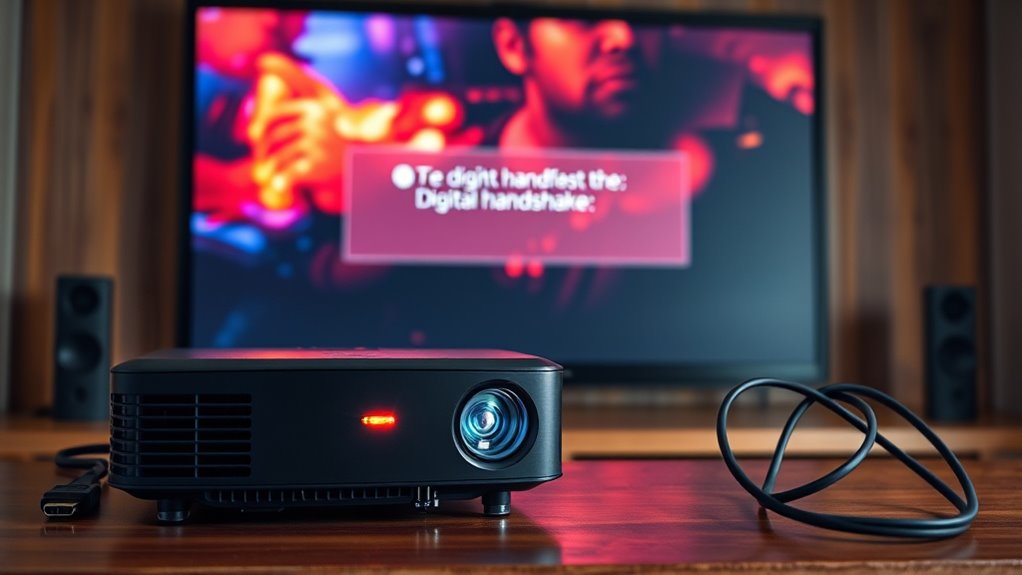
High-bandwidth Digital Content Protection (HDCP) is a security technology designed to prevent unauthorized copying of digital content as it travels between devices like your Blu-ray player and TV. Its main goal is to protect digital rights holders from piracy by ensuring that high-definition content isn’t intercepted or recorded illegally. When you connect your devices, HDCP uses encryption protocols to secure the data flow, making it difficult for anyone to tap into the signal and steal copyrighted material. This encryption is essential for safeguarding premium content, but it can also cause issues if the security handshake between devices fails.
HDCP encrypts digital signals between devices to prevent unauthorized copying and protect high-definition content.
You might have noticed that some signals don’t show up on your projector, especially when HDCP is involved. This often happens because the encrypted signals are being blocked or rejected due to compatibility issues. Devices need to communicate and authenticate with each other through a process called a handshake, confirming that both support HDCP and are authorized to exchange content. If this handshake fails—perhaps because one device is outdated, malfunctioning, or incompatible—the protected signal won’t pass through, resulting in a blank screen or an error message. This is a direct consequence of HDCP’s focus on digital rights protection, preventing potential breaches or unauthorized recording.
Understanding how digital rights are enforced through HDCP helps you grasp why these signals sometimes don’t display. When a device detects a problem with the encryption protocols or the handshake process, it refuses to display the content to prevent any illegal copying. Sometimes, this issue can be resolved by updating device firmware, replacing outdated equipment, or ensuring all cables and connections support HDCP properly. However, in some cases, the incompatibility might be a sign that one device simply doesn’t support the latest encryption standards, which emphasizes the importance of using compatible hardware.
In essence, HDCP acts as a digital gatekeeper, using encryption protocols as its primary tools to protect copyrighted material. While it’s effective at preventing piracy, it can also lead to frustration when signals don’t show on your projector. Staying aware of HDCP’s role in digital rights management helps you troubleshoot issues more effectively. Ensure your devices are up to date, use certified cables, and verify compatibility to minimize disruptions. Remember, HDCP’s purpose is to safeguard content creators’ rights, even if it occasionally complicates your viewing experience.
Being aware of content protection standards can help you better understand and resolve issues related to digital signal transmission.
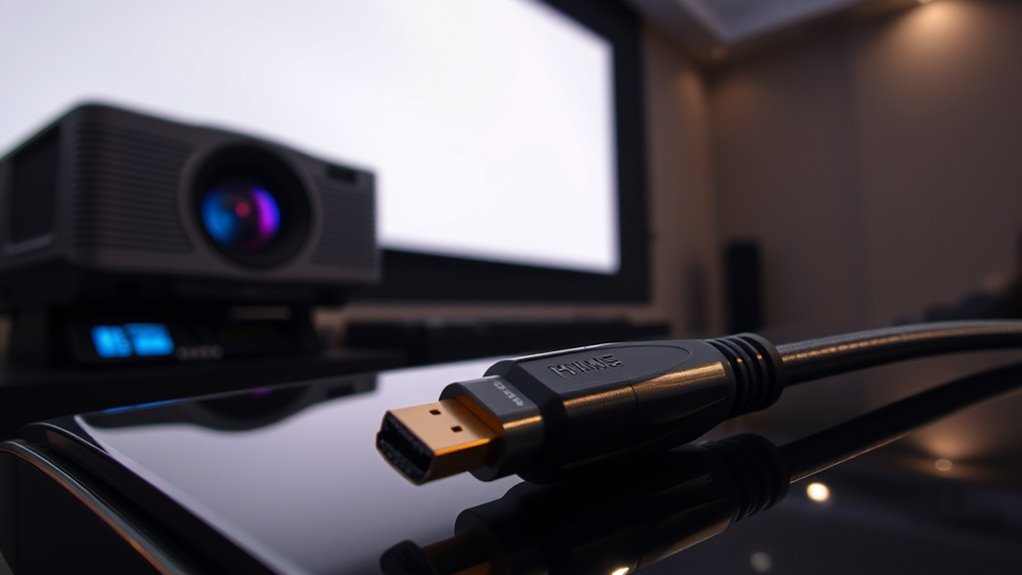
HDCP compatible HDMI cables
As an affiliate, we earn on qualifying purchases.
As an affiliate, we earn on qualifying purchases.
Frequently Asked Questions
Can HDCP Issues Cause Audio Problems?
Yes, HDCP issues can cause audio problems. When your devices aren’t fully compatible, you might experience audio sync issues or even no sound at all. These problems happen because HDCP enforcement can block or disrupt the signal, affecting both video and audio streams. To fix this, verify all your devices are compatible and properly connected. Updating firmware or using compatible cables can also help resolve these audio-related HDCP issues.
How Do I Identify if My Device Supports HDCP?
You can identify if your device supports HDCP by checking its specifications or user manual for device compatibility. Look for mentions of HDCP support or the specific HDCP version, like 1.4 or 2.2. Many modern devices, such as Blu-ray players, streaming boxes, and projectors, support HDCP. If unsure, visit the manufacturer’s website or contact customer support to confirm compatibility with the HDCP version needed for your setup.
Are There Legal Risks in Bypassing HDCP?
Bypassing HDCP can bring serious legal risks, including potential violations of copyright laws. You might face fines or even criminal charges if authorities view your actions as facilitating piracy. The legal implications are clear: dodging digital protections risks supporting piracy concerns, which are strictly prohibited. It’s safest to respect HDCP’s purpose, ensuring you avoid legal liabilities and uphold copyright compliance while enjoying your devices securely.
Does HDCP Affect Streaming Services Differently?
Yes, HDCP affects streaming services differently because it’s designed to uphold digital rights and content protection. Some services, like Netflix and Hulu, enforce strict HDCP compliance, so if your device or connection isn’t compatible, your content won’t display. This means you might experience restrictions or black screens. To avoid issues, make certain all your hardware supports HDCP, maintaining the integrity of digital rights and preventing unauthorized copying.
How Often Should I Update My Hdcp-Compatible Devices?
Think of your devices as a garden that needs regular tending. You should update your HDCP-compatible devices every few months to keep device compatibility strong and prevent signal blockages. Regular updates act like a fresh rain, nourishing your setup and ensuring smooth streaming. Don’t wait for issues to bloom—stay proactive with update frequency, and your entertainment experience will stay crystal clear and frustration-free.
4K HDMI cables with HDCP support
As an affiliate, we earn on qualifying purchases.
As an affiliate, we earn on qualifying purchases.
Conclusion
If you don’t understand HDCP, you’re basically trying to watch a movie through a secret code only a few know. Without the right handshake, your projector might as well be a brick—completely useless! It’s like trying to unfasten a treasure chest with a broken key. So, get the HDCP details right, or risk missing out on every single epic scene. Trust me, understanding HDCP is your ticket to endless, crystal-clear entertainment!
HDCP firmware update device
As an affiliate, we earn on qualifying purchases.
As an affiliate, we earn on qualifying purchases.
HDCP compliant projector
As an affiliate, we earn on qualifying purchases.
As an affiliate, we earn on qualifying purchases.