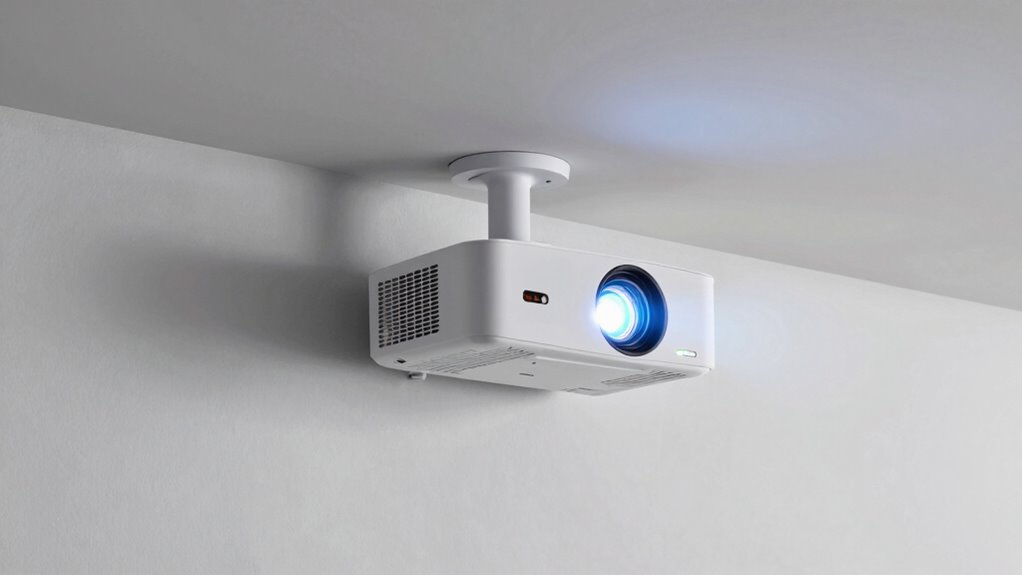
High lumens in a projector are important for bright rooms, but they aren’t enough on their own to produce sharp, vibrant images. Ambient light from windows or fixtures can wash out photos even with high brightness, so managing lighting is key. Resolution, contrast, and image processing also play a big role in picture quality. If you want clear, colorful visuals in a bright space, you’ll need a balanced approach. Keep exploring to discover how all these factors work together for the best viewing experience.
Key Takeaways
- High lumens alone can’t prevent ambient light from washing out images in bright rooms.
- Controlling ambient lighting improves contrast and color accuracy, essential for clear visuals.
- High resolution and contrast ratio are crucial for sharp, detailed images in well-lit environments.
- Additional image processing features enhance clarity and vibrancy beyond brightness levels.
- A balanced approach, considering all factors, ensures optimal image quality in bright room settings.
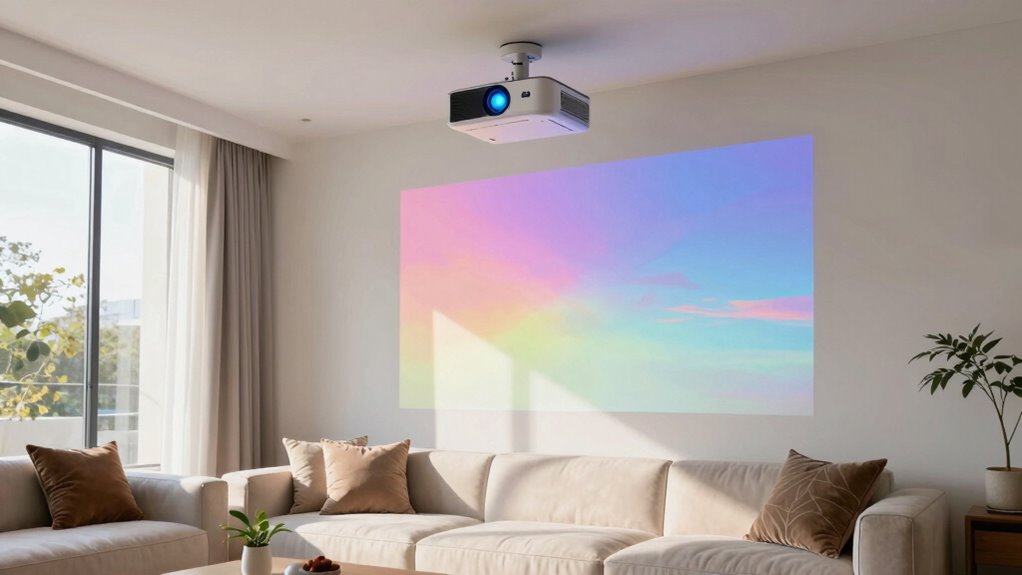
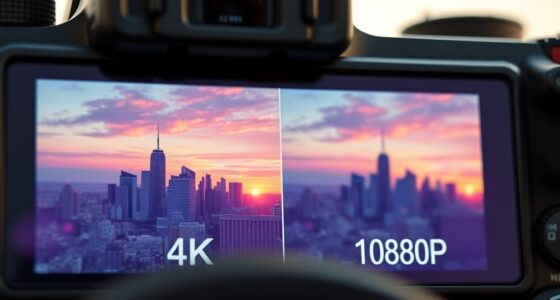
Have you ever struggled to enjoy a clear, vibrant picture in a brightly lit room? If so, you’re not alone. Many people assume that high lumens alone will solve this problem, but that’s not entirely true. Bright room projectors need more than just high lumens to deliver a stunning viewing experience. One essential factor is ambient lighting, which can wash out even the brightest images if the projector isn’t equipped to handle it. Even in well-lit spaces, ambient light from windows or ceiling fixtures can diminish contrast and make colors appear dull. You need a projector with enough brightness—measured in lumens—to overcome this light, but that’s only part of the solution. The projector’s screen resolution also plays a critical role in how sharp and detailed your images look. A high resolution ensures that the picture remains crisp, even when the projector is fighting against ambient lighting. If you opt for a projector with a lower resolution, you might notice pixelation or blurry details, which can ruin the viewing experience regardless of how bright it is.
But brightness alone isn’t sufficient if the image quality is compromised elsewhere. For example, a projector with high lumens but poor screen resolution will produce a picture that looks washed out or pixelated, especially on larger screens. It’s a balancing act—combining sufficient brightness with a high enough resolution to keep images clear and vibrant. Additionally, the quality of ambient lighting control matters. Even the brightest projector can struggle if the room’s lighting is uncontrollable or uneven. Using curtains or shades to limit ambient light can greatly improve picture quality, making those high lumens more effective. Furthermore, a good projector should also feature advanced image processing capabilities to enhance clarity and color accuracy in challenging lighting conditions. Proper ambient lighting management is crucial for achieving the best possible image quality in bright environments. To maximize performance, selecting a projector with adjustable brightness settings can also help tailor the image output to different lighting conditions.
Including contrast ratio in your considerations is vital, as it enhances the depth of blacks and whites, giving your images more dimension and realism. This is especially important in bright rooms where whites can look washed out and blacks can lose their richness. When shopping for a bright room projector, don’t just look at lumens. Consider how ambient lighting, screen resolution, contrast ratio, and image processing work together. These elements combined will give you a bright, vibrant picture that truly stands out, even in well-lit environments. Without this holistic approach, your investment may fall short of expectations, leaving you frustrated with dull, lifeless images. To enjoy the full potential of your projector in a bright room, focus on these key factors rather than relying on lumens alone. Paying attention to projector specifications and how they interact will ensure you make a well-informed purchase that meets your needs.
high lumens projector for bright rooms
As an affiliate, we earn on qualifying purchases.
As an affiliate, we earn on qualifying purchases.
Frequently Asked Questions
How Does Contrast Ratio Affect Projector Image Quality?
Contrast ratio directly impacts your projector’s image quality by determining how well you see details in dark and bright scenes. If you have ambient lighting, a high contrast ratio helps prevent washed-out images. Proper projector placement also enhances contrast, minimizing light interference. Together, these factors guarantee you enjoy sharper, more vivid images, making your viewing experience more immersive even in well-lit rooms.
What Are the Best Projector Screen Options for Bright Rooms?
Imagine you’re in a bright room, like a scene straight out of a 1950s sci-fi flick. For such spaces, opt for high-gain screen materials that reflect more light, making images pop even with ambient lighting. Consider screens with matte surfaces to reduce glare and improve contrast. These options help you enjoy clear, vibrant visuals without being hindered by ambient lighting, ensuring your projector’s brightness shines through effectively.
How Does Color Accuracy Impact Viewing Experience?
Color accuracy greatly enhances your viewing experience by making images look more natural and vibrant. When your projector has proper color calibration, it displays true-to-life colors, avoiding oversaturation or dullness. Good color saturation ensures images are vivid without being overwhelming. If your projector lacks precise color calibration and saturation, scenes may appear washed out or unnatural, reducing immersion. So, prioritize these factors for a richer, more engaging viewing experience.
What Maintenance Is Required for Bright Room Projectors?
You need to perform regular maintenance routines on your bright room projector to keep it shining brightly. Cleaning filters and vents prevents overheating, while checking and replacing the lamp guarantees consistent brightness and extends its lifespan. Though it may seem tedious, staying on top of these tasks keeps your projector running smoothly, reduces unexpected downtime, and preserves image quality over time. Proper maintenance is your key to long-lasting, vibrant projections.
How Does Projector Placement Influence Image Clarity?
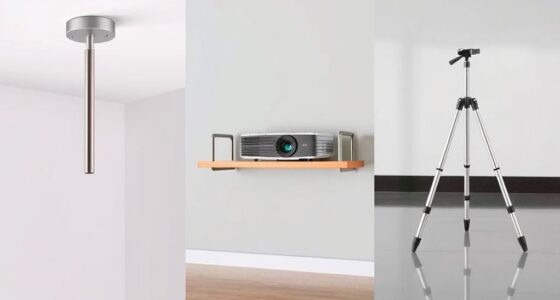
Your projector placement directly affects image clarity, especially in bright rooms with ambient light. Positioning it too close to walls or windows can cause glare or shadows, reducing quality. To optimize clarity, place the projector at the right distance and angle, avoiding reflective surfaces. Proper projector positioning minimizes ambient light interference and guarantees a sharp, clear image, making your viewing experience much more enjoyable even in well-lit environments.
projector with high resolution and contrast
As an affiliate, we earn on qualifying purchases.
As an affiliate, we earn on qualifying purchases.
Conclusion
Remember, a bright room projector isn’t just about high lumens—it’s about balancing brightness with contrast, color accuracy, and ambient light management. Think of it as crafting a masterpiece; without the right brushstrokes, even the boldest colors can fade. So, don’t be fooled by numbers alone. Choose a projector that paints your space with clarity and vibrancy, turning your viewing experience from mere illumination into a mesmerizing spectacle. After all, isn’t your entertainment worth more than just brightness?
ambient light control projector screen
As an affiliate, we earn on qualifying purchases.
As an affiliate, we earn on qualifying purchases.
adjustable brightness home theater projector
As an affiliate, we earn on qualifying purchases.
As an affiliate, we earn on qualifying purchases.